One-stop service of R&D, production and sales for 10 years

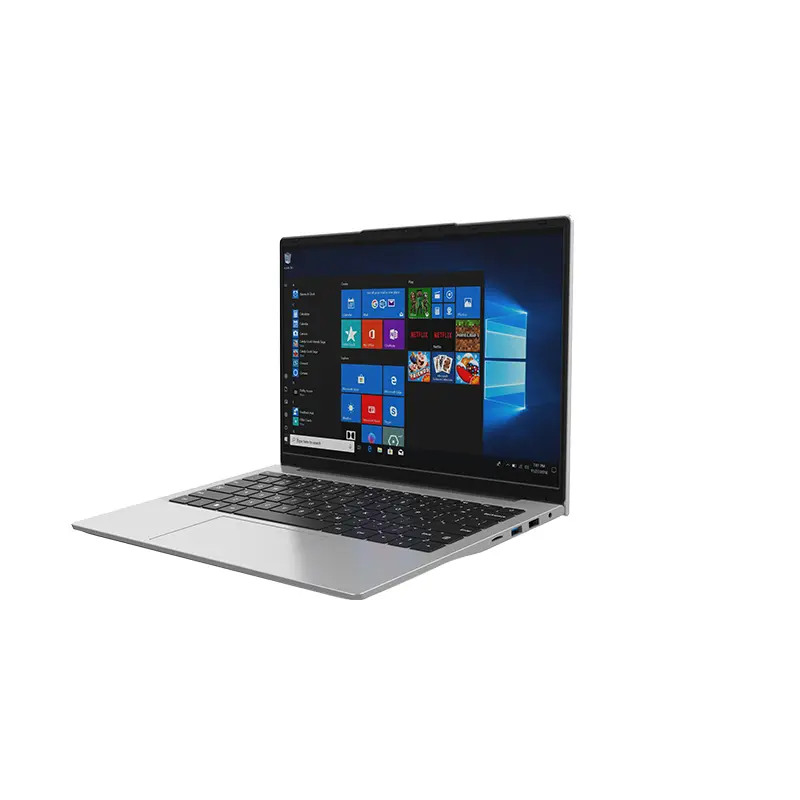 14 Inch Office Notebook
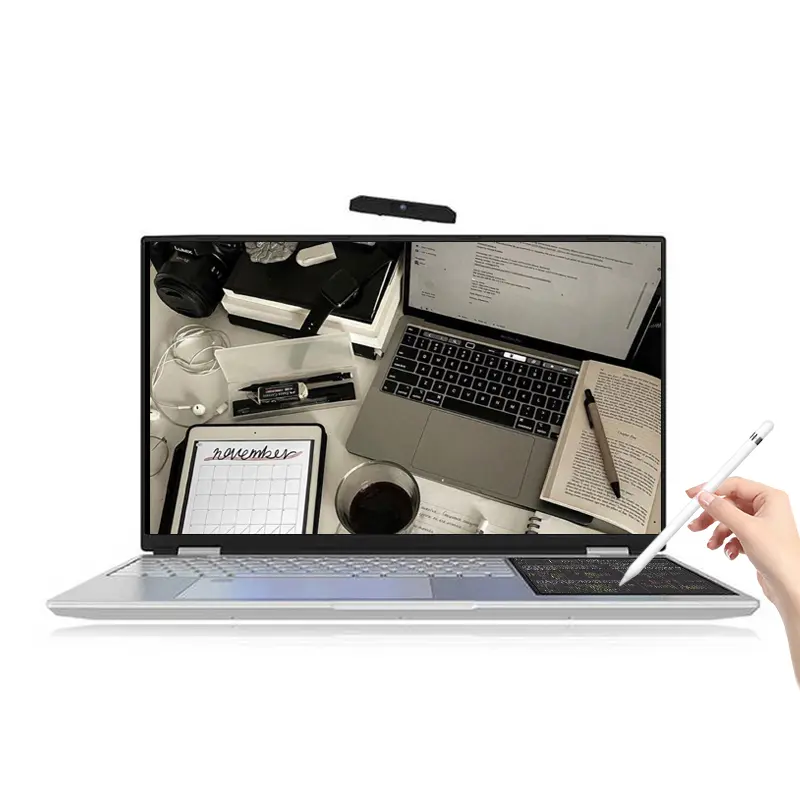 Dual Screen Laptop
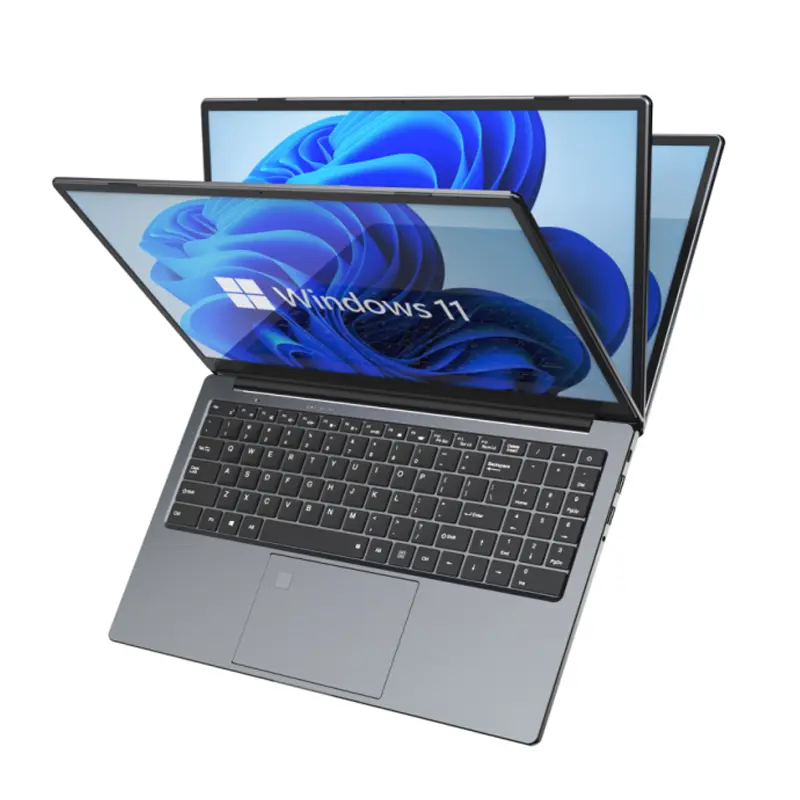 Fingerprint Business Notebook
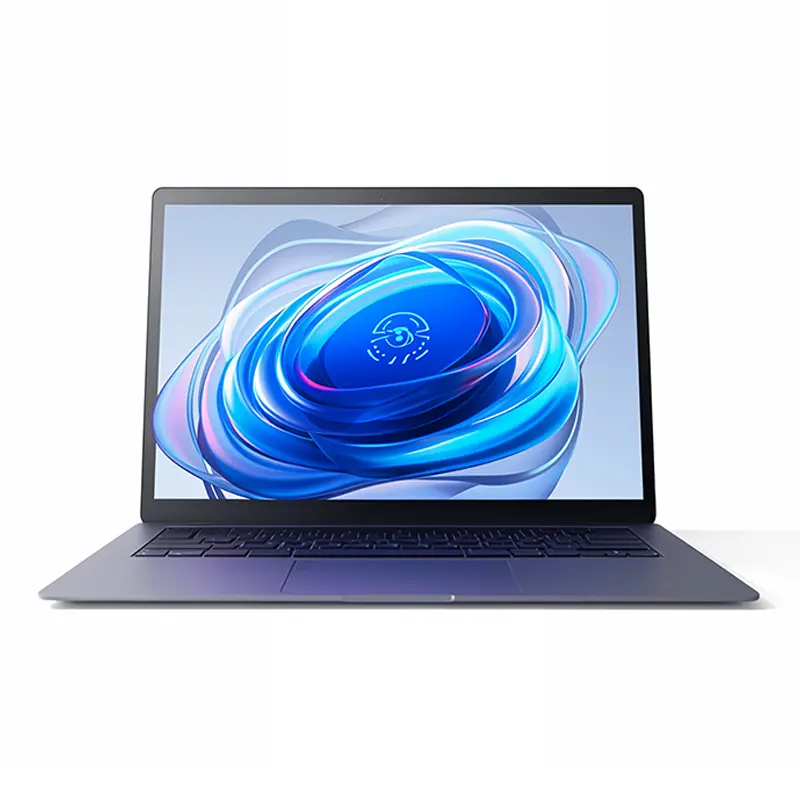 Big Screen Laptop
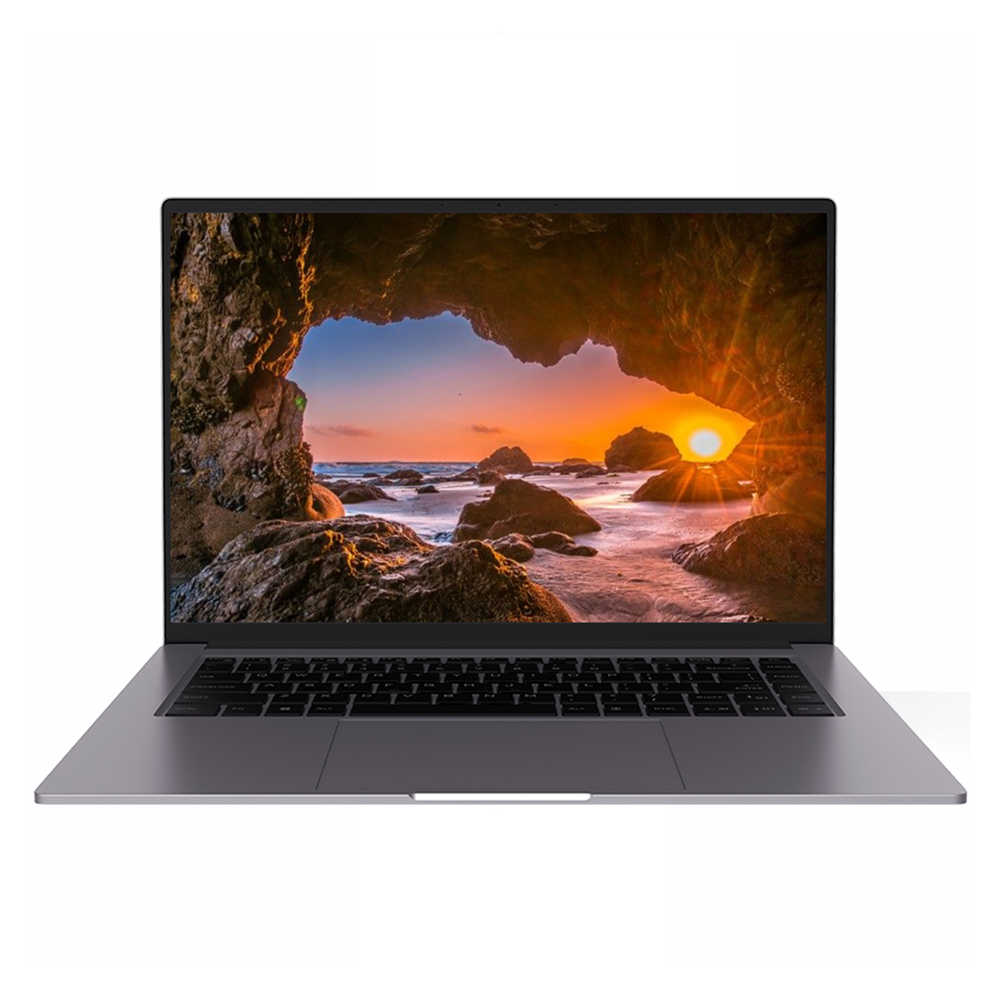 HD Gaming Laptop
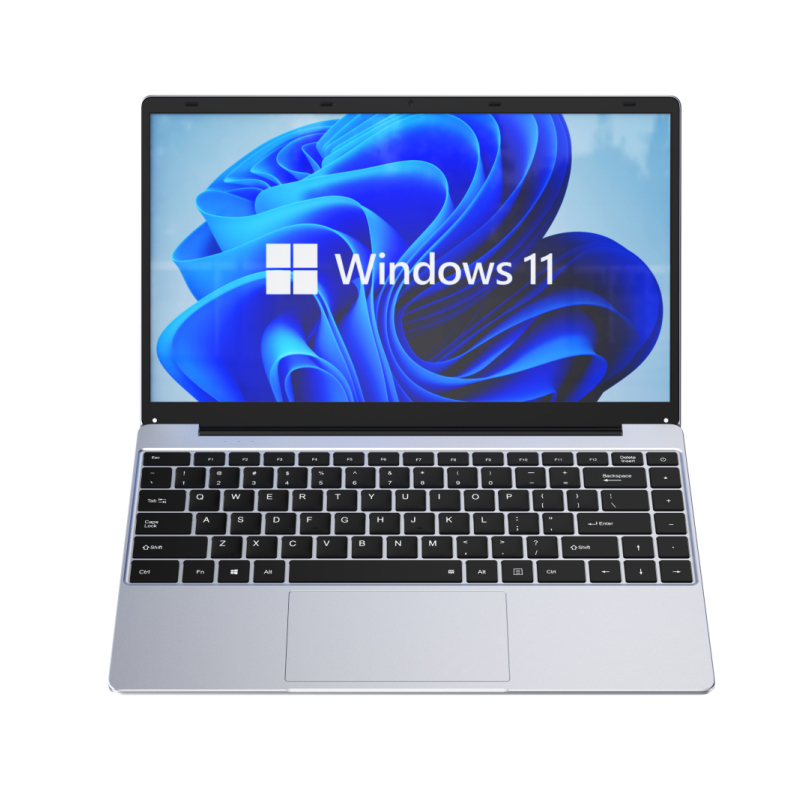 14.1 Inch Student laptops
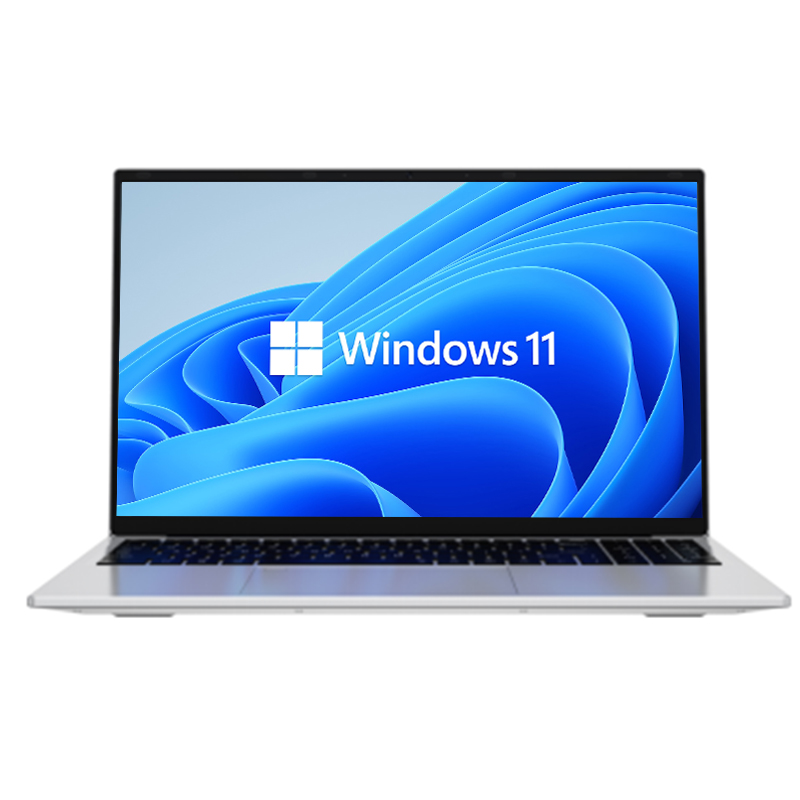 16.1 Inch Office Laptops
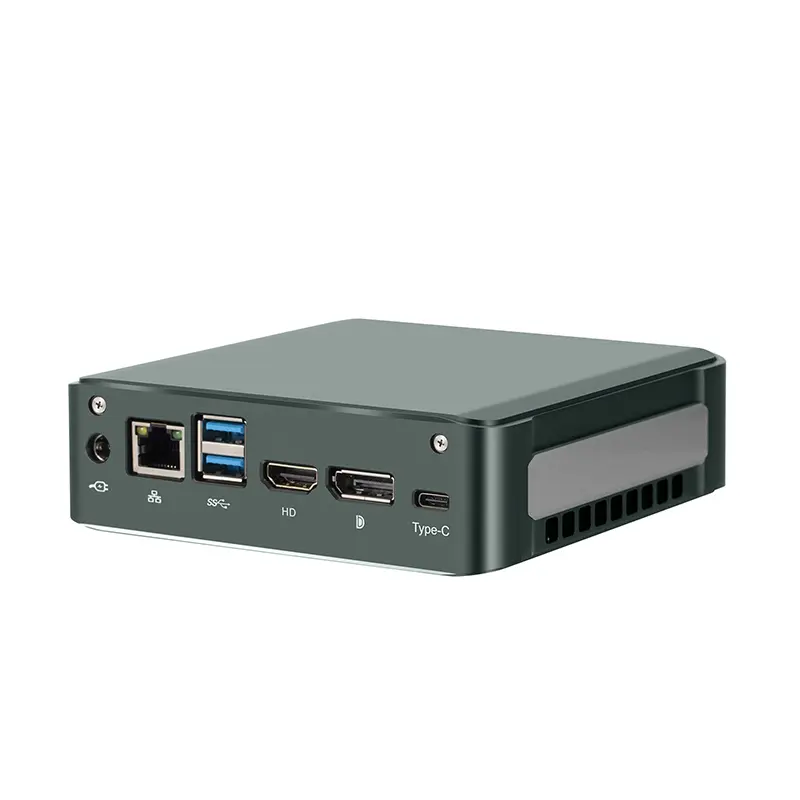 Home Mini Host
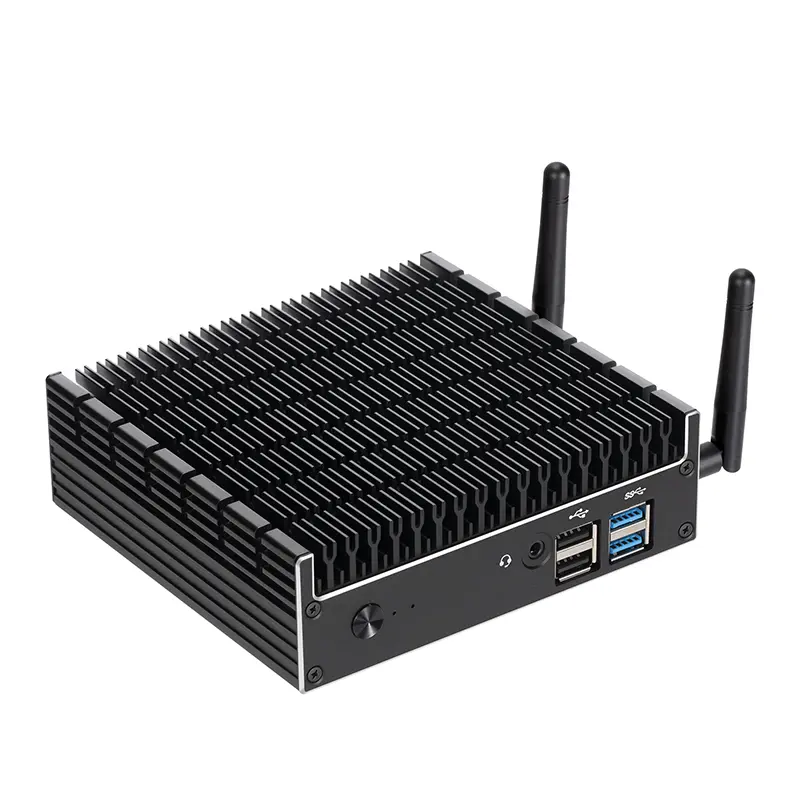 Industrial Micro PC
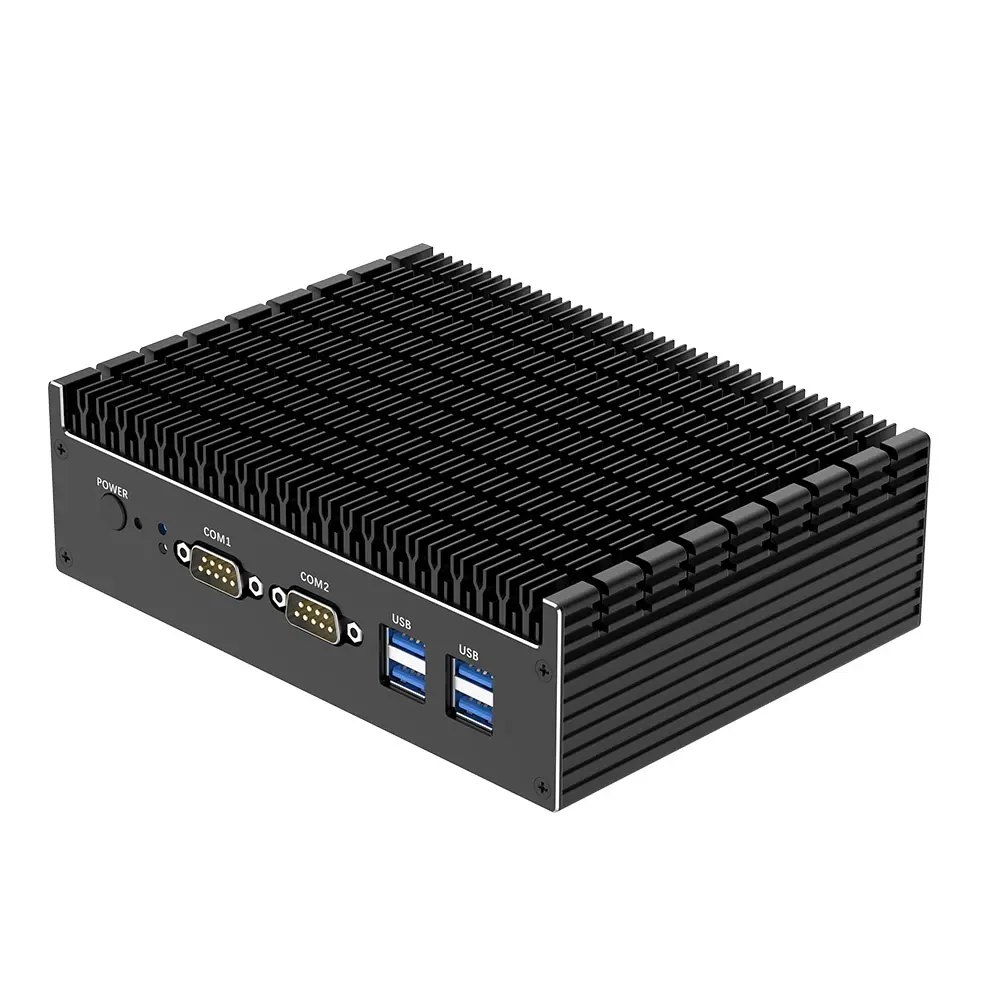 Fanless Industrial Mini PC
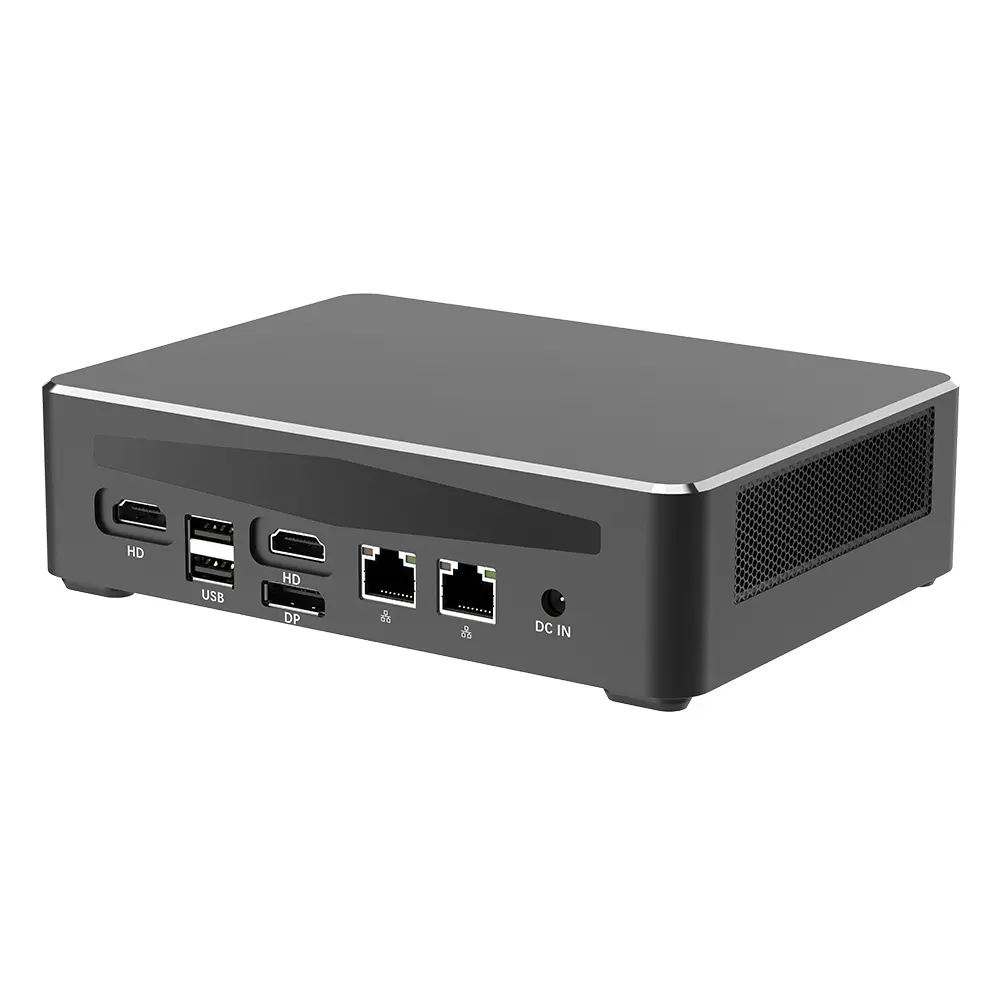 Commercial Mini PC
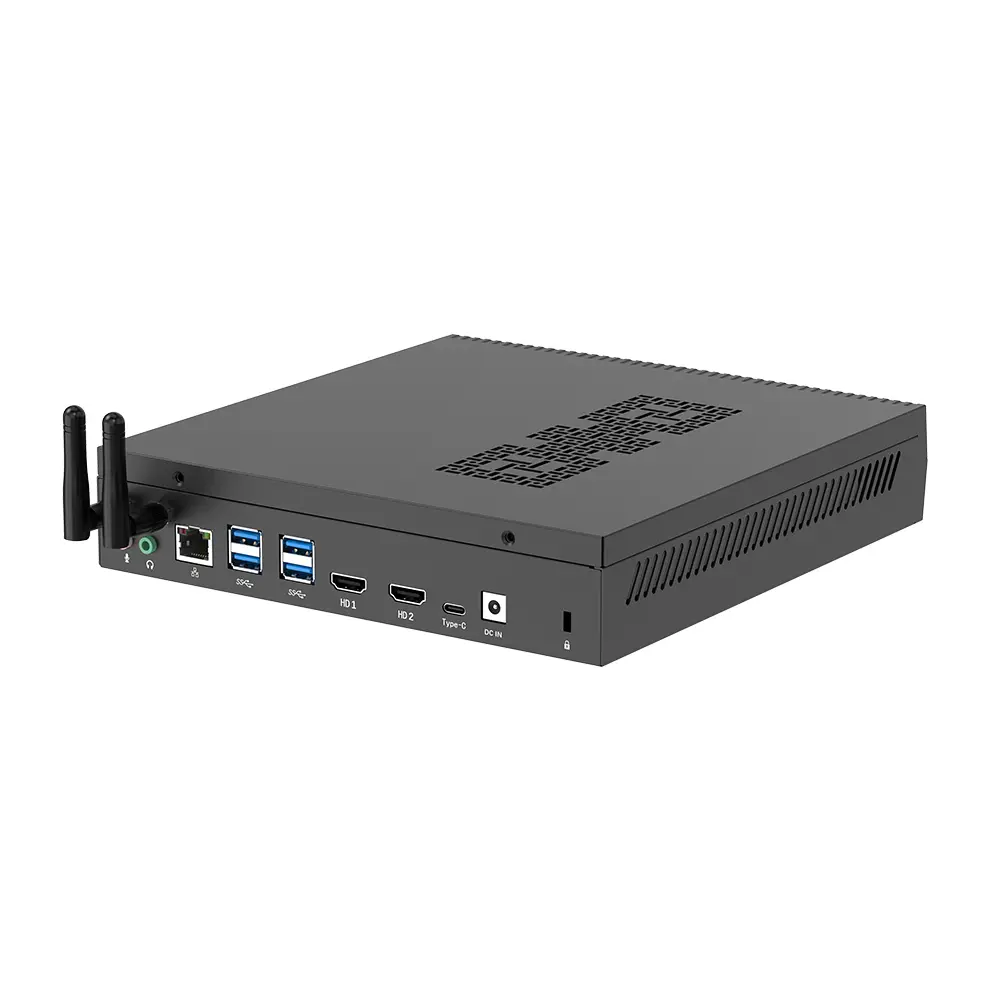 RTX3050TI Game Mini PC
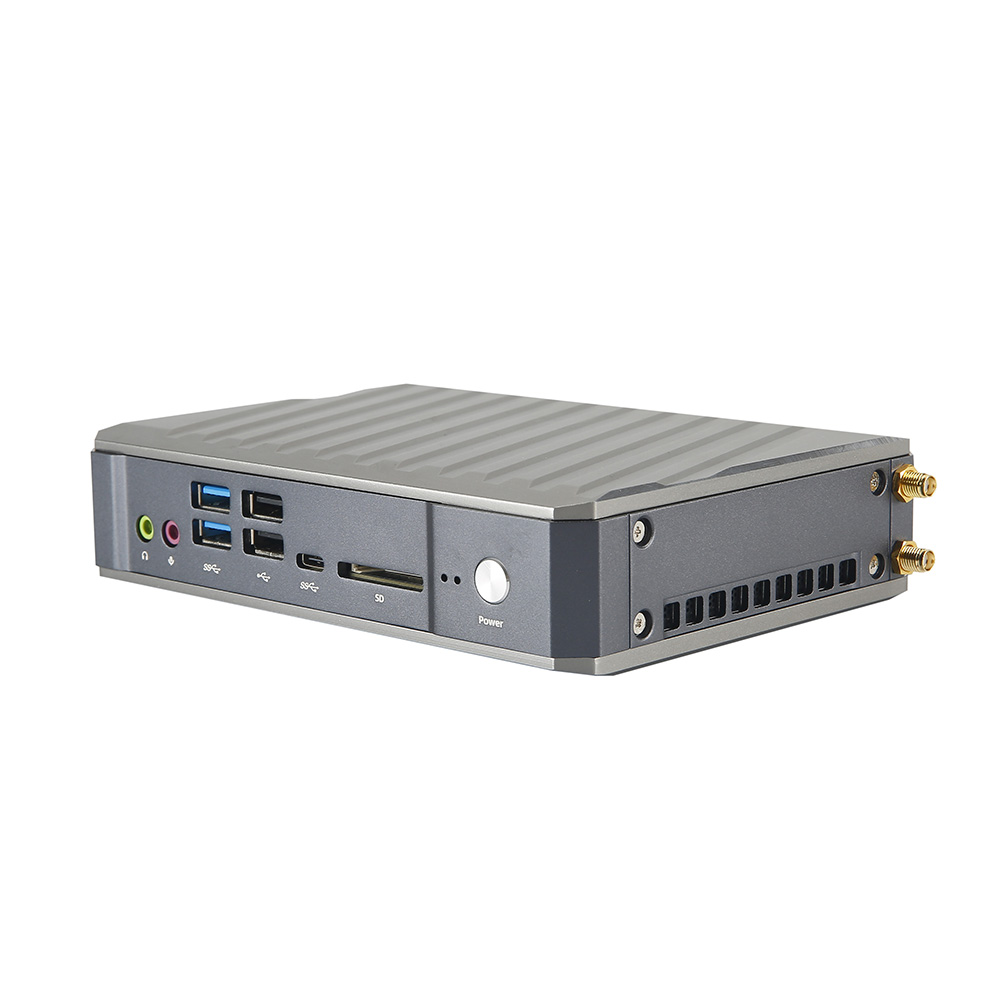 Micro Mini PC
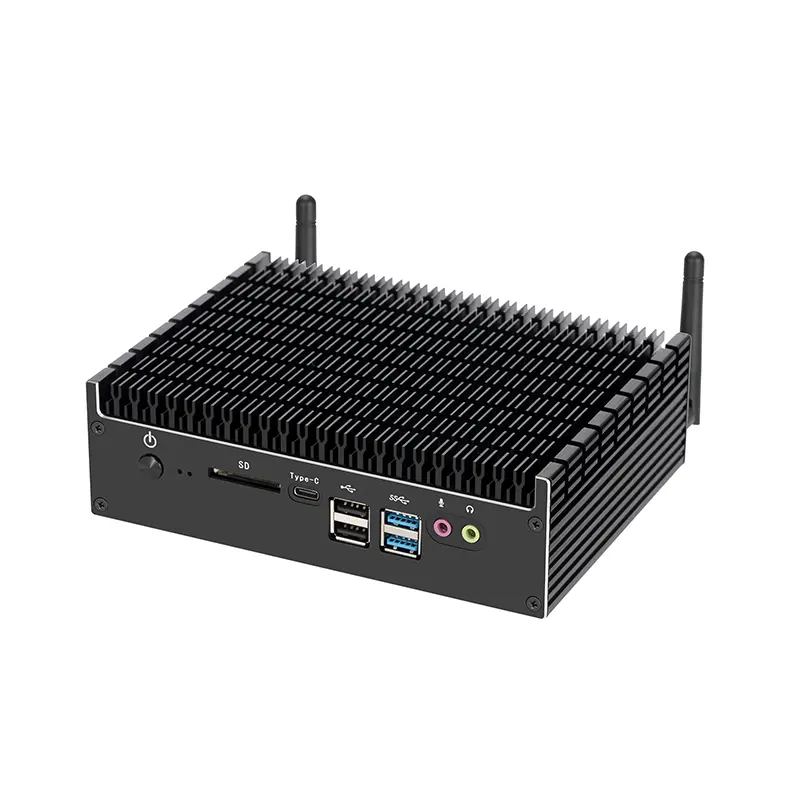 Fanless Mini PC
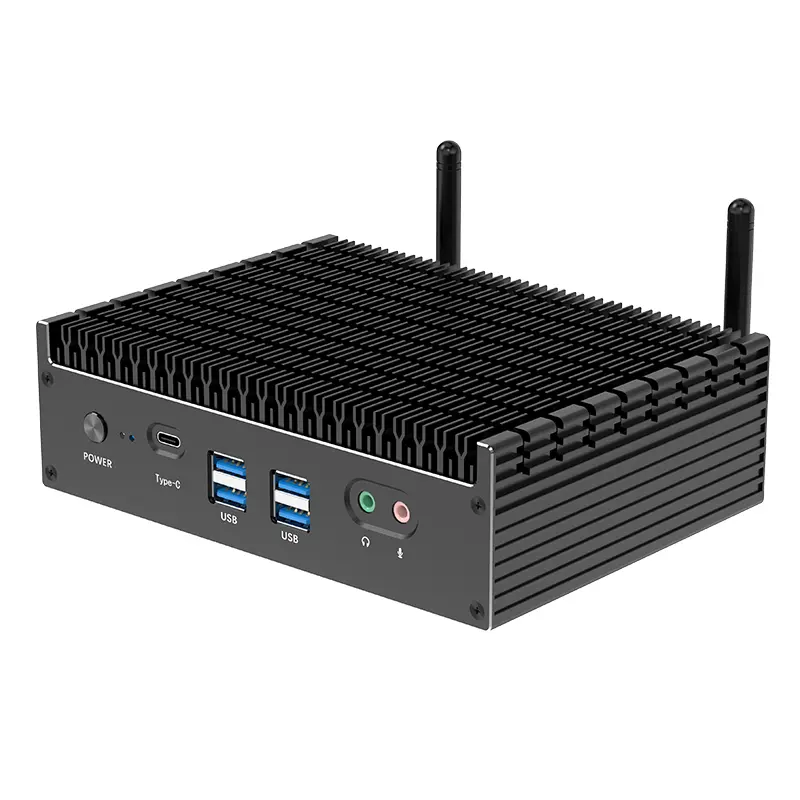 High-end Mini PC
 More
More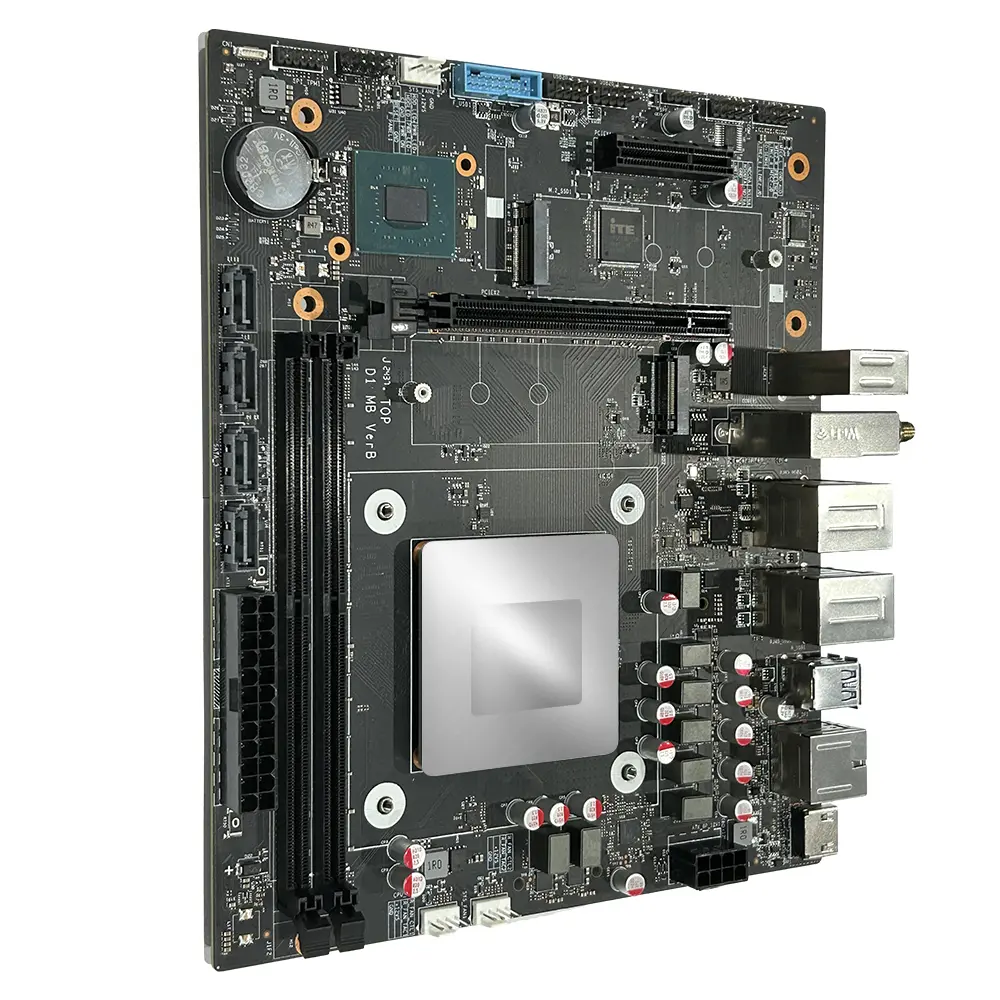 Micro ATX Computer Motherboard
Leave Your Message
Buying a laptop in 2026 is no longer about choosing the fastest processor. Global buyers must balance performance, battery life, repairability, security, price, and regional support. A student in Singapore may need a lightweight device with strong battery endurance. A designer in Germany may prioritize color accuracy and a dedicated graphics processor. A remote worker in Kenya may value reliable warranty service more than benchmark scores.
As Intel CEO Pat Gelsinger once put it, “The PC is not dead; it’s just changing.” That change is visible in AI-ready processors, brighter OLED screens, quieter cooling systems, and longer-lasting batteries. However, newer technology does not automatically mean better value. A powerful chip can be wasted in a laptop with poor heat management. A low price can hide limited storage, difficult upgrades, or an unsuitable keyboard layout.
This 2026 Best Laptop Computer Laptop Buying Guide for Global Buyers examines those practical details. It compares performance, display quality, portability, operating systems, connectivity, warranty coverage, and total ownership cost. It also considers local power standards, service availability, language support, and data protection expectations. These details matter after the unboxing excitement fades.
No guide can predict every buyer’s needs. Our framework may not fit every budget or profession. That limitation deserves attention. Still, careful comparisons can reduce expensive mistakes. Look beyond glossy specifications. Check the ports, charger, return policy, and repair options before paying. A laptop should serve real work, not merely impressive advertising.
Choosing a laptop in 2026 starts with the task, not the processor badge. IDC recorded 262.7 million traditional PC shipments worldwide in 2024, showing a large but replacement-driven market (IDC, Worldwide Quarterly Personal Computing Device Tracker). That scale does not make every category suitable. Ultraportables fit commuting, classrooms, and frequent travel. Look for a comfortable keyboard, reliable webcam, ten-hour real-world battery life, and a weight near 1.3 kilograms. Battery claims remain optimistic.
Mainstream laptops suit office work, study, browsing, and light editing. A 14- or 15-inch model with 16GB memory and 512GB solid-state storage is a sensible baseline for many buyers. Convertible designs add pen input and tablet positioning, useful for diagrams or presentations. However, hinges and touch layers add cost and possible failure points. Choose a performance laptop for gaming, video production, or 3D work. Prioritize sustained cooling, upgradeable memory where possible, and a color-accurate display.
Gartner forecast that AI PCs will represent 55% of global PC shipments in 2026 (Gartner, 2024). This matters for local transcription, image tools, and battery-aware processing, but an AI label alone proves little. Business buyers should examine repair access, encryption support, docking, and warranty coverage across countries. Global compatibility matters. Regional keyboard layouts, power standards, service networks, and import taxes can change practical value. I sometimes overvalue benchmark scores; real workflow friction is harder to measure. Even expert advice needs revision.
A practical comparison of major laptop categories, typical specifications, suitable workloads, portability, and purchase considerations for buyers in different regions.
| Laptop Category | Typical Price Range (USD) |
Typical Display | Recommended Memory | Typical Storage | Processor Class | Graphics Capability | Typical Battery Runtime | Typical Weight | Best Use Cases | Main Advantages | Common Limitations |
|---|---|---|---|---|---|---|---|---|---|---|---|
| Entry-Level Laptop | $300–$550 | 13–15.6 inches Full HD or similar |
8–16 GB | 128–512 GB solid-state storage | Efficient entry-level mobile processor | Integrated graphics | 7–11 hours | 1.4–2.0 kg | Web browsing, email, online learning, office documents, video streaming, and basic home use | Affordable, simple, and usually easy to maintain | Limited performance for demanding multitasking, gaming, and professional creative software |
| Mainstream All-Purpose Laptop | $550–$900 | 14–16 inches Full HD to 2.5K |
16 GB | 512 GB–1 TB solid-state storage | Mid-range multi-core mobile processor | Integrated graphics or basic discrete graphics | 8–13 hours | 1.4–2.1 kg | Office productivity, study, business travel, communication, moderate photo editing, and everyday multitasking | Strong balance of price, speed, battery life, and versatility | May lack advanced graphics performance and premium materials |
| Premium Thin-and-Light Laptop | $900–$1,600 | 13–15 inches High-resolution display, often with a high refresh rate |
16–32 GB | 512 GB–2 TB solid-state storage | Efficient premium mobile processor | Advanced integrated graphics or low-power discrete graphics | 10–18 hours | 0.9–1.5 kg | Frequent travel, executive work, writing, research, programming, presentations, and premium daily computing | Excellent portability, build quality, display quality, and battery efficiency | Higher cost; thin designs may provide fewer ports and limited upgradeability |
| Business and Productivity Laptop | $800–$1,800 | 13–16 inches Full HD to 2.8K |
16–32 GB | 512 GB–2 TB solid-state storage | Business-class multi-core mobile processor | Integrated graphics or optional professional entry-level graphics | 9–16 hours | 1.1–1.8 kg | Long documents, spreadsheets, secure remote work, video meetings, database access, and enterprise administration | Strong keyboards, security features, docking support, and long-term reliability | Design and graphics performance may be less important than durability and manageability |
| Convertible 2-in-1 Laptop | $650–$1,700 | 12–14 inches Touchscreen with 360-degree hinge |
16–32 GB | 512 GB–1 TB solid-state storage | Efficient or mid-range mobile processor | Integrated graphics | 8–14 hours | 1.2–1.7 kg | Note-taking, presentations, travel, document review, light drawing, classroom use, and flexible tablet-style computing | Combines laptop productivity with tablet-style operation | Touch displays can increase power consumption; hinges and pen accessories may add cost |
| Gaming Laptop | $900–$3,000+ | 15–18 inches Full HD to 4K, commonly 144 Hz or higher |
16–64 GB | 1 TB–4 TB solid-state storage | High-performance multi-core mobile processor | Discrete graphics processor with dedicated video memory | 3–8 hours for general use | 2.0–3.5 kg | Modern PC gaming, 3D applications, simulation, game development, and GPU-accelerated workloads | High graphics performance, fast displays, strong cooling, and upgrade potential on selected models | Heavier and louder; battery life is usually shorter during demanding workloads |
| Creator and Multimedia Laptop | $1,200–$3,500+ | 14–17 inches High-resolution display with wide color coverage |
32–64 GB | 1–4 TB solid-state storage | High-performance mobile processor | Discrete graphics processor or advanced integrated graphics | 5–11 hours for general use | 1.5–2.6 kg | Video editing, photography, animation, audio production, publishing, 3D design, and content creation | Color-accurate screens, powerful processing, and fast storage for large media files | Premium price; high-performance components can generate heat and reduce unplugged runtime |
| Mobile Workstation | $1,800–$5,000+ | 15–17 inches High-resolution professional display |
32–128 GB | 1–8 TB solid-state storage | Professional high-performance processor | Professional discrete graphics with certified application support | 4–10 hours for general use | 1.8–3.2 kg | Computer-aided design, engineering simulation, scientific computing, advanced 3D work, architecture, and large datasets | Maximum mobile performance, high memory capacity, and professional software certification | Expensive, heavier, and often less energy-efficient than general-purpose laptops |
| Chromebook-Style Cloud Laptop | $250–$700 | 11–15 inches Full HD is common |
4–16 GB | 64–256 GB solid-state or flash storage | Low-power mobile processor | Integrated graphics | 9–14 hours | 1.0–1.7 kg | Cloud applications, browser-based work, education, web communication, and basic administration | Low cost, fast startup, simple management, and strong battery efficiency | Dependence on web applications and limited compatibility with specialized desktop software |
| Rugged and Field Laptop | $1,200–$4,000+ | 11–15 inches Anti-glare display, sometimes touch-enabled |
16–64 GB | 512 GB–2 TB solid-state storage | Efficient or mid-range mobile processor | Integrated or entry-level discrete graphics | 8–16 hours | 1.5–3.5 kg | Construction, transport, utilities, public safety, industrial inspection, logistics, and outdoor work | Protection against drops, dust, moisture, vibration, and temperature changes | Usually thicker, heavier, and more expensive than standard consumer laptops |