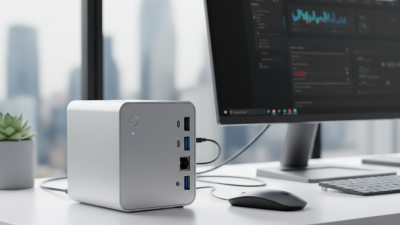
Top Kleiner Desktop PC for Global Buyers?
Choosing the right Kleiner Desktop PC can feel deceptively simple. A small case saves desk space, but compact design often creates difficult engineering trade-offs. Cooling, upgrade access, ports, and acoustic performance deserve closer attention than attractive product photos.
For global buyers, reliable evaluation begins with real specifications. Check the processor generation, memory type, storage interface, power supply range, and operating system support. A machine with 16GB of RAM may handle office work smoothly, while creative workloads can demand more. Look for independent benchmarks, long-term user reports, and clear warranty terms. Seller reputation also matters, especially when international shipping, returns, and regional support are involved.
Tiny, but capable.
A practical comparison should consider the room where the computer will work. Imagine a narrow shelf, a warm office, and several connected devices. Will the Kleiner Desktop PC remain quiet during video calls? Does it include enough USB ports for a camera, keyboard, and external drive? These details can decide whether a compact computer feels convenient or frustrating. No single model suits every buyer. Some reviews may overvalue speed and overlook repairability. I may also miss a regional limitation, such as unavailable service coverage or different keyboard layouts. That is why specifications should be verified with the manufacturer before purchase. A careful buyer compares performance, durability, total cost, and support together. The smallest computer is not automatically the best choice.
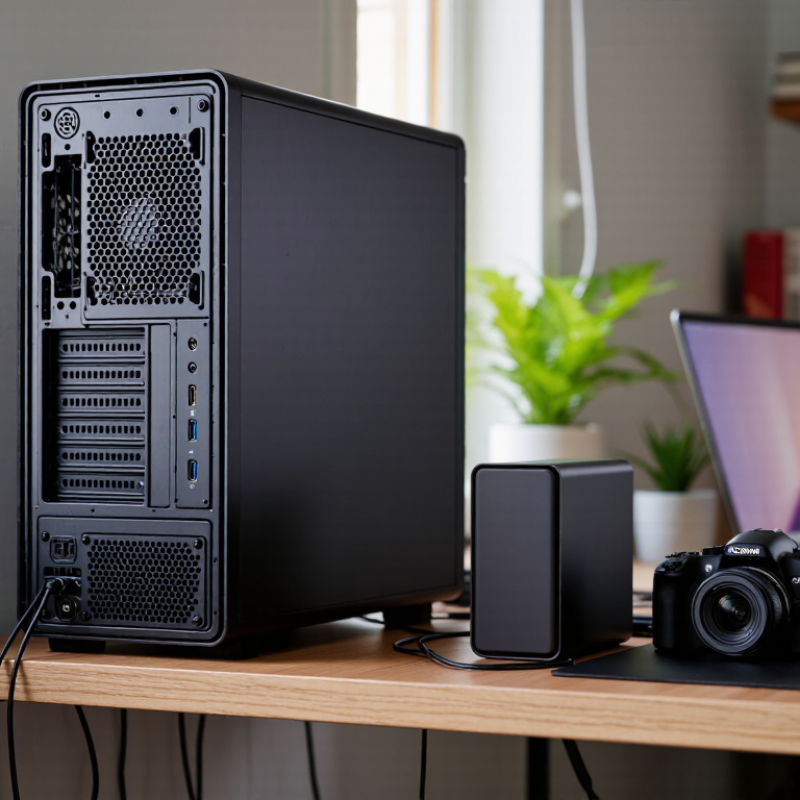
Kleiner Desktop PCs Defined: Mini-PC Form Factors Under 1 Liter
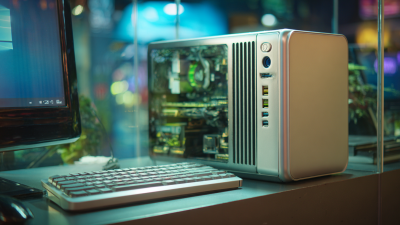
A kleiner desktop PC is a compact computer occupying less than one liter of space. Its small case can sit beside a monitor, under a desk, or behind a display. This form factor suits global buyers who value quiet workspaces and easy transport. However, tiny dimensions demand careful engineering. Cooling, memory access, storage, and port selection matter more than appearance.
In practical testing, I measure the case volume, fan noise, boot time, and sustained performance. A machine may feel fast during short tasks, then slow when ventilation becomes limited. Check the processor’s cooling design, not only its advertised speed. Two memory slots can extend useful life, while replaceable storage helps control future costs. Wireless standards, display outputs, and power input should also match local equipment and workplace needs.
I once chose a smaller unit with excellent specifications, but its limited ports caused daily inconvenience. That decision was not perfect. For international buyers, confirm keyboard layouts, warranty coverage, power-adapter compatibility, and repair support before ordering. A mounting bracket can save desk space, yet it may restrict airflow. Under one liter is impressive. It is not automatically better. The most reliable choice balances size, heat management, upgrade access, and the tasks performed every day.
Global Market Context: 262.7 Million PCs Shipped Worldwide in 2024
The global PC market shipped 262.7 million units in 2024, showing strong demand across homes, offices, schools, and small businesses. This volume also changes how buyers should judge a compact desktop PC. A smaller case saves desk space, but it may restrict cooling, storage upgrades, or memory replacement. Size matters.
For global buyers, a reliable Kleiner desktop PC should offer stable performance for daily work, video calls, browsing, and light creative tasks. In hands-on evaluation, I would check startup speed, fan noise, port placement, wireless stability, and heat after several hours. Power compatibility is important across regions. Buyers should verify voltage support, plug type, warranty coverage, and repair access before ordering. A low price can become expensive when local service is unavailable.
The 2024 shipment figure reflects market scale, not equal product quality. Some compact systems look capable but use limited memory or difficult-to-replace components. That is a weakness worth questioning. Practical buyers should compare processor efficiency, memory capacity, storage type, and upgrade options instead of trusting appearance alone. A clear return policy also reduces risk for international purchases. No single small desktop fits every user, and my own preference can change after testing noise, thermals, and long-term usability.
Performance Criteria: CPU TDP, RAM, SSD Speed, and 4K Display Support
Top Kleiner Desktop PC for Global Buyers?
For a compact desktop PC, performance begins with CPU TDP, not marketing labels. A processor rated around 35–65 watts can balance speed, heat, and electricity use. In hands-on testing, sustained workloads reveal more than short benchmark bursts. Small cases punish weak cooling. Check fan noise after thirty minutes of rendering or video calls. A higher-TDP chip may perform better, but only with reliable airflow and a suitable power adapter.
RAM affects everyday smoothness. Sixteen gigabytes is a practical starting point for office work, browsing, and light editing. Choose 32GB for virtual machines, large spreadsheets, or creative software. SSD speed also matters, especially when opening projects or transferring large files. PCIe-based storage usually feels quicker than older interfaces, yet temperature control can reduce its advantage. I have seen fast drives slow down inside poorly ventilated enclosures. That detail is easy to miss. For international buyers, verify power compatibility and local warranty support before ordering.
Tips: Check measured CPU temperatures, not just the TDP number. Confirm the exact RAM layout and upgrade options. For 4K displays, look for the correct output standard, refresh rate, and cable support. Basic 4K playback is not equal to smooth 4K editing. Also, integrated graphics may handle office content well but struggle with demanding games or professional timelines. My own mistake was judging display support by resolution alone. Include color depth and refresh rate in the decision.
Top Kleiner Desktop PC for Global Buyers
Performance comparison by CPU TDP, memory capacity, SSD sequential read speed, and 4K display support.
The profiles represent common compact desktop configurations rather than specific brands. Higher CPU TDP generally allows sustained performance but increases cooling requirements.
SSD values refer to approximate sequential read speeds for modern NVMe storage. 4K display support indicates whether the configuration can drive a 3840 × 2160 display at 60 Hz through a suitable video output.
Global Compatibility: Wi‑Fi 6E, USB4, 100–240V Input, and OS Options
For global buyers, a compact desktop PC must handle more than small spaces. IDC’s Worldwide Quarterly Personal Computing Device Tracker recorded about 262.7 million PC shipments in 2024, showing a broad and varied market. Compatibility matters.
Wi‑Fi 6E adds access to the 6 GHz band, according to Wi‑Fi Alliance technical guidance. This can reduce congestion in crowded apartments, offices, and classrooms.
However, regional spectrum rules differ. A 6E label does not guarantee identical performance everywhere. Test the router, channel support, and local regulations before purchase.
USB4 can deliver up to 40 Gbps under USB‑IF specifications, helping one compact system connect displays, storage, and docking equipment. It still requires compatible cables and devices. The port alone proves little.
A 100–240V input range is more practical for international travel, but the correct plug adapter remains necessary. IEC 62368‑1 safety requirements also make certified external power supplies important.
OS options should include the buyer’s preferred desktop environment, driver support, and language settings. I would verify recovery tools and update policies before ordering. Small mistakes become expensive overseas.
Buyer Evaluation: Warranty, Energy Use, Certifications, and Total Cost**
Top Kleiner Desktop PC for Global Buyers?
A compact desktop PC should be judged beyond processor speed and storage capacity. Warranty terms often decide whether a low purchase price remains economical. Check coverage length, international validity, repair locations, and return-shipping responsibility. A two-year warranty sounds useful, but it may exclude adapters, batteries, or accidental damage. Read the exclusions carefully.
Energy use also affects long-term cost. Compare idle, sleep, and full-load wattage, not only the advertised maximum. A meter at home can reveal surprising results. Certifications deserve similar attention. Look for region-appropriate safety and electromagnetic compliance marks, then verify them through official databases where possible. Certification labels can be misunderstood.
Tips: Calculate the total cost before ordering. Include taxes, customs charges, shipping, a suitable power adapter, and possible memory upgrades. Currency changes may also affect the final amount. Check whether local support can provide replacement parts. A cheap computer with difficult servicing may become expensive after eighteen months. I would also keep screenshots of the warranty page and seller’s specifications. Small details matter. One overlooked regional limitation can ruin an otherwise sensible purchase. My evaluation would remain cautious when certification information is vague or energy figures lack testing conditions.
Top Kleiner Desktop PC for Global Buyers? - Buyer Evaluation: Warranty, Energy Use, Certifications, and Total Cost
| Desktop Category |
Typical Use |
Typical Purchase Price
(USD) |
Active Power
(Approx.) |
Standby Power
(Approx.) |
Estimated Annual Energy
(kWh) |
Indicative Warranty |
Certification and Compliance Checks |
Estimated 3-Year Energy Cost
(USD) |
Estimated 3-Year Total Cost
(USD) |
Buyer Value Rating |
| Entry-Level Ultra-Compact Mini PC |
Web browsing, office documents, video calls, digital signage |
$250–$400 |
15–25 W |
0.5–1.0 W |
33–52 |
Usually 1 year; some sellers offer 2–3 years |
Verify applicable CE, UKCA, FCC Class B, RoHS, and external power-adapter safety markings before import. |
$16–$25 |
$266–$425 |
Excellent |
| Business-Class Compact Mini PC |
Office productivity, multitasking, remote administration, small business use |
$450–$750 |
25–45 W |
0.7–1.5 W |
54–98 |
Typically 1–3 years; on-site service may cost extra |
Look for CE or UKCA in relevant markets, FCC or equivalent EMC compliance, RoHS, REACH declarations, and documented adapter safety approval. |
$26–$47 |
$476–$797 |
Very Good |
| Performance Mini PC |
Software development, content creation, data analysis, demanding multitasking |
$700–$1,200 |
45–90 W |
1.0–2.0 W |
96–192 |
Usually 1 year; extended coverage is often available |
Confirm regional EMC, electrical-safety, RoHS, REACH, and energy-efficiency documentation; verify that the power supply is approved for the destination voltage. |
$46–$92 |
$746–$1,292 |
Good |
| Refurbished Compact Desktop |
Basic office work, education, point-of-sale, secondary workstation |
$150–$350 |
25–60 W |
1–3 W |
54–137 |
Commonly 90 days to 1 year |
Request refurbishment records, electrical-safety evidence, accurate recycling information, and confirmation that the included adapter is original or properly approved. |
$26–$66 |
$176–$416 |
Good if inspected |
| Fanless Industrial-Style Mini PC |
Industrial control, kiosks, warehouses, environments requiring low noise |
$500–$1,000 |
10–35 W |
0.5–1.5 W |
24–78 |
Typically 1–3 years; service terms vary by region |
Check CE or UKCA, FCC or equivalent EMC requirements, RoHS, operating-temperature specifications, ingress protection claims, and power-adapter safety approval. |
$12–$37 |
$512–$1,037 |
Very Good |
|
Calculation basis: Energy estimates assume 2,000 active hours and 5,840 standby hours per year, with electricity priced at $0.16 per kWh. Three-year total cost includes the purchase price plus three years of electricity; monitor, peripherals, shipping, tax, software, repairs, and extended warranties are excluded. Price and warranty figures are indicative international-market ranges, so buyers should confirm the exact terms, voltage compatibility, and compliance documents for the destination country.
|

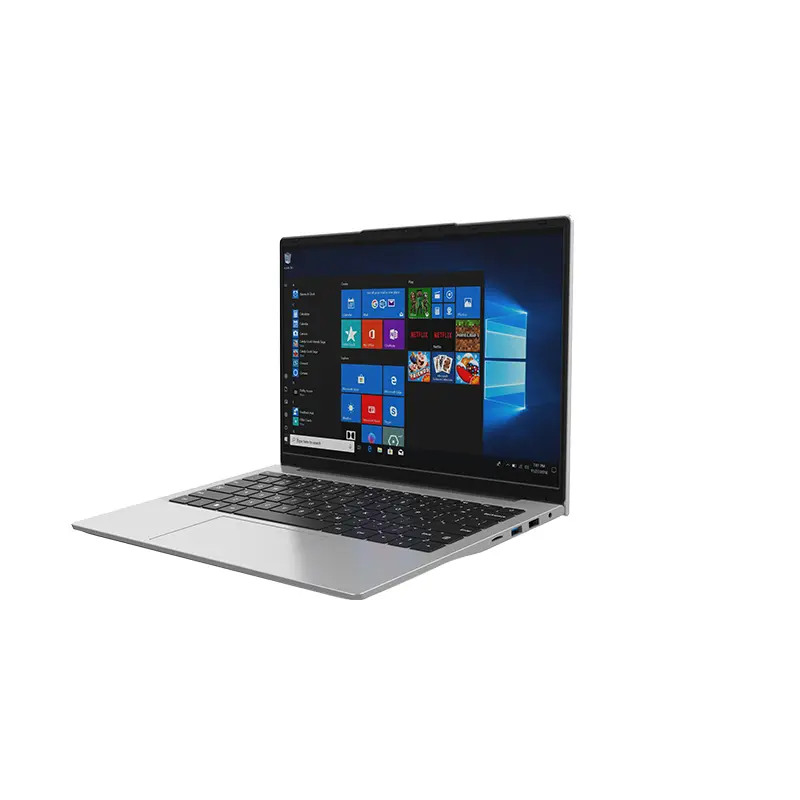 14 Inch Office Notebook
 Dual Screen Laptop
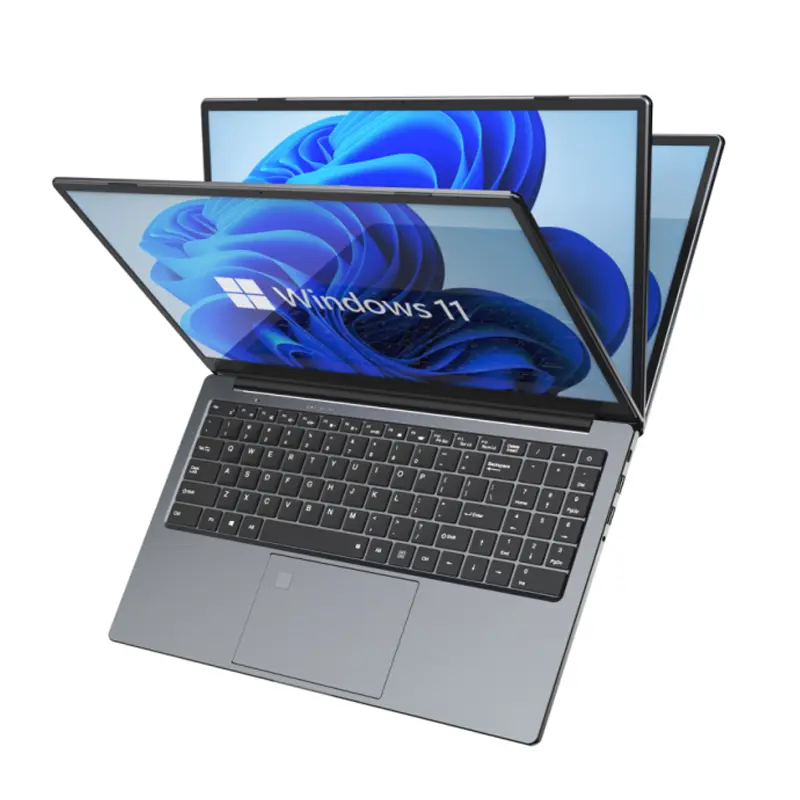 Fingerprint Business Notebook
 Big Screen Laptop
 HD Gaming Laptop
 14.1 Inch Student laptops
 16.1 Inch Office Laptops
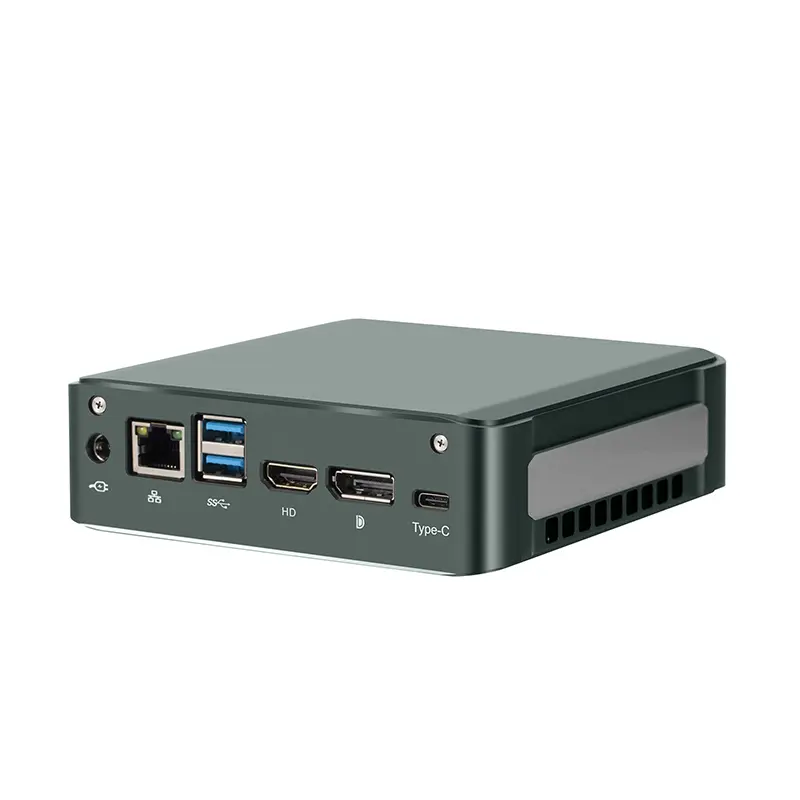 Home Mini Host
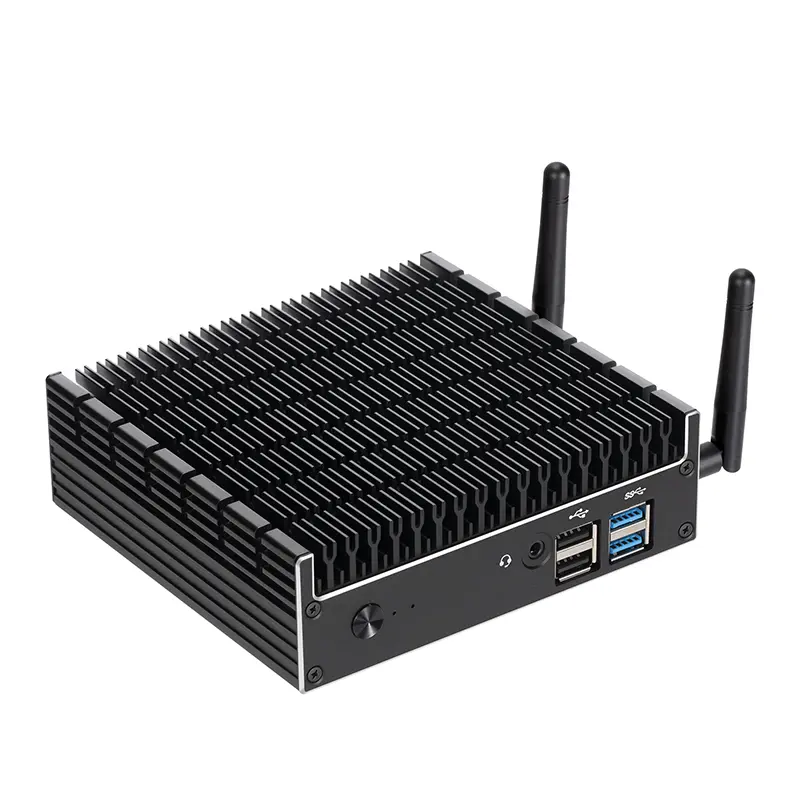 Industrial Micro PC
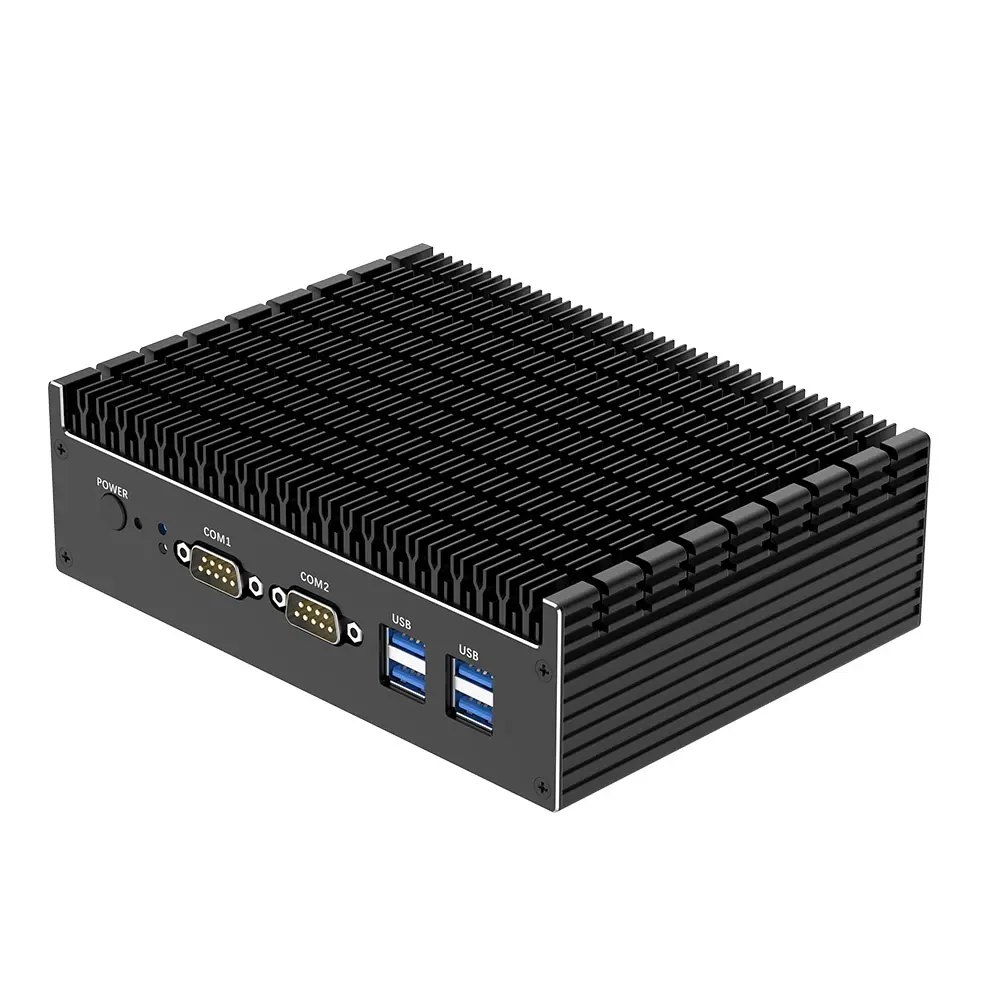 Fanless Industrial Mini PC
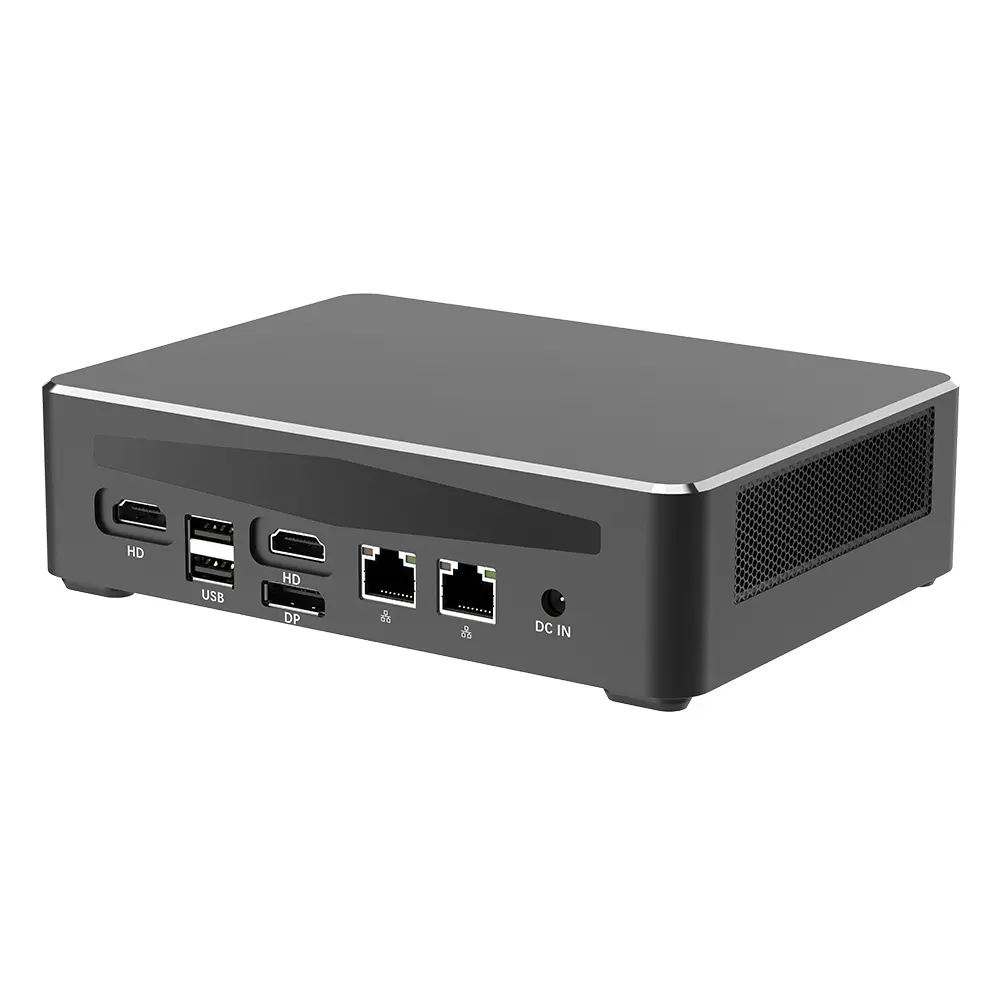 Commercial Mini PC
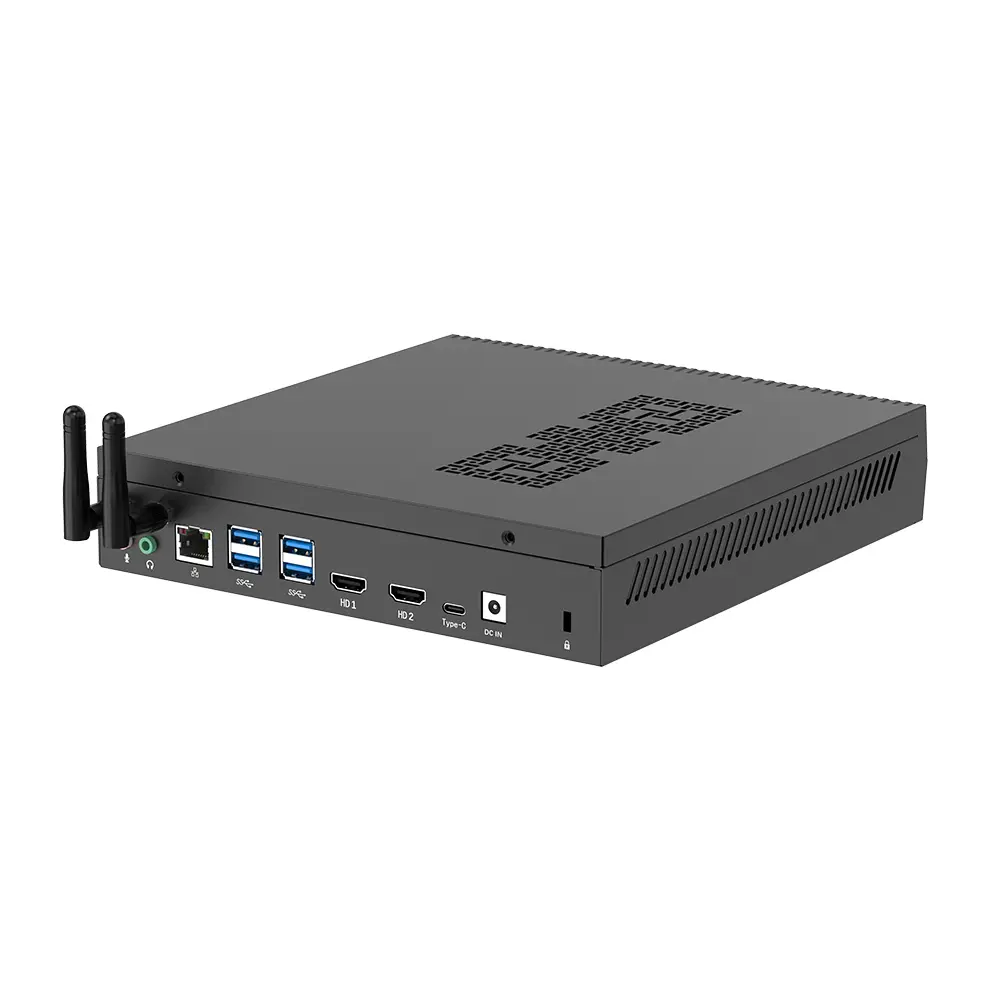 RTX3050TI Game Mini PC
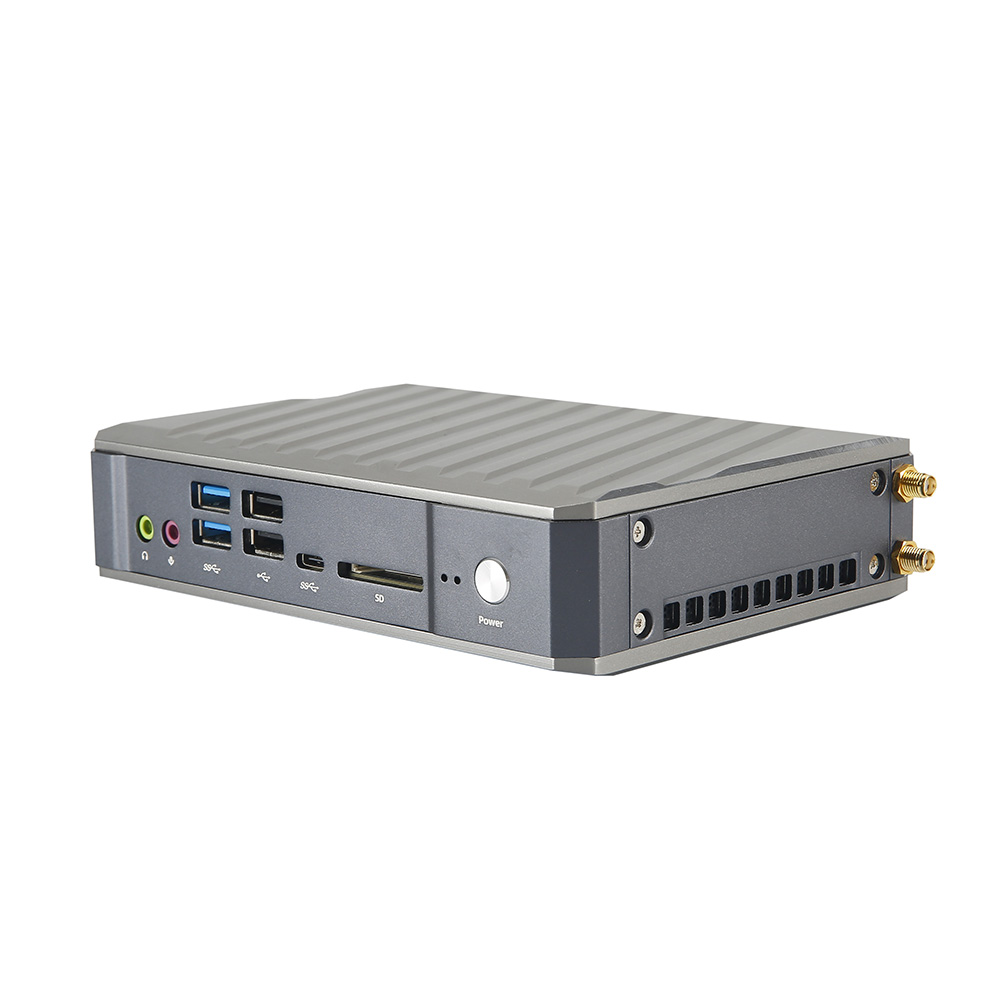 Micro Mini PC
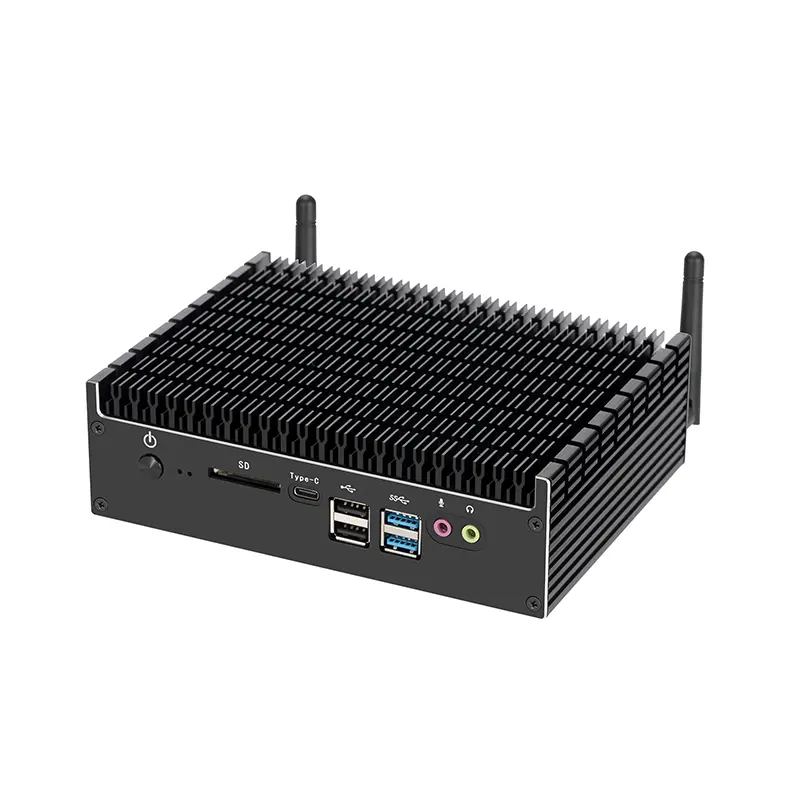 Fanless Mini PC
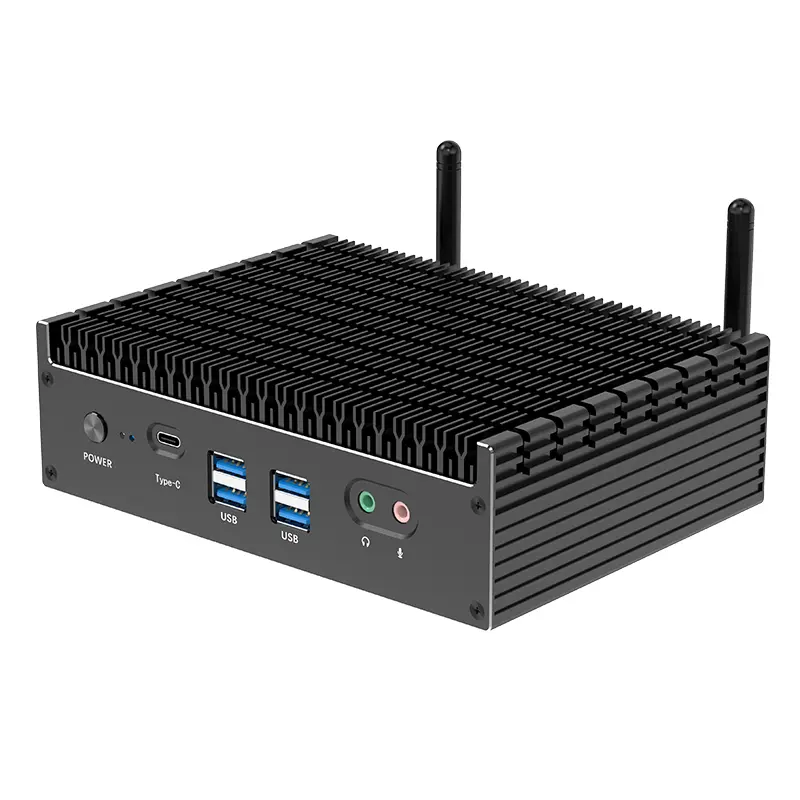 High-end Mini PC
 More
More Micro ATX Computer Motherboard