How to Choose the Best Mini Personal Computer for Your Needs?
In today’s tech-driven world, choosing the right Mini Personal Computer can be challenging. This compact device is designed for those seeking portability without sacrificing performance. Whether you're a student, a professional, or a casual user, understanding your needs is crucial.
Mini Personal Computers come with various specifications and features that impact functionality. You may find differences in processing power, storage capacity, and connectivity options. It's essential to assess what you will frequently use it for. Will it be for gaming, work, or simple web browsing? These choices can guide you in selecting the most suitable model.
While many options promise high performance, some may not live up to expectations. User reviews often highlight the importance of reliability and customer support. A well-known brand might offer better service after the sale. Remember, the best Mini Personal Computer for you might require some trial and error to find the perfect fit.
What is a Mini Personal Computer and Its Advantages?
A mini personal computer (MPC) is a compact device designed for basic computing tasks. These machines are gaining popularity due to their size and functionality. The global mini PC market reached a value of $2.8 billion in 2021 and is projected to grow at a CAGR of 5.9% by 2028. Their small footprint allows for easy portability, which can be crucial for users with limited space.
MPCs often consume less power, making them eco-friendly alternatives to traditional desktops. Reports indicate that these devices typically use 50-70% less energy than full-sized computers. Many users appreciate their ability to run essential software smoothly, though some high-demand applications may pose challenges. Despite their advantages, users may encounter limitations in gaming and intensive workloads. Evaluating your needs is vital when considering an MPC.
The versatility of mini PCs is noteworthy. They can serve multi-purpose roles, from personal workstations to media centers. However, not every model supports upgrades or customization, which can be frustrating. Users should carefully assess specifications, focusing on processor performance and memory capacity. The right choice can enhance productivity and ensure a satisfying user experience.
Key Specifications to Consider When Selecting a Mini PC
When selecting a mini personal computer, understanding key specifications is essential. The processor is a crucial factor. A robust CPU can greatly enhance performance. Data from analysts suggests that multicore processors can improve multitasking by over 30%. This is vital for those who run multiple applications simultaneously.
Another critical specification is RAM. Many experts recommend at least 8GB for smooth operation. For gaming or intensive software, 16GB is preferable. Insufficient RAM can lead to lag and frustrations. Inadequate memory can become a bottleneck in performance. Storage type also plays a role. Solid State Drives (SSDs) provide faster data access than traditional hard drives. In fact, SSDs can boost boot times by 70%, making your experience more efficient.
Don’t overlook connectivity options. A mini PC should offer various ports like USB-C, HDMI, and Ethernet. This flexibility allows for better integration with other devices. For instance, an Ethernet connection can be crucial for stable internet. Always consider your needs and how these specifications match them. Finding the right balance can be challenging. The ideal mini PC should fit seamlessly into your lifestyle.
Assessing Your Usage Needs: Gaming, Office Work, or Media Consumption
When selecting a mini personal computer, your specific usage needs play a critical role. Whether it's for gaming, office work, or media consumption, each use case demands different specifications. A recent report by IDC highlighted that 49% of users prioritize performance for gaming, while 38% focus on efficiency for business tasks. This indicates that understanding your primary needs is essential before making a decision.
For gaming, a mini PC should feature a robust graphics card and adequate cooling. Gamers often prefer systems with dedicated GPUs. Studies show that systems with at least 8GB of RAM provide smoother performance. Conversely, if your focus is office work, an efficient CPU and ample storage are key. Uptime and reliability become crucial; 62% of professionals reported productivity issues due to inadequate hardware. For media consumption, look for models with excellent display support, ensuring a great viewing experience. A well-optimized processor and good connectivity options enhance streaming quality, a must-have in today’s digital age.
However, not every mini PC meets these varying requirements. Some models may excel in one aspect, lacking in others. This could lead to a mismatch between personal expectations and actual performance. It’s vital to weigh your options carefully. Consumer feedback and expert reviews can provide valuable insights. Balancing power, portability, and price involves careful consideration of your unique tasks and preferences.
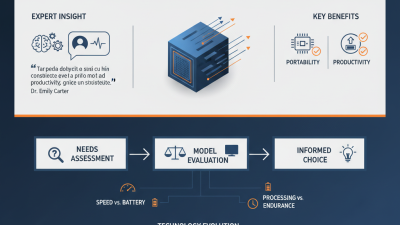
Usage Needs Assessment for Mini Personal Computers
Comparing Popular Mini PC Models and Their Features
When choosing a mini PC, consider the features that matter most to you. Many popular models offer various specifications. Some focus on processing power, while others emphasize energy efficiency or compact size. It's essential to match these characteristics with your needs. A powerful CPU may be needed for gaming, but a quieter, efficient model is better for office use.
Look into RAM and storage options as well. Some mini PCs provide expandable memory slots. Others have fixed configurations. Users often overlook this detail. If you plan to multitask, more RAM is beneficial. Think about future upgrades too. Graphics capabilities can vary widely across models. Integrated graphics might suffice for casual tasks. However, dedicated GPUs are necessary for intense gaming or design work.
Lastly, connectivity options can significantly impact usability. Several mini PCs offer HDMI, USB-C, and Ethernet ports. Wireless capabilities are also crucial. Wi-Fi 6 support makes a difference in speed and reliability. Assessing these features helps ensure a mini PC meets your expectations. Ensure you have enough flexibility for future needs and understand your current requirements.
Budgeting Tips for Buying the Right Mini Personal Computer
When budgeting for a mini personal computer, it's vital to understand your needs. A study from Statista indicates that 46% of consumers prioritize performance while 28% focus on portability. Knowing your primary use, such as gaming, office work, or media consumption, can help you estimate costs effectively.
Set a clear budget. In 2023, the average cost of a reliable mini PC varies from $300 to $800, depending on specifications. For basic use, you may find options under $400. But for gaming or graphics-intensive tasks, it’s best to invest over $600. Don’t forget to factor in additional costs, like peripherals and upgrades.
Consider buying refurbished models. A report by TechRadar notes that buying refurbished can save you up to 30%. This option allows you to access higher specifications without breaking the bank. As mini PC technology evolves, sometimes last year’s model can still perfectly meet your needs. Prepare for some trial and error in selecting the ideal balance between cost and capability.

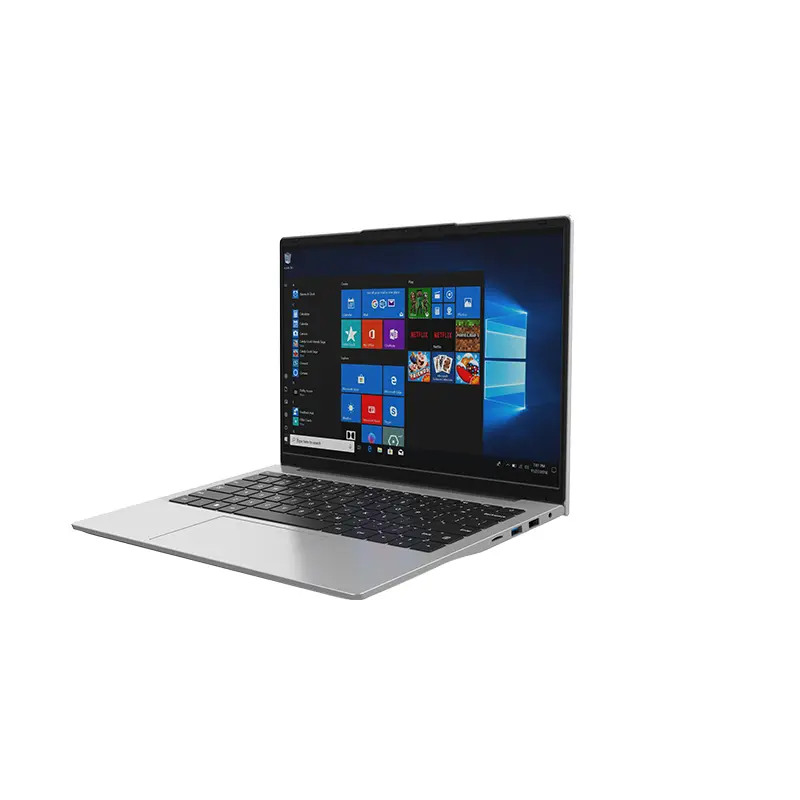 14 Inch Office Notebook
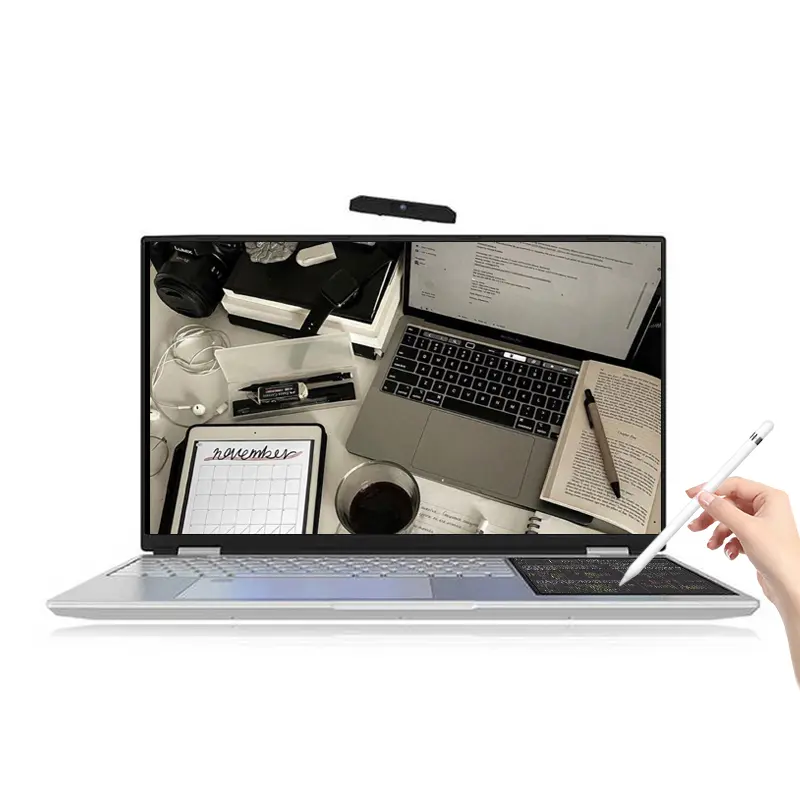 Dual Screen Laptop
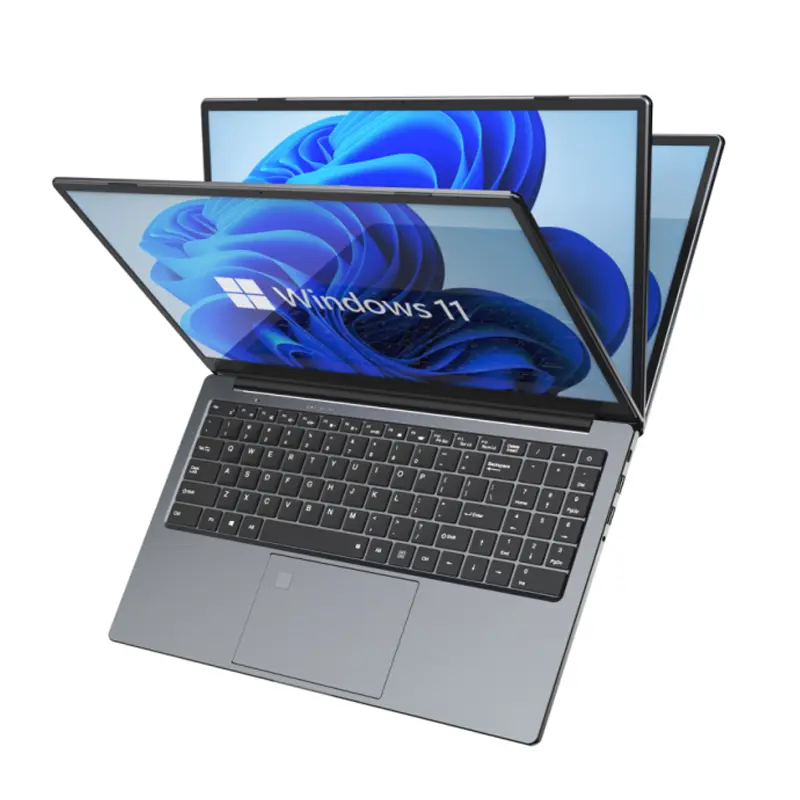 Fingerprint Business Notebook
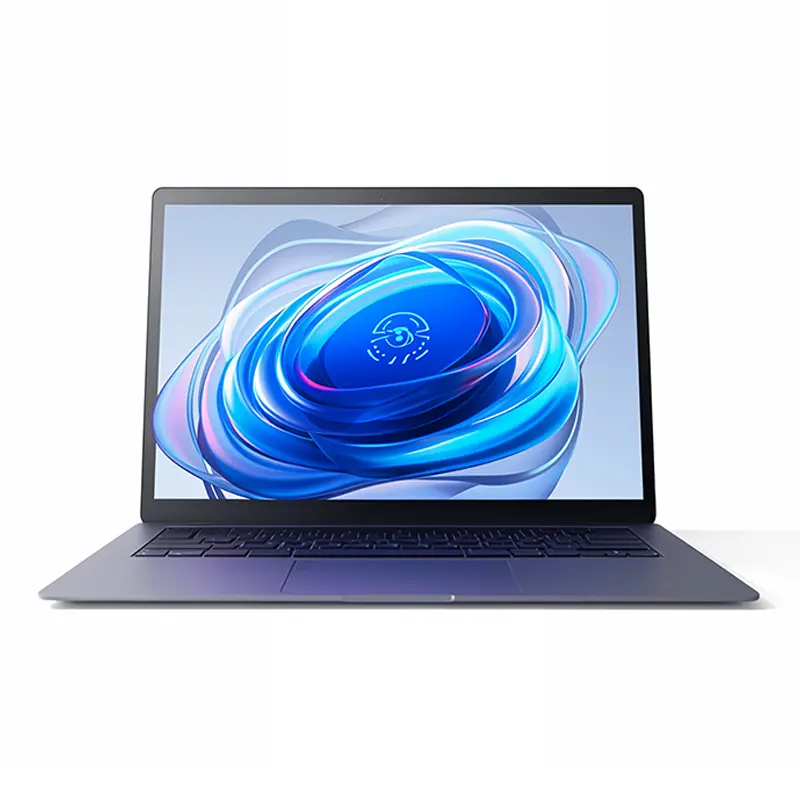 Big Screen Laptop
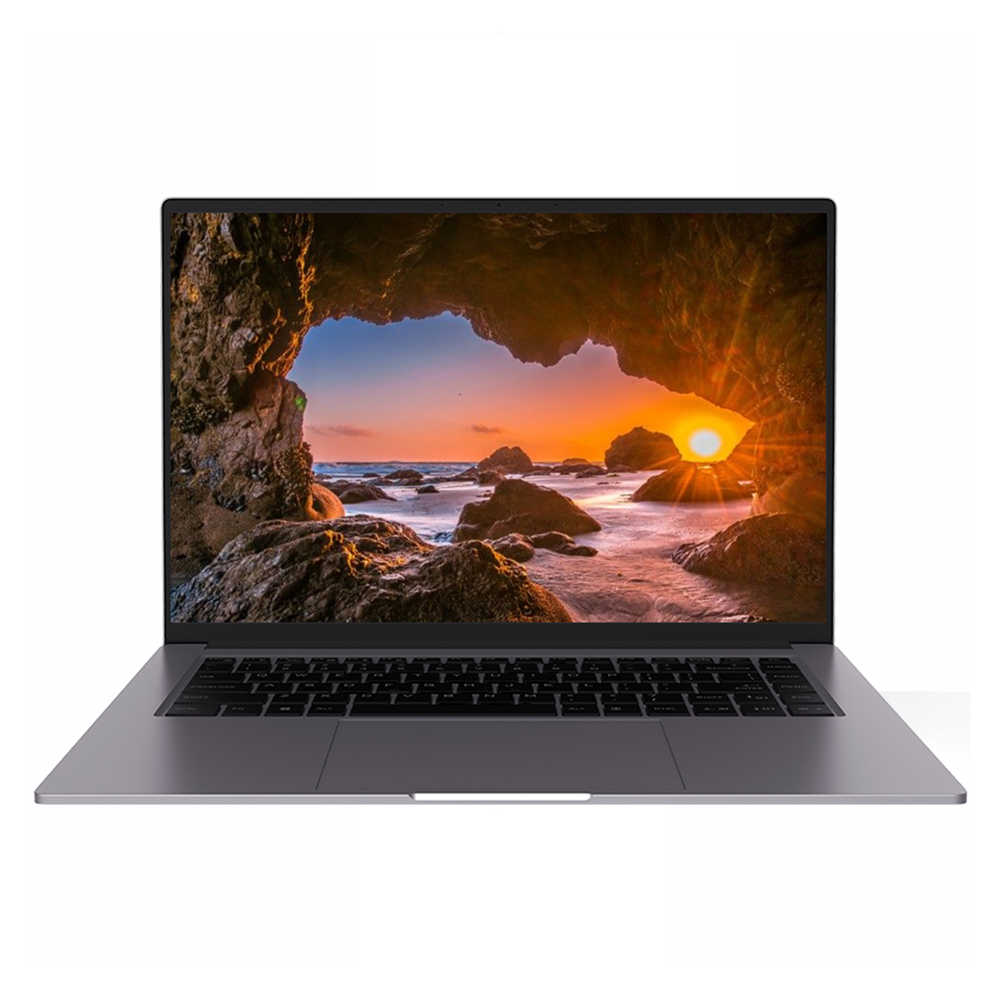 HD Gaming Laptop
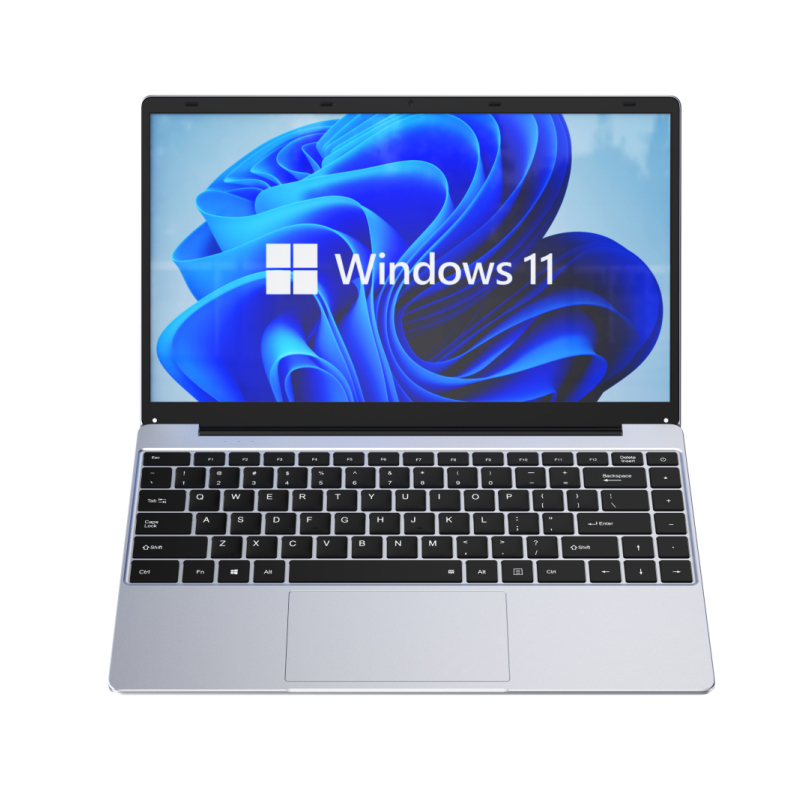 14.1 Inch Student laptops
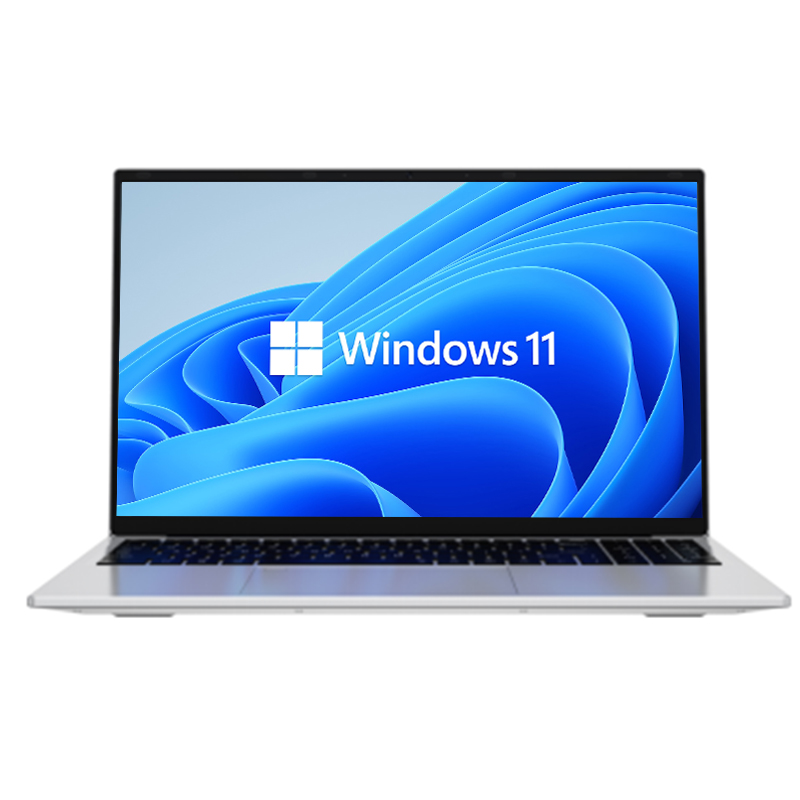 16.1 Inch Office Laptops
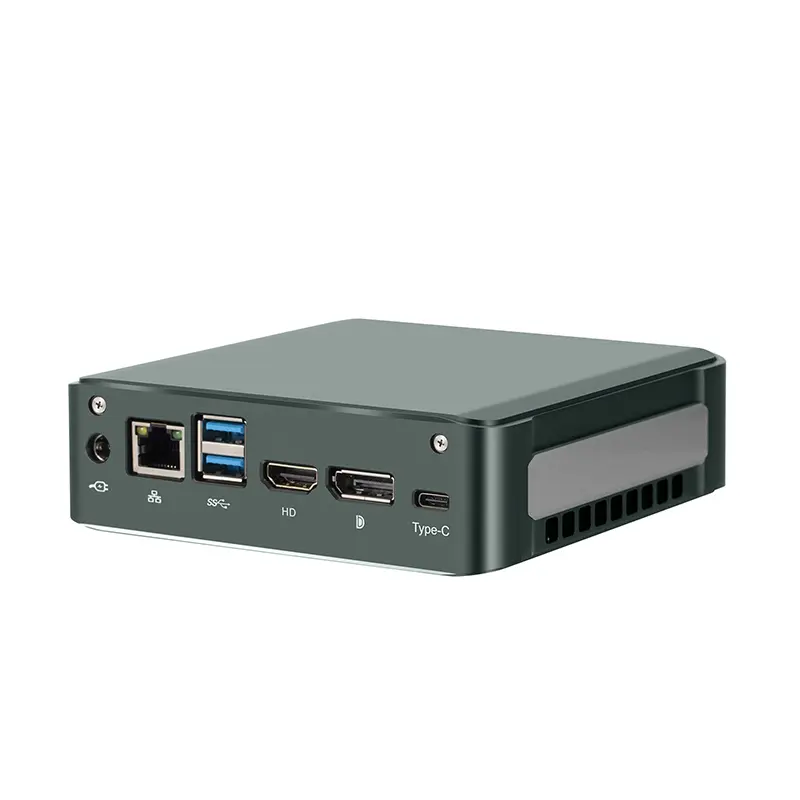 Home Mini Host
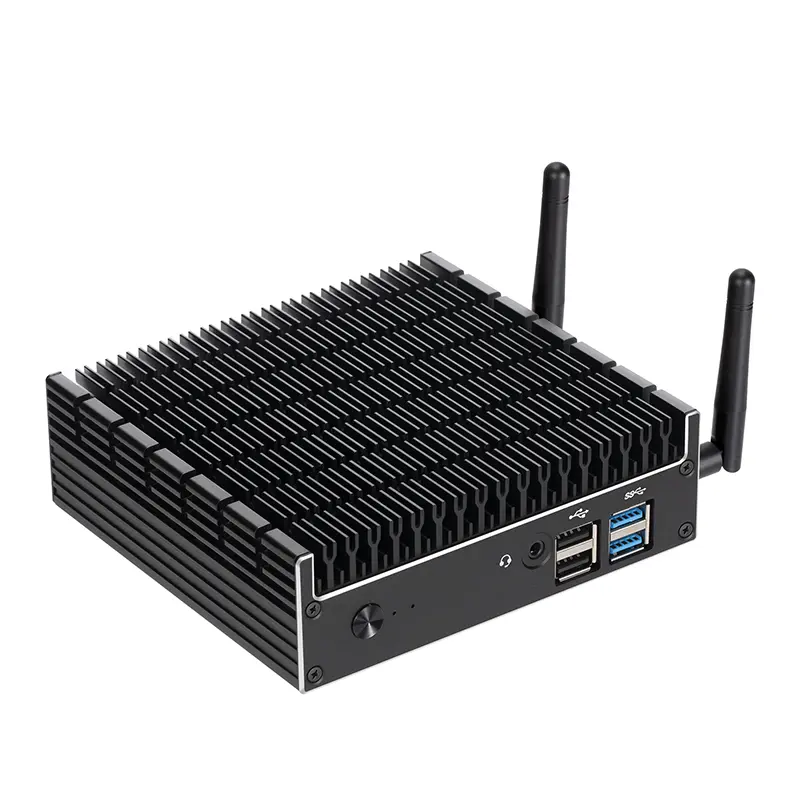 Industrial Micro PC
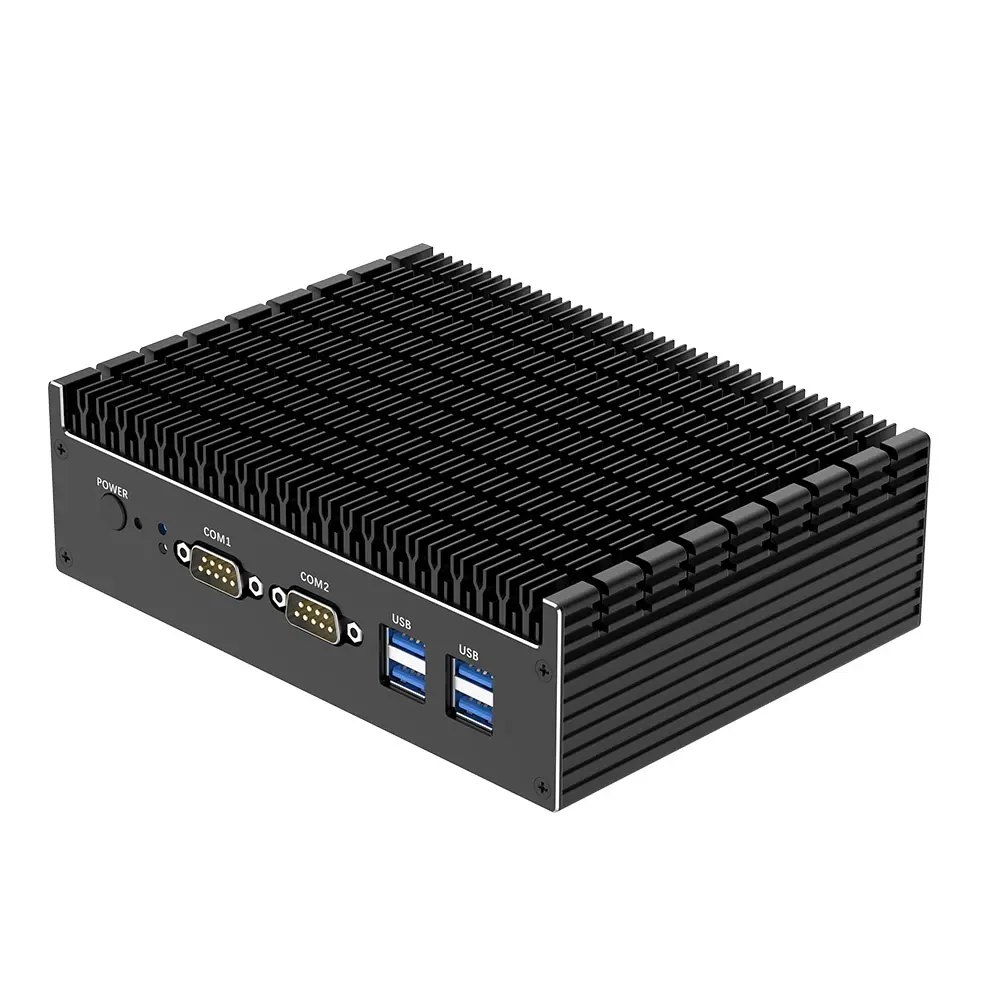 Fanless Industrial Mini PC
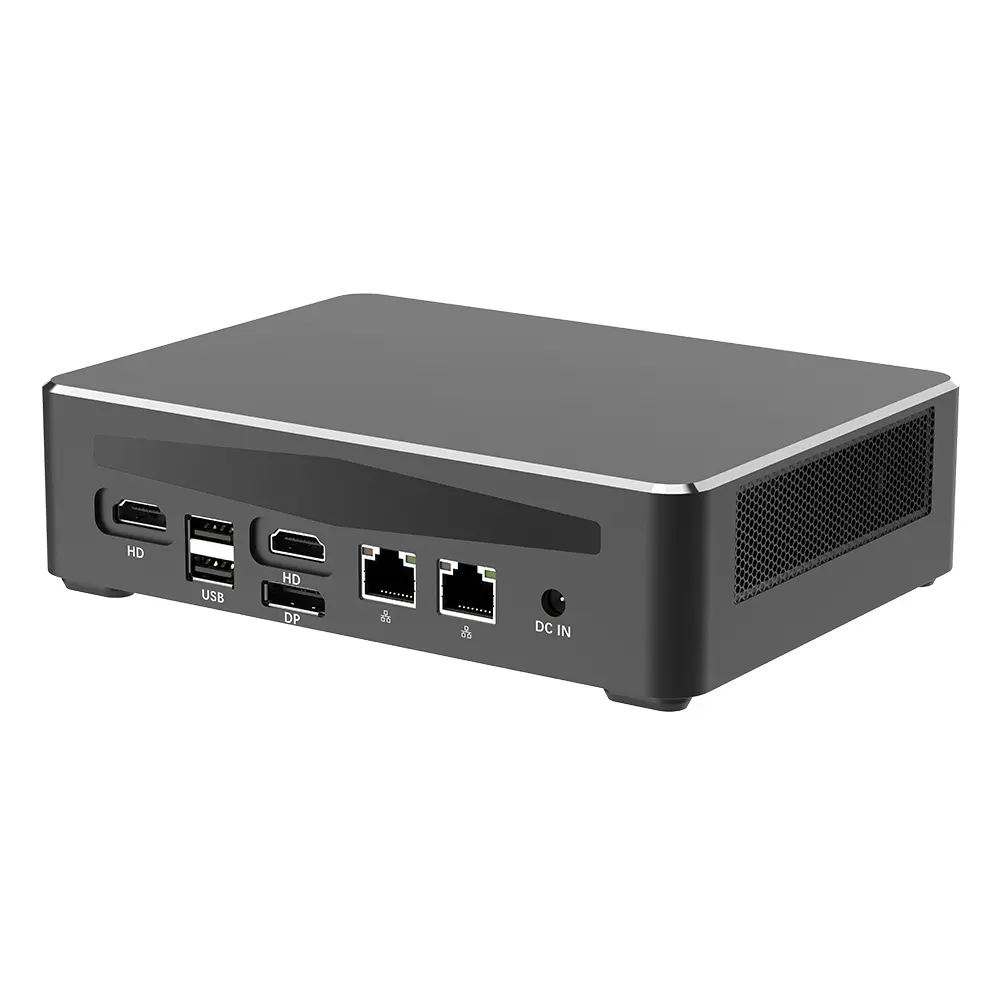 Commercial Mini PC
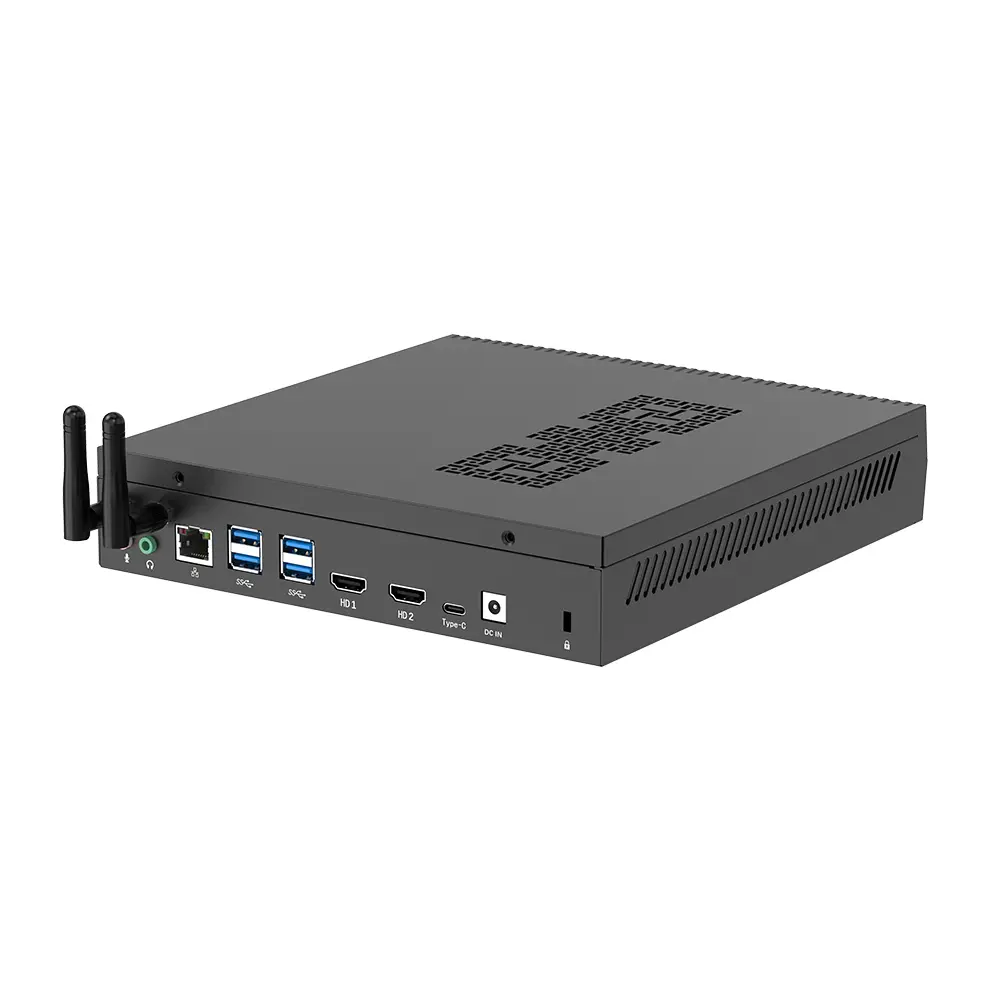 RTX3050TI Game Mini PC
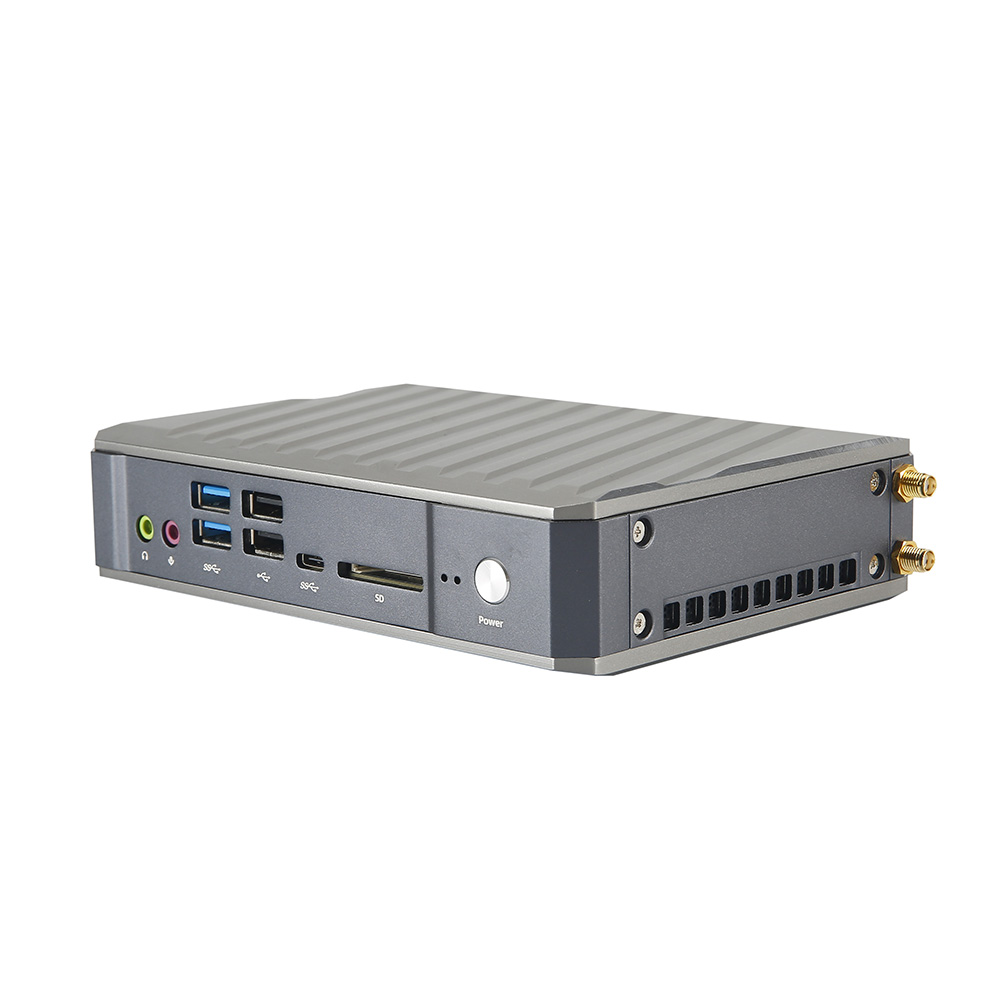 Micro Mini PC
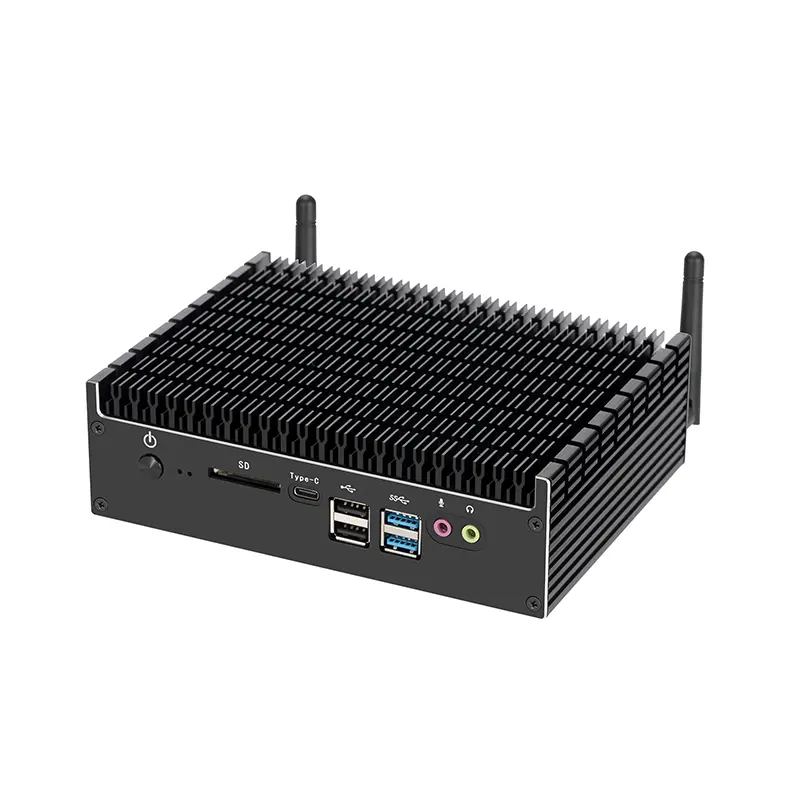 Fanless Mini PC
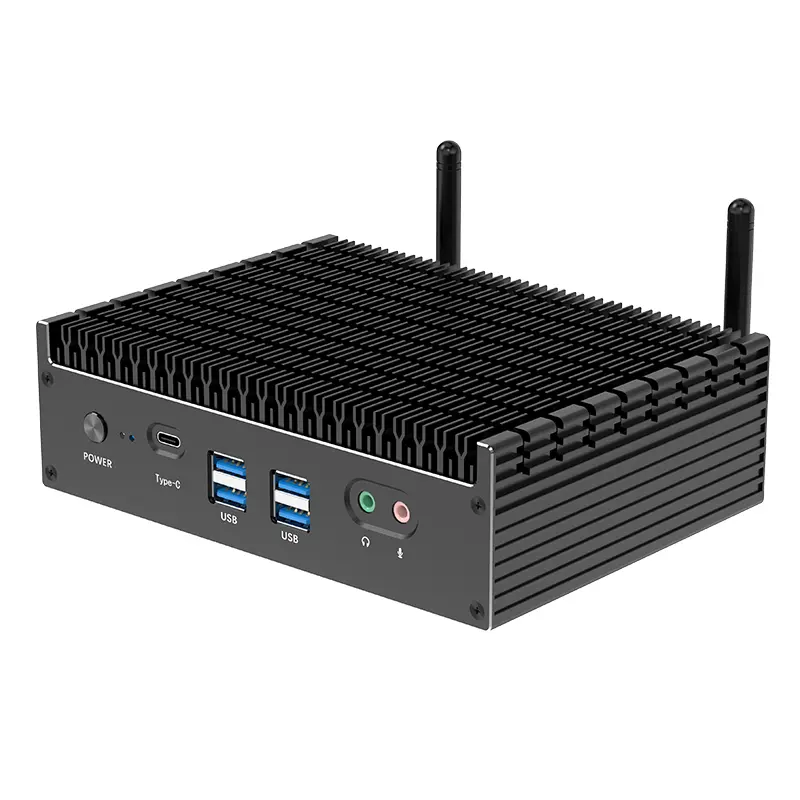 High-end Mini PC
 More
More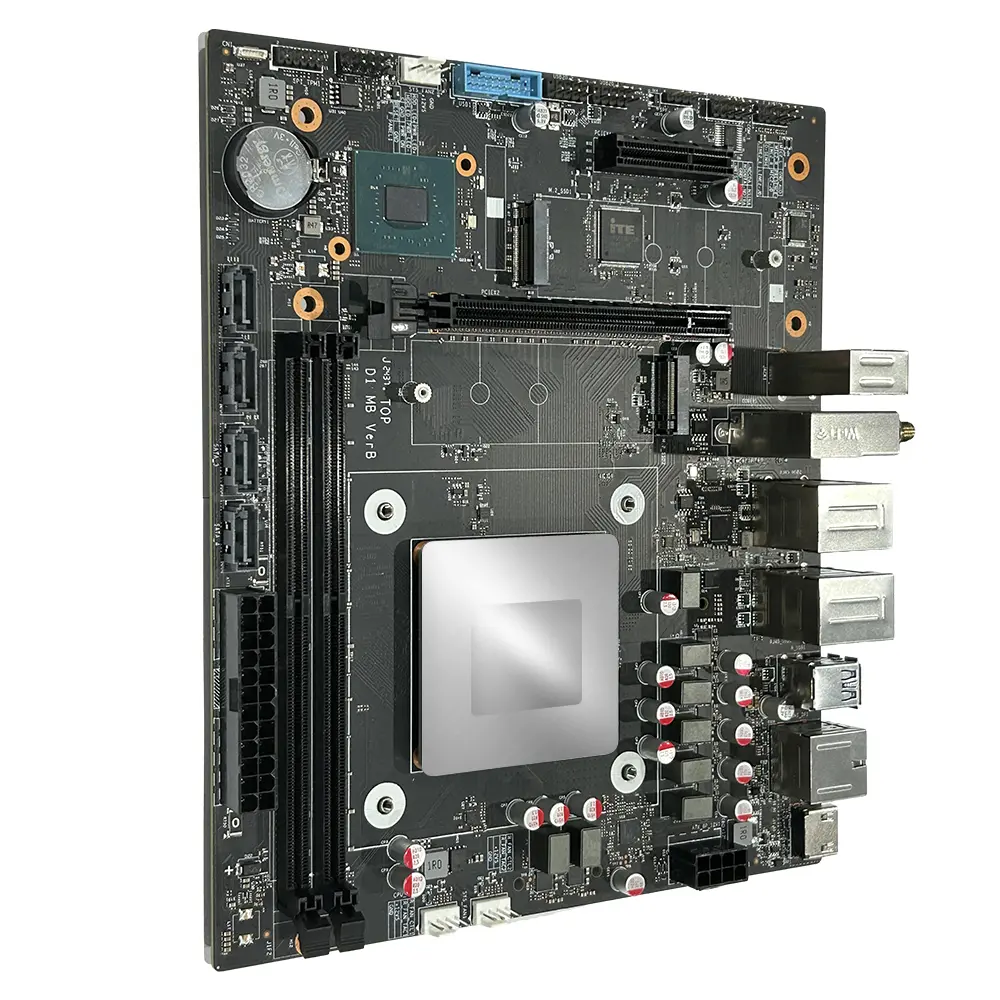 Micro ATX Computer Motherboard