How to Choose the Best Compact Desktop for Your Needs?
Choosing the right compact desktop can significantly enhance your productivity and workspace efficiency. With a variety of models available, it can be daunting to select the best one for your needs. Compact desktops offer a perfect balance of performance and space-saving design. They are ideal for small offices or limited workspaces.
When considering options, think about your specific requirements. Do you need powerful processing for intensive tasks, or is basic functionality sufficient? Each user's needs are unique, and what works for one may not work for another. It’s important to reflect on your habits and how you use your computer daily.
Always compare specifications and read user reviews for insights. Reliable information can guide your decision-making. However, don’t forget that technology is ever-evolving; what is popular now may change quickly. Ultimately, finding the best compact desktop involves careful evaluation and a willingness to adapt to new developments.
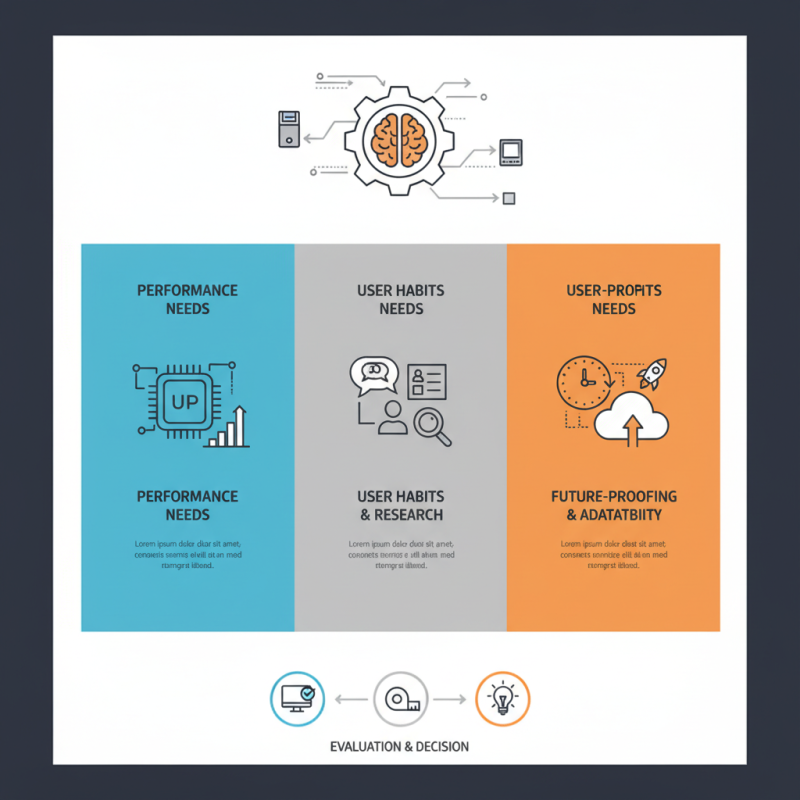
Understanding Your Computing Needs for a Compact Desktop
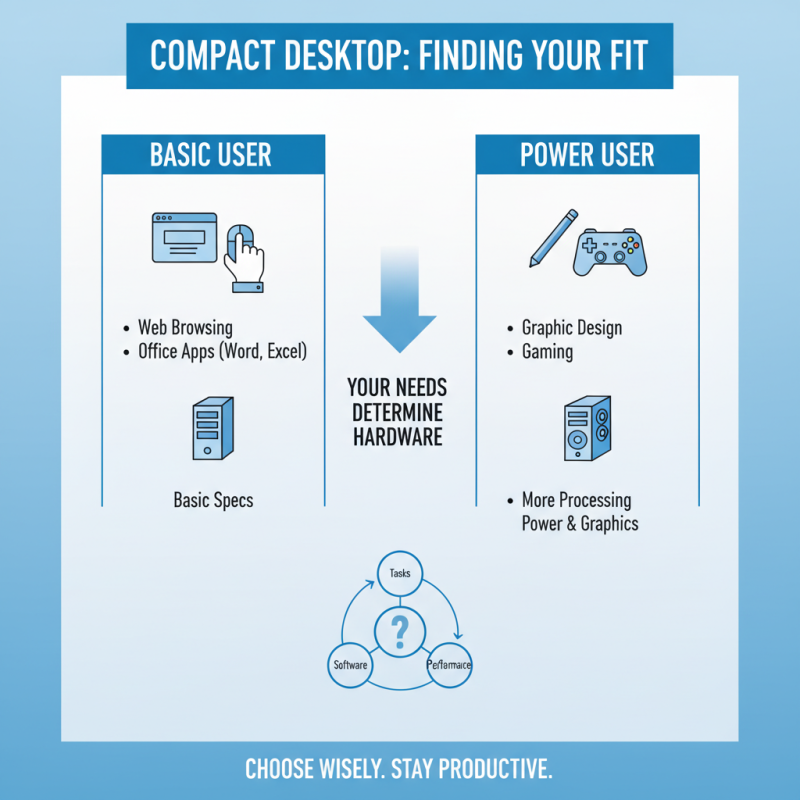
When considering a compact desktop, it's essential to understand your specific computing needs. What tasks do you perform regularly? If you mainly browse the web and use office applications, basic specifications will suffice. However, for graphic design or gaming, you'll require more processing power and graphics capability.
Tips: Identify your primary tasks. Are they resource-heavy or light? This assessment helps narrow down your options effectively.
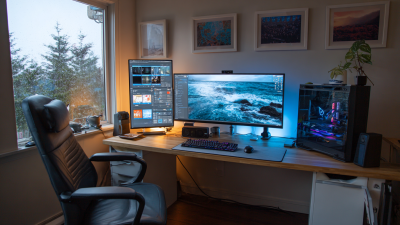
It's vital to evaluate space constraints. Measure your desk or designated area. Compact desktops can vary in size. Ensure your choice fits well without crowding your workspace. Ergonomics matter. A cluttered environment can lead to discomfort and reduced productivity.
Tips: Leave room for ventilation and accessories. A good setup includes a proper monitor and keyboard placement.
Also, consider future needs. Will your work evolve? It’s wise to choose a model that offers upgradeability. This flexibility can extend the lifespan of your desktop.
Tips: Look for expansion slots and additional connectivity options. Even a compact design can have essential features for future upgrades.
Evaluating Size and Space Requirements in Your Workspace
When evaluating size and space requirements for a compact desktop, it’s crucial to assess your workspace. Measuring your desk area is a great first step. Consider the dimensions of your workspace to avoid overcrowding. A compact desktop should fit comfortably, allowing space for other essentials. You’ll want enough room for peripherals like a keyboard and mouse.
The layout of your office matters too. Ensure there’s adequate space to move around. Think about vertical space; tall units can free up desk space. Shelves or cabinets can help keep things organized. It’s important to reflect on how your existing furniture affects the overall flow of your workspace. Sometimes, an ideal desktop can feel cramped in a crowded area.
Be mindful of your tasks. If you primarily work with documents, a larger screen may be more beneficial than extra desk space. However, if mobility is your focus, opt for a package that can be easily moved. Assess your daily routines and challenges you face. Understanding these needs will guide you to the best compact desktop that enhances productivity without overwhelming your environment.
Key Specifications to Consider for Performance and Efficiency
When choosing a compact desktop, key specifications significantly impact performance and efficiency. Key components to consider include the processor, RAM, and storage. Reports indicate that a multi-core processor can enhance multitasking capabilities. For instance, CPUs with four or more cores are generally recommended for most users.
Memory is another critical factor. A minimum of 8GB RAM is advisable for smooth operation. Recent studies show that systems with insufficient memory can slow down, leading to frustration during work. Opting for at least 16GB can future-proof your setup.
Storage types impact speed and responsiveness. Solid State Drives (SSDs) outperform traditional Hard Disk Drives (HDDs) significantly. Using an SSD can reduce load times by up to 70%.
Tip: Consider a compact desktop that offers upgrade options for RAM and storage to adapt to future needs.
Performance metrics like graphics capabilities also matter. If you plan to use design software, look for desktops with dedicated graphics cards. Reports reveal that integrated graphics may not meet demanding tasks adequately.
Tip: Always check benchmarks for graphics performance before making a choice.
Ultimately, weigh your specific needs against available features to make an informed decision. Each choice has its trade-offs, which may not suit everyone perfectly. Prioritize what truly matters for your workflow.
How to Choose the Best Compact Desktop for Your Needs? - Key Specifications to Consider for Performance and Efficiency
| Specification |
Entry-Level |
Mid-Range |
High-End |
| Processor |
Dual-Core i3 |
Quad-Core i5 |
Octa-Core i7 |
| RAM |
4 GB |
8 GB |
16 GB |
| Storage |
HDD 500 GB |
SSD 256 GB |
SSD 1 TB |
| Graphics |
Integrated |
Dedicated GPU (Entry-Level) |
High-End Dedicated GPU |
| Ports |
USB 2.0, HDMI |
USB 3.0, HDMI, Ethernet |
USB 3.1, Thunderbolt, HDMI, Ethernet |
| Operating System |
Windows 10 Home |
Windows 10 Pro |
Windows 11 Pro |
| Price Range |
$300 - $500 |
$600 - $900 |
$1000+ |
Assessing Connectivity Options and Peripheral Compatibility
When selecting a compact desktop, connectivity options are crucial. Many users prioritize USB ports, HDMI outputs, and Ethernet connections. According to recent industry reports, over 80% of compact desktop users value multi-port availability. This allows for easy connection with various peripherals like printers, external storage, and monitors. A lack of adequate ports can lead to frustration and limits productivity.
Peripheral compatibility is another key aspect. The ability to connect keyboards, mice, and additional screens enhances usability. Studies show that desktops with versatile compatibility see a higher satisfaction rate among users. Compact desktops should support both wired and wireless connections. This flexibility ensures users can adapt to their specific ecosystem. However, not all models offer this adaptability. Some may restrict connection types, leading to potential incompatibility issues.
Lastly, the physical space required for connectivity is often overlooked. Desktops with rear ports can be challenging in tight spaces. A balance between aesthetics and practicality is essential. Users should consider how these factors align with their needs. Thoughtful selection can lead to a significant boost in efficiency and comfort.
Connectivity Options and Peripheral Compatibility in Compact Desktops
Budgeting for Your Compact Desktop Purchase and Long-Term Value
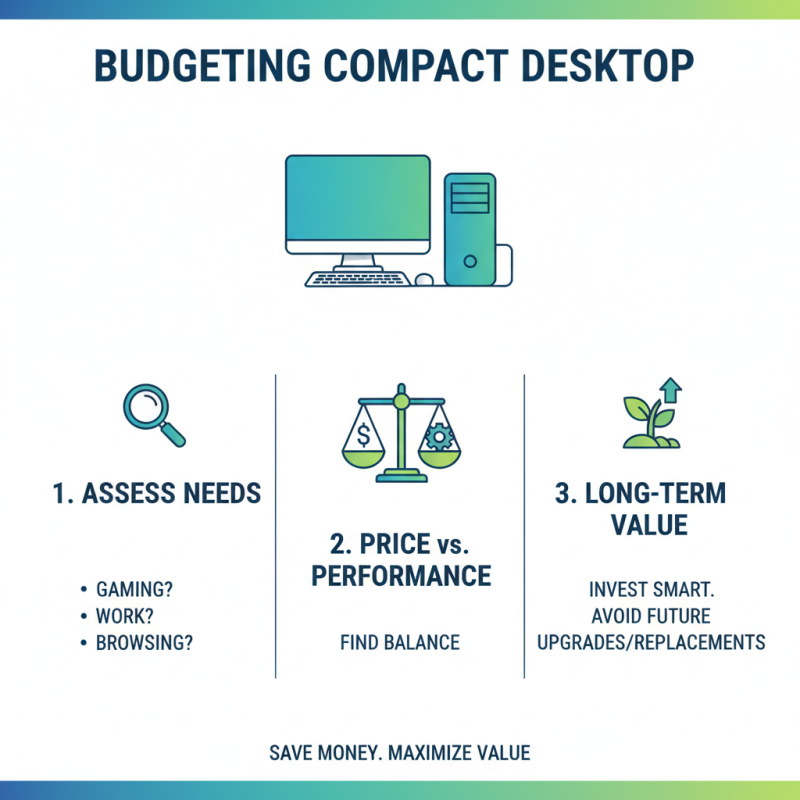
When budgeting for a compact desktop purchase, consider your specific needs. Evaluate how you will use the desktop. Are you gaming, working, or browsing? This understanding guides your spending. It's essential to find a balance between price and performance. Cheap models may save money upfront but can lead to greater costs in the long run due to upgrades or replacements.
Tips for budgeting effectively include creating a checklist. Start by listing required features. Assess what’s non-negotiable versus nice-to-have. This can help you avoid impulse buys that may seem appealing but are unnecessary.
Remember to factor in longer-term costs. Software purchases, upgrades, and maintenance can add up. A slightly more expensive model with better longevity may end up being more economical. This foresight might require reflection to find the right fit for your future needs. A compact desktop should not just meet immediate requirements but also adapt and grow with your usage habits over time.

 14 Inch Office Notebook
 Dual Screen Laptop
 Fingerprint Business Notebook
 Big Screen Laptop
 HD Gaming Laptop
 14.1 Inch Student laptops
 16.1 Inch Office Laptops
 Home Mini Host
 Industrial Micro PC
 Fanless Industrial Mini PC
 Commercial Mini PC
 RTX3050TI Game Mini PC
 Micro Mini PC
 Fanless Mini PC
 High-end Mini PC
 More
More Micro ATX Computer Motherboard