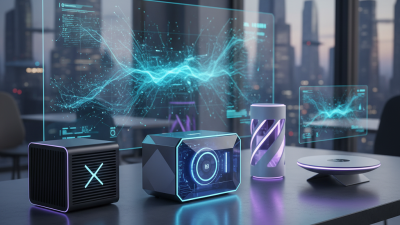
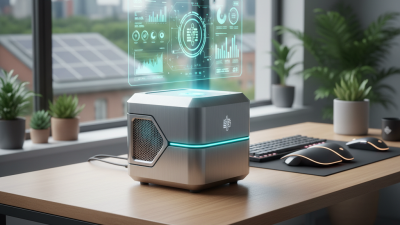
How to Choose the Best Compact PC for Your Needs?
When selecting a Compact PC, it's essential to understand your specific needs. According to Jonathon Lee, a leading expert in compact computing, "The right Compact PC perfectly balances performance and space." This insight reflects the necessity of evaluating various factors before making a decision.
Compact PCs offer diverse options, from powerful gaming rigs to simple office machines. Choosing the right one can be overwhelming. You'll want to consider performance specifications, design, and your budget. Many people overlook the importance of future expandability, which is crucial for long-term use.
Consider your work environment and how the size will impact it. A well-placed Compact PC can save space and enhance productivity. However, it’s easy to rush into a purchase without adequate reflection. Take the time to assess your requirements and find a solution that meets them effectively.
What is a Compact PC and Its Benefits for Users?
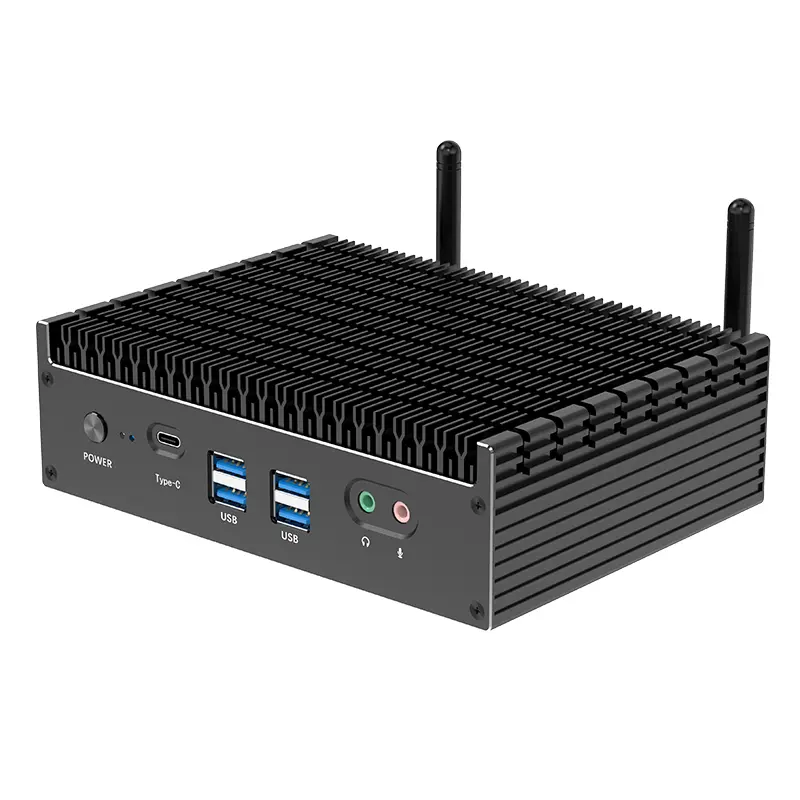
A compact PC, a smaller desktop alternative, provides significant advantages for users. This type of computer offers high performance while saving desk space, making it ideal for home offices or small apartments. Compact PCs often consume less power, leading to lower energy bills and a reduced environmental footprint.
Many users appreciate the portability of compact PCs. They can easily be moved from one room to another, or even taken to a friend's house. However, some may feel limited by their size, especially regarding hardware upgrades. This can be a drawback for gamers or those needing advanced computing power.
The design of a compact PC allows for increased airflow and cooling efficiency. This can extend the machine's lifespan and enhance performance. Nevertheless, not all compact PCs are created equal. Users need to research specifications and features to ensure it meets their needs. An informed decision can lead to efficient use and satisfaction over time.
Key Specifications to Consider When Selecting a Compact PC
When selecting a compact PC, several key specifications are critical to ensure it suits your needs. Start with the processor. A powerful CPU can enhance performance, especially for multitasking. Consider how much processing power you'll need. For simple tasks, a basic processor may suffice. However, for more intensive work like gaming or graphic design, a high-performance CPU is essential.
Memory is another crucial factor. Look for at least 8 GB of RAM. This capacity helps with smooth operation and multitasking. If your workflows require heavy applications, 16 GB or more is advisable. Storage options also matter. SSDs provide faster load times compared to traditional HDDs, making a significant difference in usability.
Graphics capabilities are often overlooked in compact PCs. If you're into gaming or creative work, a dedicated GPU may be necessary. Integrated graphics might handle basic tasks but won't perform well for demanding applications. Finally, connectivity options should fit your lifestyle. Ensure adequate USB ports, Wi-Fi standards, and other connections for your peripherals. Each of these specifications can greatly impact your overall experience.
Comparing Performance: Compact PCs vs. Traditional Desktop Computers
When comparing compact PCs to traditional desktop computers, performance is key. Compact PCs have come a long way. According to a report by IDC, compact PCs account for nearly 20% of the global PC market. This is significant. Buyers appreciate their space-saving design.
In terms of performance, compact PCs often pack impressive hardware. Many use powerful processors and solid-state drives. This allows them to run demanding applications efficiently. However, some may struggle with intensive tasks like gaming or video rendering. This is where traditional desktops still hold an edge. They generally offer more upgradability and cooling options.
Energy efficiency is another factor to consider. Compact PCs consume less power on average. A study from Gartner shows that they can use up to 50% less energy than traditional desktops. This makes them a favorable choice for eco-conscious consumers. Still, not all compact PCs are created equal. Users must carefully evaluate which model aligns with their specific needs.
Performance Comparison: Compact PCs vs. Traditional Desktop Computers
Evaluating Brand Reliability and Customer Support in Compact PCs
When selecting a compact PC, brand reliability and customer support are crucial factors. Many industry reports indicate that users prioritize reliable brands, as poor support can lead to frustrating experiences. According to a survey by TechRadar, 74% of consumers consider customer service reputation before purchasing. This highlights the importance of researching the brand's history and performance.
Tips: Look for user reviews and ratings. Platforms like Reddit and specialized tech forums provide insights into real-world experiences. Engaging with communities can reveal potential issues that might not be apparent in official reviews. Reliability often correlates with warranty options, too.
Some brands may offer extensive customer support but fail in product durability. A report from Consumer Reports found that 30% of compact PCs face issues within two years of use. Brands must balance innovative features with solid reliability. Keep this in mind while researching.
Remember to investigate the brand's support channels: live chat, email, or phone. This information can determine the responsiveness of the support team. A slow response time can be a red flag. Make sure you know how to get help if needed.
How to Choose the Best Compact PC for Your Needs?
| Feature |
Dimension/Requirement |
Rating (1-5) |
| Performance |
Processor Speed, RAM Size |
4 |
| Reliability |
Build Quality, Warranty |
5 |
| Customer Support |
Response Time, Availability of Service Centers |
4 |
| Compact Design |
Size, Portability |
5 |
| Cost-effectiveness |
Price vs. Performance Ratio |
3 |
Budgeting for Your Compact PC: Cost vs. Value Analysis
When budgeting for a compact PC, it’s essential to weigh cost against value. A recent report from the International Data Corporation (IDC) indicates that compact PCs can range from $299 to over $1,000. Consumers often overlook the total cost of ownership, including upgrades and maintenance, which can accumulate significantly in the long run.
Many users find features like portability and energy efficiency appealing. According to a survey by Statista, 45% of users prioritize these traits when selecting a compact PC. However, while low-cost models attract attention, they might lack durability or performance. Investing a little more upfront can yield a product that serves well for years.
It’s also crucial to recognize that needs vary. A gamer may require high specs, while a casual user may not. Ignoring personal requirements can lead to regrets. Research from Gartner suggests that buying based on immediate needs, rather than long-term use, often results in dissatisfaction. Ultimately, understanding your unique needs is vital. This nuanced approach ensures the compact PC you choose delivers lasting value, rather than being a fleeting solution.

 14 Inch Office Notebook
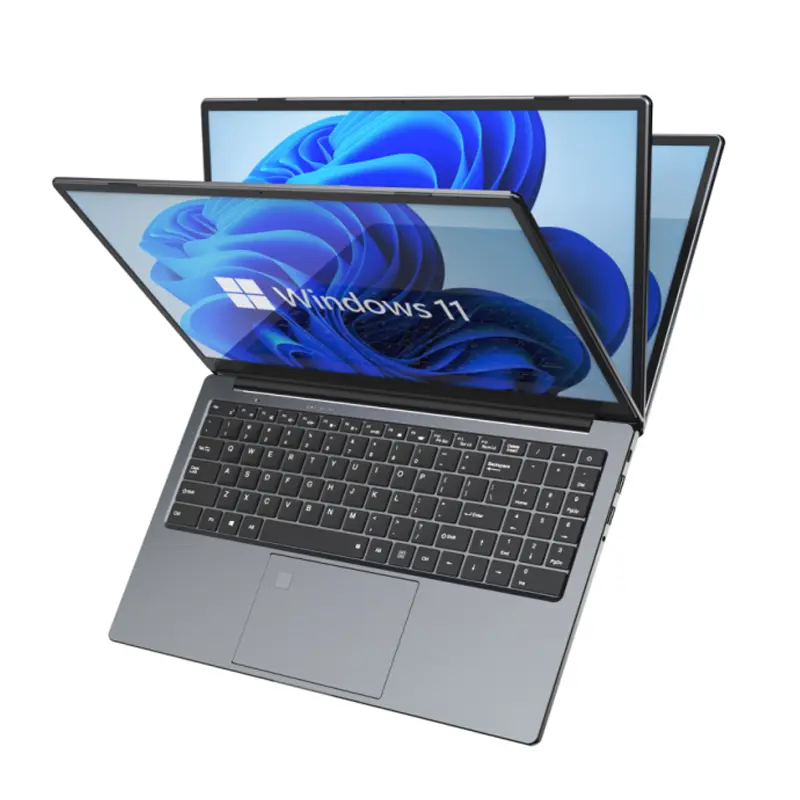
 Dual Screen Laptop
 Fingerprint Business Notebook
 Big Screen Laptop
 HD Gaming Laptop
 14.1 Inch Student laptops
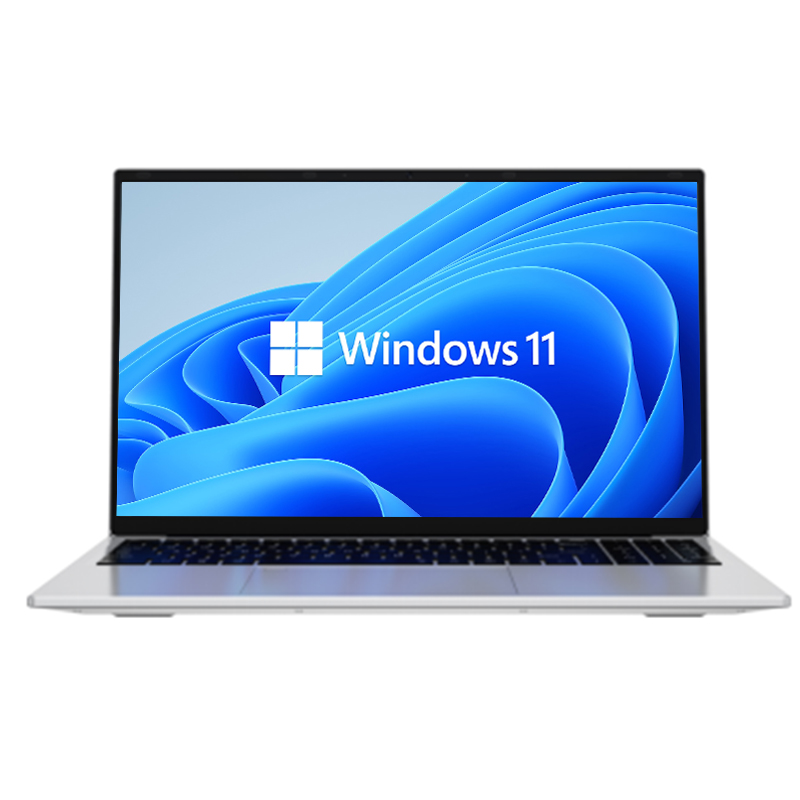 16.1 Inch Office Laptops
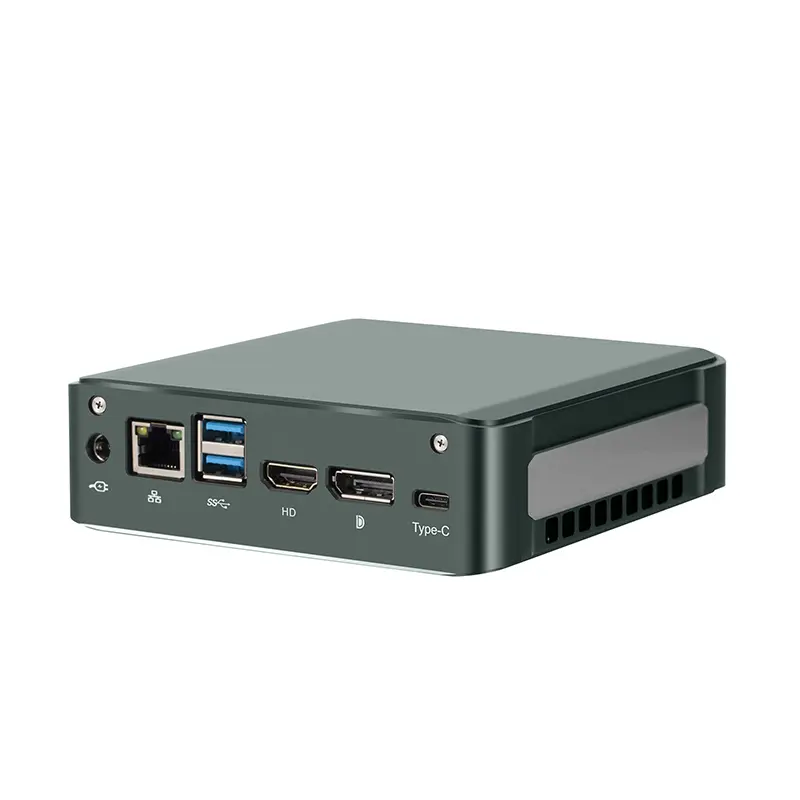 Home Mini Host
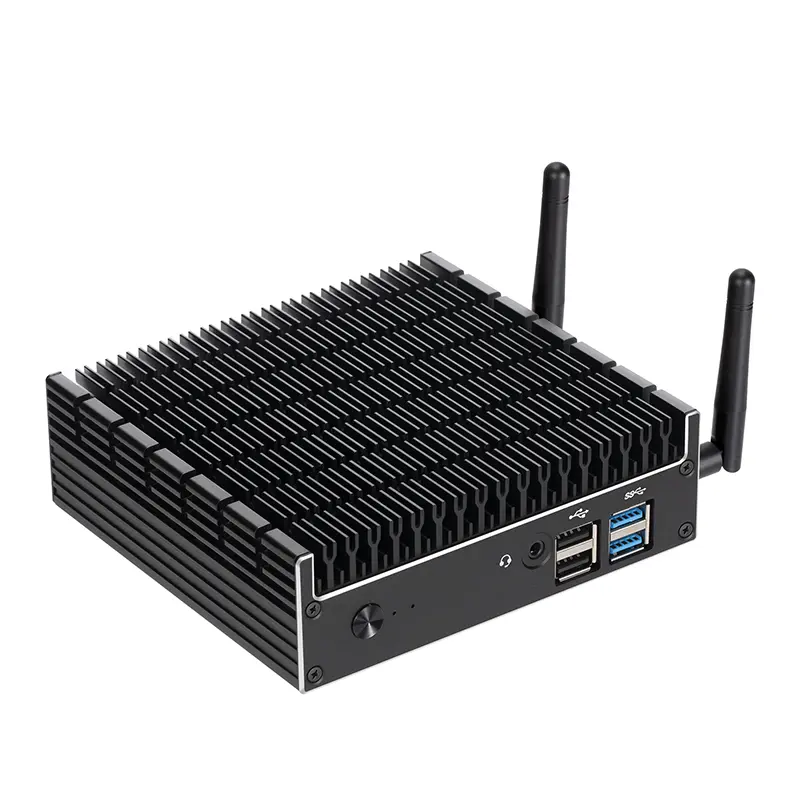 Industrial Micro PC
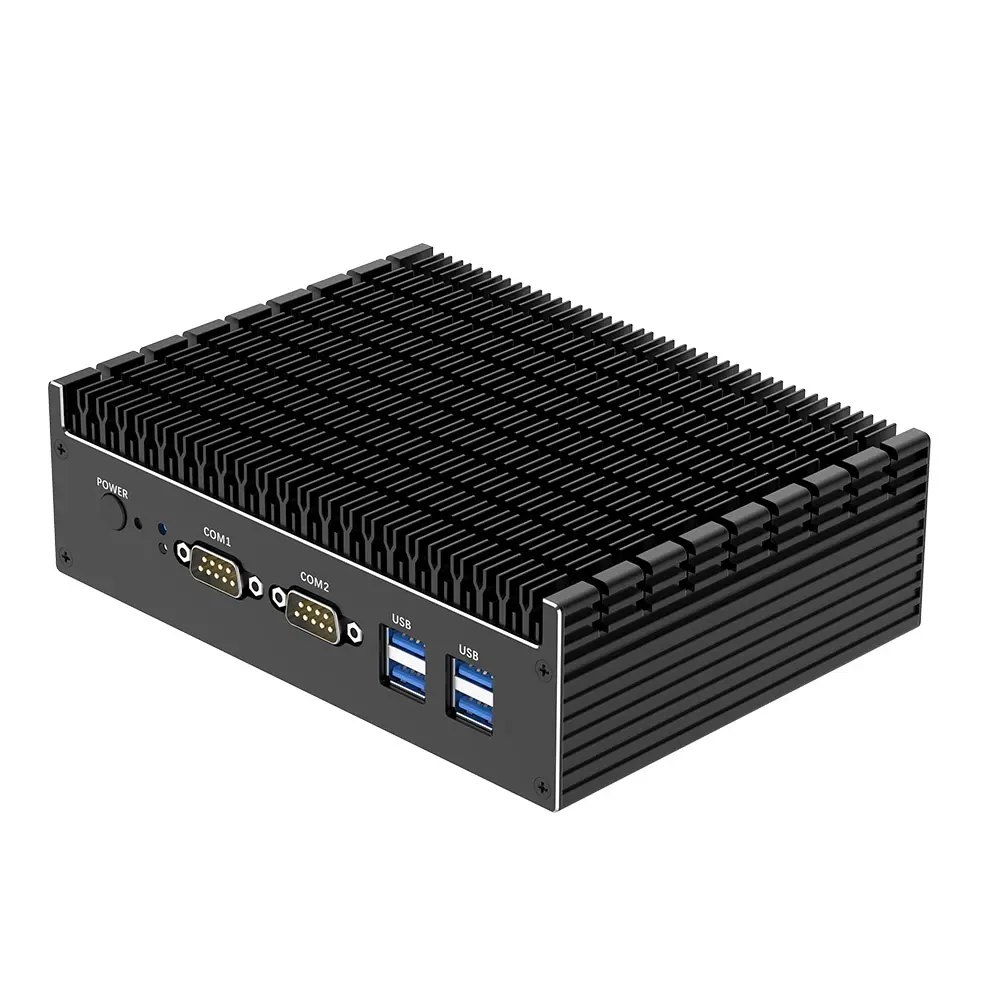 Fanless Industrial Mini PC
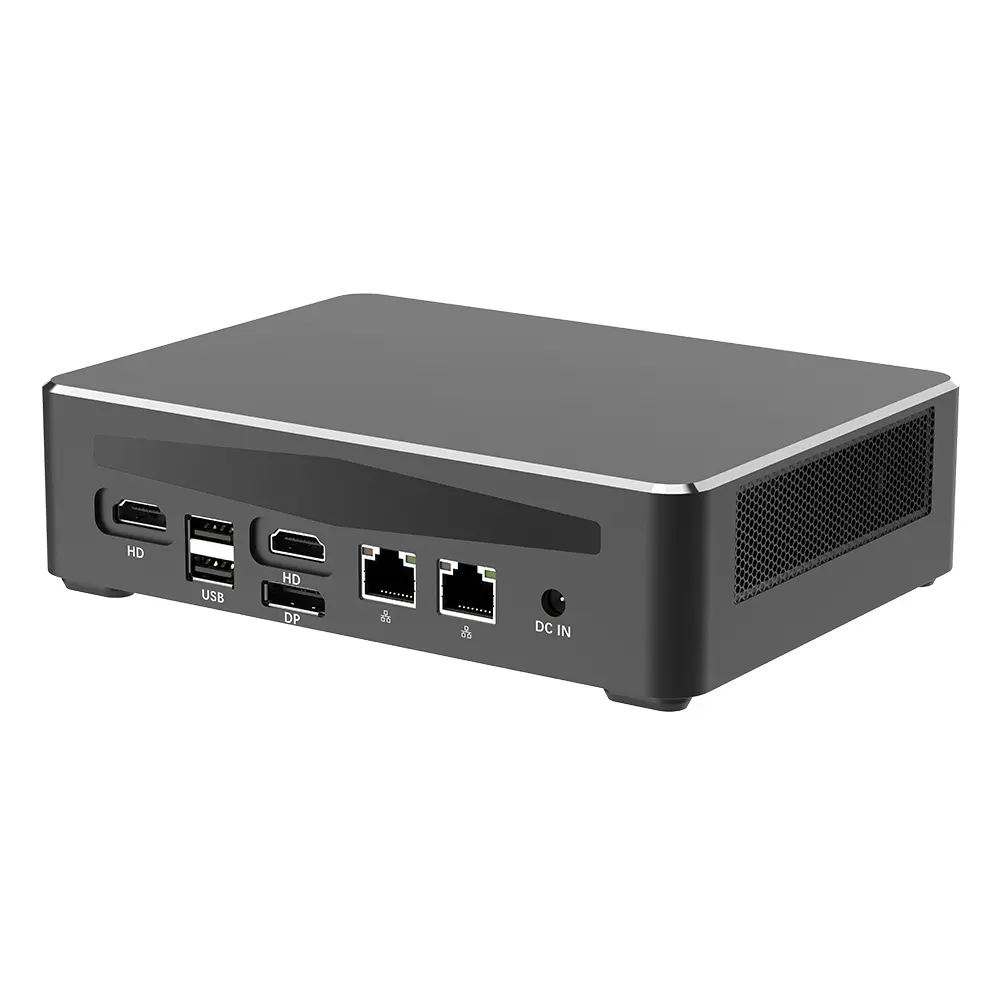 Commercial Mini PC
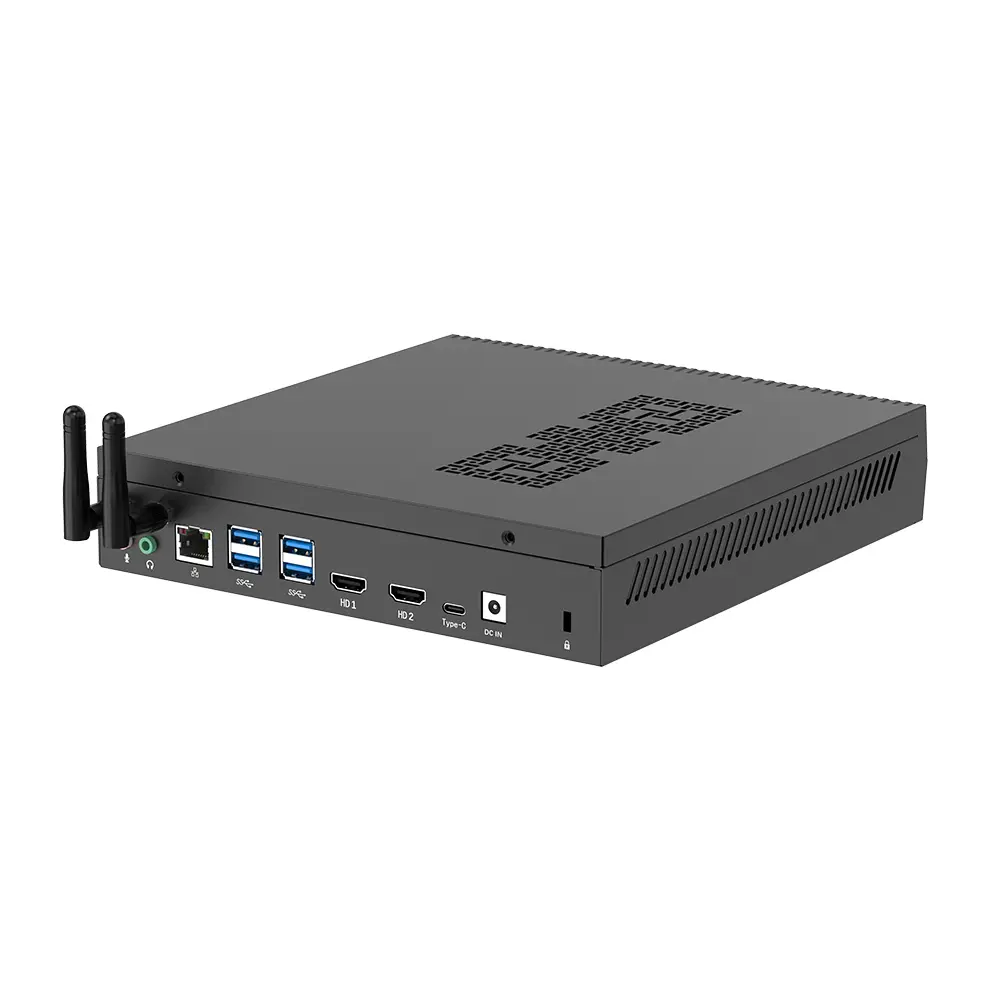 RTX3050TI Game Mini PC
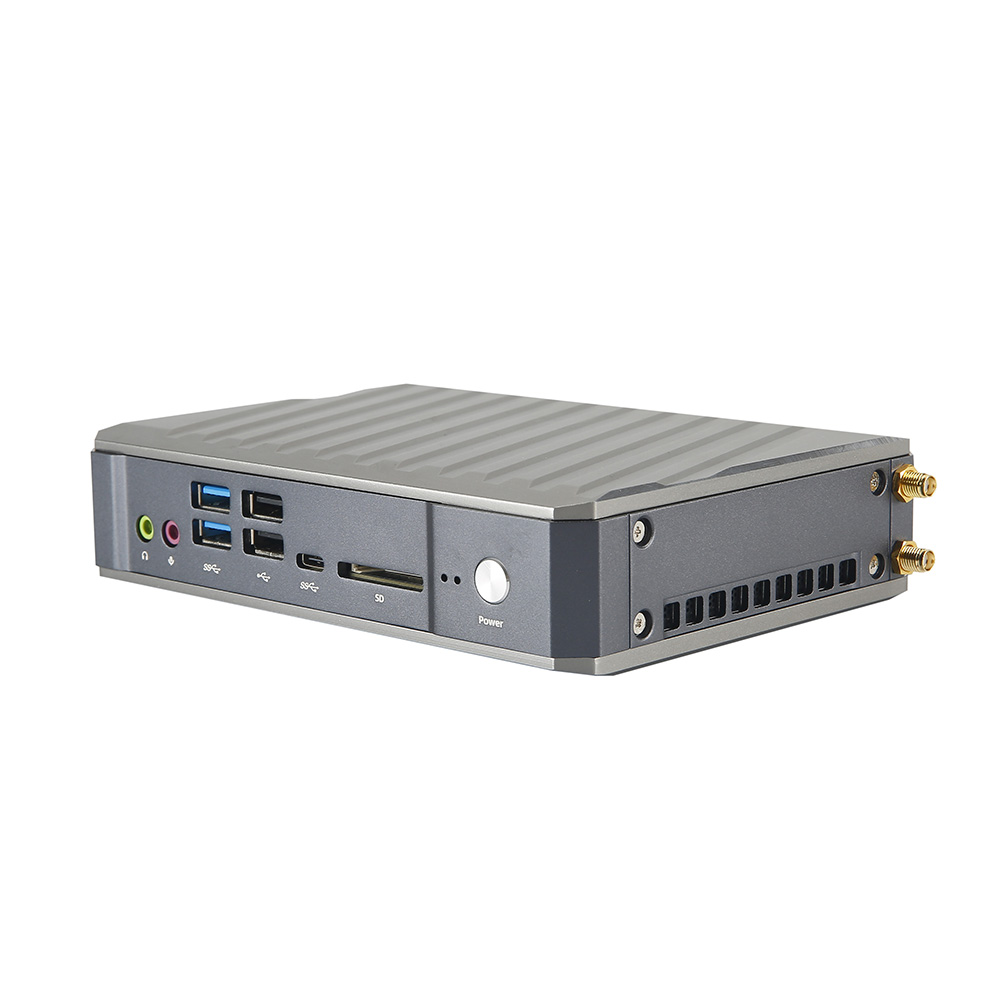 Micro Mini PC
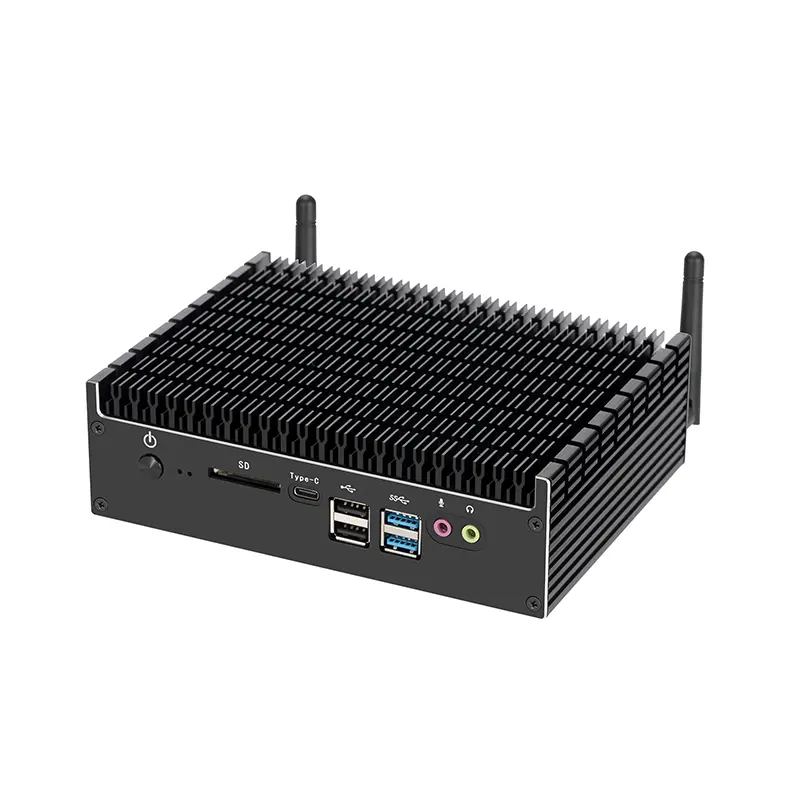 Fanless Mini PC
 High-end Mini PC
 More
More Micro ATX Computer Motherboard