Why Choose a Small Desktop PC for Your Business Needs?
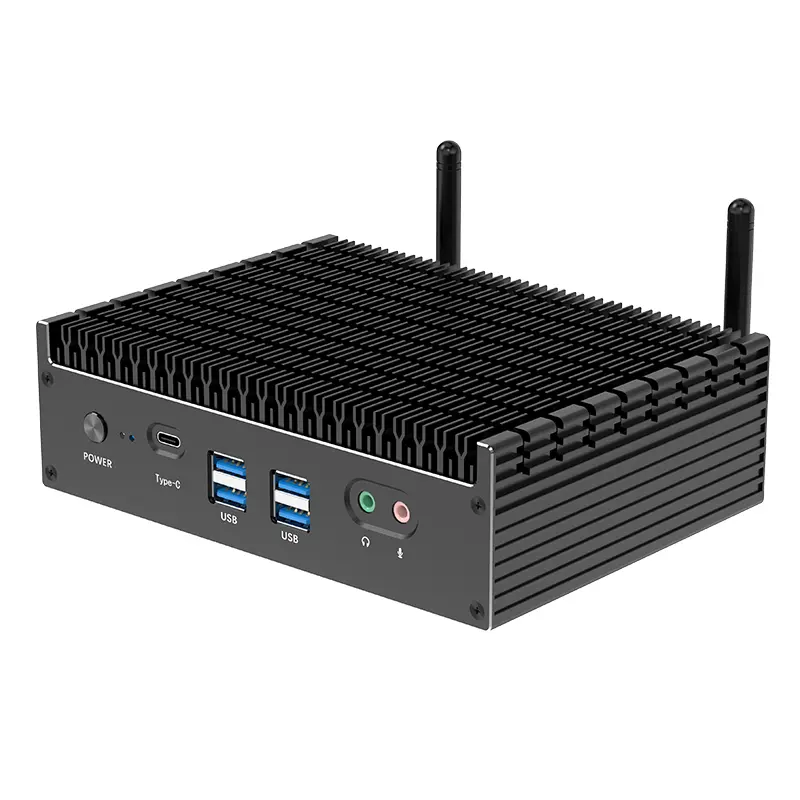
In today's fast-paced business world, choosing the right technology is crucial. Many companies overlook the benefits of a Small Desktop PC. These compact machines pack significant power, offering a reliable solution for a variety of tasks. With limited desk space, a Small Desktop PC can fit seamlessly into any office environment.
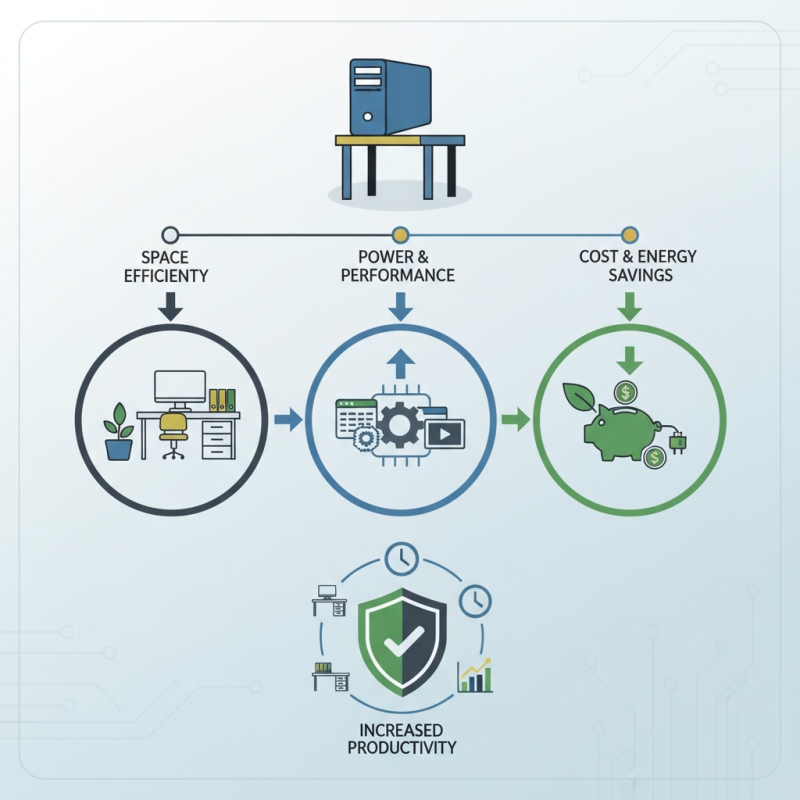
Small Desktop PCs are tailored for efficiency. They consume less power than traditional desktops, which can lower operational costs. Their size does not compromise performance. Many models can handle demanding applications with ease. This balance makes them an appealing choice for businesses.
However, it's essential to reflect on your specific needs. While Small Desktop PCs offer numerous advantages, they may not suit every situation. Assessing your workflow and requirements is necessary. Overall, investing in a Small Desktop PC can enhance productivity and organization in the workplace.
Advantages of Small Desktop PCs for Business Efficiency
Small desktop PCs offer unique advantages that can significantly enhance business efficiency. Their compact size saves valuable desk space, making them a perfect fit for small offices or remote work environments. With a smaller footprint, employees can enjoy a clutter-free workspace that promotes productivity. Many models pack impressive power into their small designs, allowing users to run demanding applications without lag.
These PCs often consume less energy compared to traditional models. Lower energy costs can translate into significant savings over time. The portability of small desktop PCs also provides flexibility. Teams can easily relocate equipment for events or when reconfiguring office layouts. This mobility fosters collaboration and adaptability.
Yet, there are trade-offs. Limited upgrade options may restrict future improvements. Businesses must carefully assess their long-term requirements. Small desktop PCs might not support certain high-end graphic needs. It’s essential to evaluate specific tasks and software demands before making a purchase. Balancing size with performance is crucial for sustained efficiency.
Space-Saving Design: Optimizing Office Environment
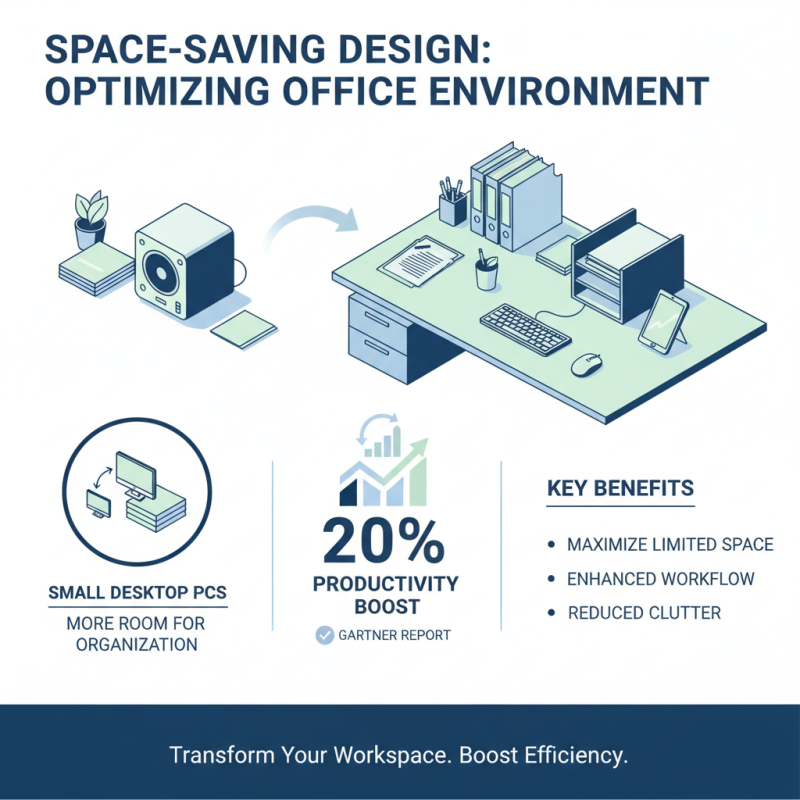
In today's fast-paced business environment, optimizing office space is essential. Small desktop PCs are an excellent choice for maximizing limited work areas. A report by Gartner indicates that businesses can enhance productivity by 20% when workspace efficiency is prioritized. These compact machines take up less desk space, which allows for more room to organize files, reports, and office supplies.
Adopting a space-saving design can lead to a more organized environment. Employees feel less cluttered, which can reduce stress. A study from the International Facility Management Association suggests that organized spaces can improve employee morale by 15%. It's worth noting that not all small PCs offer the same performance. Businesses should carefully evaluate their specific needs to ensure that they are investing in the right technology.
Tips: Consider vertical stands for monitors to clear desk space. Use cable management solutions to avoid tangles. These small changes can lead to a significant boost in productivity. Ultimately, reflection on the workspace setup is crucial. Investing in the right tools is not just about aesthetics; it’s about creating an environment that fosters innovation and efficiency.
Cost-Effectiveness: Balancing Performance and Budget
Choosing a small desktop PC can significantly impact your business’s bottom line. They often bring excellent cost-effectiveness without compromising on performance. Small form-factor PCs typically consume less power, leading to lower electricity costs. This reduction can be crucial for businesses on a tight budget. Moreover, these machines can still handle everyday tasks efficiently. Basic applications run smoothly, providing a reliable experience for users.
Investment in technology is essential for growth. A small desktop PC allows you to allocate funds to other vital areas. You might consider customer service improvements or marketing strategies. However, not all small PCs are created equal. It’s important to assess your specific needs. Over- or under-specifying can lead to wasted resources. Focus on what you truly require.
In terms of reliability, these desktops can be stable workhorses. They are often designed for longevity, offering durable components. Yet, you might find that some models can fall short on upgrade potential. Limited customization options may restrict your future needs as the business evolves. This inconsistency underlines the importance of thorough research before making a decision. Balancing performance and budget truly requires careful thought.
Why Choose a Small Desktop PC for Your Business Needs?
This chart illustrates the cost of different performance tiers of small desktop PCs. Choosing a small desktop PC for your business needs can balance performance and budget effectively, allowing you to select a tier that best matches your operational requirements and financial constraints.
Scalability and Upgrade Options for Growing Businesses
As businesses evolve, so do their needs. Small desktop PCs provide an excellent foundation for scalability. According to a recent study by the International Data Corporation, 70% of small enterprises prioritize systems that can grow with them. These compact machines often come with modular components, allowing businesses to upgrade RAM or storage easily. This flexibility saves time and reduces costs in the long term.
Moreover, the ability to integrate new technologies is crucial. A survey from Gartner indicates that 60% of companies experienced challenges with inflexible systems that hindered growth. Small desktop PCs often have a design philosophy focused on ease of upgrade. For example, many models support adding additional drives, enhancing data capacity without the need for a complete replacement. This adaptability means businesses can pivot swiftly when market demands change.
However, choosing the right configuration can be challenging. Many firms struggle with identifying future needs. This uncertainty can lead to over-investment in high-spec configurations unnecessarily. Continuous monitoring of business growth trajectories can help align these systems efficiently. Regular assessments can highlight which upgrades truly add value, ensuring investment is both strategic and effective.
Why Choose a Small Desktop PC for Your Business Needs? - Scalability and Upgrade Options for Growing Businesses
| Feature |
Description |
Benefits |
| Compact Size |
Small form factor that fits easily in any workspace. |
Maximizes limited office space and enhances organization. |
| Energy Efficiency |
Lower power consumption compared to larger desktops. |
Reduces electricity costs and environmental impact. |
| Upgrade Options |
Easily upgrade components like RAM and storage. |
Allows for improved performance as business needs change. |
| Affordable Pricing |
Generally more cost-effective than traditional desktops. |
Provides an economical solution for startups and small businesses. |
| Connectivity Options |
Multiple ports for easy connection to peripherals. |
Enables seamless integration with existing office equipment. |
Enhanced Portability and Flexibility in Business Operations
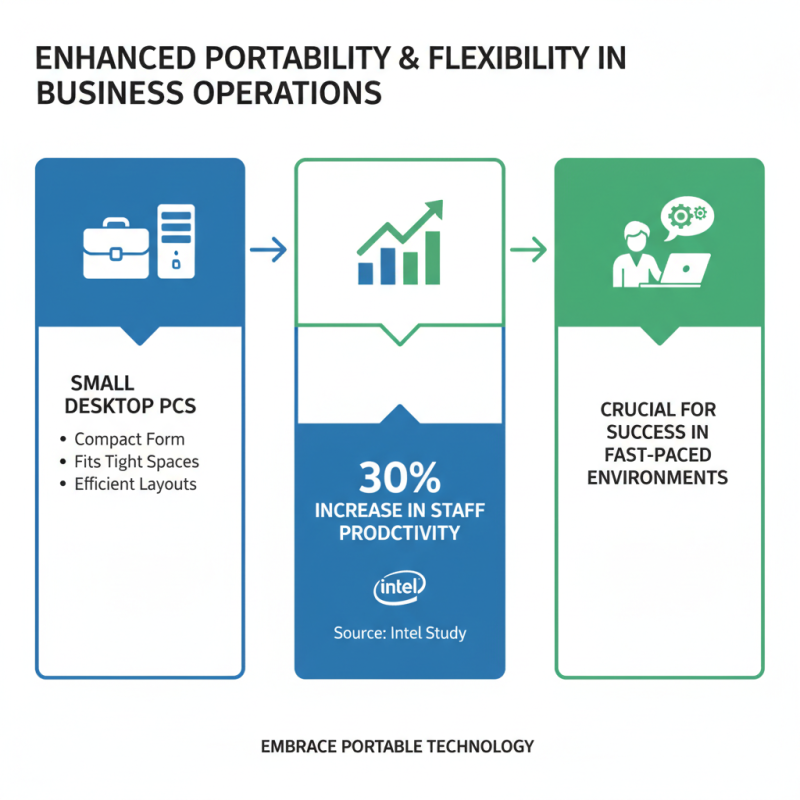
In today's fast-paced business environment, enhanced portability and flexibility are crucial for success. Small desktop PCs offer both advantages in a compact form. According to a recent study by Intel, companies that embrace portable technology see a 30% increase in staff productivity. Small desktop PCs can easily fit into tight spaces, allowing for efficient use of office layouts.
Business operations also benefit from the capability of these devices to be moved and set up quickly. This flexibility is essential, particularly for companies that frequently change their workspace configurations. For instance, a report from IDC indicates that flexible working arrangements can lead to higher employee satisfaction and retention rates. Smaller PCs facilitate spontaneous meetings, coworking in versatile locations, and team collaboration without location constraints.
Each portable setup does face unique challenges. These include potential limitations in performance compared to larger desktops. Some employees may find small screens difficult for multitasking. Furthermore, while their mobility is a strength, it can also lead to issues like theft or loss. Businesses must weigh the benefits against these possible drawbacks, ensuring that their choices align with overall operational goals.

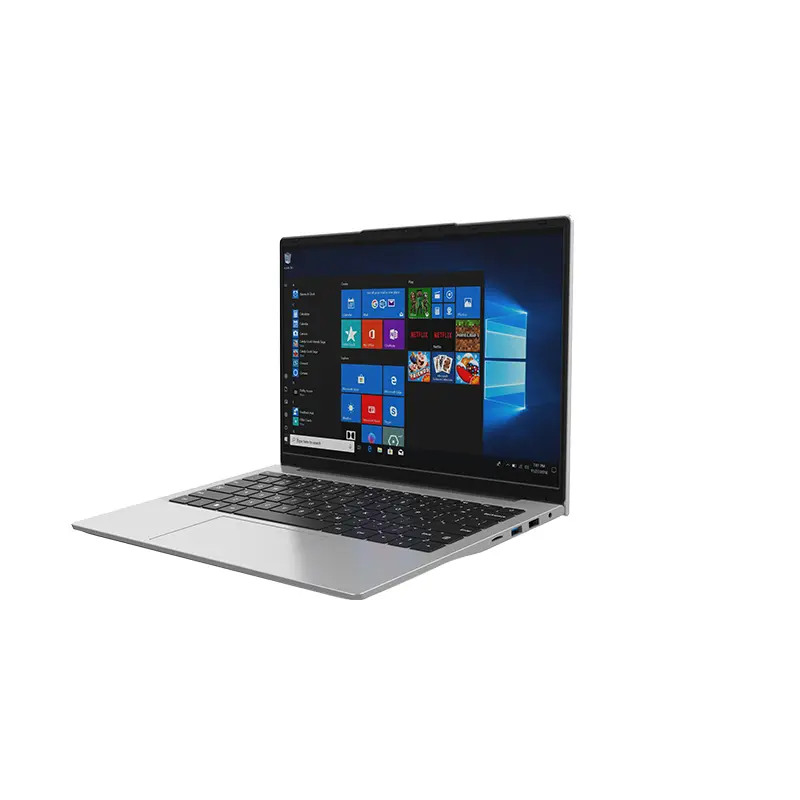 14 Inch Office Notebook
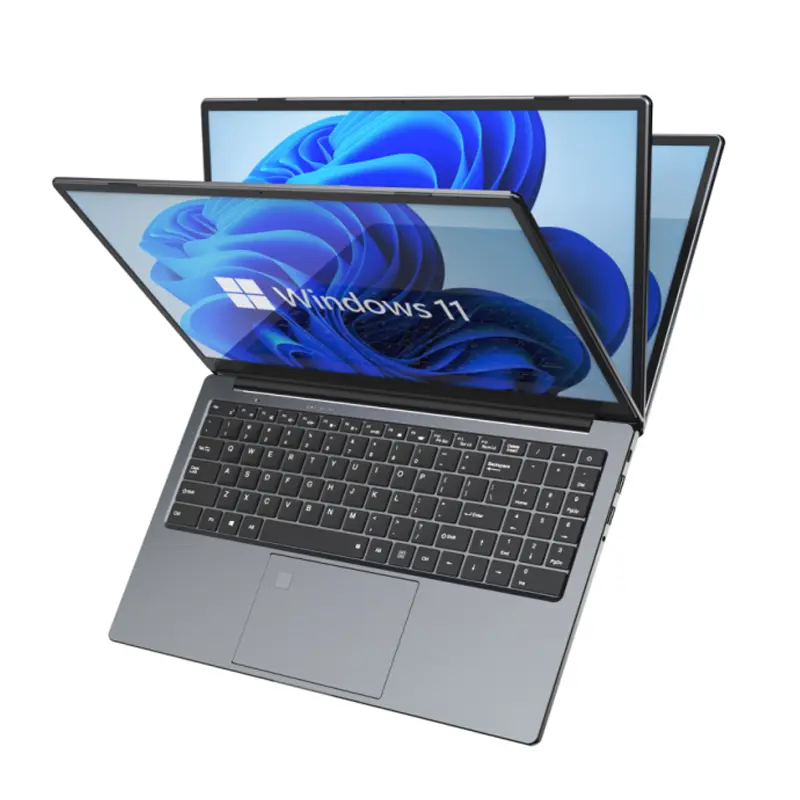
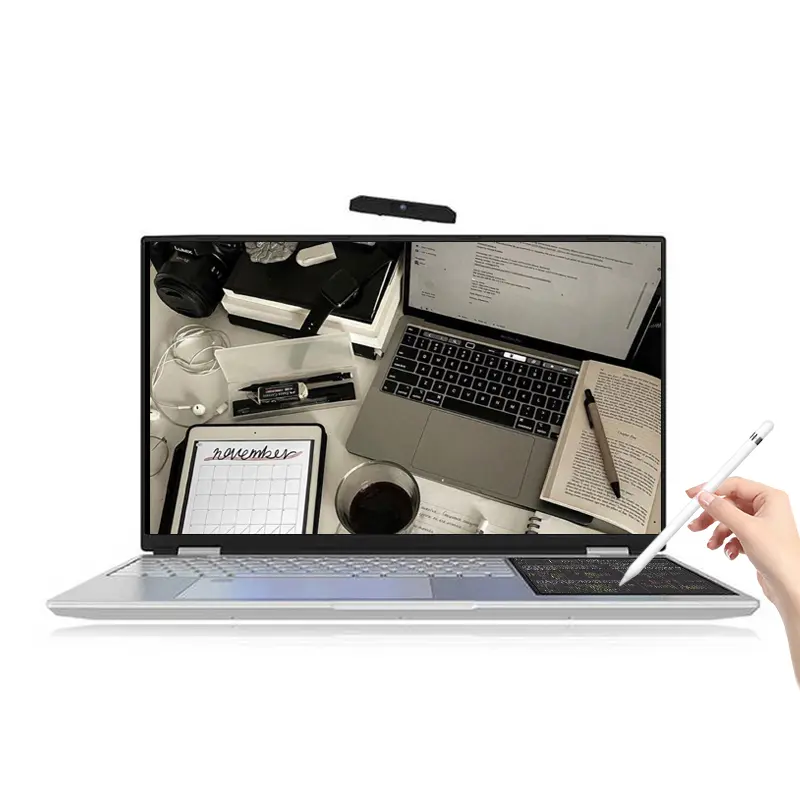 Dual Screen Laptop
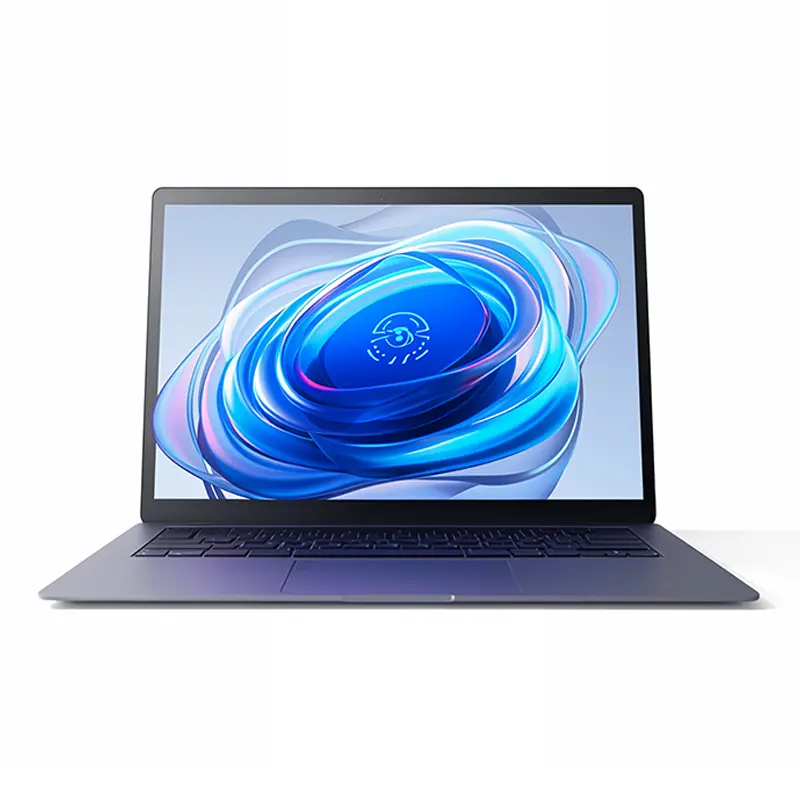
 Fingerprint Business Notebook
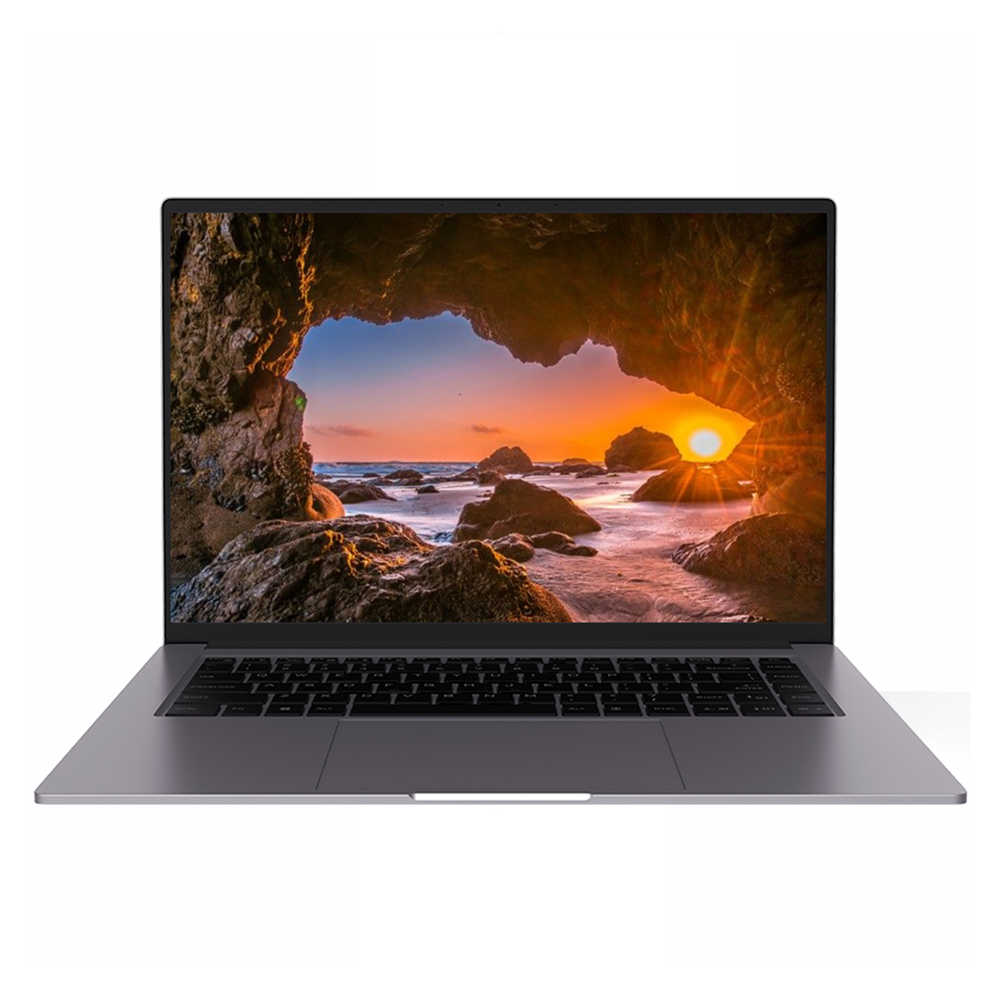
 Big Screen Laptop
 HD Gaming Laptop
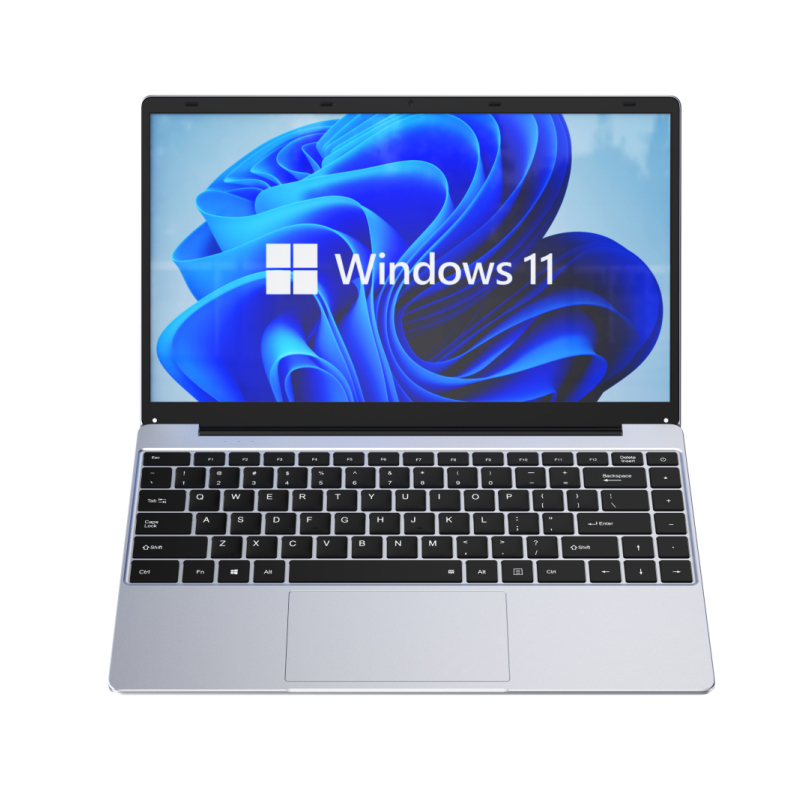 14.1 Inch Student laptops
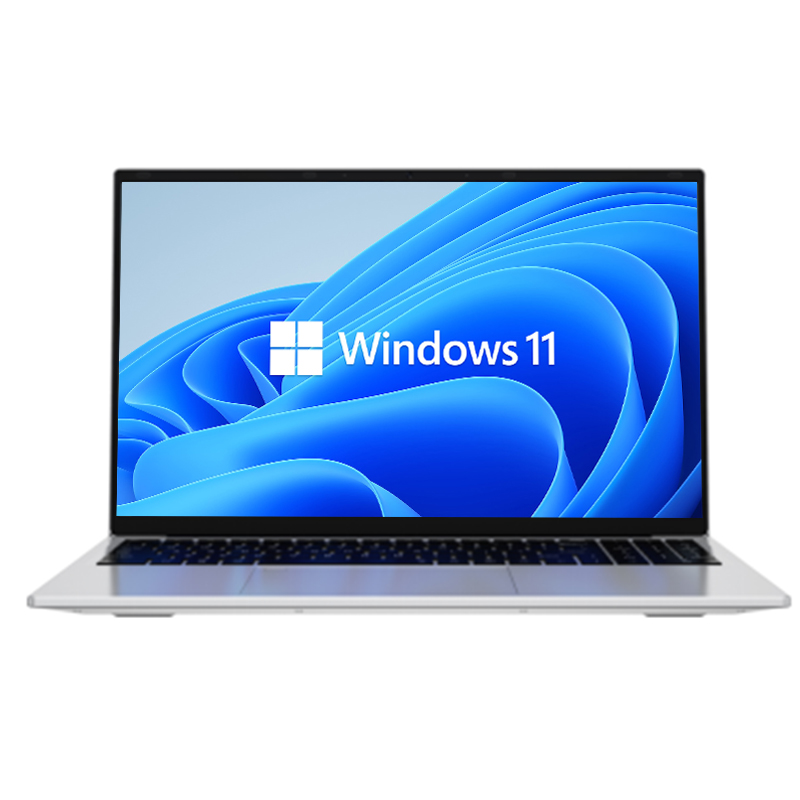 16.1 Inch Office Laptops
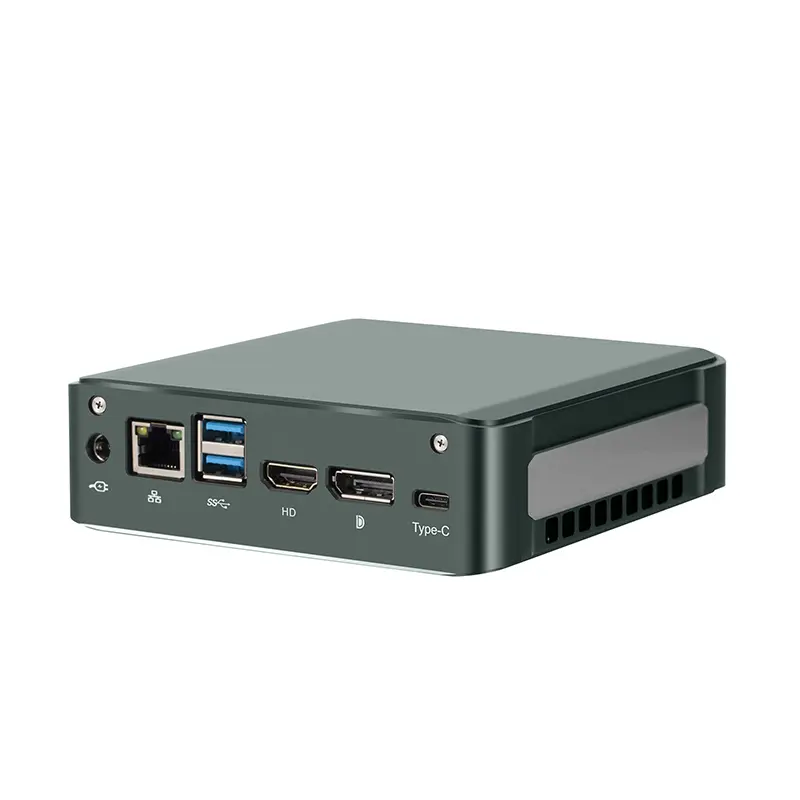 Home Mini Host
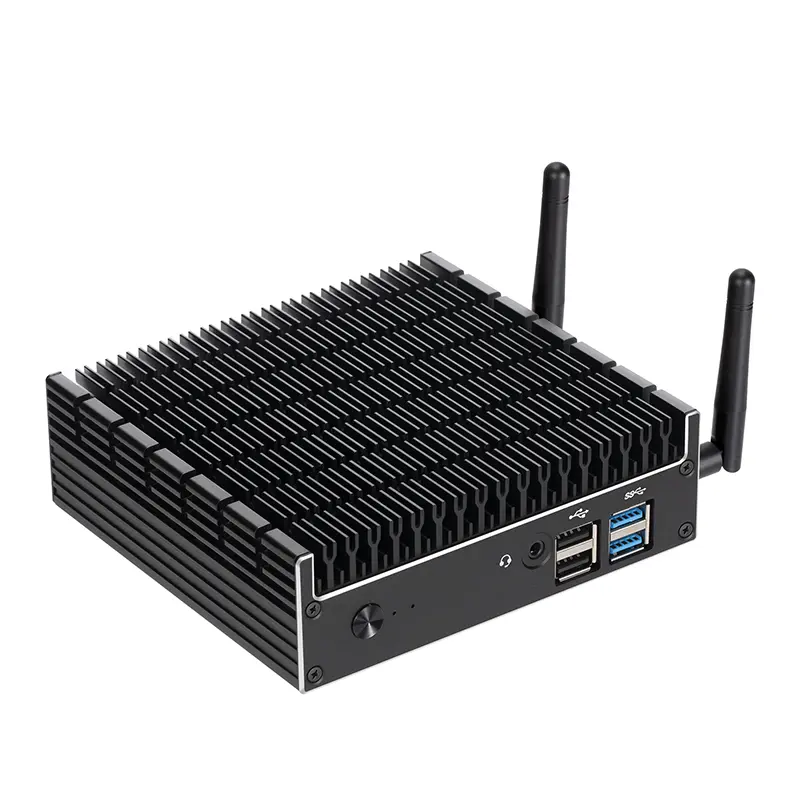 Industrial Micro PC
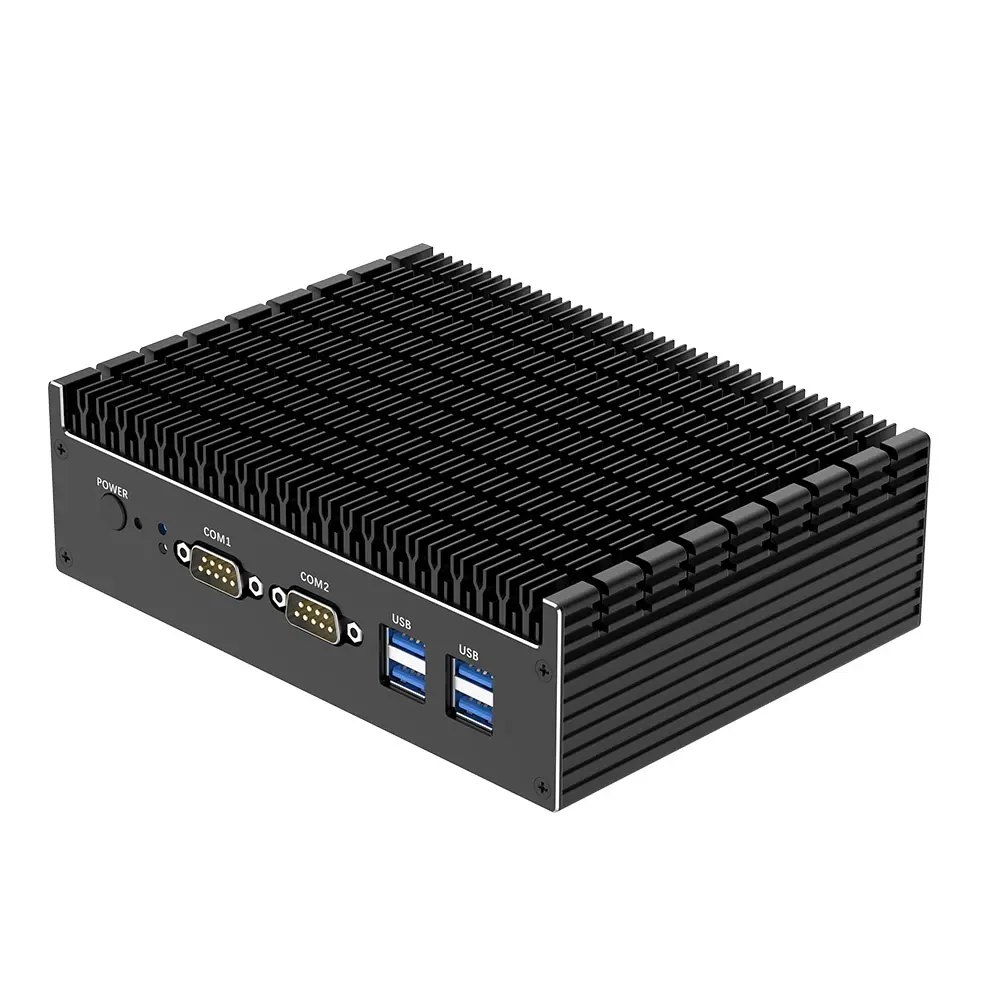 Fanless Industrial Mini PC
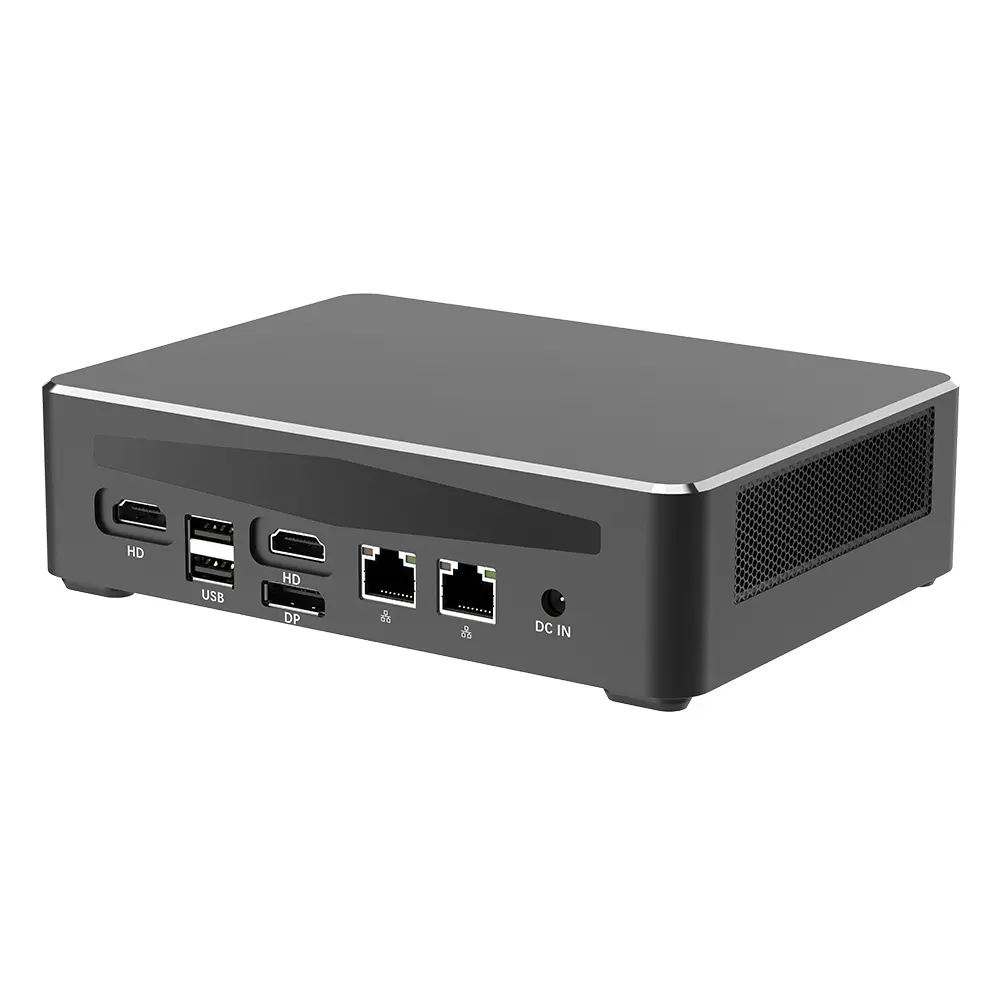 Commercial Mini PC
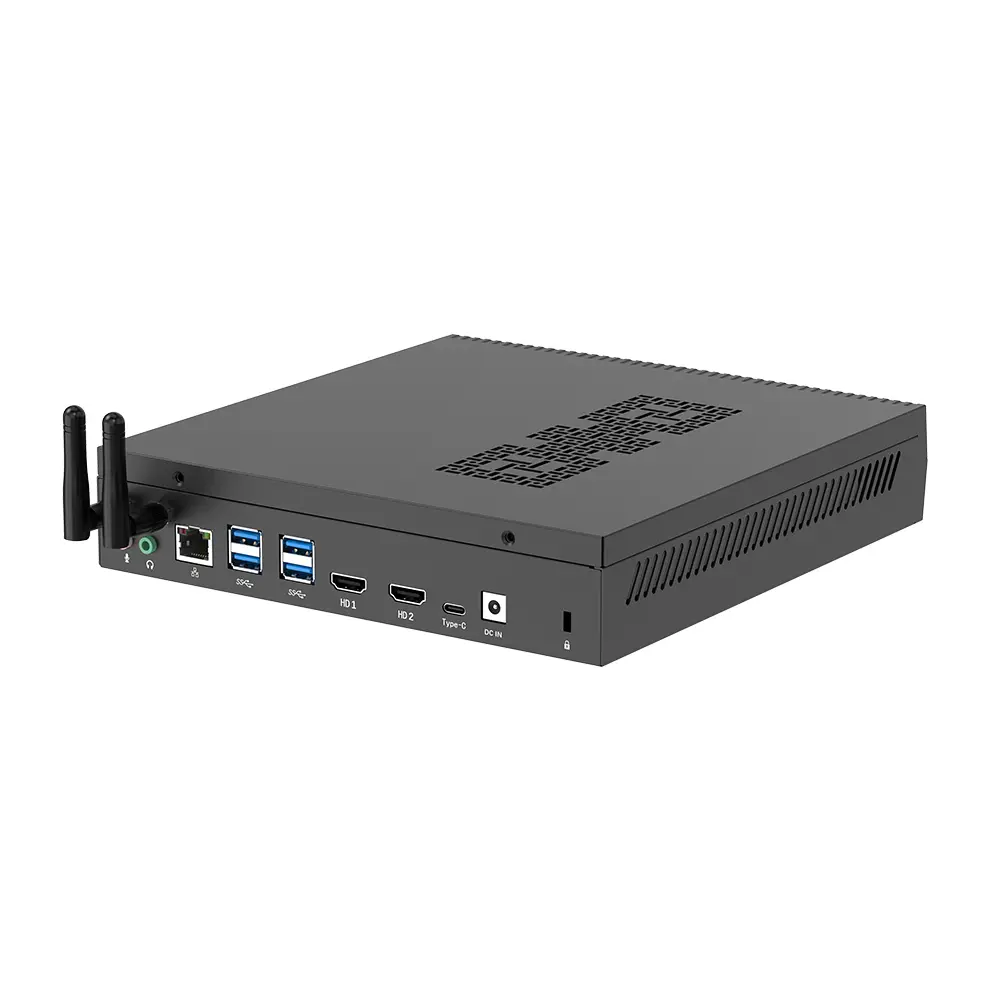 RTX3050TI Game Mini PC
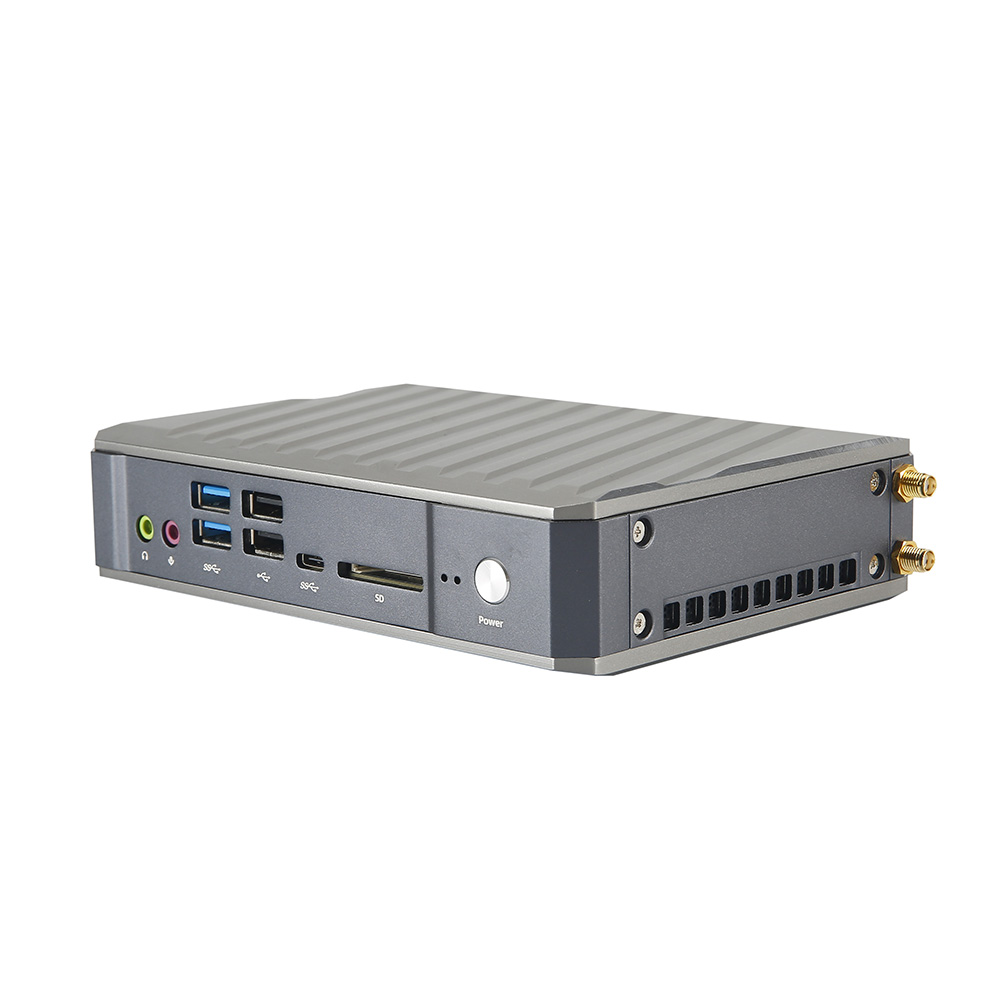 Micro Mini PC
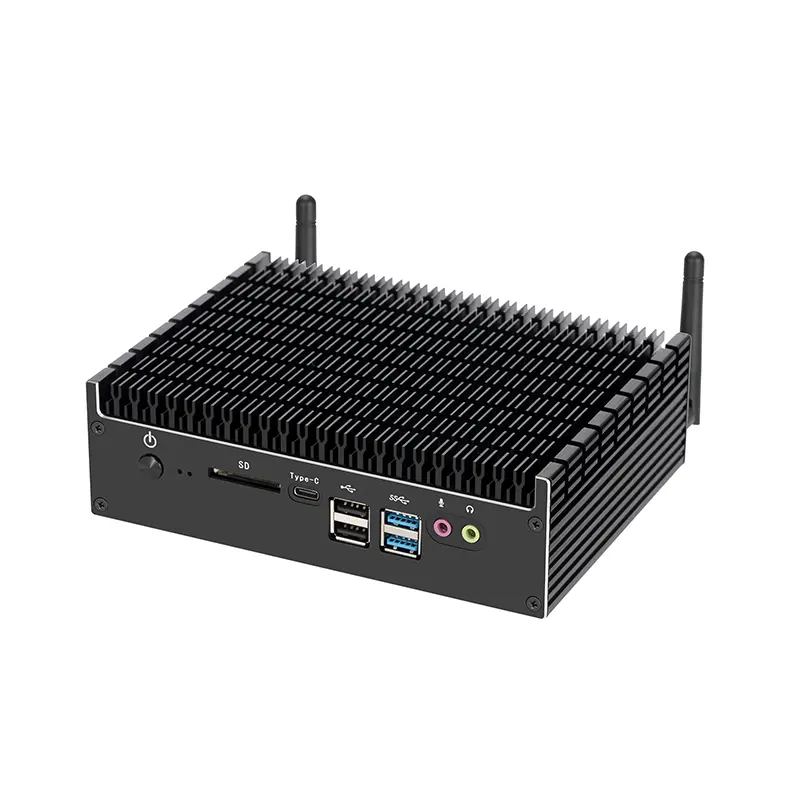 Fanless Mini PC
 High-end Mini PC
 More
More Micro ATX Computer Motherboard