How to Choose the Best Compact Desktop for Your Home Office Setup?
Creating an effective home office requires careful consideration, especially when selecting the right Compact Desktop. A well-chosen desktop will enhance your productivity and improve your workspace aesthetics. With various options available, making the best choice can be daunting.
A Compact Desktop offers functionality without overwhelming your space. These versatile machines are designed to fit seamlessly into smaller areas while still providing robust performance. Their compact nature is both a benefit and a challenge. You may need to sacrifice some features for space-saving design. Think about your specific work needs before deciding.
Consider factors like processing power, storage capacity, and connectivity. Not every Compact Desktop will suit every user. It's important to do thorough research and read reviews. Some desktops may have limitations that aren't immediately obvious. Your ideal choice should balance size, performance, and affordability. With careful thought, your Compact Desktop can become a vital part of an efficient home office.
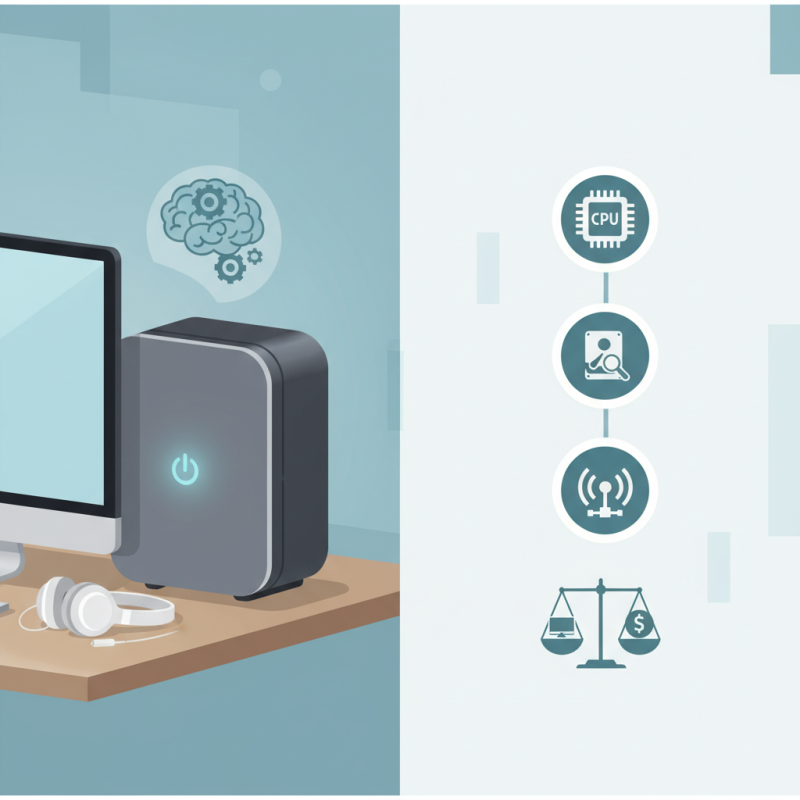
Identifying Your Home Office Space and Needs
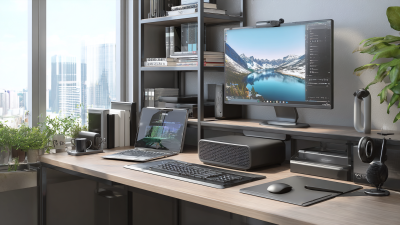
When setting up a home office, it's crucial to assess your space and needs carefully. Start by measuring the area where you plan to work. Is it a spare room, a corner of your living room, or perhaps a small nook? Knowing your available space will help you gauge what size compact desktop will fit.
Consider your working style. Do you need extra room for paperwork or are you mostly digital? Think about your essential tools. A compact desktop should accommodate your computer and peripherals without overcrowding your space. Evaluate lighting and power outlets too. Ensure that you have adequate light and access to power sources for all your devices.
Also, reflect on your long-term needs. Are you planning to scale your office setup? Obvious adjustments may be necessary as your workload changes. Balancing aesthetics with function can be tricky. A cluttered desk impacts focus, yet a minimalist approach may lack practicality. Finding the right balance is essential and may require a few tries.
Evaluating Key Features of Compact Desktop Computers
When choosing a compact desktop for your home office, several key features need careful evaluation. The size of the unit is crucial. It should fit your workspace without cluttering your environment. Look for models that offer a compact design with minimal footprint. However, do not sacrifice performance for size. Check the specifications to ensure the processor and RAM meet your work demands.
Connectivity options are also essential. Ensure your desktop has enough USB ports, HDMI outputs, and wireless capabilities. These features can significantly enhance your productivity. Consider the type of tasks you will perform. If you need graphic-intensive applications, prioritize a model with a dedicated graphics card. That said, some users find built-in options adequate for basic tasks.
Another important factor is storage. Solid-state drives (SSDs) are faster but may be more expensive. HDDs provide ample space but can be slower. Strike a balance between speed and capacity based on your needs. Reflect on your current tasks and future requirements. This will help guide your choice and avoid buyer's remorse later on.
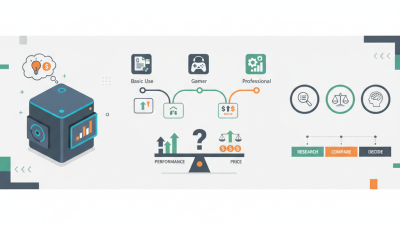
Comparing Performance Specifications for Your Tasks
When choosing a compact desktop for your home office, performance specifications are crucial. A recent report from TechRadar indicates that CPU performance significantly impacts multitasking capabilities. Opt for at least a quad-core processor for smoother performance, especially if you run demanding applications. RAM is equally important; 16GB is recommended for typical office tasks, while graphics-intensive work may require more.
Tips: Always check benchmark scores for processors. Websites like PassMark provide comprehensive data. Aim for a system where the CPU offers at least 10,000 on the benchmark scale.
Storage type matters too. Solid State Drives (SSDs) can dramatically improve load times. According to a report from PCMag, SSDs are 5-10 times faster than traditional hard drives. This speed boosts productivity, reducing waiting time.
Be mindful of thermal management. Compact desktops often struggle with heat dissipation. If the unit runs too hot, performance may degrade. Regular cleaning and ensuring adequate airflow can mitigate this issue. Always research thermal performance before purchase.
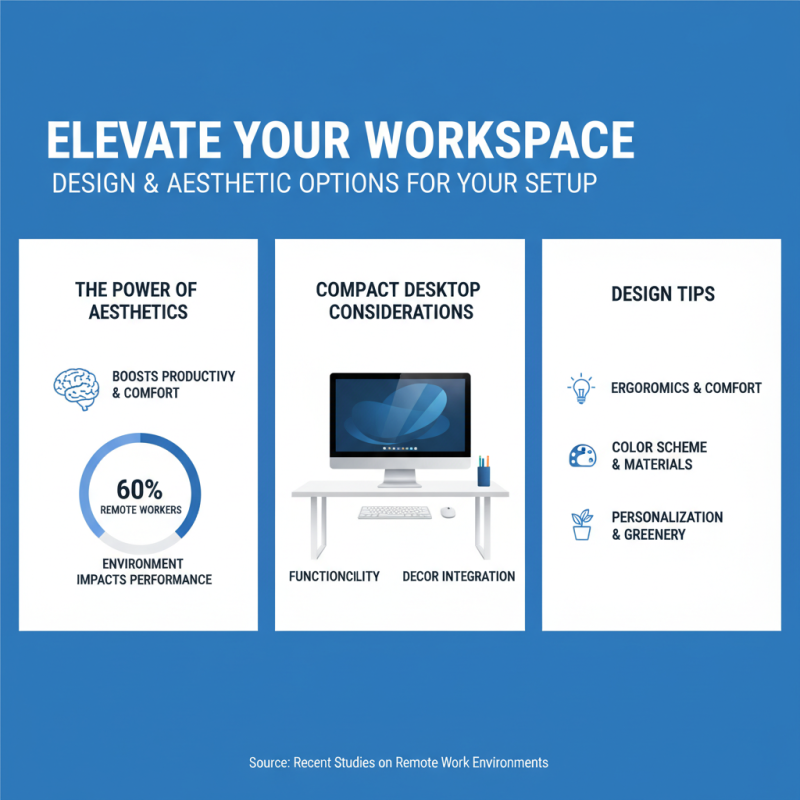
Exploring Design and Aesthetic Options for Your Setup
When setting up a home office, aesthetics matter. A well-designed workspace can boost productivity and comfort. Recent studies show that 60% of remote workers feel their environment affects their performance. Choosing a compact desktop means considering not just functionality but also how it fits into your overall decor.
Color and form play significant roles. A sleek, modern design may offer a refreshing touch. Users have reported that bright colors can enhance creativity. On the other hand, minimalistic designs lead to fewer distractions. Materials like wood or metal can create a warm or industrial vibe, respectively. It’s essential to consider how your desktop complements existing furniture and lighting.
Many users overlook cable management in aesthetics. An organized space is visually appealing. Hidden cables contribute to a clean look. Reports indicate that clutter can reduce focus by up to 40%. In a compact space, every detail counts. Sometimes, less is more. Your desktop should not only serve your work needs but also harmonize with your personal style.
Budget Considerations and Long-term Value Analysis
When choosing a compact desktop for your home office, budget is essential. According to a report from IDC, approximately 40% of remote workers prioritize affordability when selecting technology. This figure emphasizes the need for careful financial planning. Not all desktops with a lower upfront cost offer the best long-term value. A cheaper model may lead to frequent replacements, ultimately costing more.
Consider longevity alongside the initial price. A study by Gartner indicates that investing in devices with a longer lifespan can reduce total costs by up to 30% over three years. Desktops with solid build quality and dependable performance tend to last longer. Users should expect certain trade-offs. A robust system might require a higher initial investment but brings better reliability and lower repair needs over time.
Research shows that professionals often underestimate ongoing expenses. Maintenance, upgrades, and energy consumption form a significant part of the budget. Choosing an efficient model can save on electricity bills. For example, ENERGY STAR-rated devices can save users hundreds over several years. Balancing upfront costs with long-term expenses addresses some common pitfalls in desktop selection. Decisions should reflect both immediate needs and future goals.
How to Choose the Best Compact Desktop for Your Home Office Setup?
| Model |
Processor |
RAM |
Storage |
Price |
Long-term Value Rating |
| Compact Desktop A |
Intel i5 |
16 GB |
512 GB SSD |
$799 |
4.5/5 |
| Compact Desktop B |
AMD Ryzen 5 |
8 GB |
1 TB HDD |
$699 |
4.0/5 |
| Compact Desktop C |
Intel i7 |
32 GB |
1 TB SSD |
$1099 |
4.7/5 |
| Compact Desktop D |
Intel i3 |
8 GB |
256 GB SSD |
$499 |
3.5/5 |
| Compact Desktop E |
AMD Athlon |
4 GB |
128 GB SSD |
$399 |
3.0/5 |

 14 Inch Office Notebook
 Dual Screen Laptop
 Fingerprint Business Notebook
 Big Screen Laptop
 HD Gaming Laptop
 14.1 Inch Student laptops
 16.1 Inch Office Laptops
 Home Mini Host
 Industrial Micro PC
 Fanless Industrial Mini PC
 Commercial Mini PC
 RTX3050TI Game Mini PC
 Micro Mini PC
 Fanless Mini PC
 High-end Mini PC
 More
More Micro ATX Computer Motherboard