How to Choose the Best Miniature PC for Your Needs?
When selecting the right Miniature PC, many factors come into play. These small computers pack a surprising punch in terms of performance. Yet, their compact size can be daunting. It’s crucial to identify your specific needs before diving into options.
Different users have unique requirements for a Miniature PC. Gamers may seek powerful graphics capabilities, while professionals require strong processing power. Ports and connectivity options are equally essential. For instance, a good selection of USB ports allows for various peripherals. Make sure to consider the available RAM and storage as well.
However, not all Miniature PCs are created equal. Some models may have limitations in upgradeability or thermal management. It’s essential to research reviews and user experiences. Reflecting on what each model offers helps make an informed decision. Balancing performance, size, and cost is key to finding the Miniature PC that best suits your needs.
Understanding Your Needs: Assessing Usage Scenarios for a Miniature PC
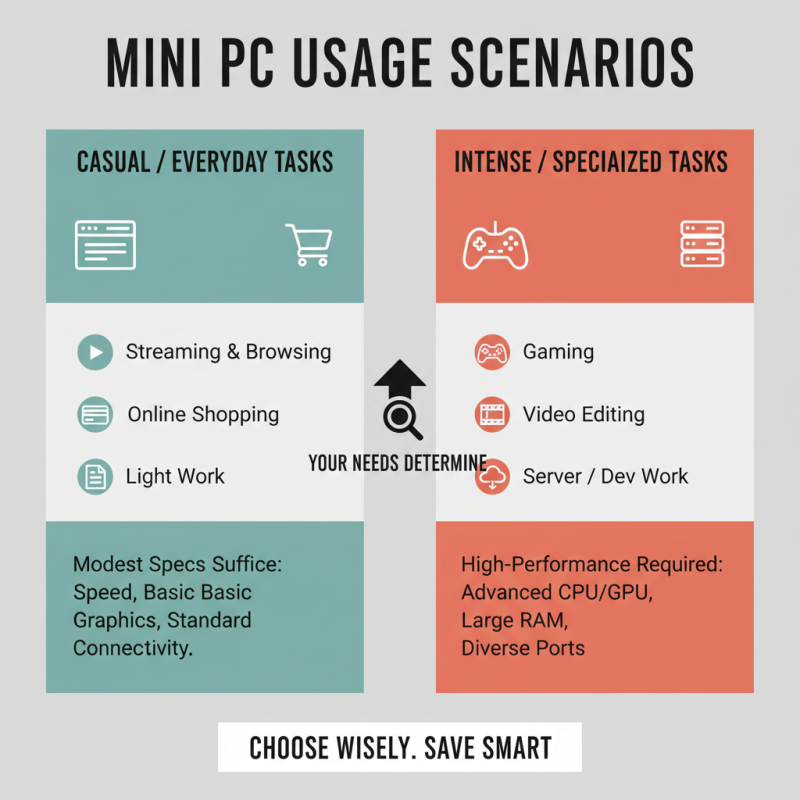
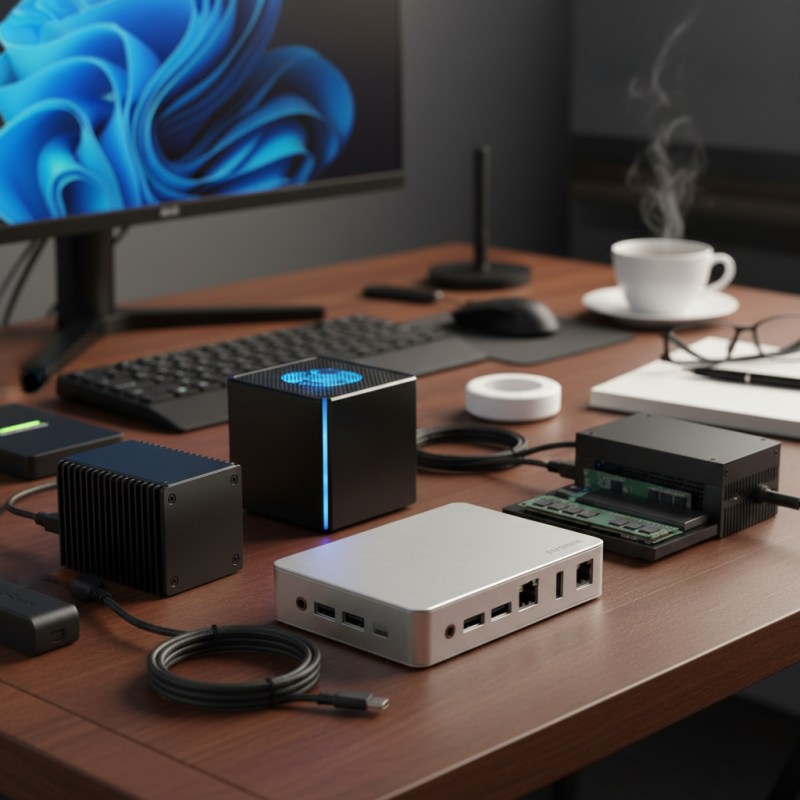
When choosing a miniature PC, understanding your usage scenarios is essential. Are you looking for a device for casual browsing or intense gaming? Identifying your specific needs can help narrow down your options significantly. For everyday tasks like streaming and online shopping, a device with modest specs might suffice. Consider factors such as speed, graphics quality, and connectivity options.
If you plan to use software for graphic design or video editing, you'll need a more powerful machine. Think about whether portability is crucial. Some miniature PCs are designed to be easily transported, while others focus on performance over mobility. The ideal choice should align with your priorities, whether that be size, power, or both.
Reflecting on your requirements is vital. Perhaps you initially thought you needed a high-end device but realized a mid-range one would do. It's okay to reevaluate your needs, as technology frequently evolves. Don't hesitate to ask for advice or research to make an informed decision. Your circumstances may change, so consider potential future needs as well.
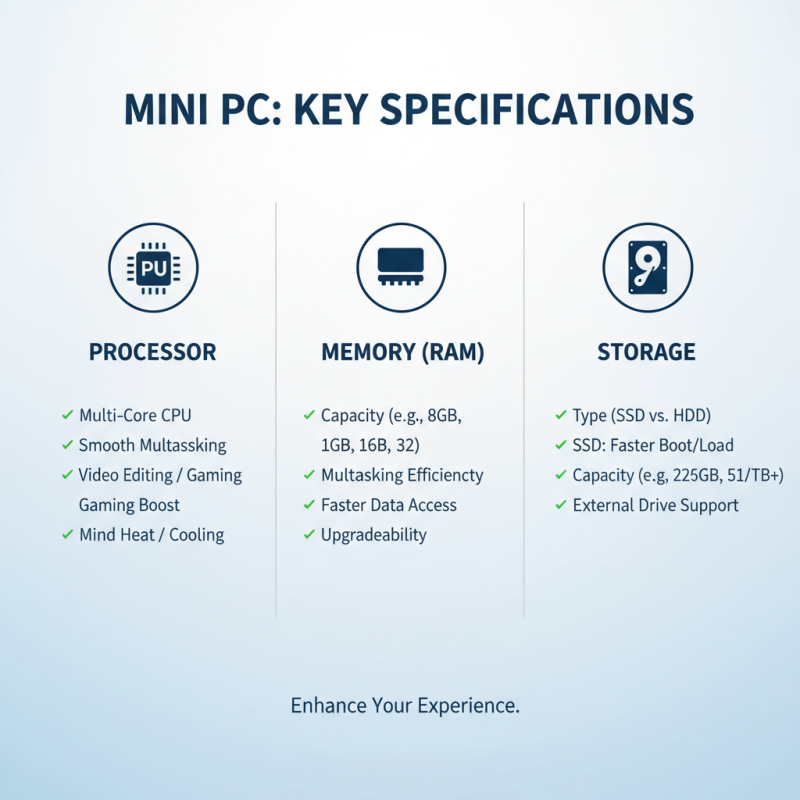
Key Specifications to Consider: Processor, Memory, and Storage Options
When selecting a miniature PC, focusing on key specifications can greatly enhance your experience. The processor is crucial. A powerful processor ensures smooth performance. Look for multi-core options that can handle multitasking. Video editing or gaming will greatly benefit from a capable CPU. However, be mindful of heat generation. A processor that runs too hot may require better cooling solutions.
Memory is another important consideration. Aim for at least 8GB of RAM for general tasks. If you plan to run multiple applications simultaneously, consider 16GB or more. This prevents lag and enhances workflow. However, remember that too much memory can be wasted on simple tasks. It's essential to match your memory needs to your usage.
Storage options can vary widely. Solid State Drives (SSDs) provide speed and performance. They boot up quickly, saving valuable time. On the other hand, Hard Disk Drives (HDDs) offer more space at a lower cost. Balancing speed and capacity is key. Reflect on how much data you truly need to store. This will help you make the best choice.
Connectivity Matters: Essential Ports and Wireless Capabilities
When selecting a miniature PC,
connectivity features play a crucial role. Essential ports like
USB, HDMI, and
Ethernet are fundamental. However, not all devices offer
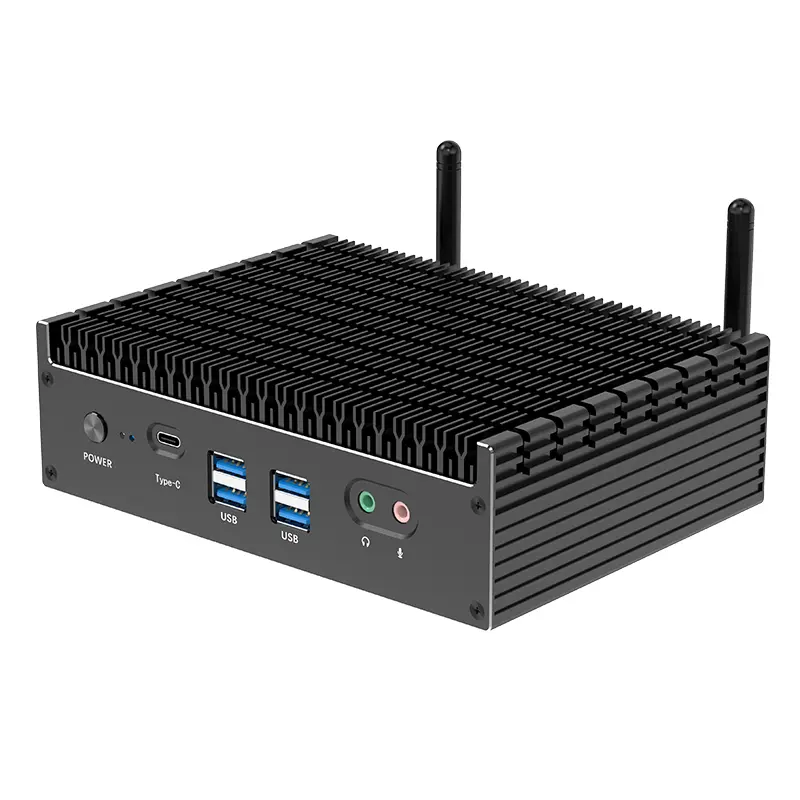
the same variety. Look for a model with multiple USB ports. This ensures you can
connect key peripherals like keyboards, mice, and external drives simultaneously.
HDMI ports should also support the latest standards. This guarantees
high-definition video output for your monitor or TV.
Wireless capabilities are just as important. A strong
Wi-Fi connection enhances the overall experience.
Some devices offer dual-band Wi-Fi, improving speed and reliability.
Consider Bluetooth support too. It allows you to link
to various wireless devices like headphones and printers. However, check user
reviews. Some models have limited wireless performance, which might not meet
your needs.
Think about future-proofing as well.
Technology evolves rapidly. Investing in a miniature PC with advanced connectivity options
can save you from obsolescence. Look for multiple display outputs if you plan to
expand your setup. Can your chosen device adapt to your future requirements?
Do some models restrict your expansion? Researching these aspects will help you choose
wisely.
Size and Design: Factors Influencing Portability and Aesthetics
When choosing a miniature PC, size and design play crucial roles. A smaller PC offers better portability. Many users seek lightweight designs that easily fit in backpacks or on small desks. According to a recent industry report, 60% of professionals prioritize compactness in their tech selections. Streamlined designs often enhance the aesthetic appeal. However, smaller devices may compromise performance, leading to potential frustration.
The materials used in these PCs also affect their overall weight and look. Aluminum can provide a sleek finish but may increase costs. In contrast, plastic casings are lighter but can feel less durable. This balance between design and functionality is essential. Some users report dissatisfaction with aesthetic choices that don’t hold up over time. Users should also consider thermal management; compact sizes can lead to overheating issues in some models.
Ultimately, the perfect balance between portability and performance remains elusive. Users must reflect on their priorities. If the design sacrifices too much function, it might not be a viable long-term investment. It’s critical to choose a miniature PC that fits personal needs while maintaining quality. The ongoing evolution in technology indicates that ideal options will continue to emerge, making the choice even more challenging.
How to Choose the Best Miniature PC for Your Needs? - Size and Design: Factors Influencing Portability and Aesthetics
| Dimension / Feature |
Compact Size (cm) |
Weight (kg) |
Design Style |
Portability Rating (1-10) |
| Model A |
15 x 10 x 5 |
1.2 |
Sleek |
9 |
| Model B |
20 x 15 x 8 |
1.5 |
Boxy |
7 |
| Model C |
18 x 12 x 6 |
1.1 |
Round Edges |
8 |
| Model D |
22 x 15 x 7 |
1.8 |
Minimalist |
6 |
| Model E |
14 x 9 x 4 |
0.8 |
Ultra-Compact |
10 |
Budget Considerations: Finding Value in the Miniature PC Market
When considering a miniature PC, budget is often a crucial factor. Many options are available, but the key is to find one that suits your specific needs without breaking the bank. Start by determining what tasks you need the PC for. Whether for basic browsing, gaming, or content creation, your requirements will influence your budget.
Look for essential features like processing power, storage capacity, and RAM. Lower-priced models may lack some capabilities, making them less suitable for demanding tasks. However, they can be sufficient for simple uses like web surfing and streaming. Evaluate performance benchmarks from various sources. This will provide insight into a model’s reliability and efficiency.
Don't overlook the cost of additional peripherals. Monitor, keyboard, and mouse expenses can add up quickly. Setting a clear budget, including these extras, can help you make a more informed decision. Remember, it's not just about finding the cheapest option but about getting the best value for your needs. Be prepared to compromise on certain features to fit your budget while still achieving a satisfactory performance level.

 14 Inch Office Notebook
 Dual Screen Laptop
 Fingerprint Business Notebook
 Big Screen Laptop
 HD Gaming Laptop
 14.1 Inch Student laptops
 16.1 Inch Office Laptops
 Home Mini Host
 Industrial Micro PC
 Fanless Industrial Mini PC
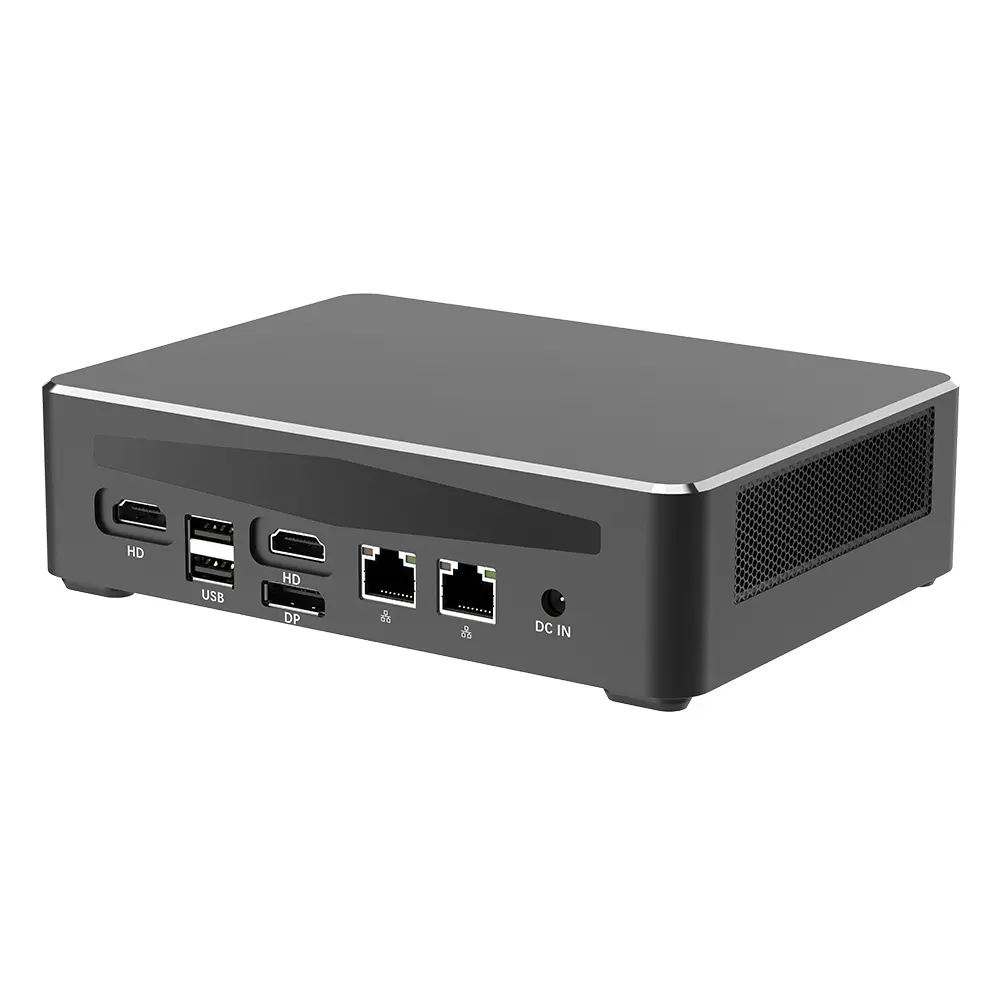 Commercial Mini PC
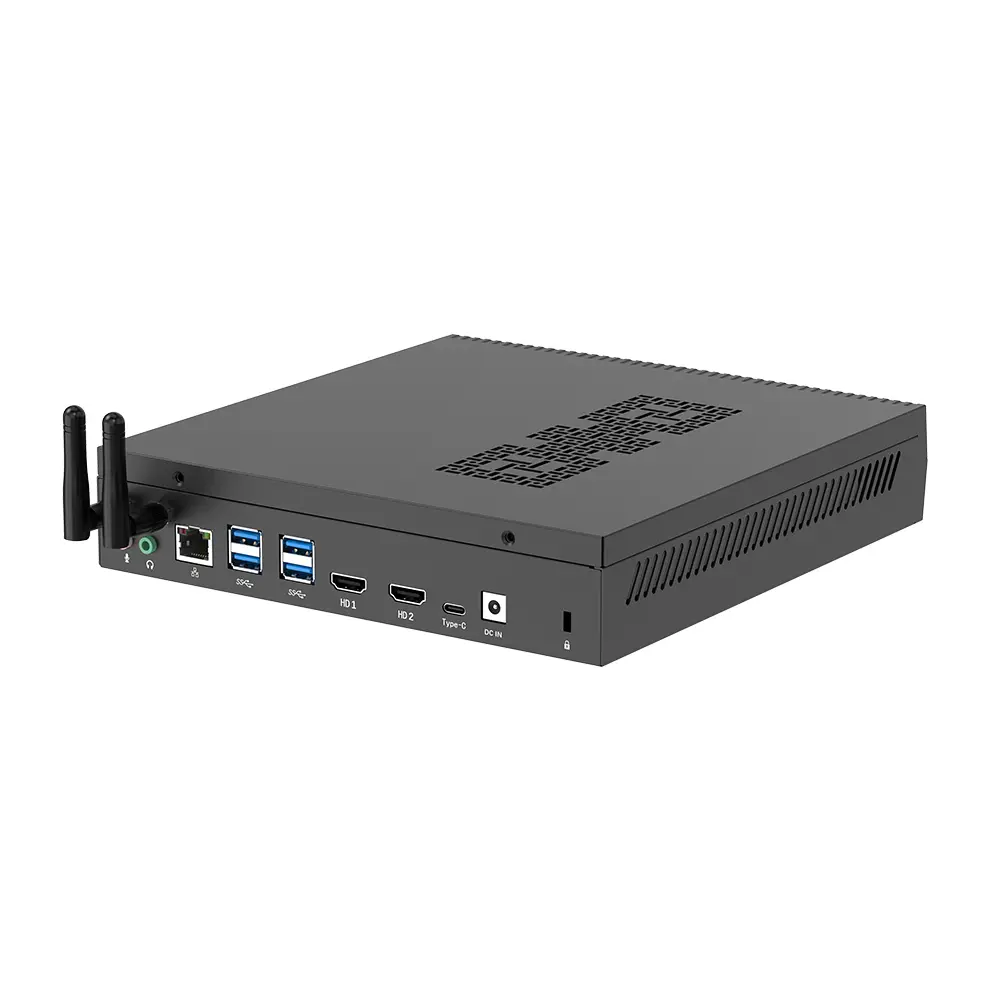 RTX3050TI Game Mini PC
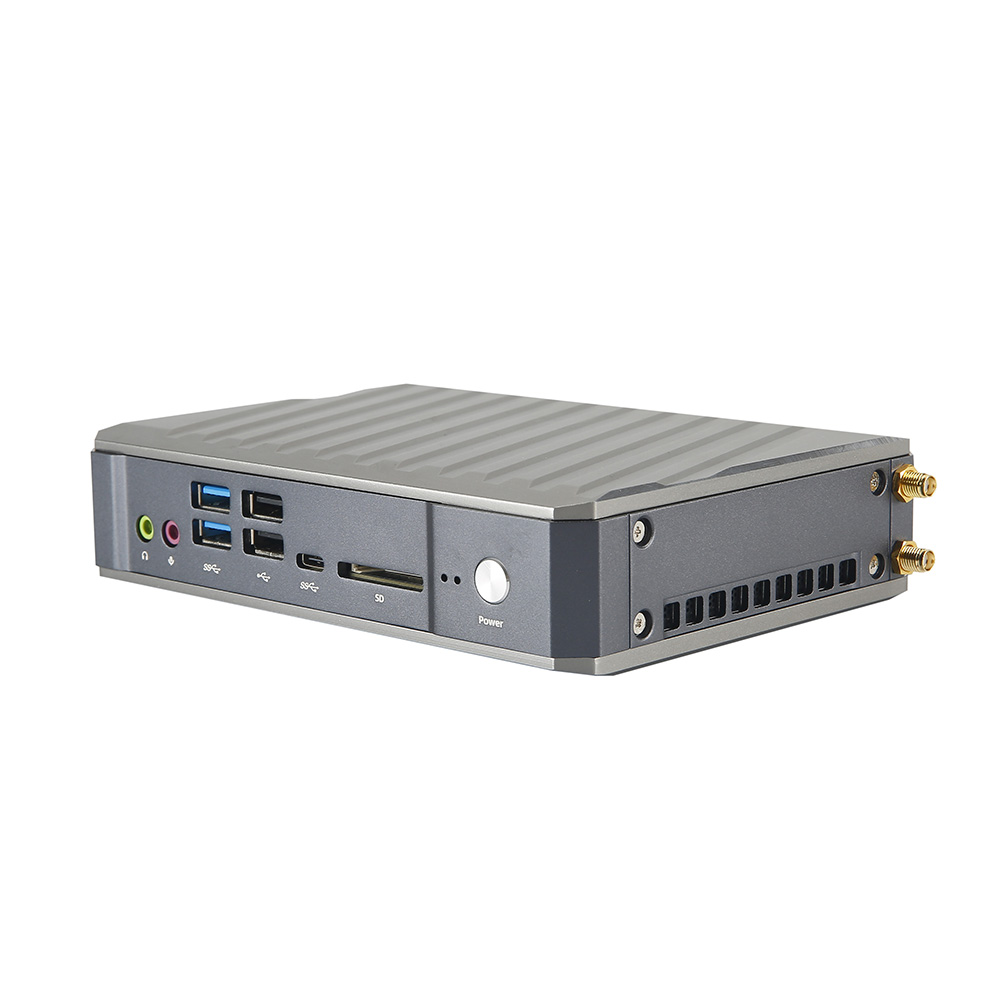 Micro Mini PC
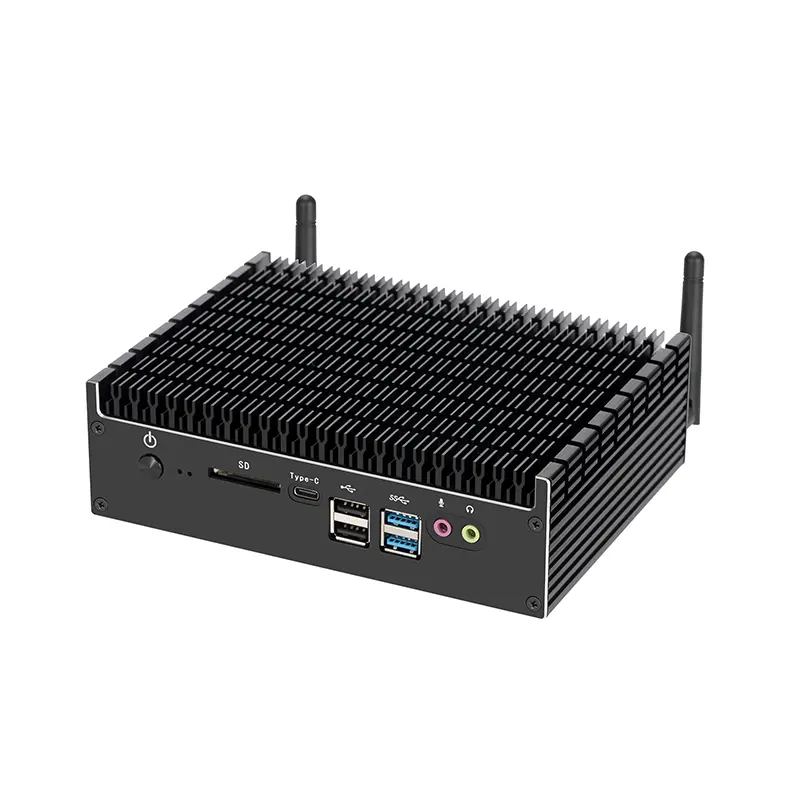 Fanless Mini PC
 High-end Mini PC
 More
More Micro ATX Computer Motherboard