What Is a Compact PC and Why You Should Consider One?
In today's fast-paced world, space is a precious commodity. A Compact PC offers a smart solution for those who want power without the bulk. These small machines pack impressive performance, making them ideal for both home and office use. With their sleek designs, they fit seamlessly into any environment.
Compact PCs come equipped with advanced features. Many have the capability to run demanding applications while taking up minimal desk space. Despite their size, they often support high-definition graphics and fast processors. However, not all Compact PCs are created equal. Some budget models may lack essential features, leading to performance issues. It's crucial to evaluate your needs carefully.
While Compact PCs are efficient, finding the perfect one may take time and research. Users often overlook compatibility with peripherals or their specific requirements. Reflection is essential; a wrong choice could lead to frustration. Investing in a Compact PC is a sound decision, but it's important to weigh options wisely.
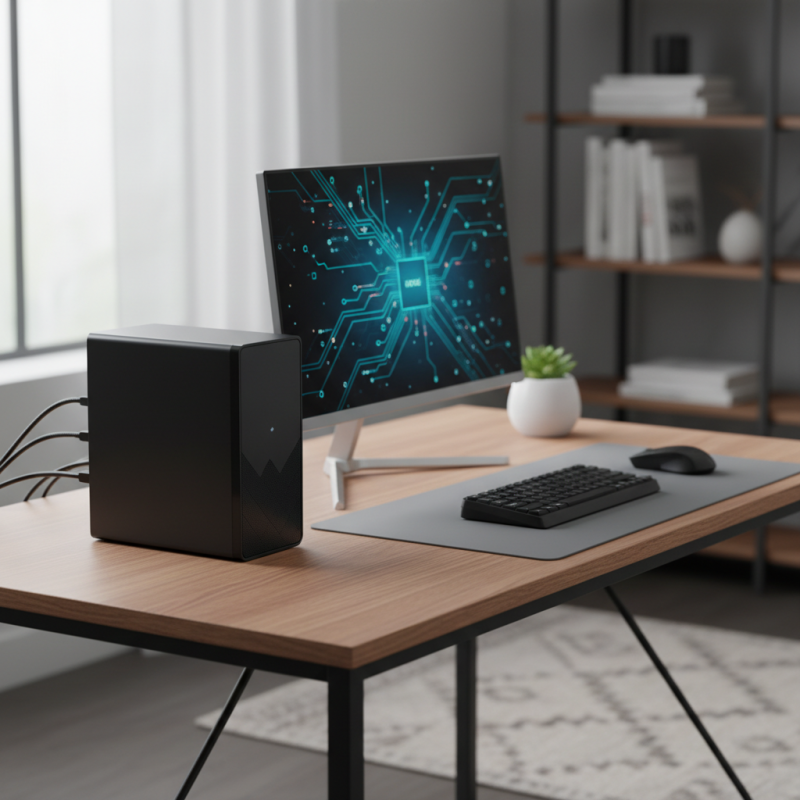
Definition of Compact PC and Its Features
A compact PC is a small form-factor computer designed to save space while delivering robust performance. These systems are ideal for users with limited workspace. Compact PCs typically feature integrated components that reduce size without compromising power. A 2022 report indicates that the market for compact PCs is experiencing 10% annual growth, appealing to students, professionals, and casual users alike.
Many compact PCs come with advanced features. For instance, they often include solid-state drives (SSDs) that ensure quick boot times. A study shows that SSDs can improve data access speeds by up to 200%. Moreover, many models support modern connectivity options like USB-C and HDMI. This versatility allows users to connect multiple devices seamlessly. However, some users find these systems may lack upgradeable components, which can be a drawback for tech enthusiasts.
The compact design does present some trade-offs. Cooling solutions are often less effective compared to larger models. This can lead to noise and potential overheating under heavy use. Additionally, the compact size limits the inclusion of high-end graphic cards. Users may need to reflect on their specific needs before choosing a compact solution. Overall, understanding these features helps in making an informed decision.
What Is a Compact PC and Why You Should Consider One?
| Feature |
Description |
| Size |
Compact PCs are smaller in size compared to traditional desktop computers, making them ideal for limited spaces. |
| Portability |
Their lightweight design allows for easy transport, suitable for users who move frequently. |
| Performance |
Modern compact PCs are equipped with powerful processors, offering performance similar to standard desktops. |
| Energy Efficiency |
They generally consume less power, making them environmentally friendly and economical to run. |
| Connectivity |
Compact PCs usually come with multiple ports like USB-C, HDMI, and Ethernet for versatile connectivity options. |
| Cooling Solutions |
Many models feature advanced cooling systems that help maintain optimal performance without overheating. |
| Customization |
While compact, many models allow for some degree of hardware upgrading and customization. |
Advantages of Choosing a Compact PC Over Traditional Desktops
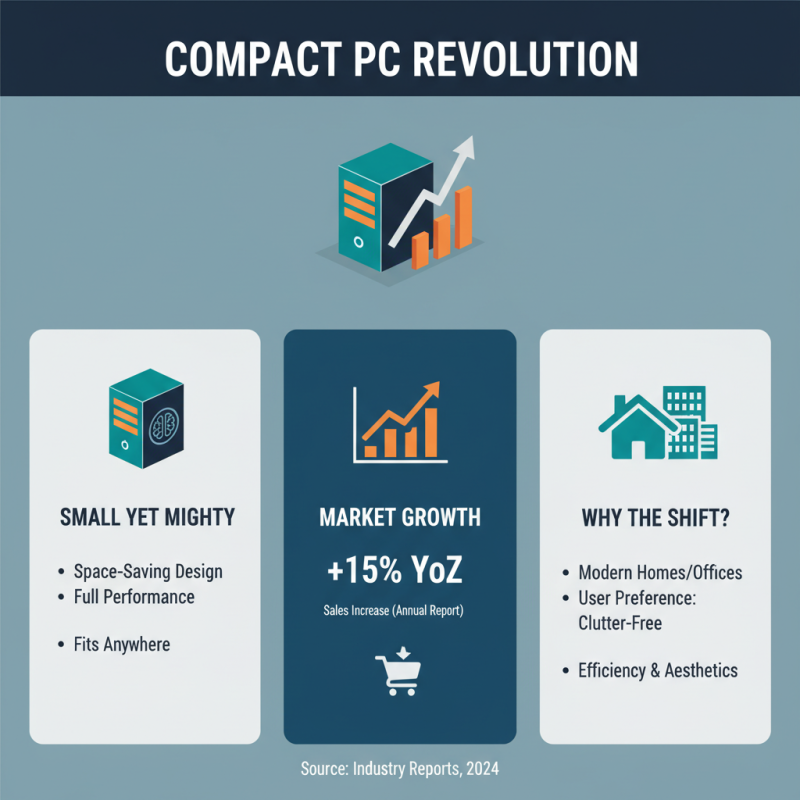
Compact PCs are gaining popularity for many reasons. They are smaller but powerful, fitting easily into tight spaces. Recent industry reports indicate that compact PCs have seen a rise in sales, growing by 15% year-over-year. This shift reflects changing consumer preferences. Many users prioritize space-saving solutions in homes and offices.
One major advantage is energy efficiency. Compact PCs consume less power compared to traditional desktops. According to energy efficiency studies, they can reduce energy costs by up to 40%. This is appealing for those mindful of their carbon footprint. Furthermore, the reduced size often leads to quieter operation. Many users appreciate a quieter workspace, especially in shared environments.
However, potential buyers should consider their specific needs. Some compact models may lack upgradability. This could limit long-term performance. Users interested in gaming or intensive tasks might find them lacking. It’s essential to balance the benefits of space-saving designs with practical performance requirements. Ultimately, a compact PC can be an excellent choice, but careful thought is necessary.
Popular Uses and Applications of Compact PCs
Compact PCs are gaining traction for various uses across different fields. Their small size makes them ideal for home offices. You can place them on desks with limited space. Many users set them up for casual gaming. With modern graphics options, compact PCs can handle demanding titles without overheating.
Another popular application is in education. Students often require portable solutions. Compact PCs offer a lightweight alternative to traditional laptops. They can run essential software for learning without unnecessary distractions.
Moreover, they fit well into classrooms where space is at a premium.
For media consumption, compact PCs are quite effective. They can connect to larger displays easily. Streaming movies or playing music becomes more convenient. However, some might find the limited upgrade options frustrating. This makes it essential to choose wisely based on specific needs. Ultimately, compact PCs serve diverse purposes but require careful consideration.
Comparison of Compact PCs with Other Computer Form Factors
Compact PCs have gained popularity among users seeking space-efficient computing solutions. They are significantly smaller than traditional desktops. This small size does not mean a sacrifice in performance. In fact, many can handle demanding tasks surprisingly well. Their designs often focus on minimalism, making them visually appealing. They easily fit into any environment, whether at home or in an office.
When comparing compact PCs to other form factors, the differences become clear. Tower PCs take up much more space. They often require dedicated desk areas. Laptops, while portable, can lack the power and upgradability of compact models. Moreover, compact PCs usually offer better performance per square foot. However, some users may find them difficult to repair due to the compact design. A larger case may allow for easier access to components.
Compact PCs are ideal for those who need flexibility. Their versatility makes them suitable for various uses, from home entertainment to workstations. However, it's important to be aware of potential limitations. Some may not have enough ports for multiple devices. Others might face thermal issues in limited spaces. Weighing these factors can help in making an informed choice.
Factors to Consider When Purchasing a Compact PC
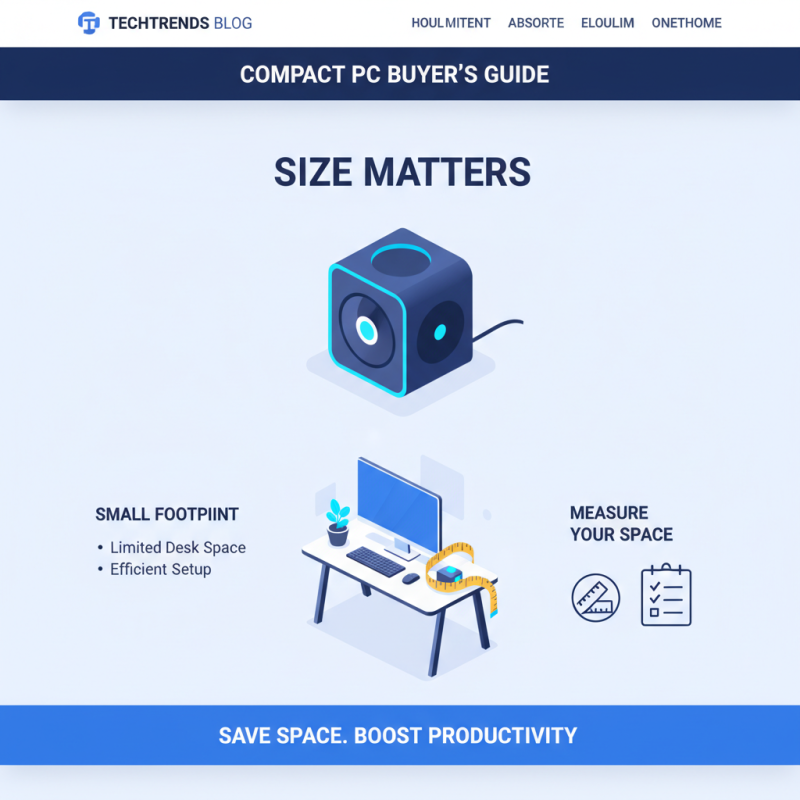
When purchasing a compact PC, there are several important factors to consider. Size is a critical aspect. Compact PCs can efficiently fit into smaller spaces. This is ideal for users with limited desk space. Consider how much space you have. Will the PC fit comfortably? Measure your workspace before making a decision.
Performance is another key factor. Assess your computing needs. Do you require high processing power for gaming or design work? If so, ensure that the compact PC has adequate specs. It’s essential to check the processor, RAM, and storage options. Remember, not all compact PCs can handle demanding tasks. Research thoroughly to avoid disappointment.
**Tip:** Look for systems that allow for upgrades. This can enhance the PC's lifespan. Check if the memory and storage can be expanded later. Flexibility is valuable for adapting to future needs.
**Tip:** Don’t forget about cooling solutions. Compact designs can lead to overheating. A system with good airflow is crucial. Pay attention to reviews regarding temperature management.
In the end, consider your priorities. A compact PC should meet your space and performance needs efficiently. The balance is essential. Make a choice that will serve you well in the long run.

 14 Inch Office Notebook
 Dual Screen Laptop
 Fingerprint Business Notebook
 Big Screen Laptop
 HD Gaming Laptop
 14.1 Inch Student laptops
 16.1 Inch Office Laptops
 Home Mini Host
 Industrial Micro PC
 Fanless Industrial Mini PC
 Commercial Mini PC
 RTX3050TI Game Mini PC
 Micro Mini PC
 Fanless Mini PC
 High-end Mini PC
 More
More Micro ATX Computer Motherboard