Tiny PC Tips for Maximizing Performance and Efficiency?
In today’s digital age, optimizing performance is crucial, even for compact devices. Tiny PCs have gained popularity due to their efficiency and portability. Yet, many users overlook specific strategies to enhance their experience.
Understanding how to maximize a Tiny PC's potential can make a significant difference. Tweaking settings, managing storage, and ensuring proper ventilation can lead to an improved user experience. It's surprising how simple adjustments can boost performance.
However, some users may miss the mark. They might ignore software updates or fail to monitor their systems. A little attention to detail goes a long way. Remember, even the smallest device can deliver impressive results with the right care.
Tips for Optimizing Tiny PC Hardware Components for Best Performance
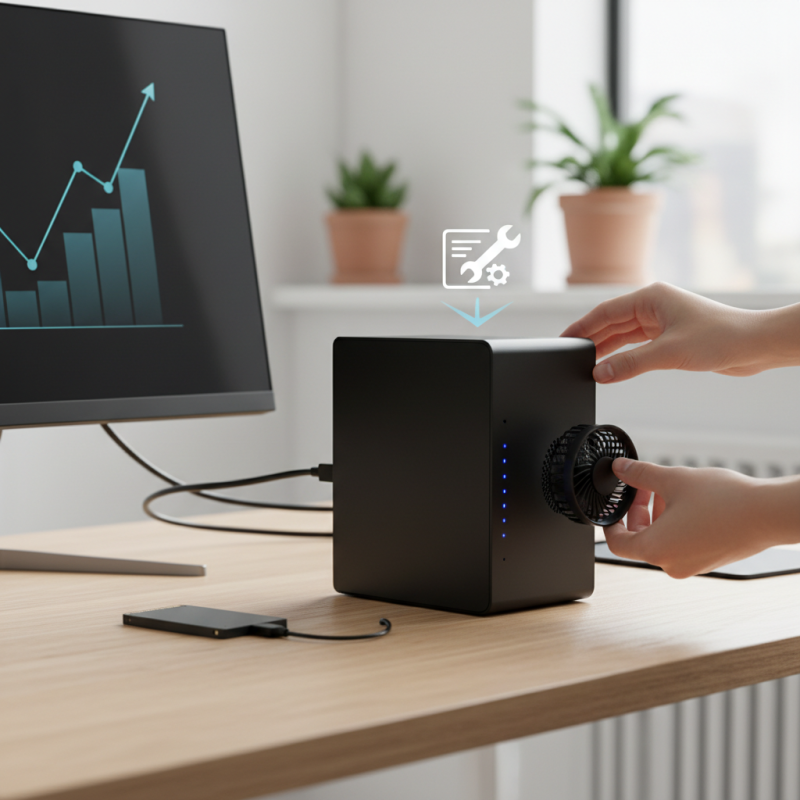
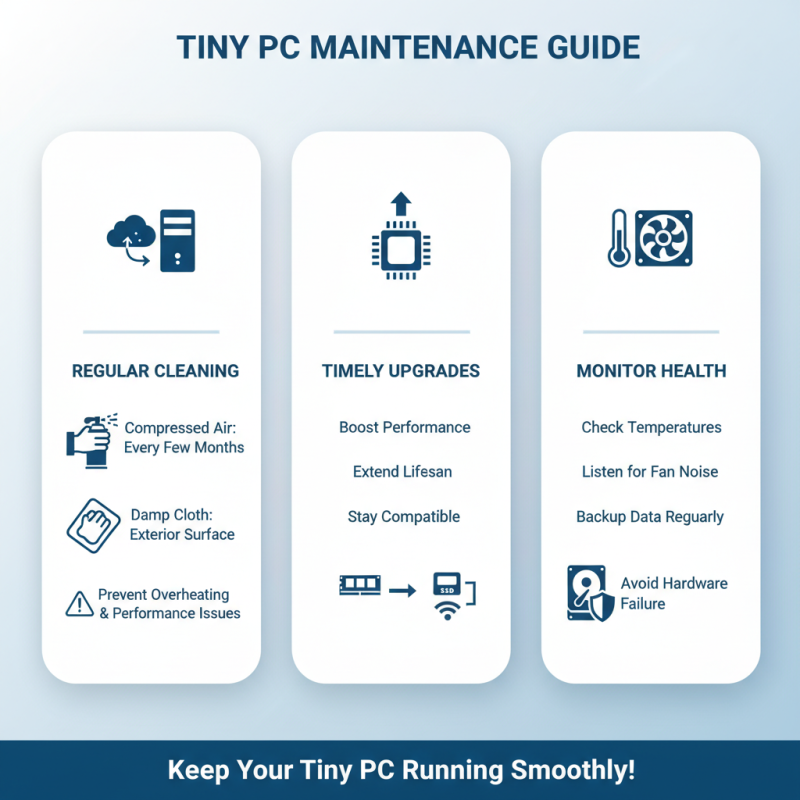
When optimizing tiny PC hardware components, focus on efficient cooling solutions. Small spaces can trap heat, limiting performance. Upgrading to a compact, high-efficiency cooling fan can do wonders. Ensure proper airflow by repositioning cables and components. This might seem tedious, but small adjustments help tremendously.
Another way to enhance performance is optimizing storage. Solid-state drives (SSDs) are ideal for their speed and efficiency. Consider using a smaller, high-capacity SSD. This can reduce load times. However, keep in mind that storage management is key. Regularly delete unnecessary files to maintain optimal performance.
Memory upgrades can also be beneficial. Increasing RAM improves multitasking capabilities. Choose modules that match the tiny PC’s specifications. Installing RAM can seem daunting. It requires careful handling to avoid damage. Taking the time to read guides can prevent mishaps. These choices, while seemingly small, can significantly boost performance and efficiency.
Tiny PC Tips for Maximizing Performance and Efficiency
| Component |
Tip for Optimization |
Expected Performance Boost |
| SSD Storage |
Upgrade to NVMe SSD for faster read/write speeds. |
Up to 50% faster boot and load times. |
| RAM |
Increase RAM to at least 16GB for multitasking. |
Improved performance in heavy applications by 30% or more. |
| Cooling System |
Ensure good airflow and clean vents to prevent overheating. |
Increased longevity and performance stability. |
| Power Supply |
Use a high-efficiency power supply unit (PSU). |
Reduced energy waste and heat generation. |
| Operating System |
Use a lightweight OS to maximize resources. |
Boost system responsiveness by up to 20%. |
Effective Software Management for Enhanced Tiny PC Efficiency
Effective software management plays a crucial role in maximizing the efficiency of tiny PCs. According to a report by PCMag, users can achieve up to 40% better performance by optimizing their software choices. Choosing lightweight applications can greatly reduce resource usage, allowing tiny PCs to run smoothly with limited hardware. Large software suites can slow down operations and increase load times. This means you should carefully select alternatives that accomplish the same tasks but consume fewer resources.
Moreover, regular updates are essential. Outdated software can introduce security vulnerabilities. A study by the International Data Corporation reveals that unpatched software could lead to a 70% increase in cyber threats. Users should establish a routine for checking for updates. Automating this process can save time and ensure that the system remains secure and efficient. Additionally, uninstalling unused applications frees up storage space and improves performance. Many users often overlook this step, allowing unnecessary software to linger on their systems.
Lastly, system monitoring tools can help identify resource hogs. These tools can provide insights and analytics, highlighting which software uses the most RAM or CPU. Using these insights can instruct users on what to keep or remove from their tiny PC. A common mistake is to assume all installed software is necessary. Reflecting on software usage could lead to better management and efficiency. Effective software management is not just a choice; it's a necessity for enhancing tiny PC performance.
Utilizing Power Settings to Improve Tiny PC Energy Use
When it comes to tiny PCs, optimizing power settings can greatly enhance performance and reduce energy consumption. Many users overlook this vital aspect. Adjusting power settings can lead to noticeable improvements. Start with the “Power Options” menu. Choose a balanced or power-saving plan. This can decrease energy use without sacrificing much speed.
Power settings on tiny PCs often go unnoticed. Lowering screen brightness is a small change, but effective. It not only saves energy but also extends battery life for portable units. Another tip: schedule sleep and screen turn-off times. It conserves power during inactivity. However, remember, it may delay access to the PC.
Don’t forget to disable unused hardware. Sometimes, features like Bluetooth or Wi-Fi drain energy unnecessarily. Disable them when not in use. Small actions accumulate. These adjustments can make a significant impact over time. Monitoring power usage can lead to more insights. Keep track of your current settings and make adjustments as needed. Reflecting on these choices may reveal areas for further improvement.
Tiny PC Power Settings Impact on Energy Efficiency
The chart above presents the energy consumption in watts for different power settings of a tiny PC. Utilizing the 'Power Saver' mode can notably decrease energy use compared to 'High Performance' mode, providing a clearer perspective on how power settings can enhance both performance and efficiency.

 14 Inch Office Notebook
 Dual Screen Laptop
 Fingerprint Business Notebook
 Big Screen Laptop
 HD Gaming Laptop
 14.1 Inch Student laptops
 16.1 Inch Office Laptops
 Home Mini Host
 Industrial Micro PC
 Fanless Industrial Mini PC
 Commercial Mini PC
 RTX3050TI Game Mini PC
 Micro Mini PC
 Fanless Mini PC
 High-end Mini PC
 More
More Micro ATX Computer Motherboard