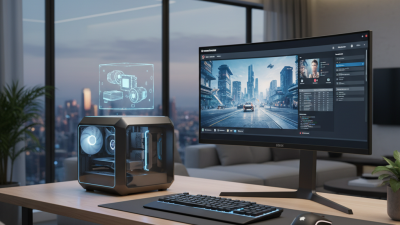
Top Miniature PC Tips for Global Buyers to Consider?
As the demand for compact computing continues to rise, the world of Miniature PCs is thriving. Industry expert Dr. Emily Zhang, a leading figure in computer engineering, emphasizes that “Miniature PCs blend power and portability, making them essential in our digital age.” With their growing popularity, global buyers must navigate several crucial considerations.
Miniature PCs offer a blend of efficiency and space-saving design. Buyers should evaluate performance specifications that fit their needs. Factors like processing power, memory, and storage capacity are paramount. However, many consumers overlook these details and may regret their purchases later.
Another pivotal aspect is connectivity. Miniature PCs often come with various ports and wireless capabilities. Users risk compatibility issues without thorough research. Paying attention to both hardware and support options is vital for a satisfactory experience. In this rapidly evolving market, buyers should stay informed about new releases and technological advancements. Making educated choices will enhance the utility of their Miniature PCs.
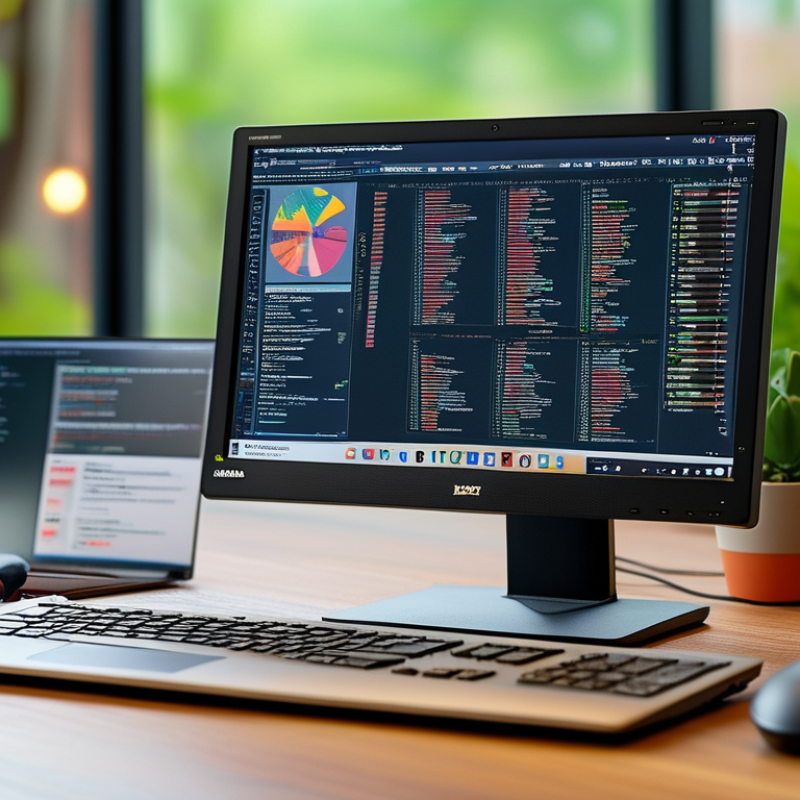
Understanding the Miniature PC Market: Key Features to Consider
When considering the miniature PC market, several key features stand out. Size is paramount, impacting where and how you can use the device. These PCs are designed to fit snugly into tight spaces, but this can sometimes limit cooling efficiency. Always check the thermal performance specifications. Compact designs often compromise heat dissipation, which can affect longevity.
Processing power is another critical feature. Many miniature PCs come equipped with impressive specs. However, their small size may lead to thermally throttled performance. It's essential to understand how much power you need based on your intended use. If you're running demanding applications, opt for higher-end processors.
Connectivity options are equally important. Look for a variety of ports to ensure compatibility with peripherals. While some models may provide a range of USB ports, they might lack HDMI or Ethernet connections. This can hinder your setup if you need robust networking capabilities. Evaluate your specific requirements and reflect on how often you’ll need to expand your connections or upgrade your devices.
Assessing Performance vs. Size: Balancing Power and Portability
When considering a miniature PC, performance and size are crucial factors. The compact design allows for easy transportation, but it often compromises power. Assess your needs carefully. If you require heavy multitasking, a smaller PC may struggle. On the other hand, casual users may find a mini PC perfectly adequate for web browsing and light gaming.
Heat management is another concern. Miniature PCs can overheat due to limited airflow. Ensure the model you choose has good ventilation. Look for reviews that discuss thermal performance. Durability of small components may also be a downside. Some users experience issues with long-term reliability. Performance can degrade after a few months of heavy use.
Battery life is often overlooked. Many users expect portability without considering how often they need to charge. Inspect specifications that detail battery endurance. A powerful mini PC might drain the battery quickly, limiting its effectiveness on the go. Balancing these aspects requires careful thought. Identify what’s essential for your usage scenario before making a decision.
Performance vs. Size in Miniature PCs
Evaluating Build Quality and Design: Importance of Durability
When evaluating mini PCs, build quality and design play a crucial role in determining durability and longevity. It's essential to assess the materials used in construction. High-quality metals or reinforced plastic can significantly enhance a device's resilience. A sturdy chassis can endure accidental falls and rough handling, making it more reliable for travel. Pay attention to the port layout as well; it should facilitate easy access without compromising aesthetics.
Heat management is another vital aspect. Efficient cooling mechanisms prevent overheating, prolonging the lifespan of components. Small form factors often face challenges here. Poor heat dissipation can lead to reduced performance over time. It’s wise to check reviews focusing on thermals to gauge real-world scenarios. A sleek design might appeal visually, but if it overheats, that elegance can quickly fade.
Finally, consider the upgrade potential. Some mini PCs may seem well-built but lack expansion options. This can limit usability as requirements change. A user-friendly design that allows for easy upgrades can add to the overall value. Quality often lies in the details; a feature-rich, thoughtfully designed mini PC may initially seem appealing, but without durability and upgrade potential, it might fall short in the long run.
Top Miniature PC Tips for Global Buyers to Consider - Evaluating Build Quality and Design: Importance of Durability
| Aspect |
Importance |
Recommended Standard |
| Material Quality |
High |
Aluminum, Magnesium Alloy |
| Cooling System |
Very High |
Active Cooling with Silent Fans |
| Shock Resistance |
Moderate |
Class I or II Rating |
| Size and Portability |
High |
Compact Form Factor (e.g., 1L) |
| Upgradability |
High |
Accessible RAM and Storage Slots |
Exploring Connectivity Options: Ensuring Compatibility with Devices
When purchasing a miniature PC, connectivity options play a crucial role in ensuring compatibility with other devices. According to a recent industry report, nearly 40% of users experience frustrations due to inadequate port selections. A well-equipped mini PC should offer a variety of connectivity options, including HDMI, USB-C, and Ethernet ports. This flexibility allows users to connect to different peripherals seamlessly.
Often overlooked are wireless connectivity options. Many users prefer Bluetooth and Wi-Fi capabilities. A study revealed that 72% of users prioritize wireless features for their everyday operations. It’s essential to check if the mini PC supports the latest Wi-Fi standards, like Wi-Fi 6, for superior speed and reliability. Additionally, ensuring compatibility with existing devices can save users from costly upgrades.
Adopting some practical strategies can significantly enhance your buying experience. Investigate the device's specifications thoroughly. Familiarize yourself with the types of devices you plan to connect. Reading user reviews can offer insights into real-world performance. Keep in mind that while many devices boast impressive specs, their real-world applications may not always align with marketing claims.
Comparing Pricing Strategies: Budgeting for Global Purchases
When considering global purchases of miniature PCs, pricing strategies play a crucial role. Buyers need to evaluate not only the base price but also shipping fees, taxes, and potential customs duties. Each country has its own regulations, which can significantly impact the final cost. Make sure to keep these factors in mind before committing to a purchase.
Comparing various options can be overwhelming. Always research multiple retailers. This helps identify the best overall deal. Sometimes, the cheapest option may not be the best when considering quality and support. Reading reviews and verifying seller reliability can offer insight into potential hidden costs.
It's essential to remain vigilant. Prices can fluctuate due to exchange rates and market demand. Buyers might find that a product priced low today could become significantly more expensive tomorrow. Always double-check the details and be prepared for unexpected expenses. Having a flexible budget can help manage these variations more effectively.

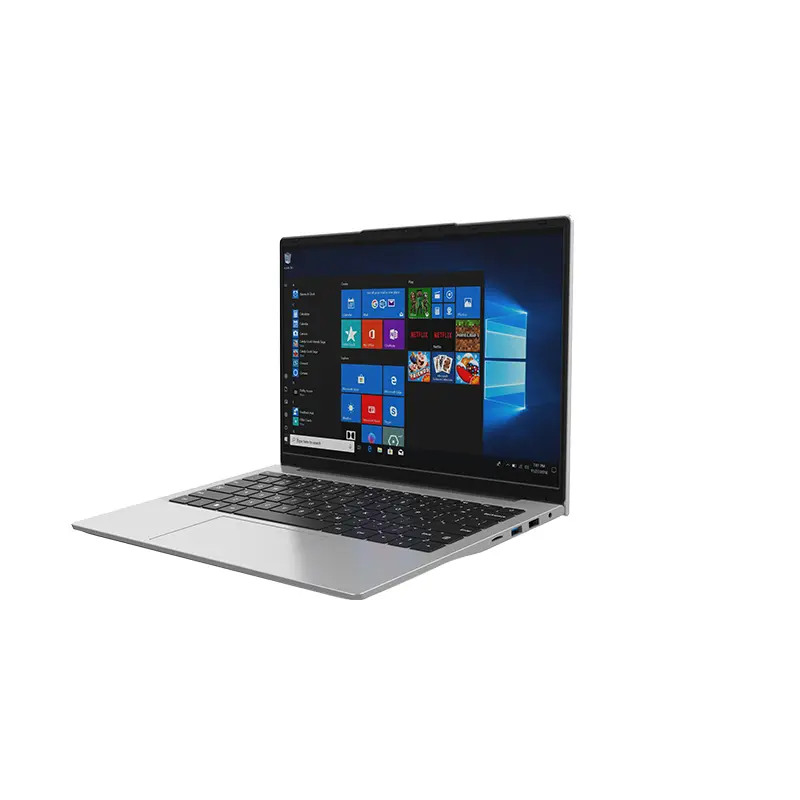 14 Inch Office Notebook
 Dual Screen Laptop
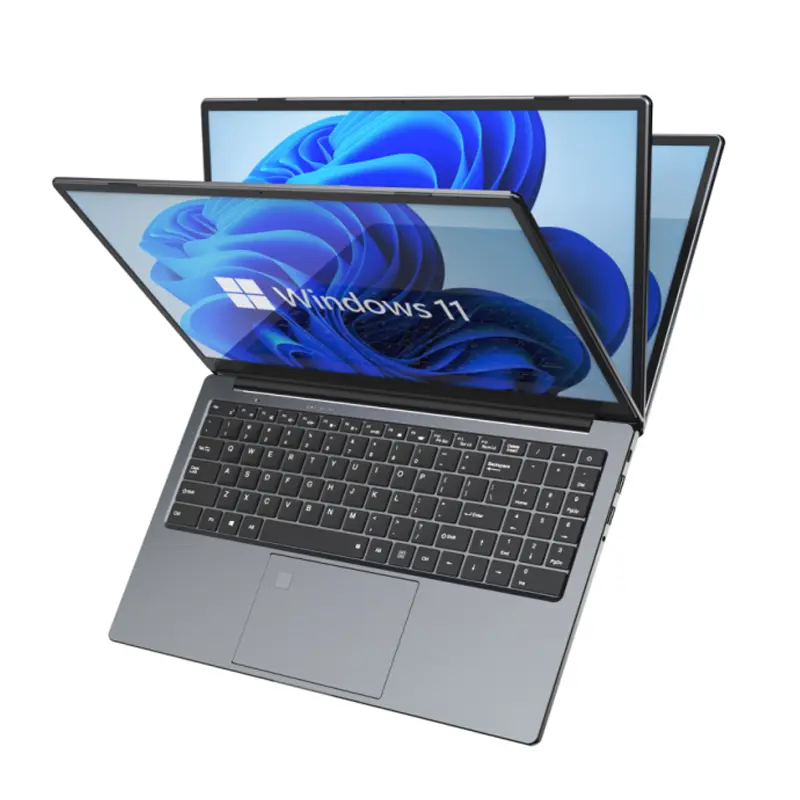 Fingerprint Business Notebook
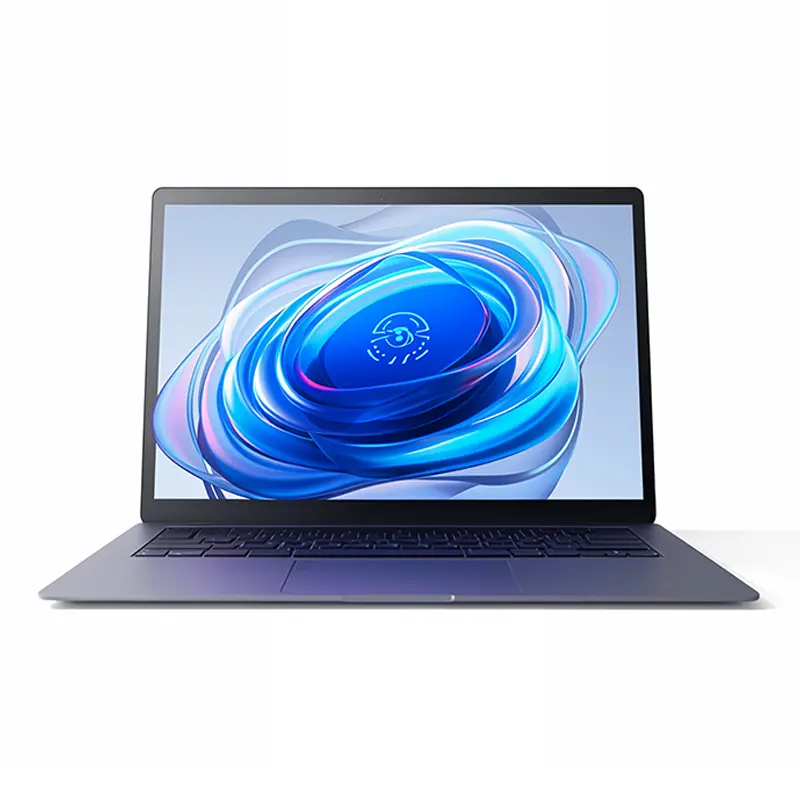 Big Screen Laptop
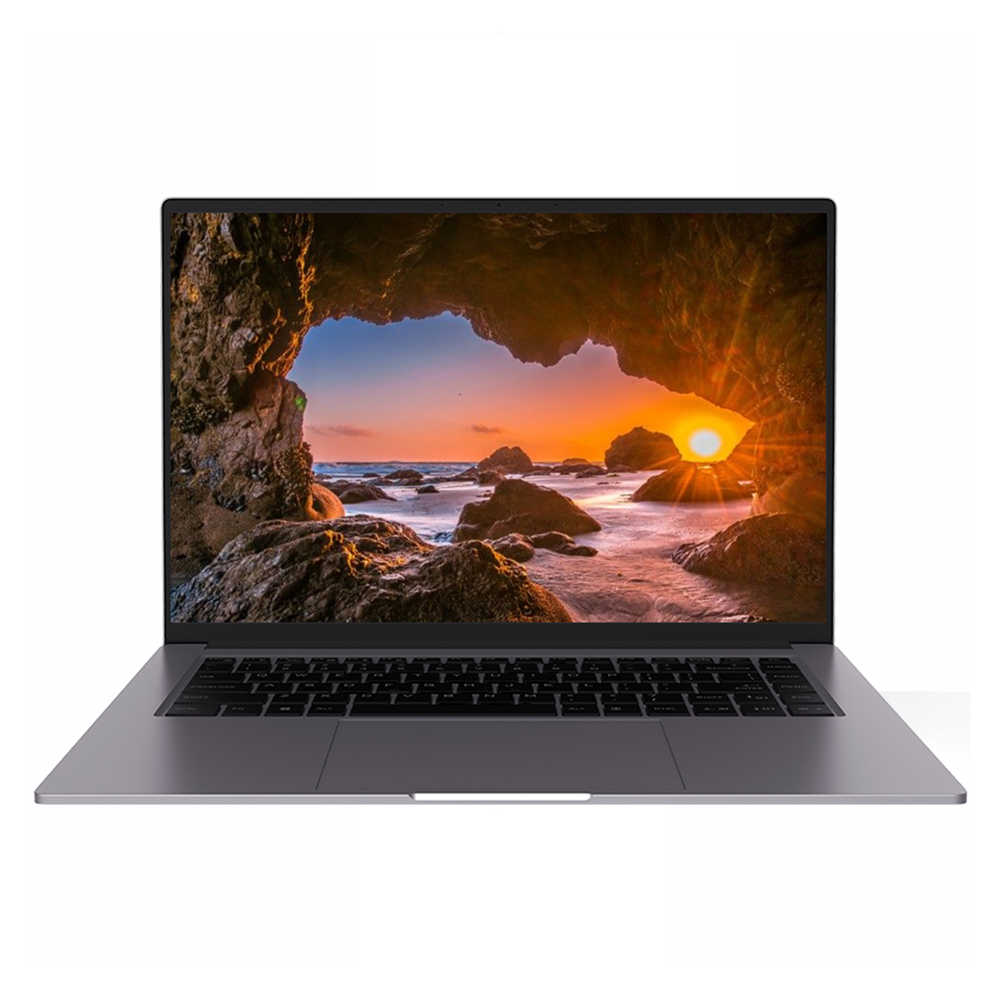 HD Gaming Laptop
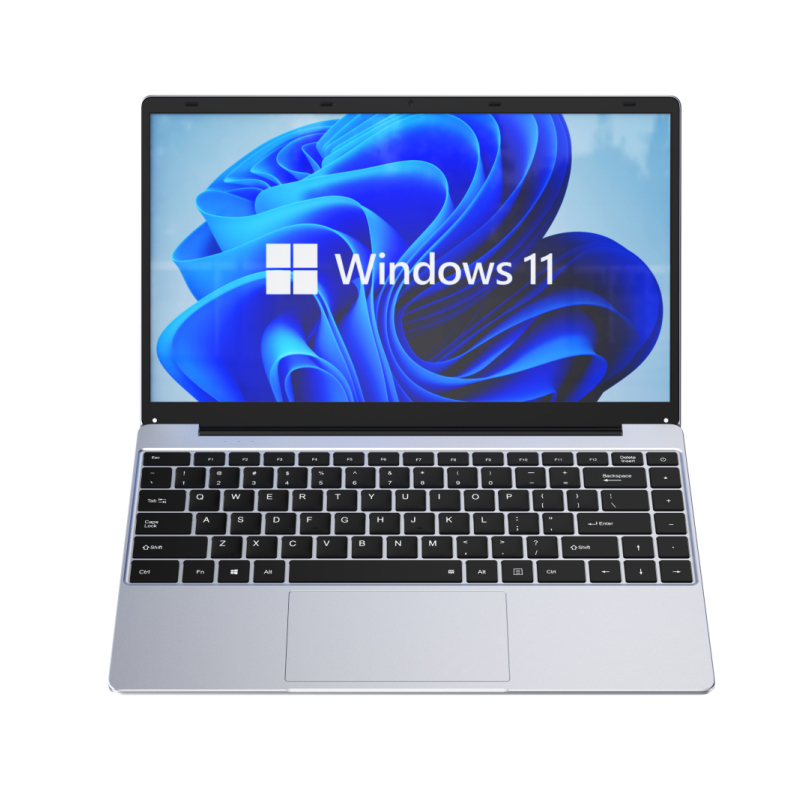 14.1 Inch Student laptops
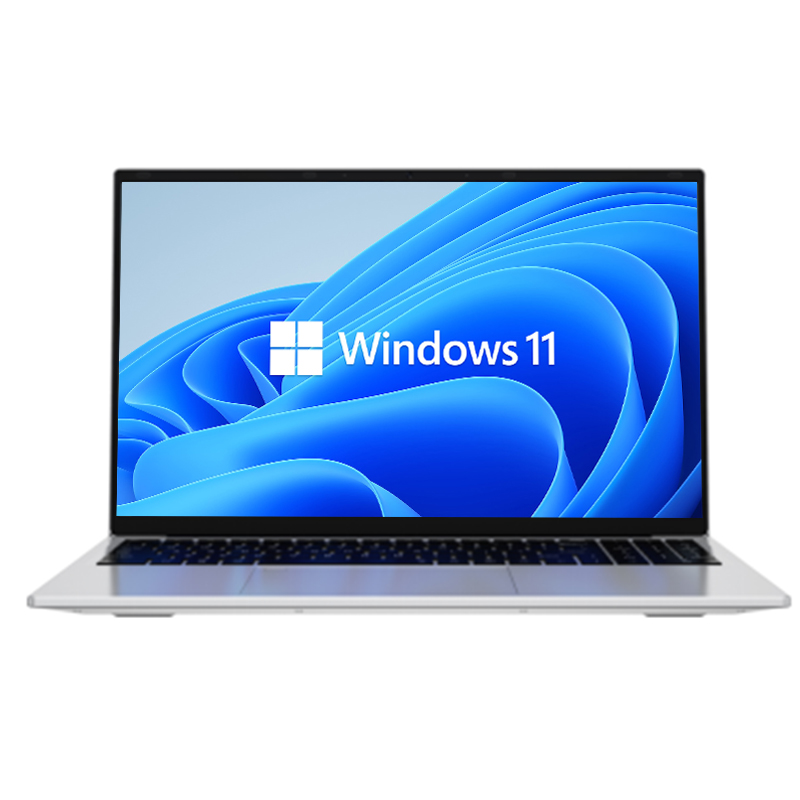 16.1 Inch Office Laptops
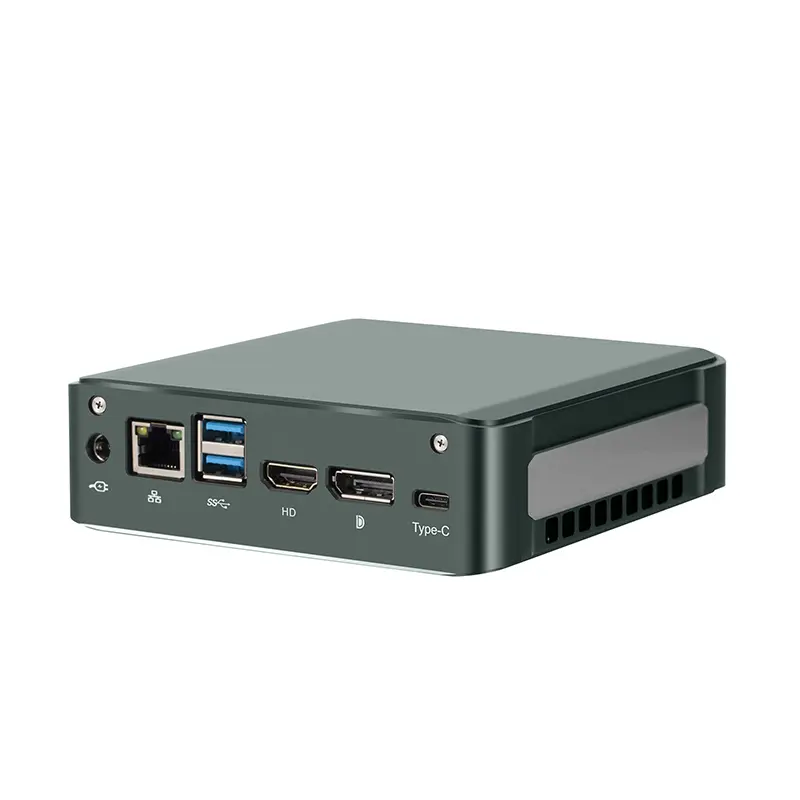 Home Mini Host
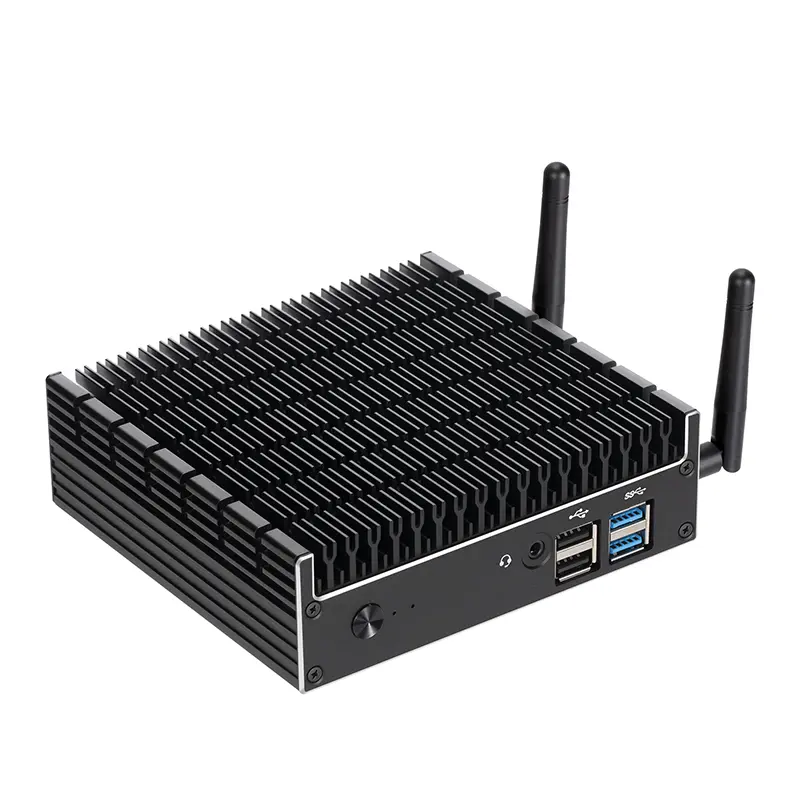 Industrial Micro PC
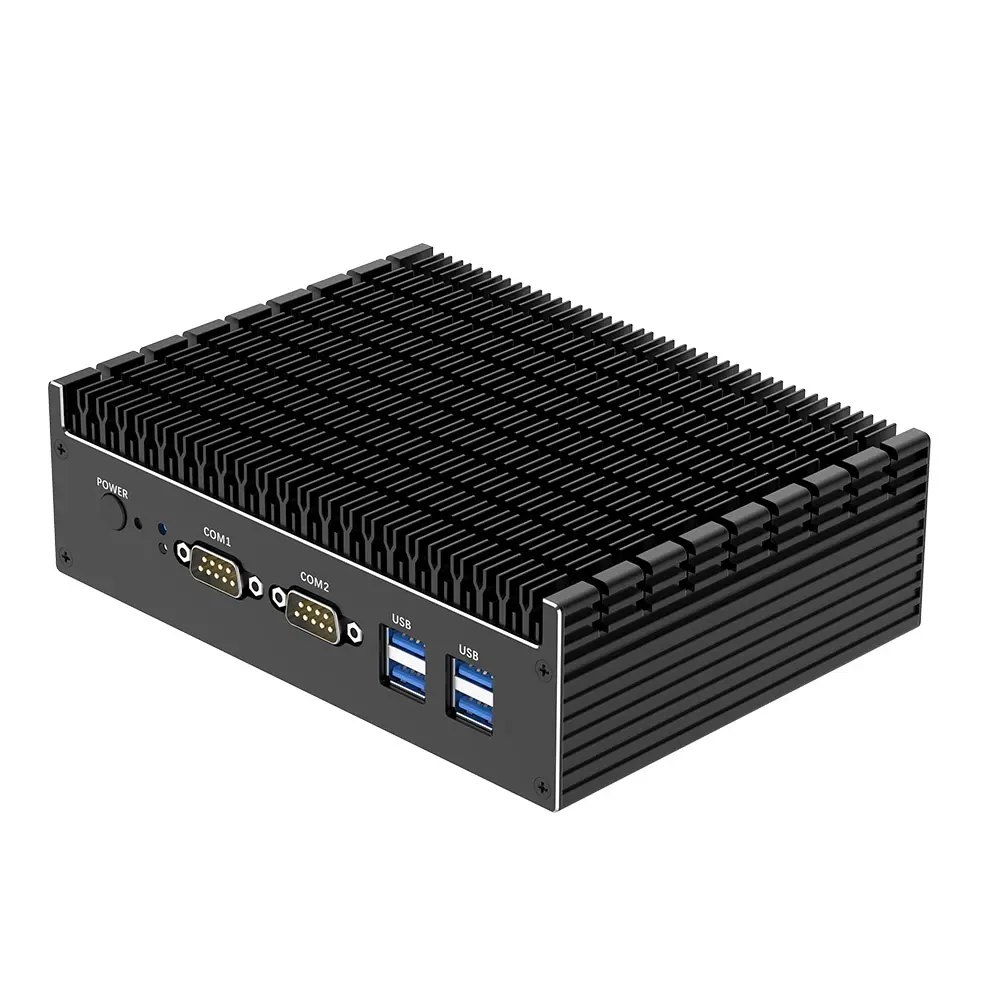 Fanless Industrial Mini PC
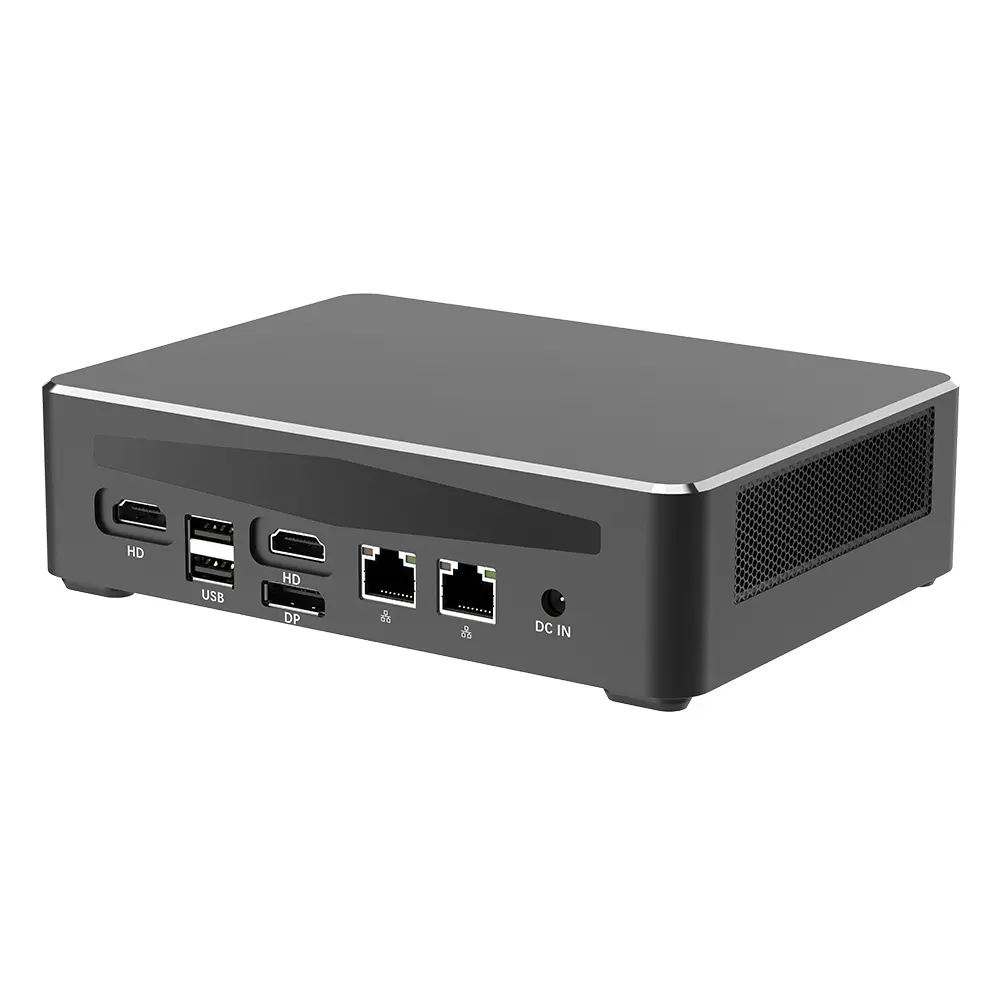 Commercial Mini PC
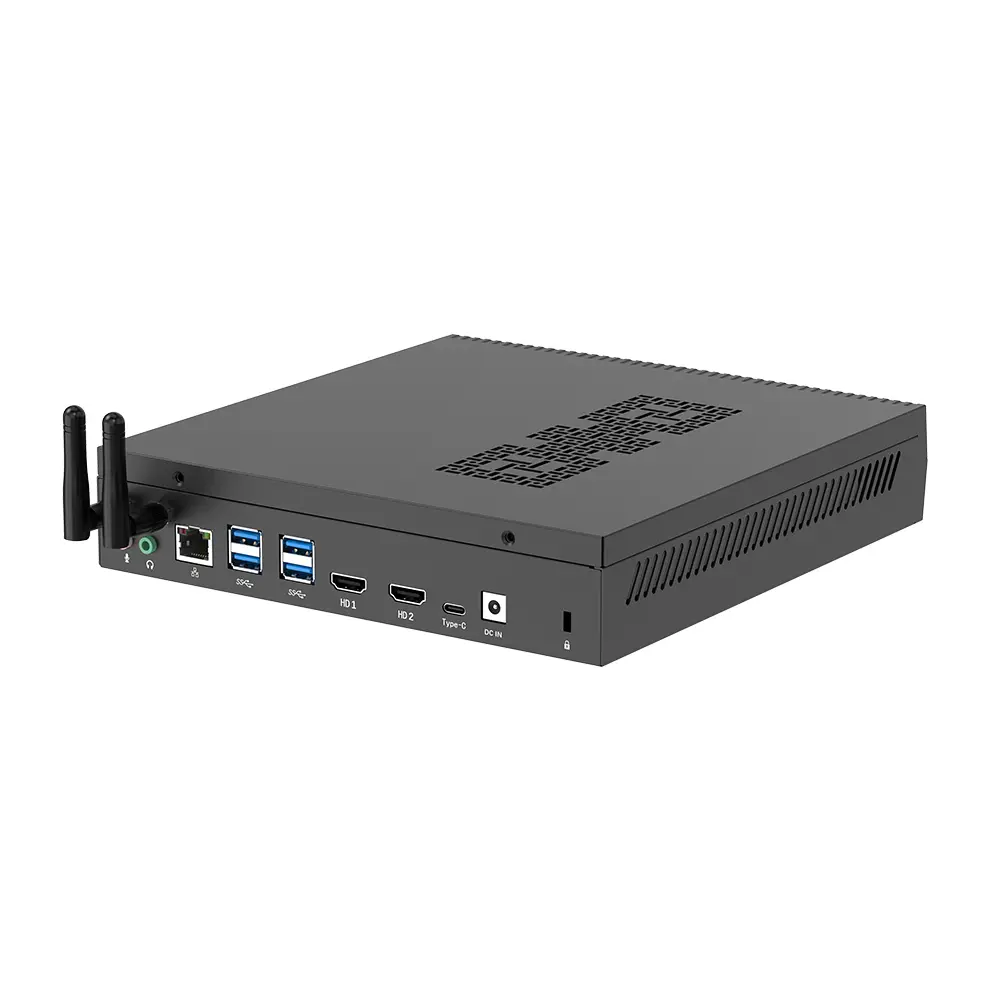 RTX3050TI Game Mini PC
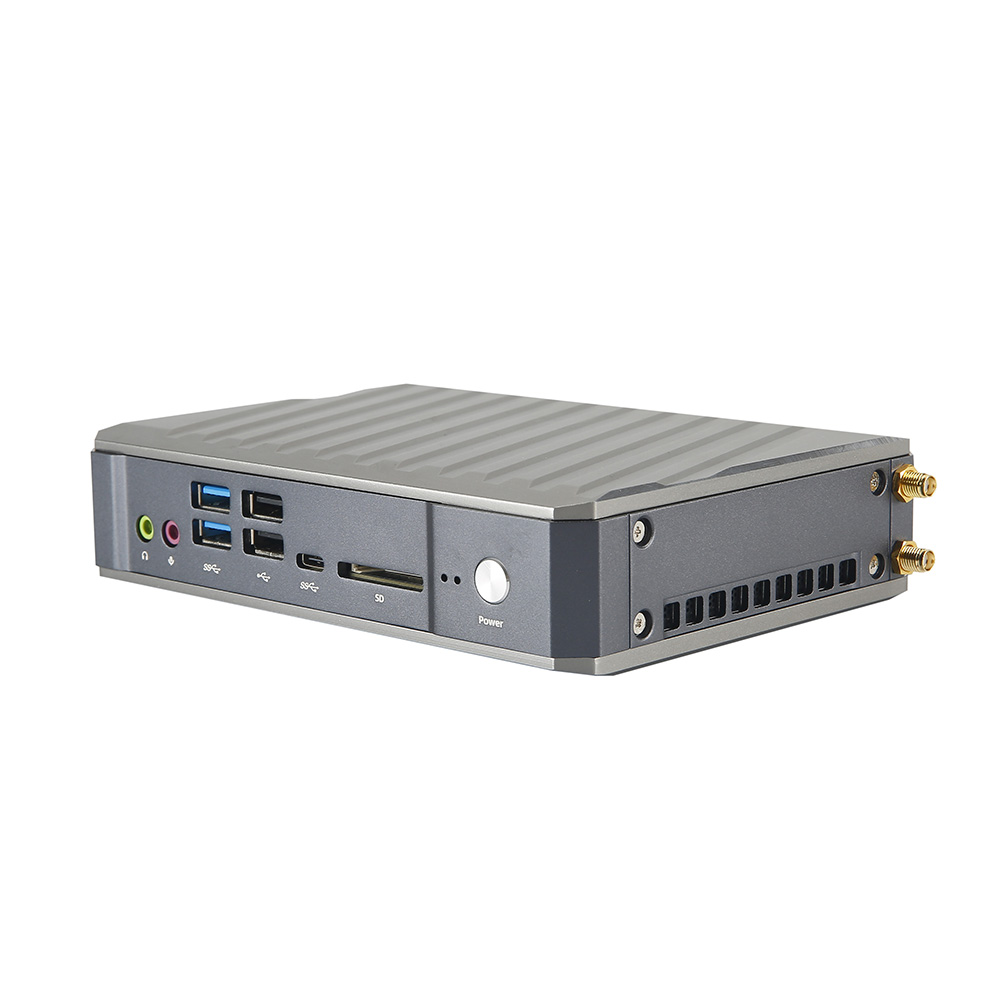 Micro Mini PC
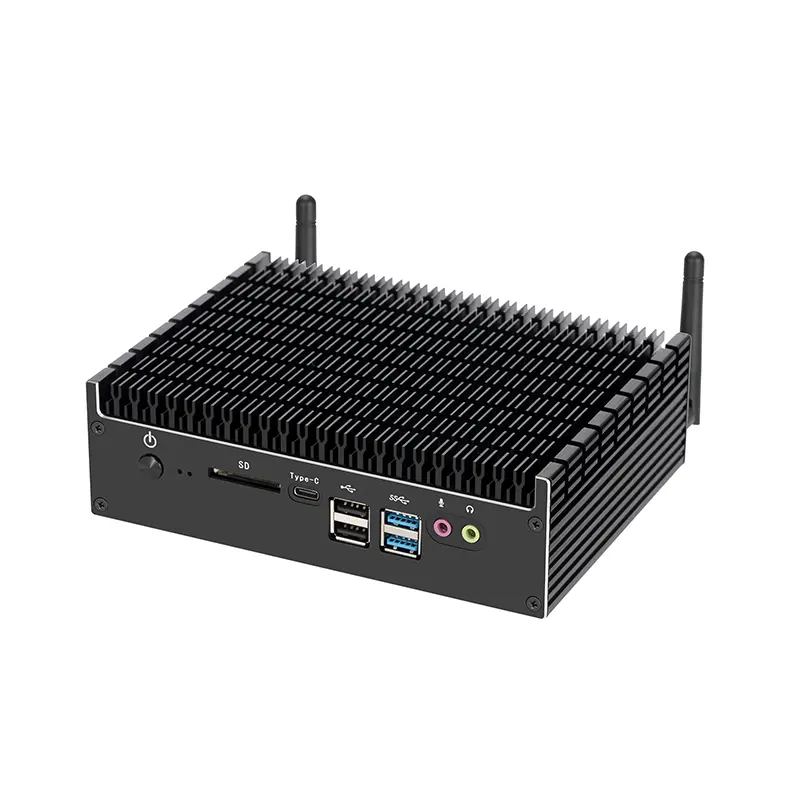 Fanless Mini PC
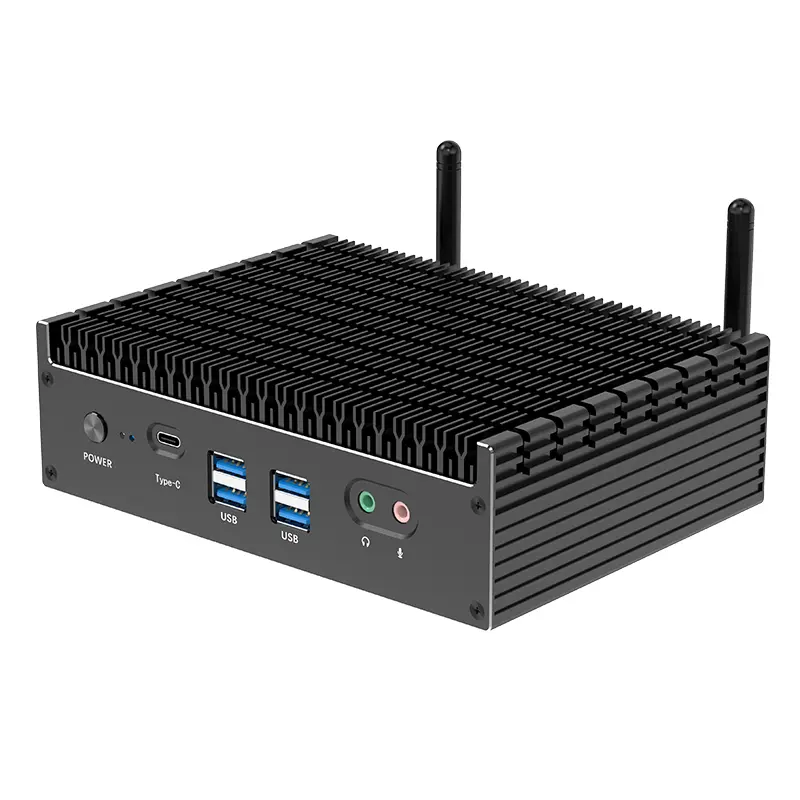 High-end Mini PC
 More
More Micro ATX Computer Motherboard