One-stop service of R&D, production and sales for 10 years

INQUIRY
Leave Your Message

Best Compact Desktop PCs from China for Global Buyers?

A Compact Desktop can free a crowded desk without asking buyers to give up everyday performance. China’s manufacturers offer a broad mix of tiny PCs, from fanless office boxes to systems built for demanding workloads. But a small chassis is only the beginning. Buyers also need to compare processor limits, memory options, storage, ports, cooling, and warranty support.

Steve Jobs once said, “Design is not just what it looks like and feels like. Design is how it works.” That principle applies well here. A compact PC should fit beneath a monitor, connect cleanly to two displays, and stay quiet during a long video call. Small details matter. A fast processor means little if sustained workloads make the fan distracting or reduce performance. Product listings can also leave gaps, so confirm exact configurations with the seller before ordering.

This guide looks at practical choices for global buyers, not just attractive specifications. It considers office use, home entertainment, light creation, and space-limited setups. It also weighs connectivity, upgrade access, power efficiency, and after-sales communication. One limitation deserves attention: models and support can vary by seller, even under familiar brand names. A low price may look compelling. Yet shipping time, regional service, and clear return terms deserve equal scrutiny. The best choice is the one that fits your workload and remains supportable after delivery.
Best Compact Desktop PCs from China for Global Buyers?

What Defines a Compact Desktop PC?

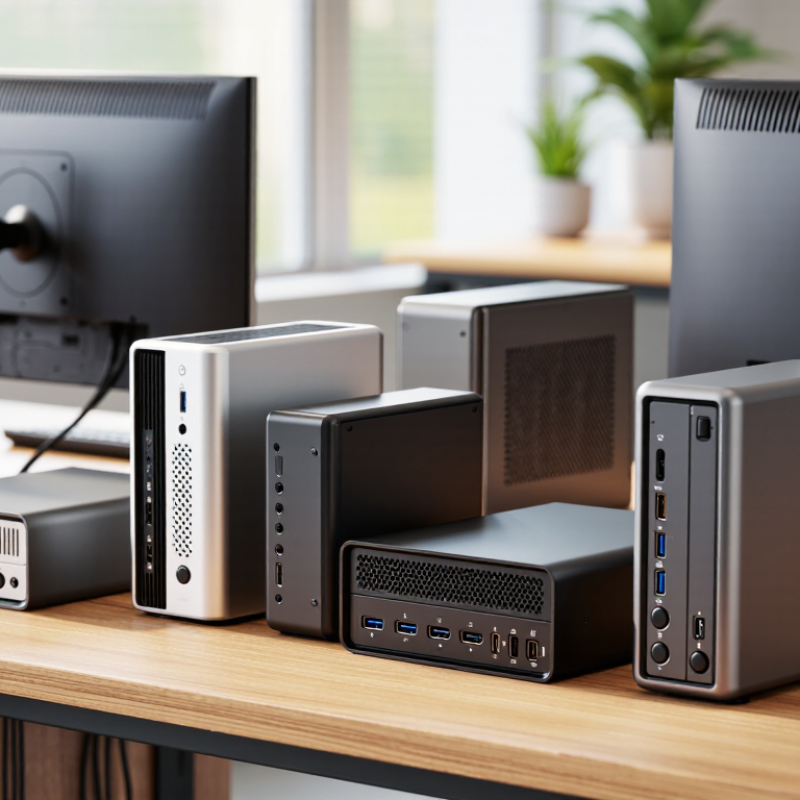
A compact desktop PC is defined less by a universal size limit than by how much computing it delivers in a small footprint. There is no single industry-wide measurement for “compact.” Many mini PCs occupy roughly one to five litres, while slim small-form-factor systems can be larger. Check the actual dimensions, not just the product label. A box that fits behind a monitor may still need clear space around its vents and cables.

Small does not mean suitable for every workload. Processor performance, memory, storage, ports, and cooling all affect daily use. A useful test: can it run your applications without loud fan noise or frequent slowdowns?

Grand View Research estimated the global mini PC market at US$22.64 billion in 2023 and projected a 5.6% compound annual growth rate from 2024 to 2030. This market estimate signals interest, but it does not establish a standard size or guarantee performance.

Look for upgrade details and sustained-load test results; sometimes the smallest case is also the least flexible.
How China’s Mini PC Market Serves Global Buyers

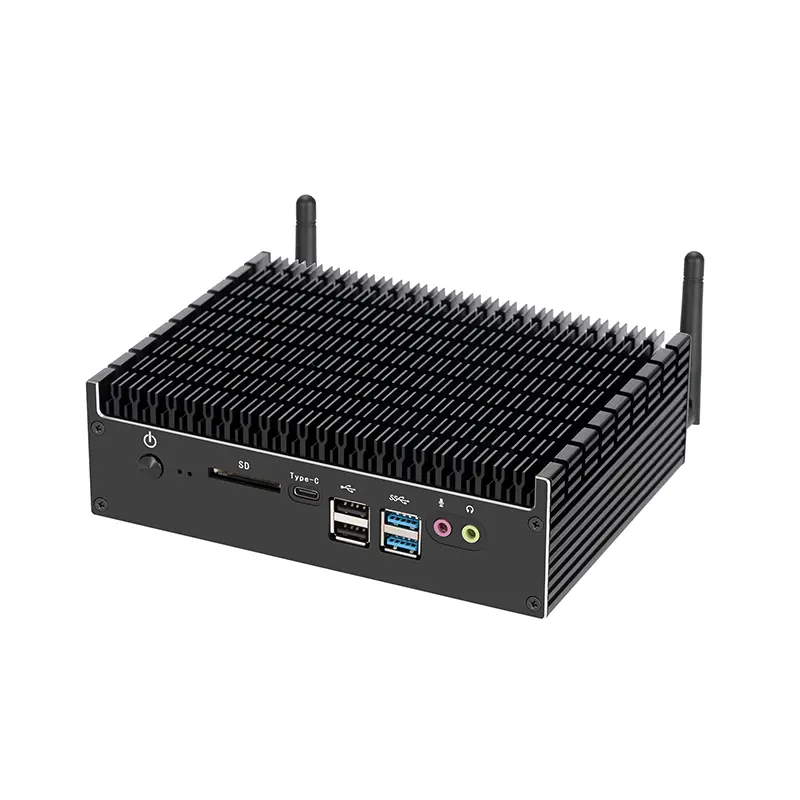
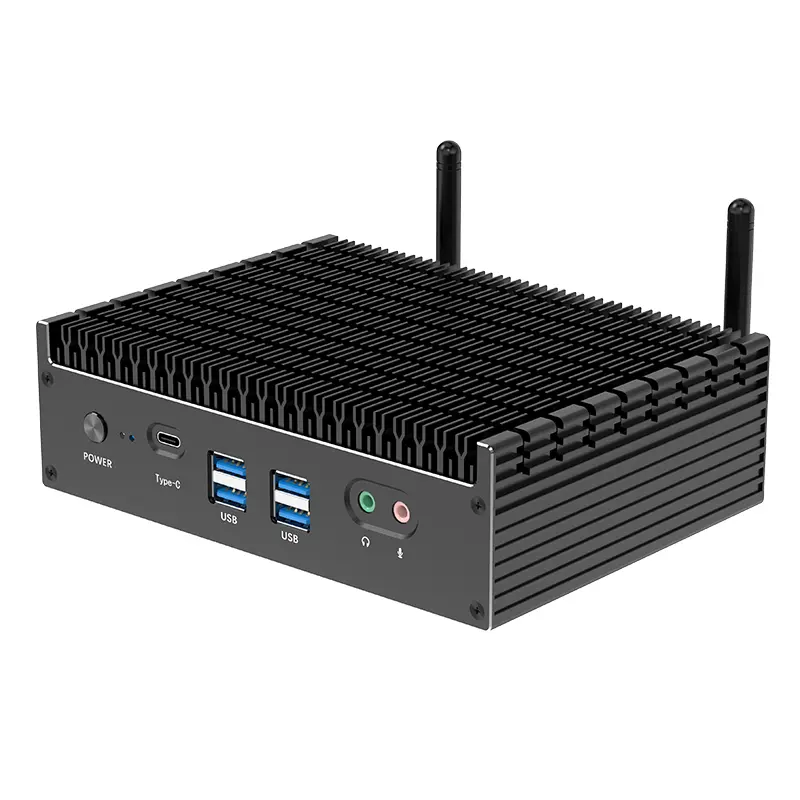
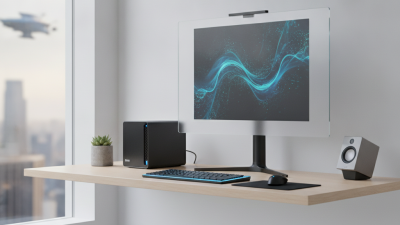
China’s mini PC market serves global buyers with compact systems for offices, classrooms, home desks, and digital signage. A small computer can free up valuable desk space. But its size does not guarantee quiet operation or easy upgrades. Buyers should compare processor performance, memory capacity, storage options, and cooling design against their actual workloads. For example, a metal chassis with visible ventilation may help manage heat, but placement still matters. Leave room around the vents.

Reliable purchasing also depends on clear product information and responsive supplier support. Ask for detailed specifications, operating temperature ranges, warranty terms, and compatible power requirements before ordering. Confirm that the listed configuration matches the unit being quoted. Request sample testing when purchasing in volume, especially for continuous workloads. Packaging, shipping times, and after-sales communication can vary. That part is easy to underestimate.

Tips: Match the computer to its daily tasks, not just its processor name. Check port locations, Wi-Fi options, and display outputs against your existing equipment. Ask how memory and storage can be replaced. Keep a little performance headroom; real workloads tend to grow. Even careful comparisons cannot predict every deployment issue, so test a unit in its intended setting before scaling up.

Key Features and Specifications to Compare

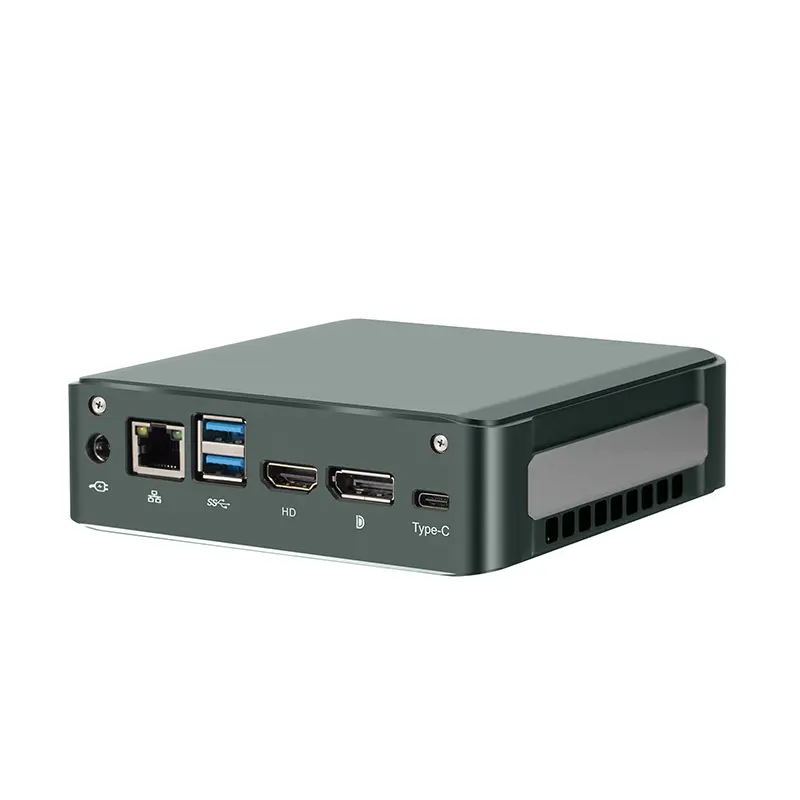
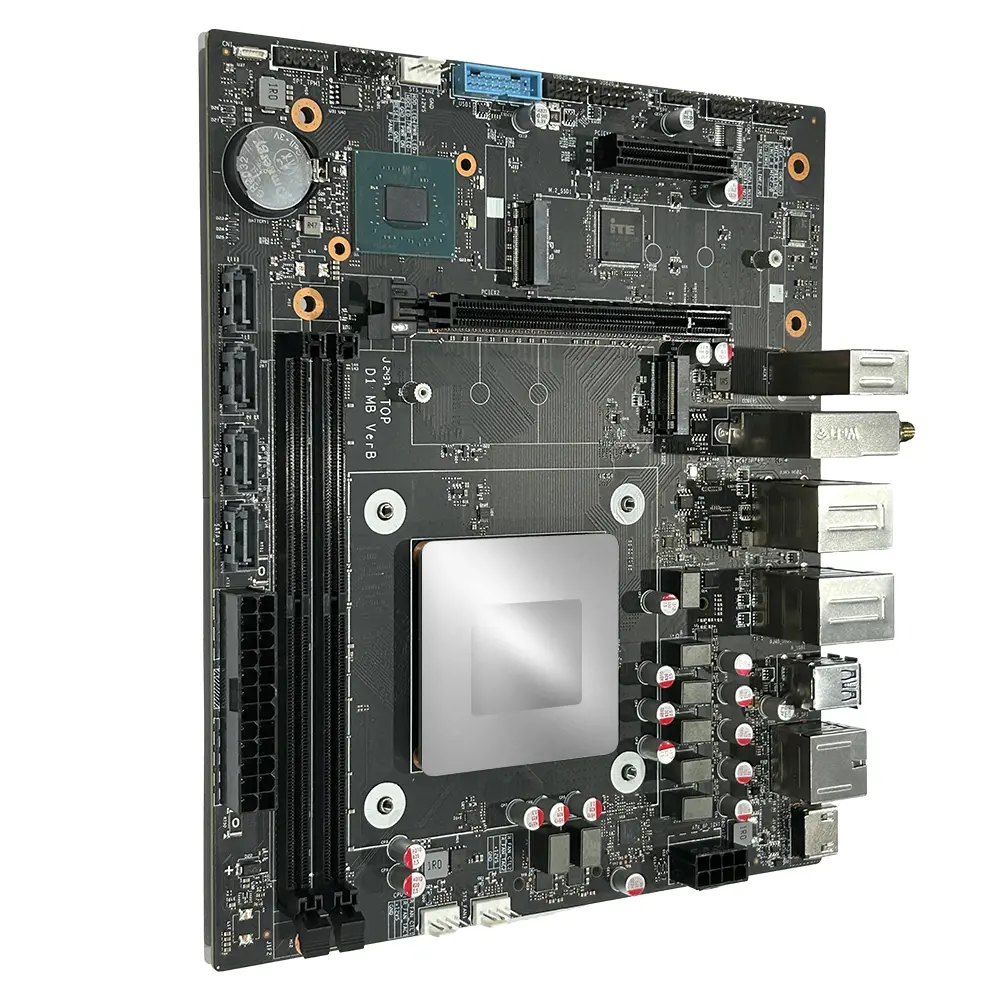
When comparing compact desktop PCs from China, check sustained performance, not just peak processor speed. A small case can run hot during long video calls or spreadsheet exports. Look for memory capacity, upgradeable storage, and measured noise under load. A 2.5-inch drive bay or second M.2 slot may matter more than a small benchmark advantage. Check the exact port layout, too: front USB ports save time, while dual display outputs simplify desk setups. Small details count.

Gartner forecast that AI PCs would represent 22% of worldwide PC shipments in 2024 and 43% in 2025. Its definition centers on an on-device neural processing unit, so buyers should verify whether a listed model actually includes one. The figures are forecasts, not proof that every office needs AI hardware.

Consider idle power, cooling design, wireless capability, and the power adapter’s supported input range. Also request independent test results and a clear warranty process. Useful, but not enough.

I would compare measured temperatures and noise at the same workload; vendor figures are not always directly comparable. A compact PC should fit the desk, and still stay dependable after hours of use.

Leading Compact PC Types and Their Ideal Uses

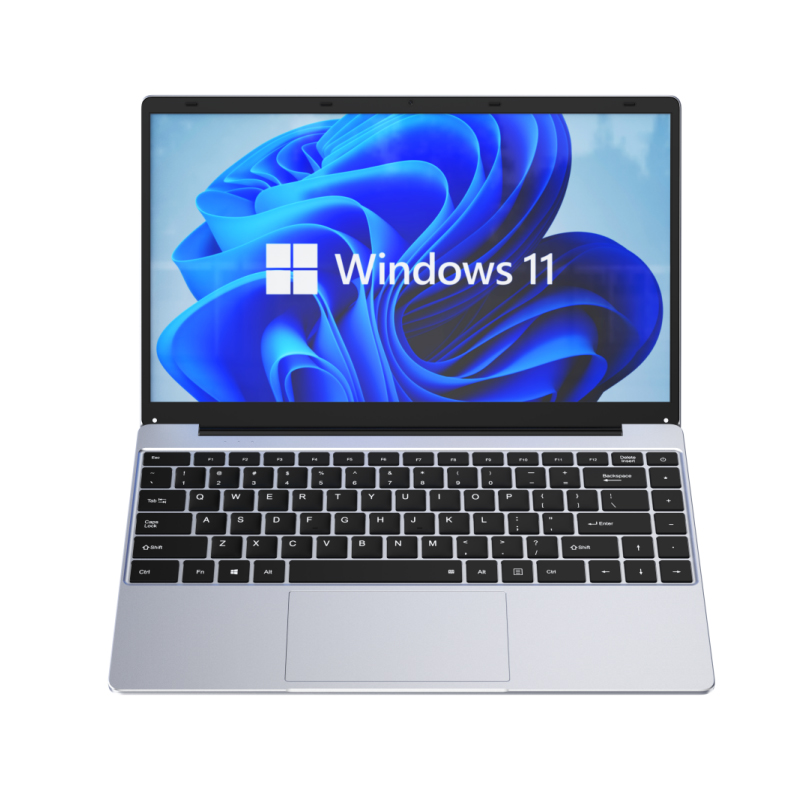
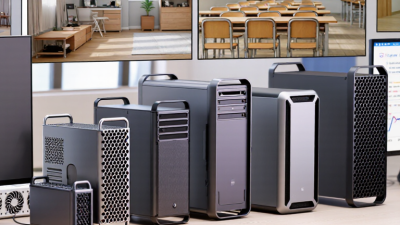
Compact desktop PCs serve different jobs, even when their cases look similar. Mini PCs suit reception desks, home offices, and small meeting rooms. They can handle documents, video calls, and several browser tabs without taking much desk space. Small desk. Fewer cables. Check the port layout before ordering; a hidden power button or limited display outputs can frustrate daily use.

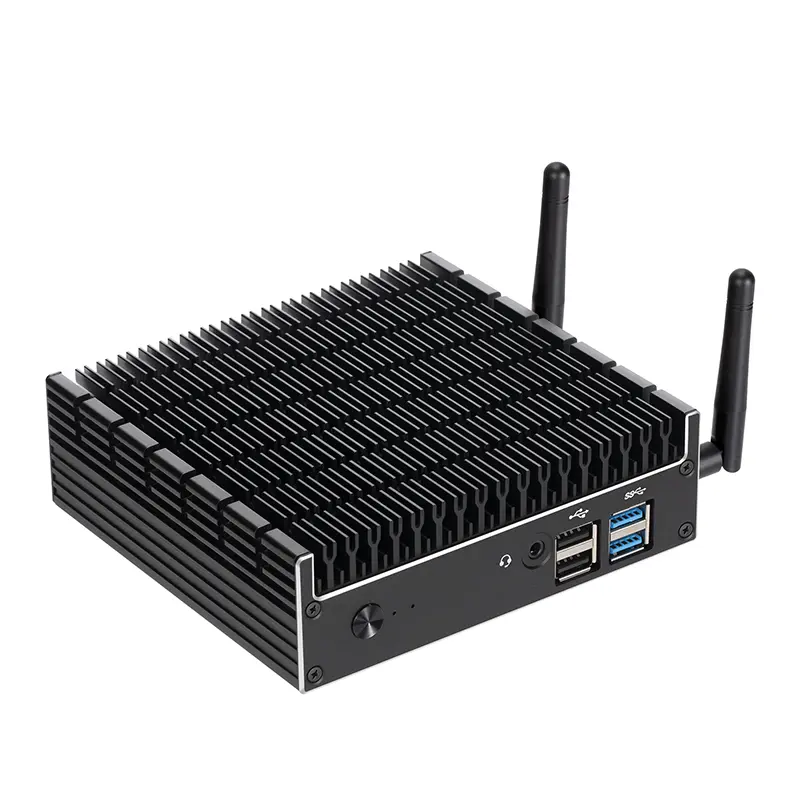
Thin-client PCs fit shared workspaces where staff mainly use browser-based tools or remote desktops. They are often easier to manage centrally, but performance depends on the network and hosted software. For design, data analysis, or light engineering, a small-form-factor workstation offers more processing and memory headroom. It may need better ventilation and a larger power supply. Fanless models can suit quiet rooms and light-duty kiosks, though sustained workloads may cause heat limits. Silent is not always cooler.

For global buyers, match the PC type to the actual workload, then confirm practical details with the supplier. Ask about supported input voltage, plug options, operating-system language, wireless compatibility, and warranty coverage in your destination market. Request the exact configuration, not just the product family. A practical mistake is choosing by dimensions alone; ports, cooling, and upgrade access matter after installation. I would allow some spare capacity, but not buy workstation-level hardware for simple office tasks. That balance is easy to misjudge.

Best Compact Desktop PCs from China for Global Buyers? - Leading Compact PC Types and Their Ideal Uses
Compact PC Type Typical Form Factor Typical Hardware Range Common Connectivity Typical Power Profile Ideal Uses Key Buying Considerations
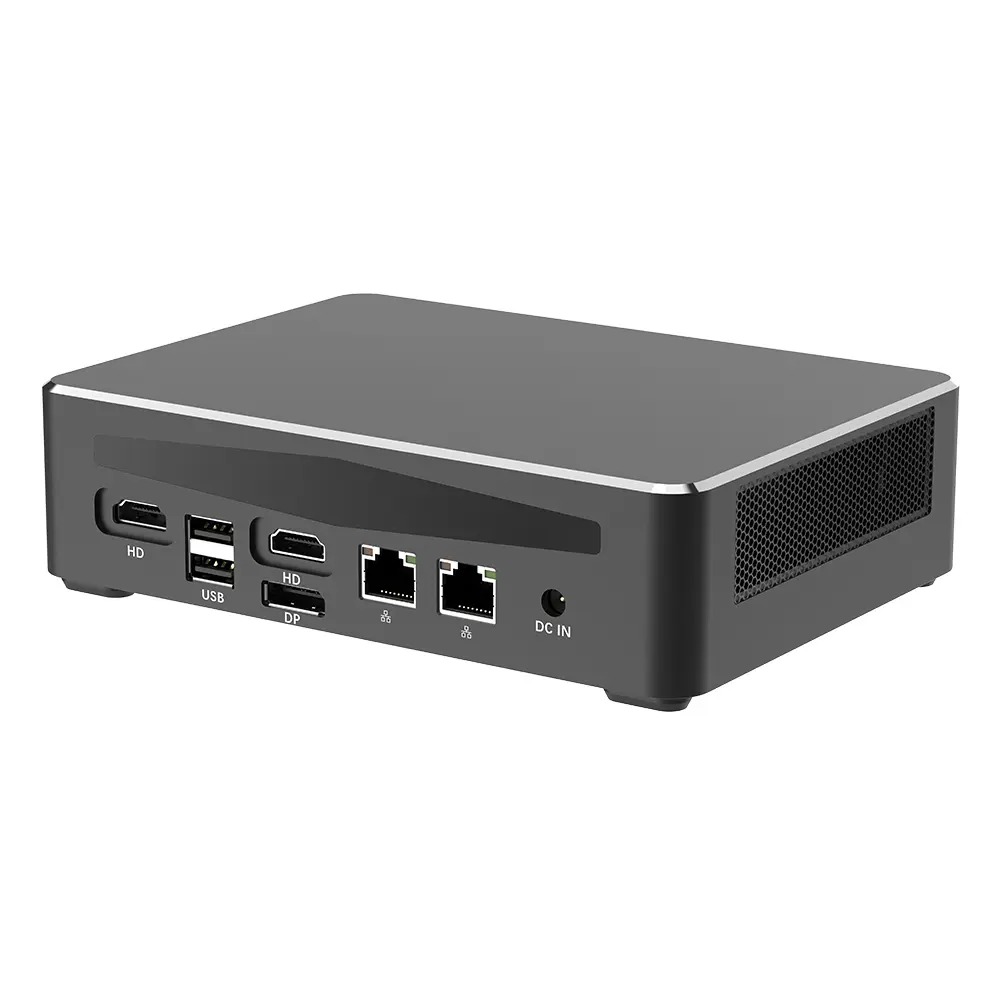
Mini PC Small box, commonly around 4–6 inches wide; often mountable behind a monitor Low-power or mainstream mobile-class processor; typically 8–32 GB RAM and 256 GB–1 TB SSD Usually HDMI or DisplayPort, USB-A, USB-C on some configurations, Ethernet, Wi-Fi, and audio Often roughly 10–65 W under typical workloads; adapter rating varies by configuration Office productivity, web applications, digital signage, home use, and light multitasking Check memory upgradeability, storage slots, supported display resolution, wireless standards, and included power adapter.
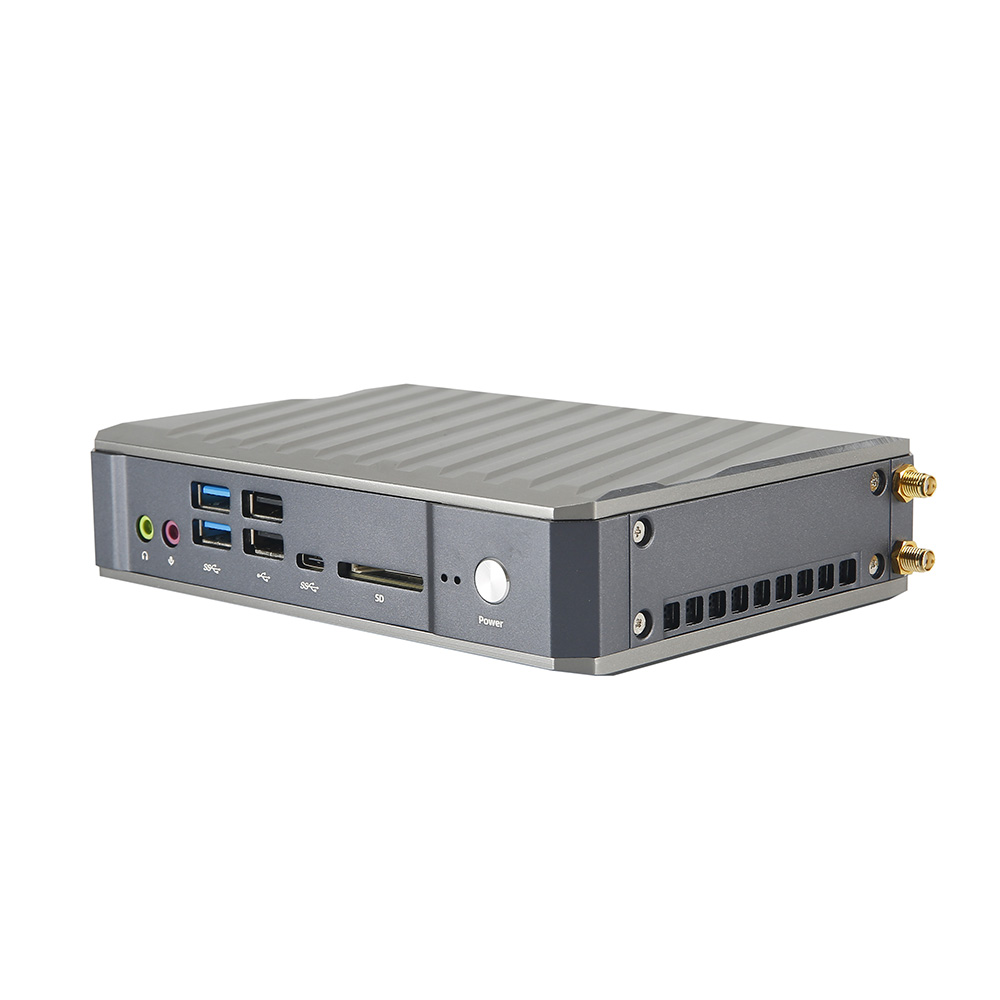
Thin Client Small, low-profile enclosure designed for a desk or monitor mount Entry-level processor; commonly 4–16 GB RAM and 16–128 GB flash or SSD storage Typically includes Ethernet, USB ports, and one or more display outputs; exact port selection varies Generally designed for low power use, often around 5–30 W in typical operation Virtual desktop infrastructure, browser-based workstations, call centers, classrooms, and shared terminals Confirm compatibility with the intended operating system, remote-desktop platform, peripherals, and management tools.
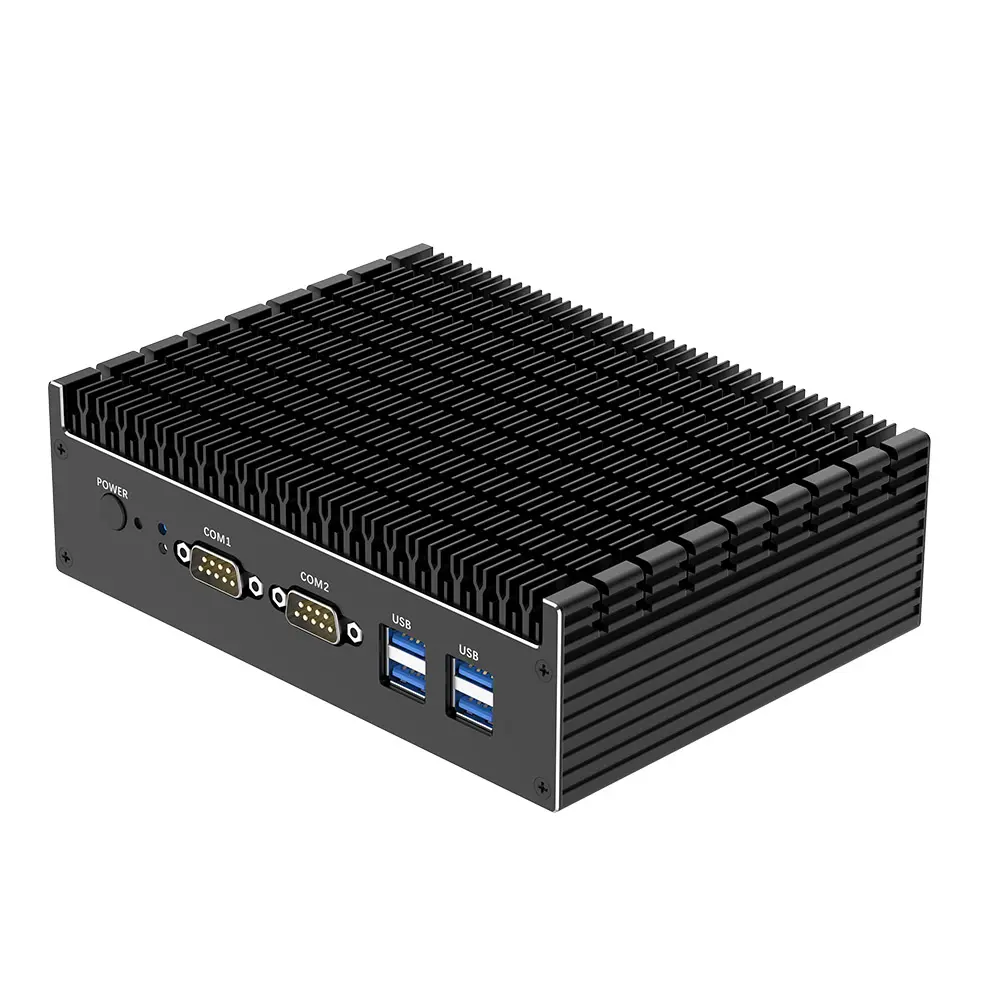
Fanless Industrial Mini PC Compact metal enclosure, sometimes with mounting points or a DIN-rail option Low-power processor; commonly 4–16 GB RAM and 64 GB–1 TB SSD, depending on the workload May offer multiple Ethernet ports, USB, serial ports, and HDMI or DisplayPort Often approximately 5–30 W; passive cooling reduces moving parts but can limit sustained performance Machine control, kiosks, gateways, monitoring, point-of-sale systems, and other fixed installations Verify operating temperature range, input-voltage requirements, mounting method, port layout, and environmental ratings.
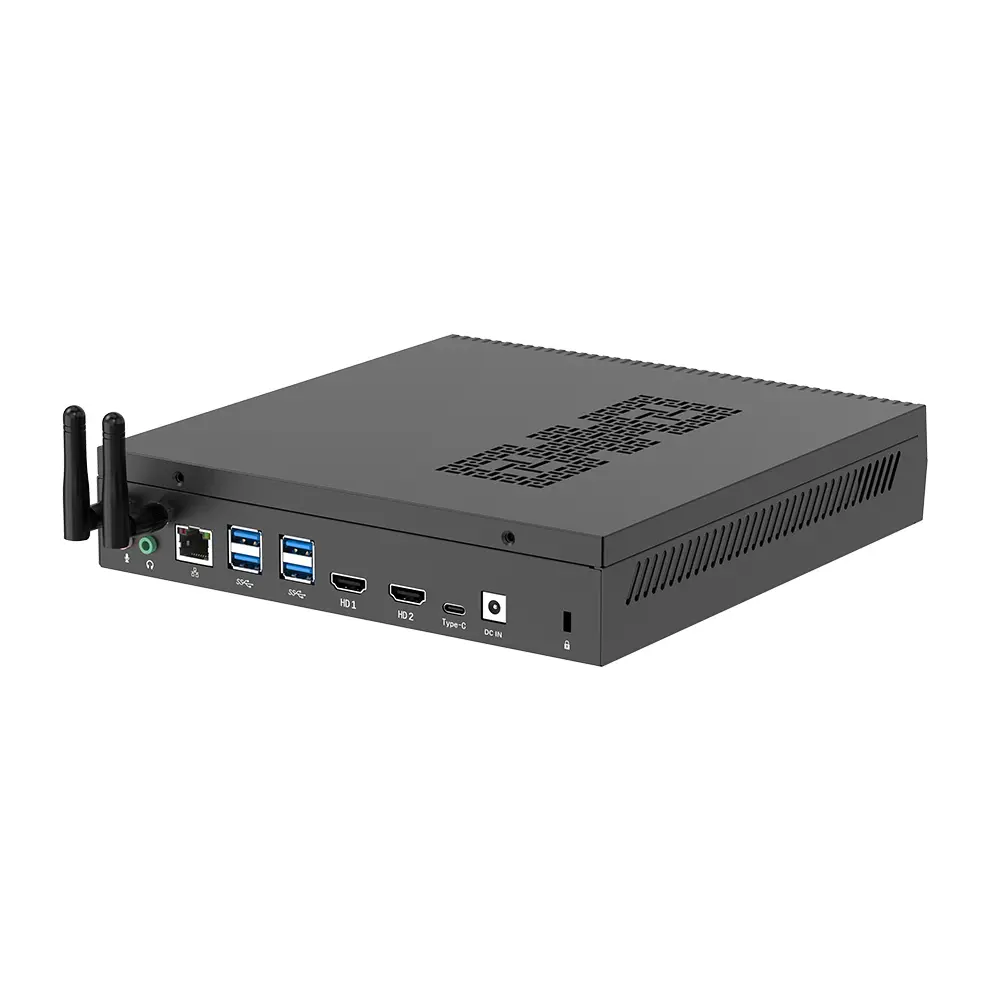
Micro Workstation Compact desktop chassis larger than a typical mini PC, with more room for cooling and expansion Mainstream or higher-performance processor; typically 16–64 GB RAM and 512 GB–2 TB SSD; some configurations support discrete graphics Multiple display outputs, USB-A and USB-C options, Ethernet, and sometimes additional expansion ports Commonly around 35–200 W depending on processor, graphics, and workload Photo editing, engineering applications, software development, multi-display desks, and light content production Check sustained cooling performance, graphics capability, power supply capacity, memory limits, and upgrade options.
Mini PC with Integrated Graphics for Digital Signage Small box intended for mounting near or behind one or more displays Entry-level to mainstream processor with integrated graphics; commonly 8–32 GB RAM and 128 GB–1 TB SSD One or more HDMI or DisplayPort outputs, Ethernet, USB, and optional wireless connectivity Often approximately 10–65 W under typical playback and office workloads Retail displays, menu boards, information screens, conference rooms, and multi-display dashboards Confirm the number of simultaneous displays, supported resolutions and refresh rates, playback software, and ventilation needs.
Compact All-in-One Desktop Computer integrated into a display; requires less desk space than a separate tower and monitor Entry-level to mainstream processor; commonly 8–32 GB RAM and 256 GB–1 TB SSD Typically includes USB ports, networking, display, speakers, and webcam; ports vary by design Usually around 20–100 W depending on screen size and hardware configuration Reception desks, classrooms, retail counters, home offices, and space-constrained work areas Assess display size and quality, webcam and speaker needs, serviceability, mounting options, and replacement costs.
Note: Hardware, ports, power consumption, and physical dimensions vary by configuration. Treat the ranges as typical category-level guidance and confirm the exact specification, operating-system support, certifications, warranty terms, and plug or voltage compatibility before purchasing.

How to Evaluate Compatibility, Warranty, and Support Worldwide

A compact desktop can fit neatly beside a monitor, yet worldwide compatibility takes more than checking its dimensions. Confirm the processor architecture, memory type, storage interface, and operating-system drivers against your workload. Then check the power adapter’s input range, plug type, and included cable. Small details matter. A mismatch can turn a low-cost purchase into a slow support ticket.

Ask the seller for written warranty terms before ordering: coverage period, who pays return shipping, repair location, and whether replacement parts are stocked. Request response times and support hours in your time zone. In practical deployments, a clear parts list often helps more than a polished promise. I would not assume that “international warranty” means local repairs; the phrase can be vague. That is not enough.

Support also affects product life. The ITU and UNITAR’s Global E-waste Monitor 2024 reports that the world generated

62 million tonnes of electronic waste in 2022, while only 22.3% was formally collected and recycled.

That figure does not measure desktop repair rates, but it underlines why parts availability matters. Ask how long fans, adapters, and storage components will remain available, and whether repair instructions are supplied. Keep the answers in writing; it makes cross-border claims easier to assess.