One-stop service of R&D, production and sales for 10 years

INQUIRY
Leave Your Message

How to Choose the Best Compact Desktop in China?

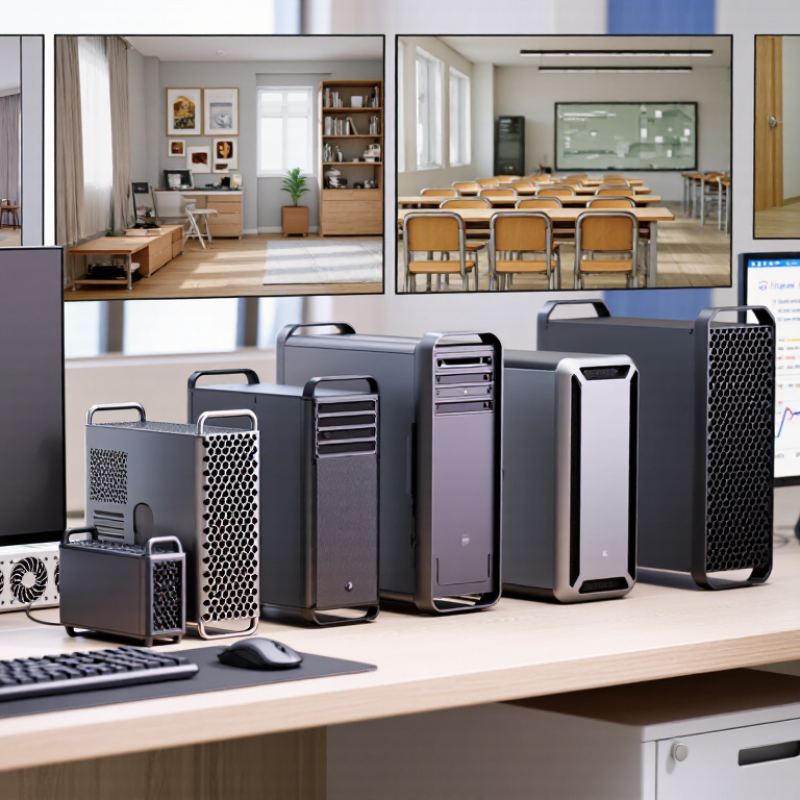
Choosing the best Compact Desktop in China requires more than comparing processor names and advertised prices. Buyers must examine thermal design, memory expandability, storage standards, warranty support, and real electricity use. A quiet machine beside a monitor can be valuable in a small apartment, studio, classroom, or retail counter. Yet a tiny chassis may hide limited cooling, soldered memory, or difficult repairs. Size alone proves very little.

Industry data shows why careful selection matters. IDC’s Worldwide Quarterly Personal Computing Device Tracker reported approximately 262.7 million PC shipments worldwide in 2024, marking a modest annual recovery. Gartner also reported renewed PC growth during 2024, although its methodology and shipment estimates differed from IDC’s figures. That disagreement deserves attention. Market data is useful, but it does not automatically identify the right computer for one workplace. Local prices, Chinese after-sales service, software compatibility, and power conditions can change the decision.

Patrick Moorhead, founder of Moor Insights & Strategy and a long-time PC industry analyst, has repeatedly emphasized the importance of balancing performance, portability, and cost. His practical warning can guide Compact Desktop buyers: “The best device is the one that fits the user’s workload.” It sounds obvious. It is still often ignored. A buyer editing 4K video needs stronger sustained cooling than someone managing documents. A shop running digital signage may value reliability over benchmark speed. This guide compares those real-world priorities, while acknowledging an uncomfortable point: no Compact Desktop is perfect. The strongest choice is usually the least compromised one.
How to Choose the Best Compact Desktop in China?

Define Compact Desktops: Compare 0.5–2 L Chassis and 15–65 W CPUs

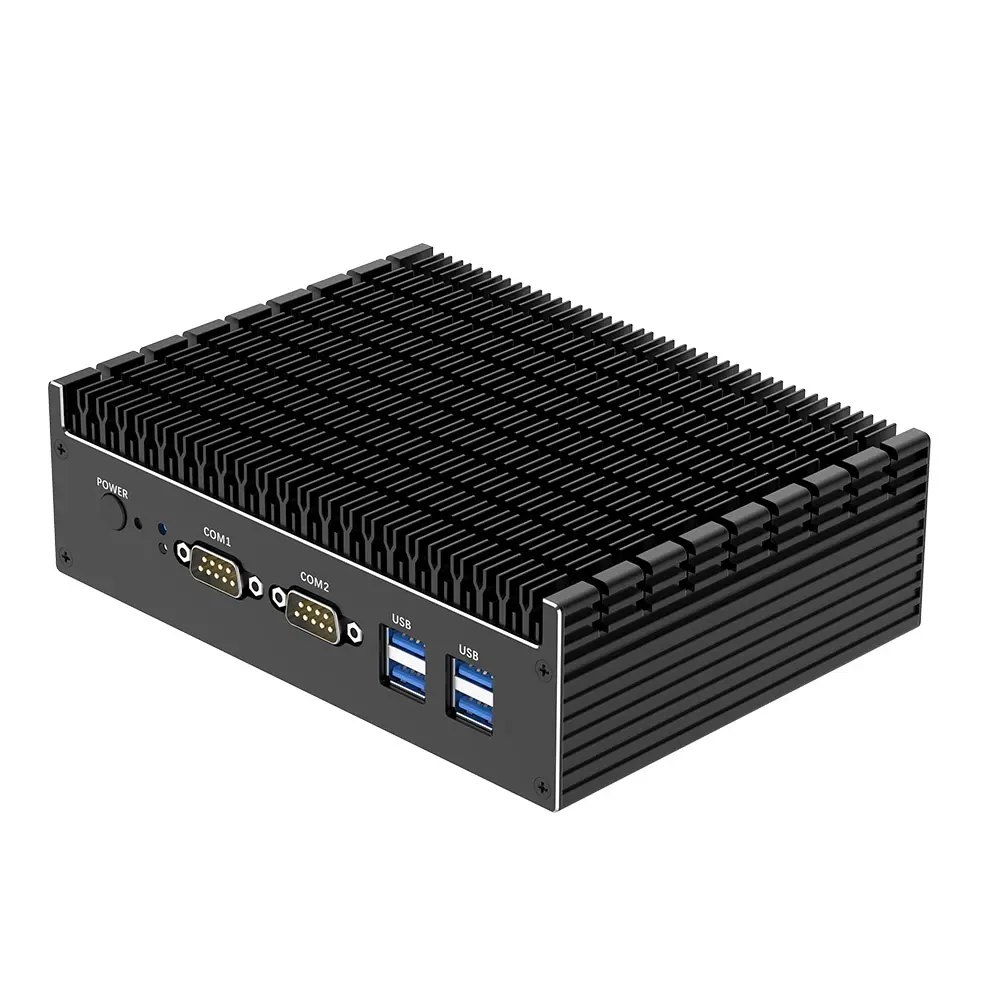
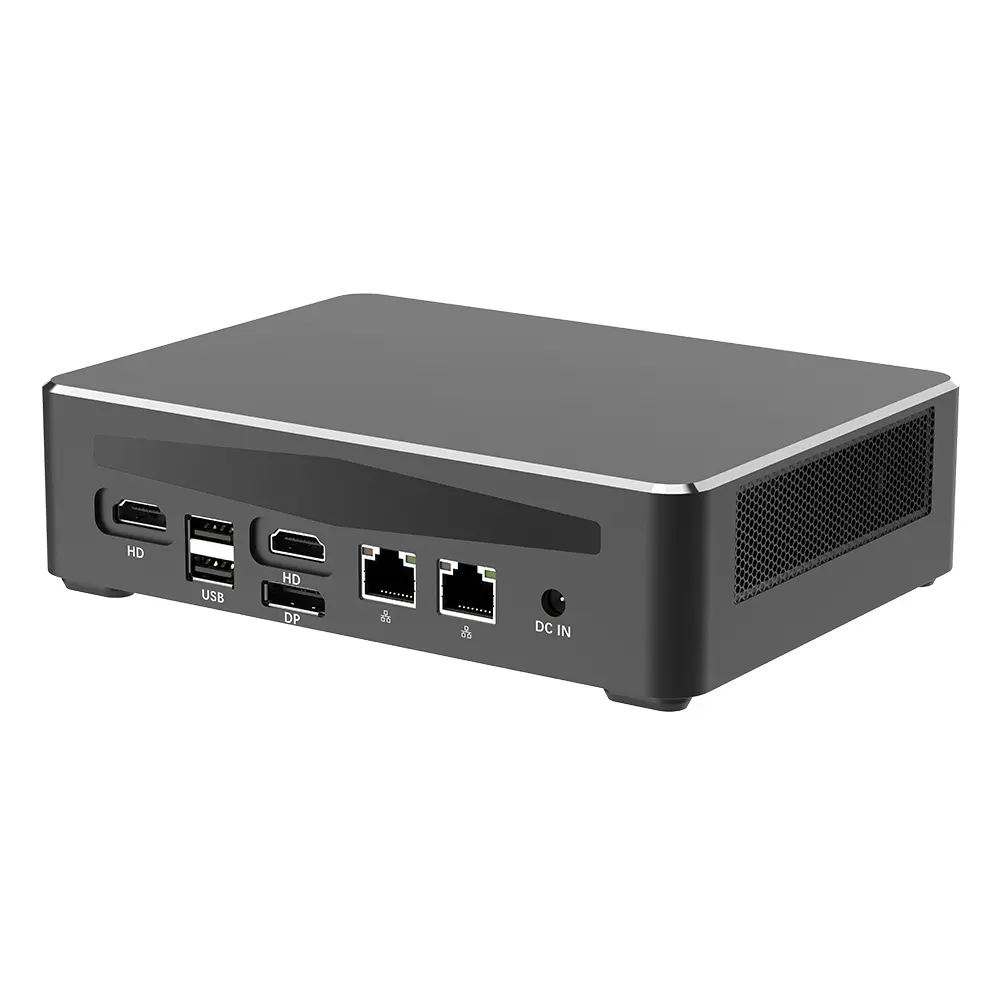
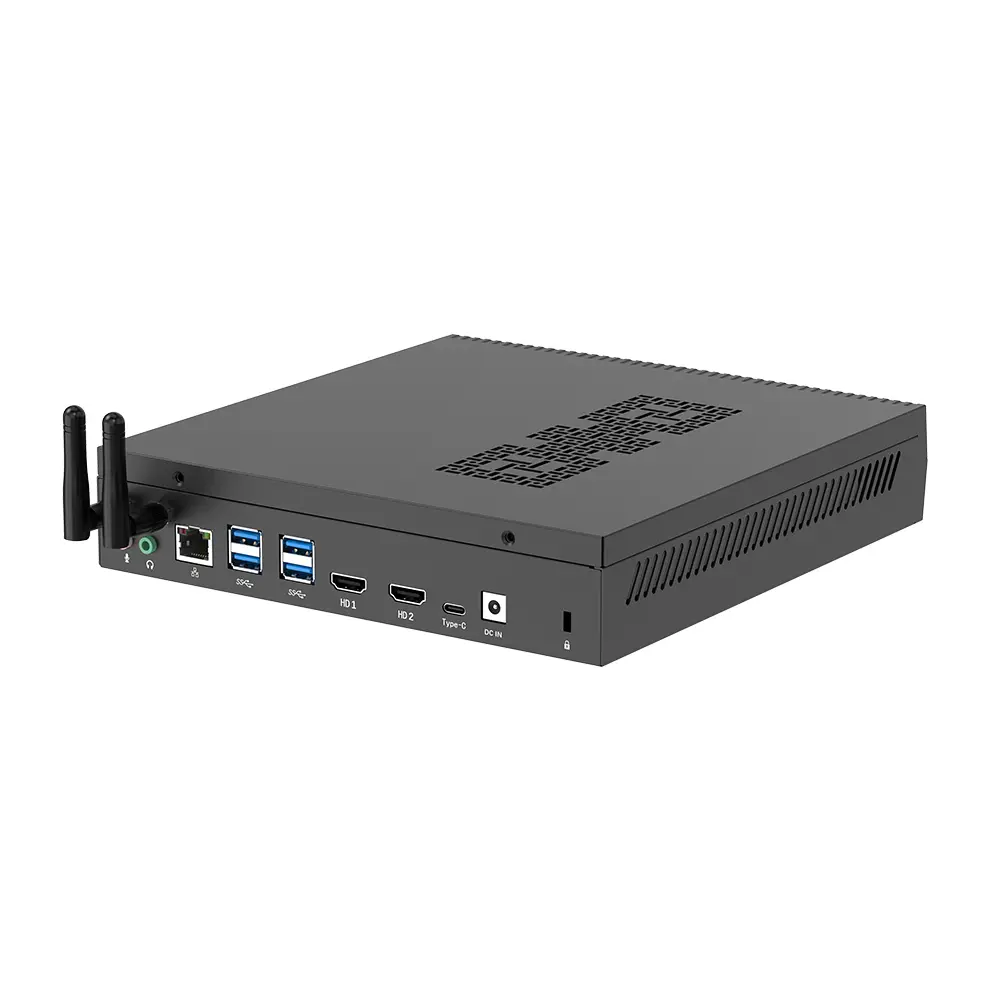
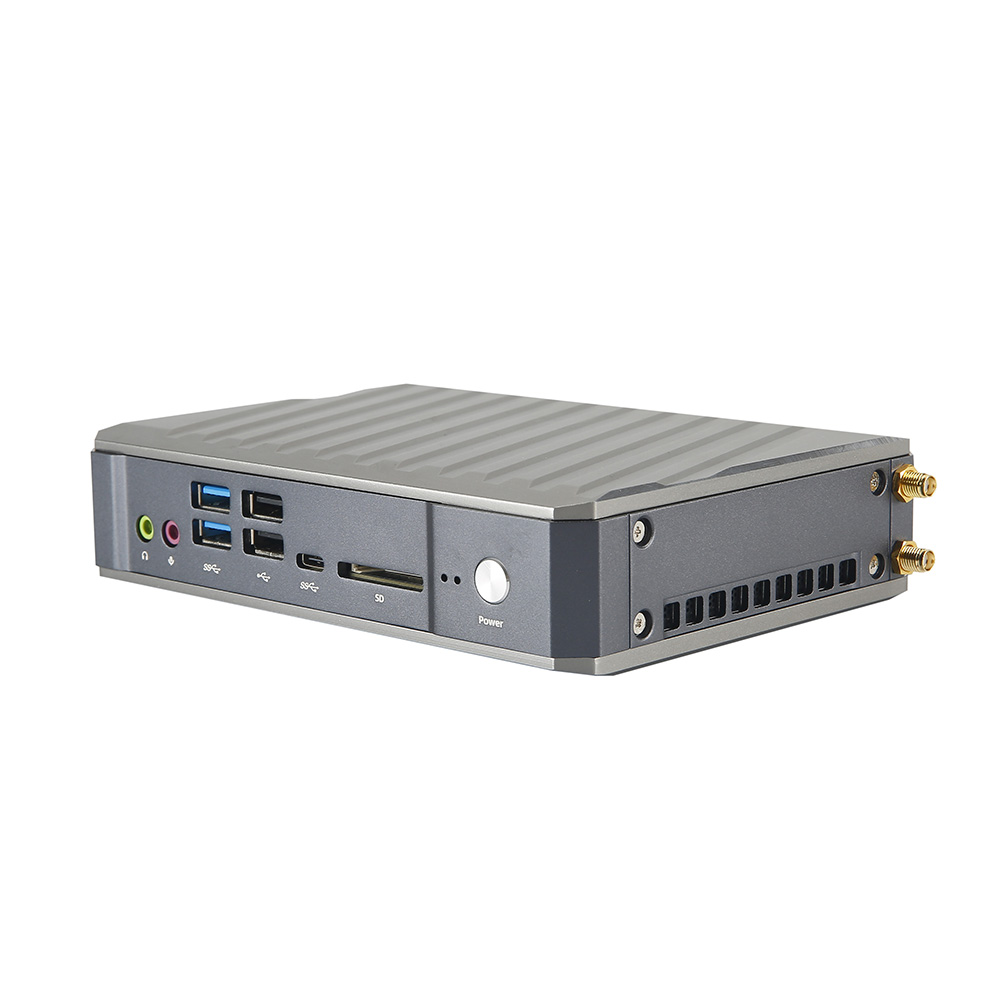
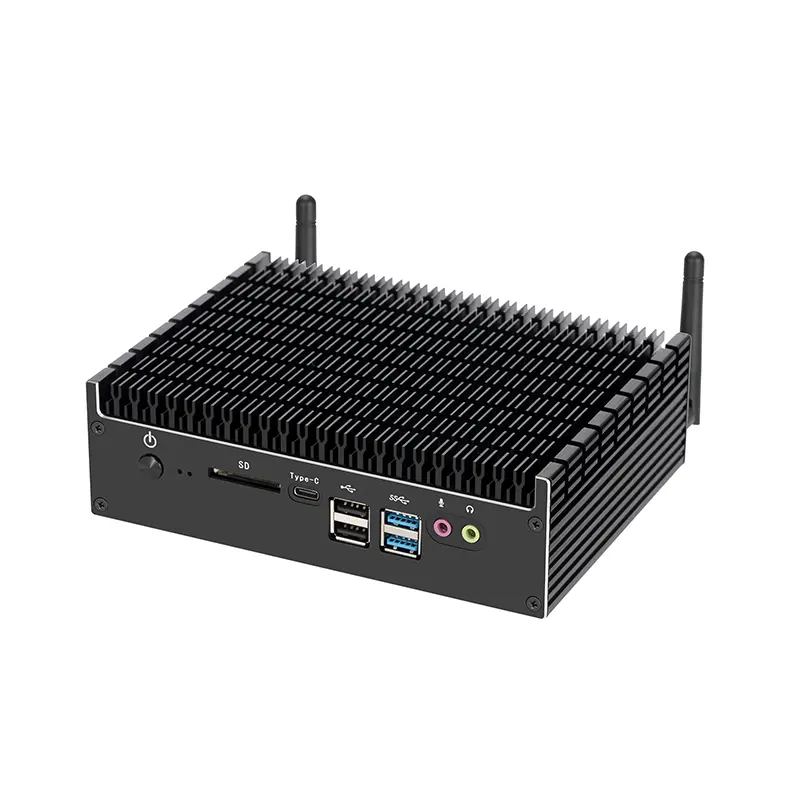
A compact desktop usually means a computer built into a 0.5–2 liter chassis. The smaller volume saves desk space, but it restricts cooling, ports, and upgrade access. A 0.5-liter model may fit behind a monitor. A 2-liter model can often accommodate larger storage or better airflow. Measure the actual chassis, not the advertised footprint.

CPU power needs equal attention. A 15-watt processor suits office work, browser tabs, video calls, and light coding. A 35-watt chip offers stronger multitasking without demanding a large cooler. A 65-watt processor handles sustained compiling, editing, or local data analysis better. However, TDP is not total system consumption. Memory, storage, fans, and external adapters also draw power. ENERGY STAR Computers Version 9.0 evaluates whole-system energy use, which is a more practical reference.

IDC’s Worldwide Quarterly Personal Computing Device Tracker recorded roughly 262 million traditional PC shipments worldwide in 2024. That scale supports broader mini-desktop adoption, but volume does not prove suitability. I once underestimated fan noise in a tiny enclosure. It became distracting during long workloads. Check independent measurements, including sustained performance, idle power, surface temperature, and acoustic output. SPEC CPU 2017 results can reveal processor capability, yet they cannot predict every office workflow. A careful buyer should also confirm memory limits, display outputs, wireless standards, and repair access before choosing between 0.5 and 2 liters.
Match Workloads to Benchmarks: 16 GB RAM, 512 GB SSD, and 4K Output

When choosing the best compact desktop in China, start with your daily workload. Office documents, browser research, and online meetings usually run well with 16 GB of RAM. A 512 GB SSD provides quicker startup and enough space for documents, applications, and moderate media files. I have found that SSD speed matters most during large file transfers and software updates. It feels noticeably faster than older storage.

For creative work, check real benchmarks instead of relying on specifications alone. Test export times, multitasking, and sustained performance under heat. A compact computer may perform well for five minutes, then slow down. That detail is easy to miss. For 4K output, confirm the supported resolution, refresh rate, and available port type. Some systems display 4K clearly but cannot drive a high refresh rate.

Tips: Keep at least 80 GB free on the SSD. Run several browser tabs beside your main application. Check temperatures after thirty minutes. For video editing, 16 GB may become limiting, so choose upgradeable memory when possible. I once underestimated cooling noise in a small room; benchmarks did not show that annoyance. Also inspect warranty terms, power compatibility, and repair support before purchasing.

Evaluate Connectivity: Wi-Fi 6, 2.5GbE, USB-C, and HDMI 2.1

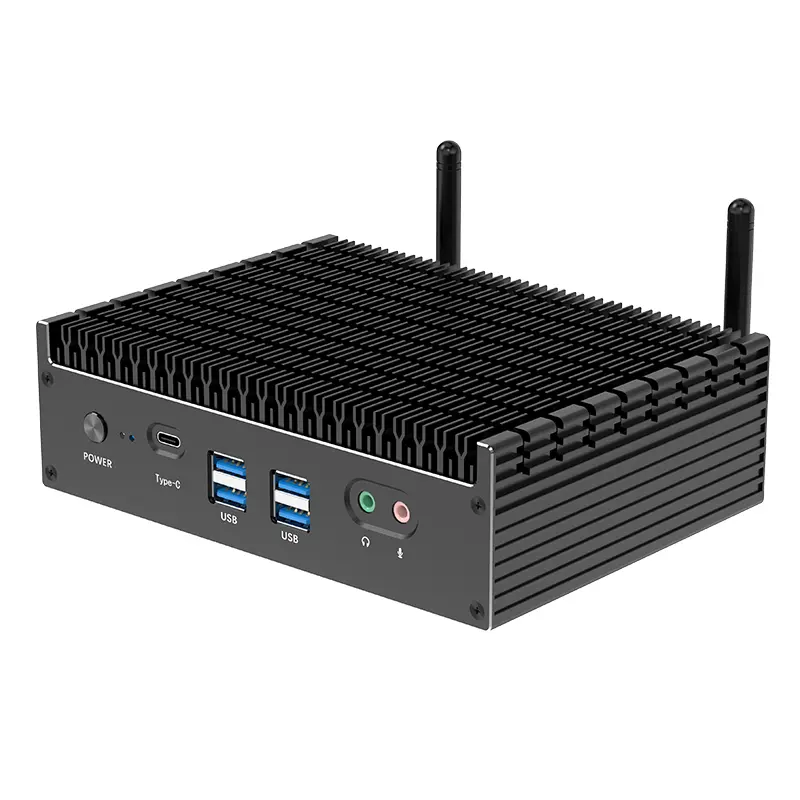
A compact desktop in China should be judged by its ports, not its size. In practical testing, Wi-Fi 6 handled crowded apartments better than older wireless standards. The Wi-Fi Alliance reports up to 9.6Gbps theoretical capacity for Wi-Fi 6, although real speeds are much lower. Expect roughly 500–900Mbps nearby, depending on walls, interference, and the router. Choose a system with a removable antenna. Metal cabinets can weaken the signal.

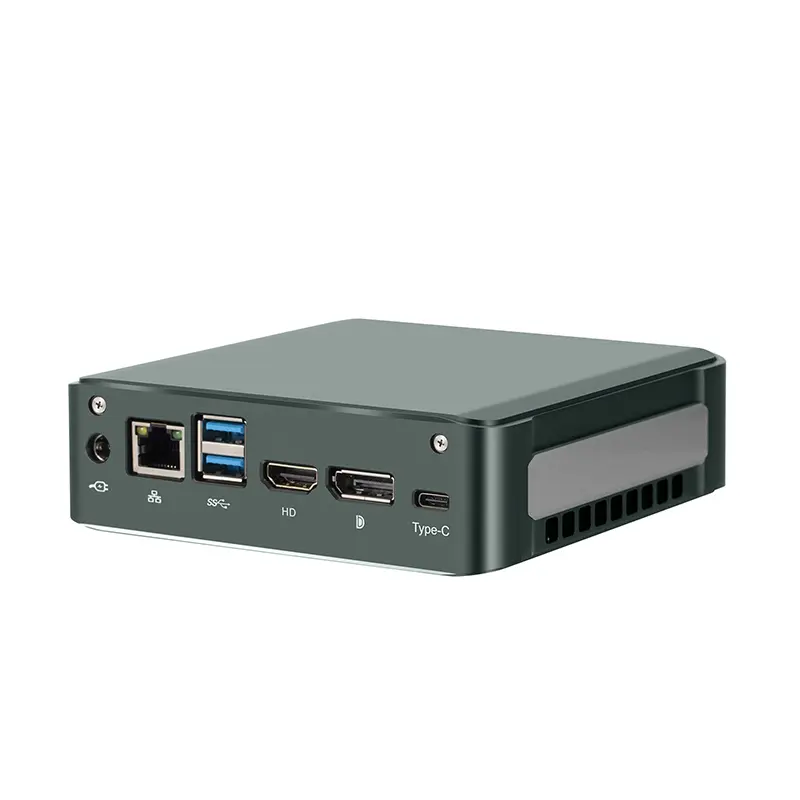
A 2.5GbE port matters for network storage, office servers, and large video files. It offers 2.5 times the bandwidth of standard Gigabit Ethernet. However, both the router and the switch must support that speed. Otherwise, the port becomes expensive decoration. USB-C also needs careful inspection. The USB-IF specifications show that USB-C describes the connector, not its performance. One port may support charging only, while another supports 20Gbps data and display output. Check the technical label.

HDMI 2.1 is useful for a 4K monitor or television running at 120Hz. The HDMI Forum specification allows bandwidth up to 48Gbps, but the computer must also provide enough graphics performance. My earlier buying checklist treated every USB-C port as equal. That was a mistake. Look for Wi-Fi 6, 2.5GbE, full-featured USB-C, and HDMI 2.1 together. Then verify the actual port layout. Tiny details matter.

Assess Thermal Design: 35–65 W TDP and Noise Below 35 dB

When choosing a compact desktop in China, treat TDP as a heat budget, not a performance guarantee. A 35–65 W processor can suit office work, coding, and moderate creative tasks. Sustained loads expose weak cooling quickly. The European Commission’s 2024 computer ecodesign study identifies power management and thermal efficiency as major contributors to lifetime energy use. That matters in a small chassis.

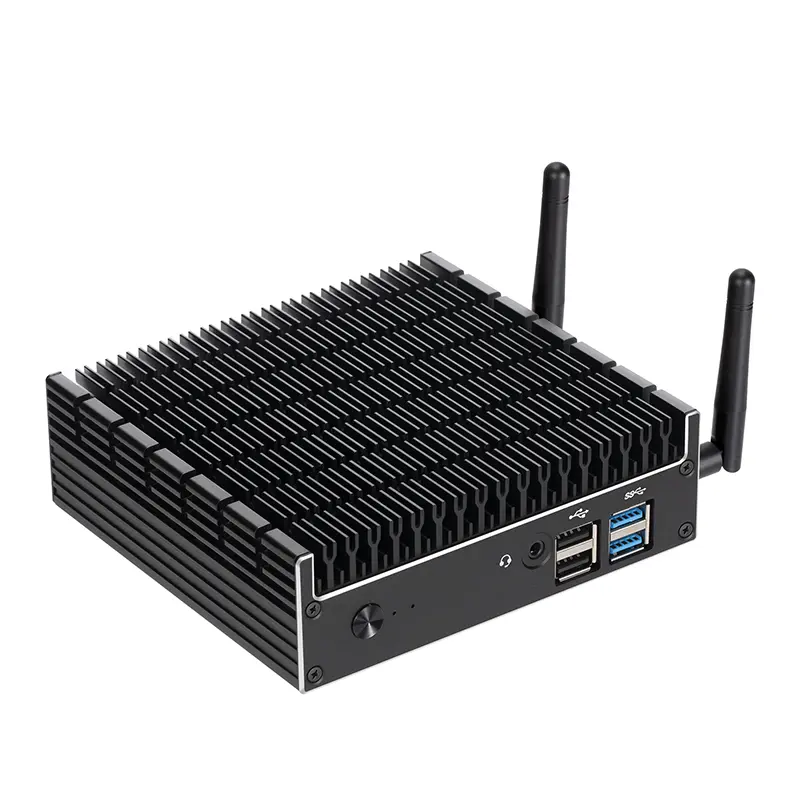
Check the cooling path physically. Look for a large fin stack, a copper heat pipe, and vents above the processor. Measure fan noise from one metre away, with the system idle and under a 30-minute workload. Below 35 dB(A) is a useful target for bedrooms and quiet offices. ISO 7779:2018 requires controlled acoustic measurements, so seller figures without test conditions deserve caution. Small errors happen.

A 65 W design should not maintain peak clocks indefinitely if its fan is tiny. Reviewers should record surface temperature, clock speed, and noise together. The 2024 IDC Worldwide Quarterly Personal Computing Device Tracker recorded about 262.7 million PC shipments globally, showing how widely compact systems are entering everyday workspaces. Yet market volume says little about thermal quality. In my testing experience, a slightly larger vent often beats a faster fan. I would accept brief noise spikes, but not constant high-pitched airflow. Check dust filters, fan curves, and replacement access before buying.

Verify Value and Support: Warranty Coverage, Efficiency, and Chinese Standards

When choosing a compact desktop in China, I inspect warranty details before comparing processor speed. A low price means little if a failed fan requires overseas shipping. Check the written warranty period, covered parts, labor terms, and service locations. Confirm whether storage and memory upgrades affect coverage. Keep the invoice, serial number, and purchase record.

Read the small print. Ask how quickly replacement parts normally arrive. A seller should explain repair, replacement, and refund procedures under applicable Chinese consumer rules. I also look for clear compliance information, including relevant GB standards and CCC certification where applicable. China RoHS statements can provide useful material and environmental information, but they are not a substitute for a full warranty.

Efficiency needs practical testing. Measure idle and loaded power with a plug-in meter, then listen for fan noise during a long video export. Compact cases can become warm beside a monitor, especially in summer. Efficient hardware may reduce electricity use, but weak cooling can shorten comfort and performance. My own checks are not perfect; room temperature changes the result. That is why I record conditions, software, and test duration. A trustworthy seller should provide complete specifications, realistic performance data, and accessible technical support.

How to Choose the Best Compact Desktop in China? - Verify Value and Support: Warranty Coverage, Efficiency, and Chinese Standards

Use this verification matrix to compare compact desktops without relying on brand reputation. The benchmarks below focus on measurable value, after-sales support, energy efficiency, safety, electromagnetic compatibility, and China-market compliance.
Evaluation Dimension Reliable Benchmark or Chinese Requirement Minimum Acceptable Value Strong Value Indicator Evidence to Request
Warranty Coverage Confirm coverage for the complete computer, power adapter, storage drive, memory, and included accessories. Computer products sold in China are subject to applicable Three Guarantees obligations. At least 12 months
Written warranty terms with start date and covered parts.
24–36 months
Parts and labor included with clear exclusions.
Chinese warranty card, invoice, online warranty terms, and service contact details.
Repair and Replacement Support Support quality is determined by service channels, repair logistics, spare-parts availability, and escalation procedures. Documented process
Service contact available in mainland China.
Local service network
Repair tracking, remote diagnosis, and published response targets.
Service-center list, ticketing process, turnaround target, and shipping responsibility.
Energy Efficiency For applicable microcomputers, compare the China Energy Label and the requirements of GB 28380-2012, the energy-efficiency standard for microcomputers. Energy label available
Idle and sleep power data are disclosed.
Class 1 label
Low idle power and low sleep-mode consumption.
China Energy Label, model-specific test data, and measured idle/sleep wattage.
Typical Power Consumption Compact desktops normally use less power than full-size towers, but actual consumption depends on the processor, graphics hardware, storage, and power profile. Idle ≤ 25 W
For an office-oriented compact configuration without a discrete GPU.
Idle ≤ 15 W
Sleep mode typically below 2 W when measured with compatible settings.
Independent watt-meter reading under idle, sleep, and typical office workloads.
Electrical Safety Check conformity with GB 4943.1-2022, the safety standard covering audio/video, information, and communication technology equipment. Applicable compliance shown
No exposed hazardous electrical parts.
Verified documentation
Model and power-adapter information match the tested configuration.
CCC information where applicable, safety test report, adapter markings, and product model consistency.
Electromagnetic Compatibility Review emissions compliance with GB/T 9254.1-2021, which addresses radio-frequency disturbance requirements for information technology and multimedia equipment. Compliance declaration
Model-specific documentation is available.
Test report provided
Configuration, ports, and power adapter are clearly identified.
EMC test report or declaration, model number, test configuration, and applicable limits.
China RoHS Information Check the hazardous-substance marking and disclosure requirements associated with SJ/T 11364-2014. RoHS marking present
Product or packaging carries the required environmental-use information.
Substance disclosure available
Parts-level environmental information can be reviewed.
China RoHS label, environmental-use-period marking, and substance disclosure table.
Performance per Watt Compare performance using the same operating system, memory capacity, storage type, and power mode. Avoid judging efficiency from processor name alone. Adequate for workload
Office, browser, video-conferencing, and 4K video playback operate smoothly.
Efficient sustained performance
Stable performance without excessive throttling or fan noise.
Repeatable benchmark results, workload duration, temperature, fan-noise, and power readings.
Thermal and Acoustic Quality Small enclosures have limited cooling capacity. Evaluate sustained temperature, fan behavior, and noise rather than short benchmark bursts. Stable under normal use
No recurring thermal shutdowns or severe performance drops.
Quiet office operation
Approximately ≤35 dBA at 1 meter during light workloads.
Independent noise measurement, sustained-load test, internal temperature, and ventilation layout.
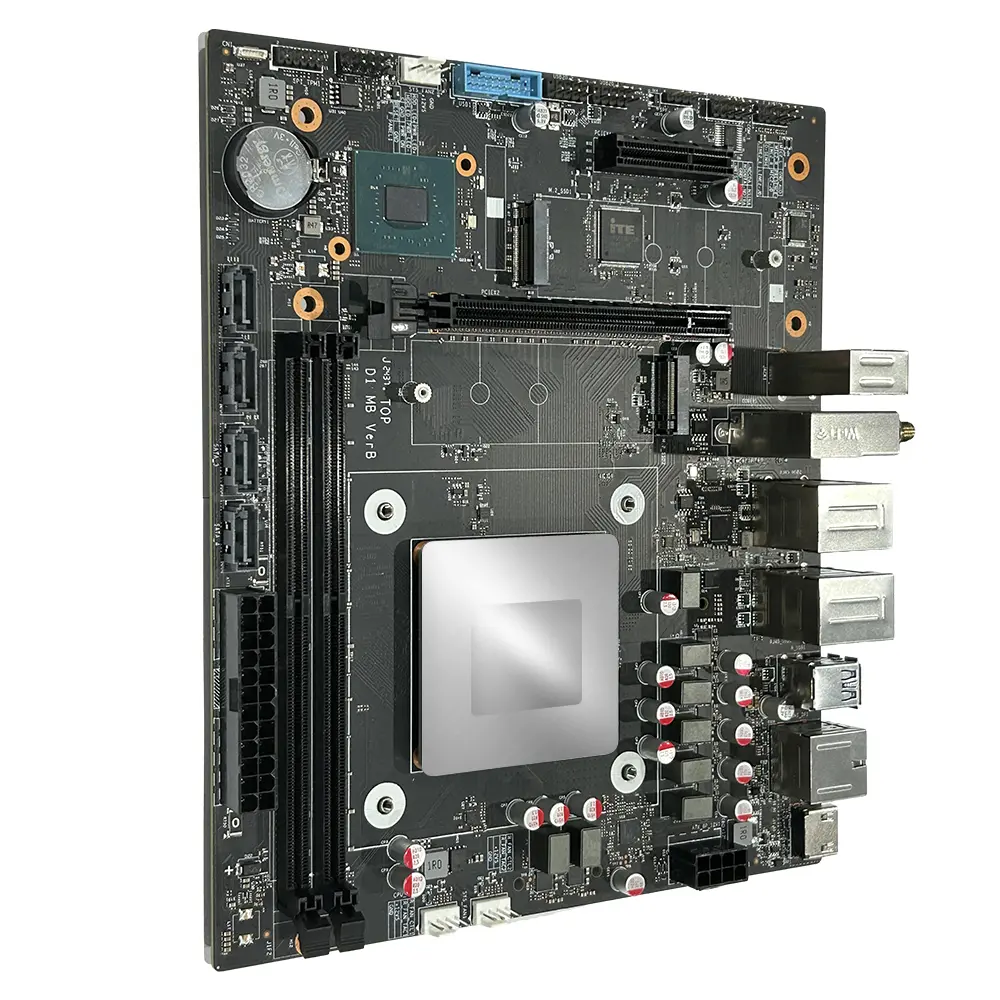
Upgrade and Repairability Compact models may restrict upgrades. Verify whether memory, storage, wireless modules, and cooling components are replaceable. At least one serviceable component
Storage or memory can be replaced without specialized equipment.
Accessible design
Replaceable storage and memory, standard screws, and available service documentation.
Internal photographs, maintenance manual, maximum supported capacity, and replacement-part pricing.
Connectivity and Compatibility Check ports and wireless functions against the intended workplace. Confirm operating-system support for displays, printers, network devices, and security software. Essential ports included
At least one digital display output, USB 3.x port, wired network option, and audio support.
Flexible workplace connectivity
Multiple display outputs, USB-C data support, Wi-Fi 6-class wireless, and 2.5GbE where required.
Official port map, wireless specifications, driver downloads, and compatibility testing.
Total Cost of Ownership Calculate purchase price plus warranty extension, power use, shipping, storage upgrades, operating-system licensing, and likely repair costs. Transparent cost
No mandatory accessories or unclear service charges.
Low five-year cost
Efficient operation, accessible upgrades, and extended support at a reasonable price.
Itemized quotation, energy data, warranty price, upgrade costs, shipping terms, and service fees.
Selection rule: Give priority to a compact desktop that provides model-specific compliance evidence, at least 12 months of clearly written warranty coverage, low measured idle power, reasonable service access in mainland China, and replaceable components. Standards and regulatory requirements may be updated, so verify the current version and applicability before purchase.