How to Choose the Best Compact Desktop for Your Needs?
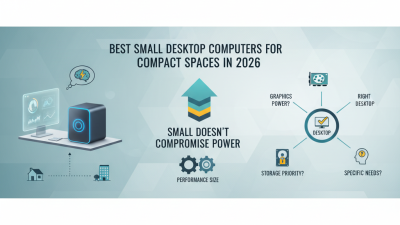
In today's digital age, choosing the right Compact Desktop can significantly impact your productivity and workspace efficiency. According to a recent IDC report, compact desktops now account for over 30% of the global desktop market. With trends leaning towards remote work and smaller living spaces, selecting a compact option becomes essential. Professionals and casual users alike are searching for powerful yet space-saving designs.
Finding the best fit demands careful consideration of various factors. Performance specifications, connectivity options, and design aesthetics should all align with your specific needs. The challenge is to balance power and size without compromising on functionality. A National Retail Federation study suggests that nearly 40% of consumers prioritize space efficiency when buying tech products. Understanding which features matter most to you can streamline your decision-making process.
Not all compact desktops are created equal. Some may prioritize aesthetics over performance, while others could fail in expandability. Reflecting on your priorities helps you navigate these pitfalls. A solid choice should combine reliability, adaptability, and a fair price point, ensuring your investment supports both current and future demands.
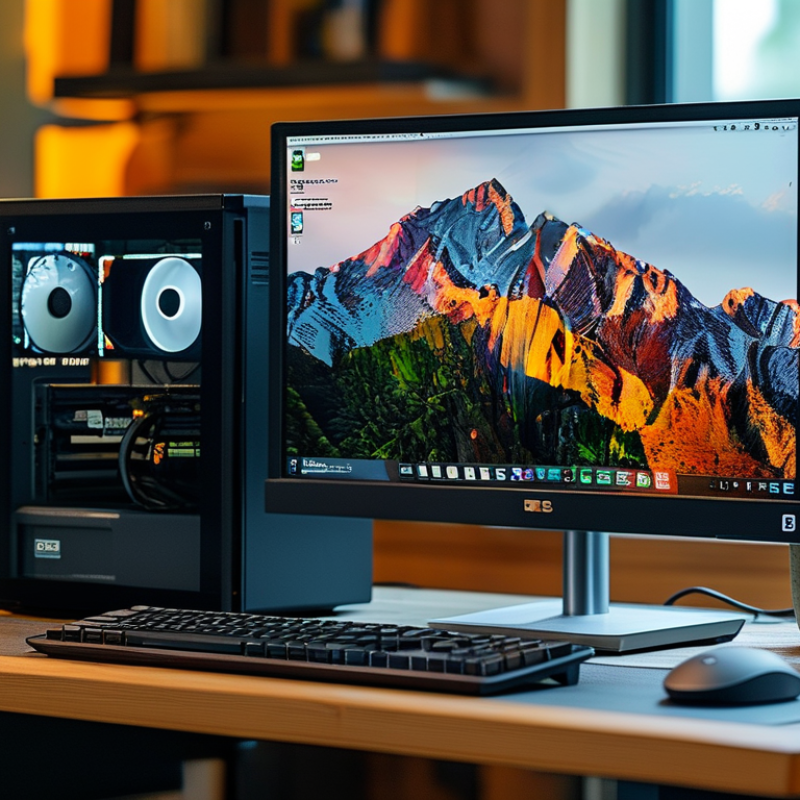
Understanding Your Computing Needs and Usage Scenarios
Understanding your computing needs is essential when choosing a compact desktop. Consider what tasks you will perform daily. Will you use it for basic browsing, or do you need it for photo editing? These scenarios will greatly influence your choice.
If your work involves heavy applications, you need a powerful processor and ample RAM. On the other hand, if your activities are limited to web browsing, you might not require high-end specs. Reflect on your storage needs too. Solid-state drives provide speed, while traditional hard drives offer more capacity at a lower price.
A compact desktop is appealing because it saves space. However, the limited design might not accommodate future upgrades. Be mindful of how long you plan to use the system. Choosing wisely now can save you from frustration later. Consider reviewing online reviews and expert opinions, but remember that individual experiences may vary. Make a choice that aligns with your unique requirements and work style.
Comparative Analysis of Compact Desktop Features
Evaluating Key Specifications for Compact Desktops
When looking for a compact desktop, key specifications should not be overlooked. The processor is vital. Look for at least an Intel Core i5 or AMD Ryzen 5. These processors balance performance and energy efficiency. Reports indicate that desktops with these specs can handle multitasking and demanding applications efficiently.
RAM is another crucial factor. Aim for a minimum of 8GB. This allows for smoother operation, especially when running multiple applications. Studies show that systems with 16GB RAM provide a considerable boost in performance for creative tasks. Yet, you should consider your specific usage needs. More isn’t always better.
Storage options also play a pivotal role. Solid-state drives (SSDs) offer faster load times compared to traditional hard drives. Users can experience boot times that are up to three times quicker. However, SSDs tend to be pricier per gigabyte. If storage is limited, consider external drives for larger files. Balancing speed and capacity can be tricky, yet it's essential for a functional compact desktop.
Comparing Design and Form Factor Options
When choosing a compact desktop, the design and form factor are crucial. Compact desktops come in various shapes. Do you prefer a traditional tower, a mini PC, or an all-in-one unit? Each design has distinct advantages and potential drawbacks. For example, a tower PC offers upgradeability but takes up more space. Mini PCs save room but may lack performance in demanding tasks.
Another aspect to consider is aesthetics. A sleek, modern design enhances your workspace. However, functionality should remain your priority. Some compact desktops appear stylish but sacrifice essential features. You might find yourself wishing for extra ports or better cooling options.
Ergonomics also plays a key role in your decision. A compact desktop should fit comfortably on your desk. Check the dimensions before you buy. If it's too small, you could struggle with screen visibility. If it's too large, you might clutter your workspace. Balancing these factors ensures you select a model that serves your needs without overwhelming your setup.
Examining Performance Features: CPU, RAM, and Storage
When selecting a compact desktop, the CPU, RAM, and storage options are crucial. A powerful CPU ensures smooth multitasking. Reports indicate that quad-core processors are now standard in most compact models. They provide adequate performance for everyday tasks and light gaming.
RAM is equally vital. A minimum of 8GB is recommended for most users. This amount allows for efficient running of applications without slowdowns. For those who work with heavy software, opting for 16GB could be a game changer.
Storage options often divide users. SSDs offer speed and responsiveness, decreasing boot times to mere seconds. On the other hand, HDDs provide larger storage capacities at lower costs. It’s worth considering a combination of both. This setup effectively balances speed and storage needs.
Tip: Define your primary usage beforehand. If your work involves data analysis or design, prioritize better RAM and CPU.
Next, evaluate future needs. Technology evolves rapidly, and today's choices might not suffice tomorrow. Reflect on this when upgrading.
Tip: Keep an eye on expansion options. Some desktops allow easy RAM upgrades, which can extend their lifespan. This foresight saves costs in the long run.
How to Choose the Best Compact Desktop for Your Needs? - Examining Performance Features: CPU, RAM, and Storage
| Model |
CPU |
RAM |
Storage |
Price |
| Model A |
Intel Core i5 |
16 GB |
512 GB SSD |
$699 |
| Model B |
AMD Ryzen 5 |
8 GB |
1 TB HDD |
$549 |
| Model C |
Intel Core i7 |
32 GB |
1 TB SSD |
$1099 |
| Model D |
Intel Core i3 |
4 GB |
256 GB SSD |
$399 |
Assessing Budget and Warranty Considerations for Compact Desktops
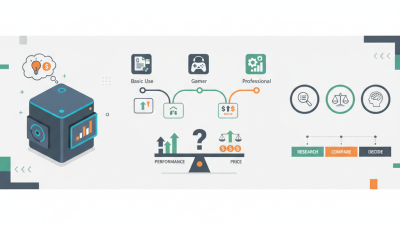
When considering a compact desktop, budget and warranty are critical factors. Establish a budget that reflects both your needs and available resources. Compact desktops can vary widely in price. Some models appear affordable initially but may require expensive upgrades later. Think about the total cost of ownership. This includes accessories, software, and maintenance.
Warranty options are often overlooked but are vital. A solid warranty can provide peace of mind. It protects against defects and can cover repairs. Evaluate the company’s warranty policy. Some offer longer coverage or better service. Short warranty periods can be a red flag. They may indicate lower quality.
It’s important to balance your budget with warranty considerations. Don’t just go for the lowest price. Sometimes, investing a bit more results in a more reliable experience. Seek out user reviews that discuss both performance and warranty experiences. Real-world feedback helps to identify potential issues. Trustworthy information leads to better decisions.

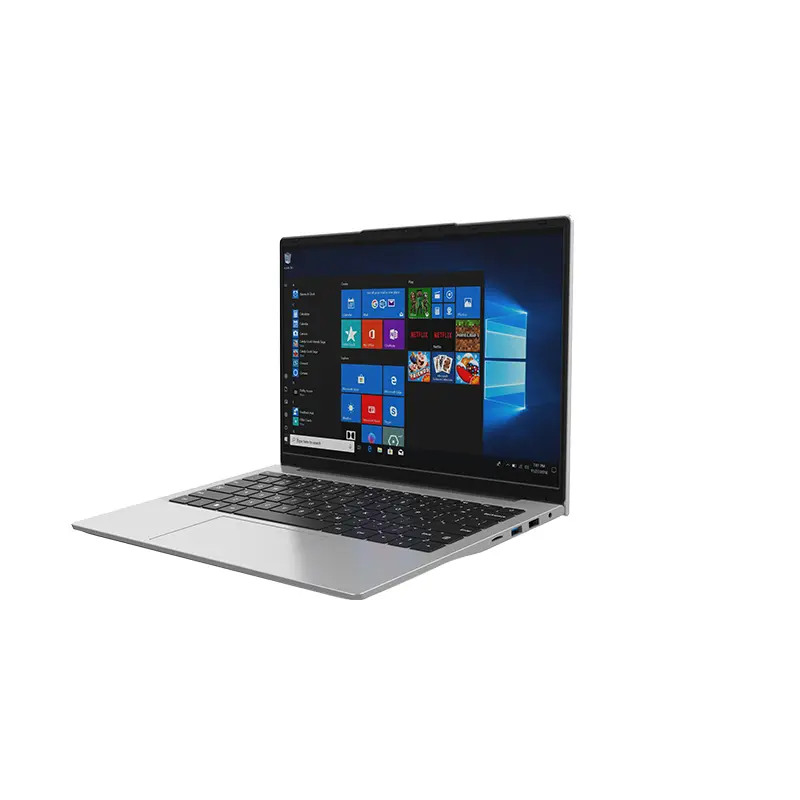 14 Inch Office Notebook
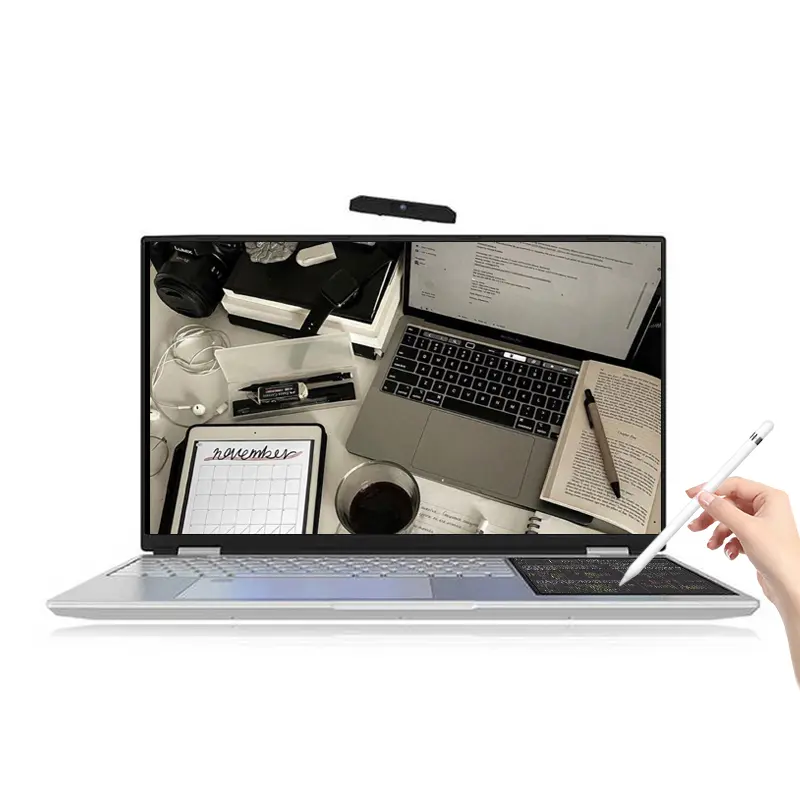 Dual Screen Laptop
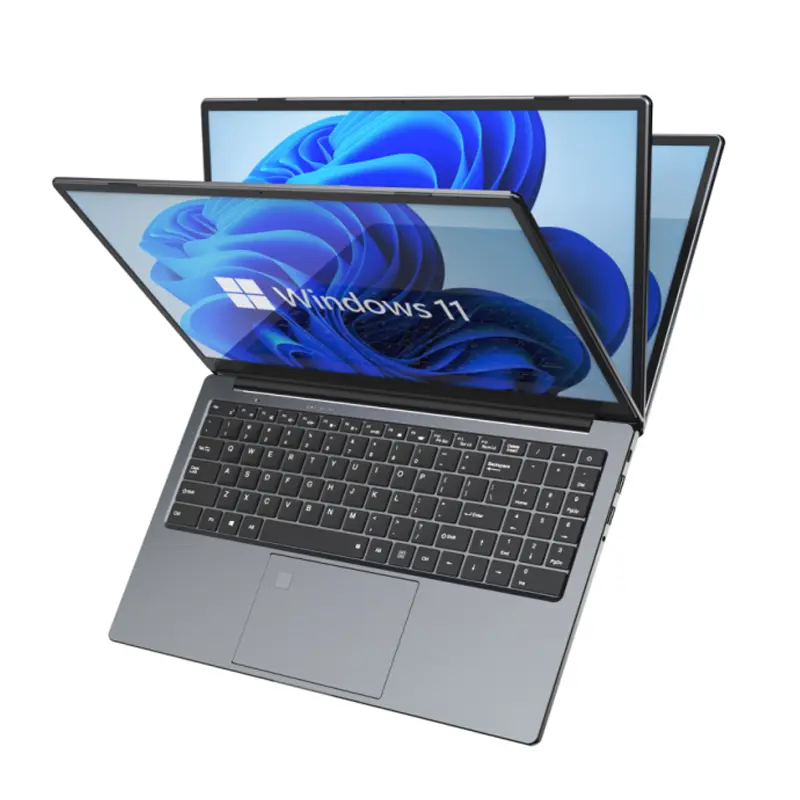 Fingerprint Business Notebook
 Big Screen Laptop
 HD Gaming Laptop
 14.1 Inch Student laptops
 16.1 Inch Office Laptops
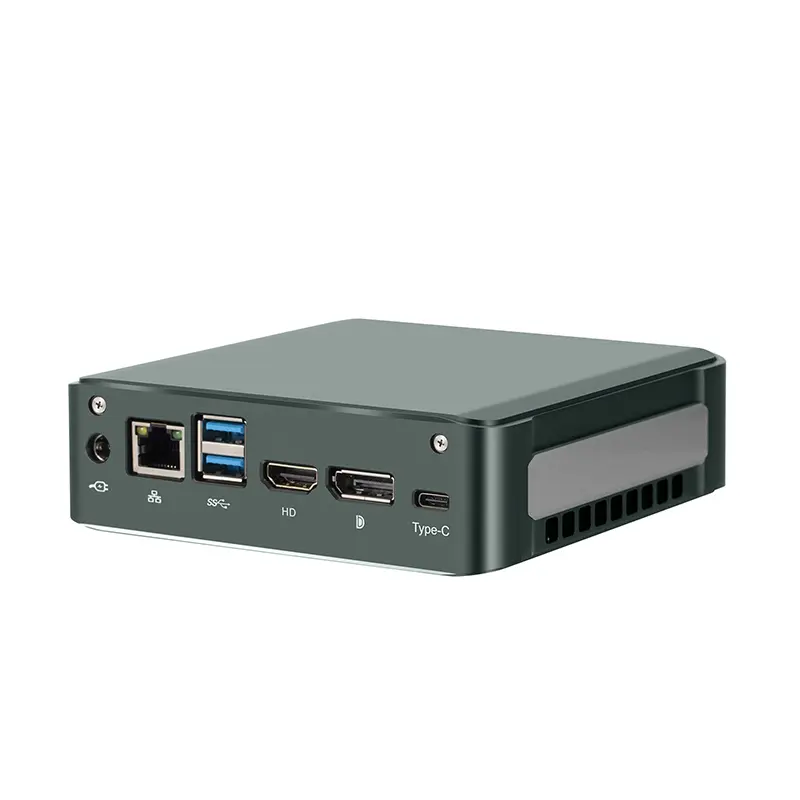 Home Mini Host
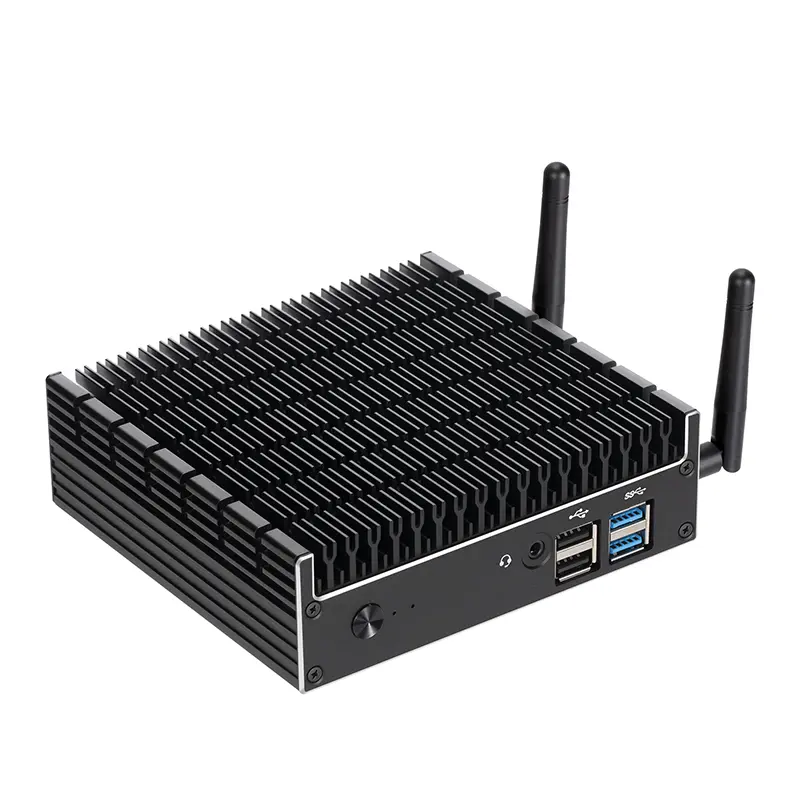 Industrial Micro PC
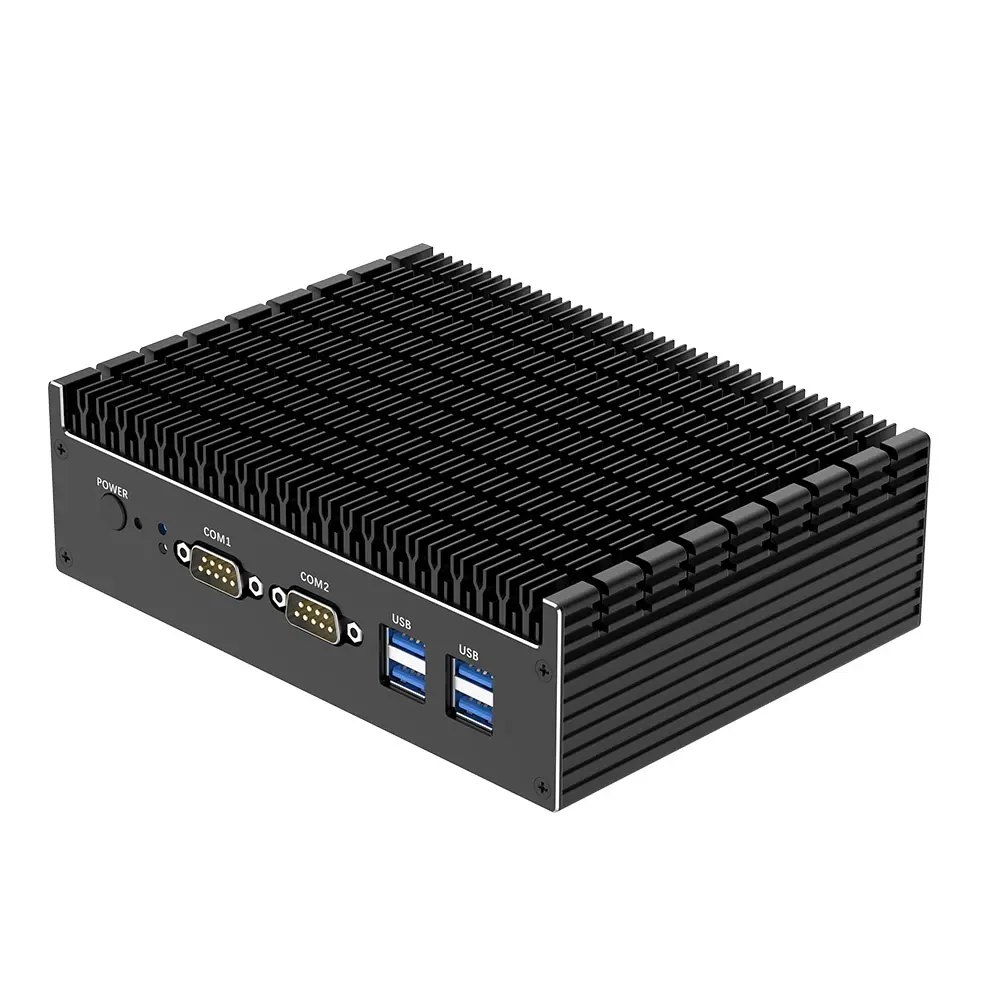 Fanless Industrial Mini PC
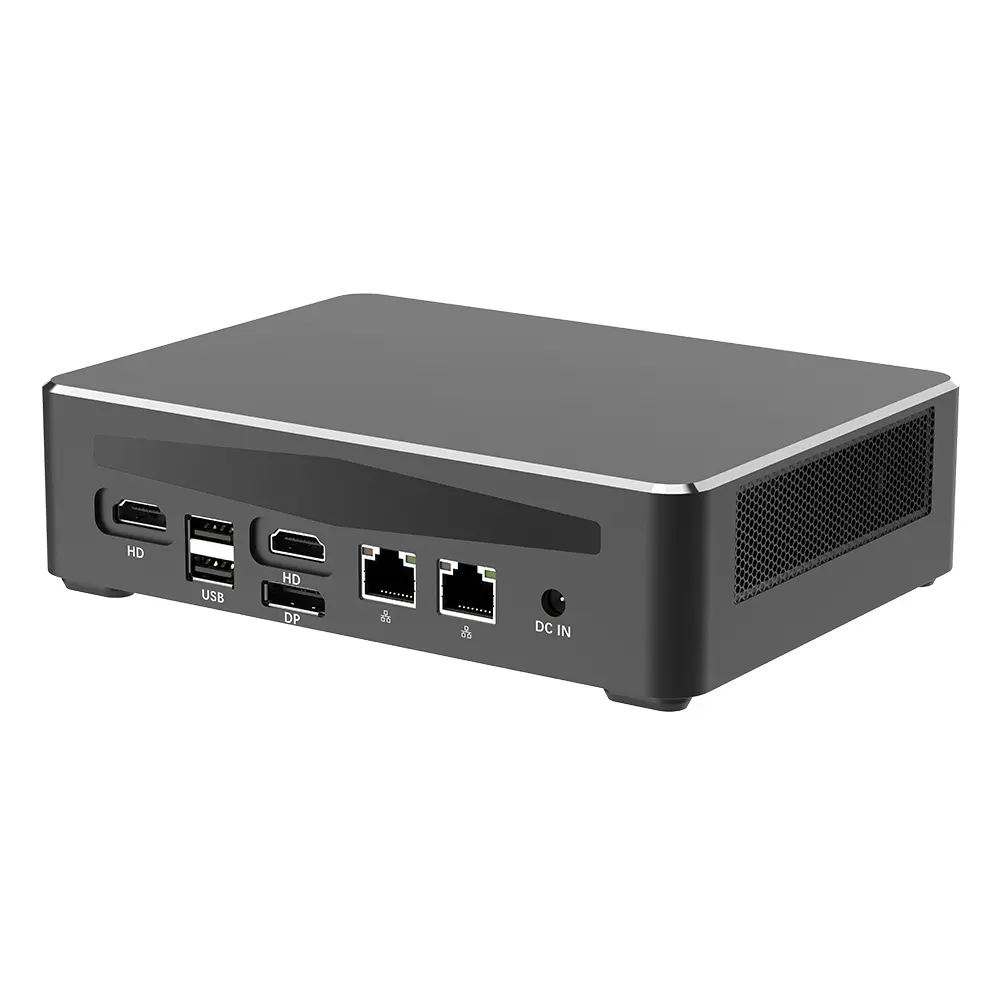 Commercial Mini PC
 RTX3050TI Game Mini PC
 Micro Mini PC
 Fanless Mini PC
 High-end Mini PC
 More
More Micro ATX Computer Motherboard