Why Choose a Mini Personal Computer for Your Business?
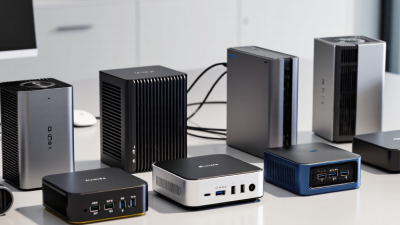
Choosing the right business computer is rarely about buying the smallest or cheapest device. It is about matching hardware to daily work, security requirements, and future growth. A Mini Personal Computer can fit neatly behind a monitor, under a reception desk, or inside a crowded meeting room cabinet. Its compact design helps businesses reclaim valuable workspace while reducing cable clutter. Many models also provide efficient processors, solid-state storage, wireless connectivity, and multiple display outputs. These features support common tasks such as office applications, cloud platforms, video calls, digital signage, and point-of-sale operations.
Practical testing should guide the decision. Check application performance, memory capacity, thermal behavior, port selection, and upgrade options before purchase. A device that handles email smoothly may struggle with advanced design software or large local databases. That trade-off matters. IT teams should also verify firmware support, operating system compatibility, warranty coverage, and the manufacturer’s security update policy. Centralized management can simplify deployment across branch offices, but not every Mini Personal Computer offers the same administrative controls. A reliable vendor matters more than an attractive specification sheet. Unexpected limits appear later.
Businesses can reduce risk by testing a few units with real workloads. Measure startup time, video-call stability, fan noise, and performance during peak use. Consider replacement access, power consumption, and employee comfort as well. A smaller computer may lower energy use and simplify maintenance, but it is not automatically the best choice for every department. Thoughtful evaluation turns compact hardware into a dependable business tool, rather than an impulsive purchase.
What Is a Mini Personal Computer?
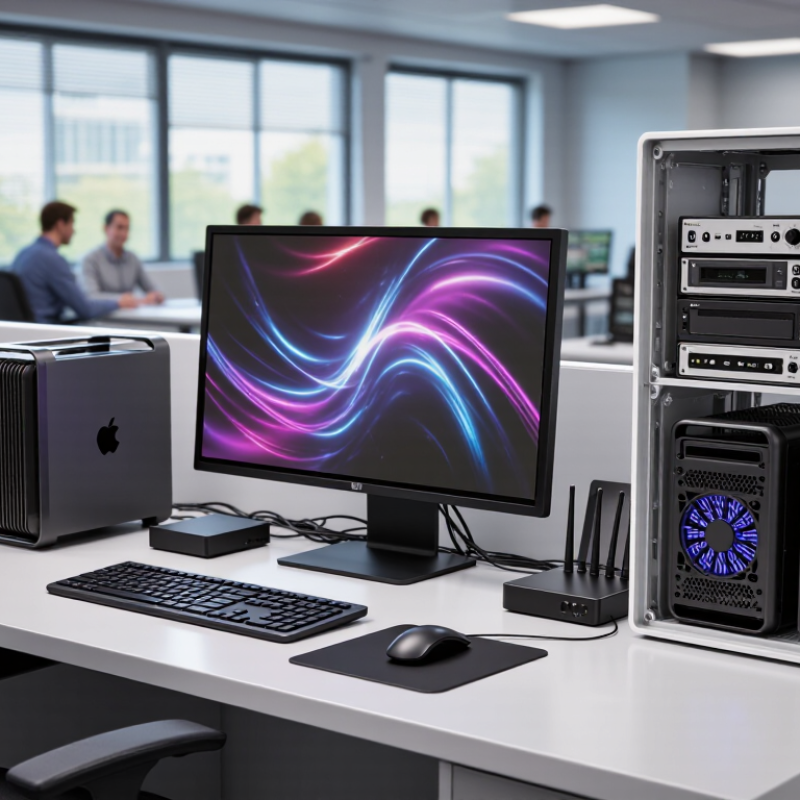
A mini personal computer is a compact desktop designed to provide essential computing power in a small enclosure. It usually includes a processor, memory, storage, wireless connectivity, and several ports. Some models fit beside a monitor, while others can mount behind one. Despite their size, they can handle email, accounting software, video meetings, web research, and digital signage.
For a business, the main benefit is efficient workspace use. A small computer leaves more room for documents, scanners, and customer materials. It also uses less energy than many full-sized desktops.
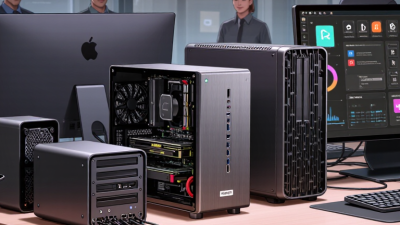
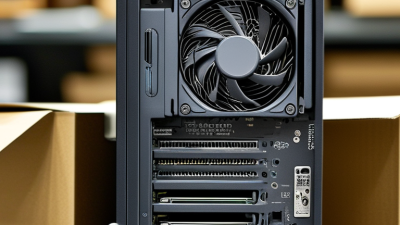
However, size does not guarantee performance. A low-power model may struggle with large spreadsheets, advanced design tools, or constant multitasking. Check processor capability, memory capacity, storage type, port selection, and cooling design before purchasing. In a busy office, poor ventilation can cause noticeable slowdowns. That detail is easy to overlook.
Tips:
Match the computer to real workloads, not impressive specifications alone. Choose at least enough memory for your daily applications and keep important files backed up. Test video calls, printing, and external displays before deployment. Leave space around the vents. It may seem minor. Also review warranty terms, operating system support, and repair options. A mini computer can simplify an office, but replacing an unsuitable unit can erase the original savings.
Which Business Needs Can a Mini PC Address?
A mini personal computer can serve businesses with limited desk space, modest budgets, and changing work patterns. In a small office, it can sit behind a monitor, leaving room for documents, scanners, and a coffee cup. Space matters.
It suits reception desks, retail counters, classrooms, consultation rooms, and shared workstations. Staff can handle email, accounting software, web systems, video meetings, and digital signage without a large desktop tower. A quiet, low-power device may also reduce distractions and daily electricity use. For remote teams, it can support secure access to cloud tools and company files. However, demanding design, advanced data analysis, or intensive video production may require stronger hardware.
Mini PCs can also address deployment and maintenance needs. An operations team can standardize several units, label their cables, and replace one device with less disruption. Choose enough memory, storage, ports, and network capacity for the workload. Check operating system support and security update policies before purchase. Security still matters. Use strong authentication, encrypted storage, restricted user accounts, and regular backups. A compact case can improve organization, but it may limit upgrades or cooling. That trade-off is easy to overlook. Testing one unit during real work hours can reveal heat, noise, compatibility, and performance problems before wider deployment. The cheapest option may not remain economical after repairs, accessories, and staff downtime.
How Do Mini PCs Improve Workplace Efficiency?
A mini personal computer can improve workplace efficiency by reducing clutter and shortening everyday setup time. Its small frame fits behind a monitor, beneath a desk, or beside a meeting-room display. Employees gain more usable workspace for documents, notebooks, and shared equipment. That matters in busy offices where crowded desks can slow movement and reduce focus.
In practical use, mini PCs handle email, spreadsheets, video meetings, customer databases, and cloud applications with little physical distraction. Centralized management also helps technical teams apply updates, check system health, and replace devices more efficiently. A standard setup can reduce installation errors. However, performance depends on memory, storage, cooling, and software demands. An underpowered model may freeze during large data tasks, wasting the time it was meant to save. Smaller is not automatically better.
Tips: Match the computer to real workloads, not attractive specifications alone. Test several applications at the same time before purchase. Leave ventilation space around the device, especially in warm offices. Use reliable wired or wireless connections for meetings and shared files. Keep a few spare accessories available, such as power adapters and mounting brackets. These details prevent minor interruptions from becoming daily problems. Review employee feedback after one month. Some efficiency gains may be visible, while others may require changes to workflows, training, or desk layouts.
What Are the Cost and Space Advantages?
A mini personal computer can reduce both desk clutter and operating costs.
The U.S. Department of Energy reports that office equipment can consume substantial electricity through long working hours and standby use.
A compact computer using 20–40 watts may require far less power than a traditional desktop using 100–250 watts.
Consider a practical example. At
130 watts of savings, used eight hours daily for 260 working days, a mini computer could save about
270 kilowatt-hours annually. At $0.15 per kilowatt-hour, that equals roughly
$41 per device each year.
The IEA’s Electricity 2024 report also warns that global data-centre electricity demand could more than double by 2026. Small reductions still matter across many workstations. The estimate is not perfect. Energy prices, workload, monitors, and sleep settings change the result.
Space savings are easier to see.
A computer smaller than one liter can sit behind a monitor or under a narrow desk. This may reduce cable tangles and create room for documents, tools, or customer materials. Less floor space can also support denser seating, although office rent depends on the entire lease, not one computer.
Tips: Measure real power usage before replacing equipment. Check memory, storage, cooling, and upgrade limits. A cheap device becomes expensive if it needs early replacement. Keep ventilation clear, too. Tiny does not mean maintenance-free.
What Factors Should Businesses Consider Before Choosing One?
A mini personal computer can save desk space, reduce power use, and simplify office layouts.
However, size should not lead the buying decision. Businesses should match the computer’s processor, memory, and storage to daily workloads. A receptionist may need only browser tabs and accounting software. A designer or analyst may require stronger graphics and faster data access. Test real applications before purchasing. Product charts can look impressive, but office performance may feel different.
Physical conditions matter too. Measure the available space, including room for cables and airflow. Check the number of USB, display, and network ports. A computer hidden behind a monitor can become difficult to service. Heat and noise also deserve attention. In a quiet consultation room, a constant fan can disturb conversations. Review operating temperatures, ventilation design, warranty terms, and repair procedures. Support response time is important when one failed device can stop a whole workstation.
Security and long-term cost need careful review.
Select systems that support trusted firmware, regular security updates, user access controls, and encrypted storage. Consider electricity, accessories, maintenance, and replacement costs, not only the purchase price. I once underestimated port requirements and later needed extra adapters. That choice added clutter and unexpected expense. It was a small mistake, but a useful warning. Businesses should also ask whether memory and storage can be upgraded. Some compact designs are efficient, yet difficult to repair. A short pilot test with several employees may reveal problems that specifications cannot.

 14 Inch Office Notebook
 Dual Screen Laptop
 Fingerprint Business Notebook
 Big Screen Laptop
 HD Gaming Laptop
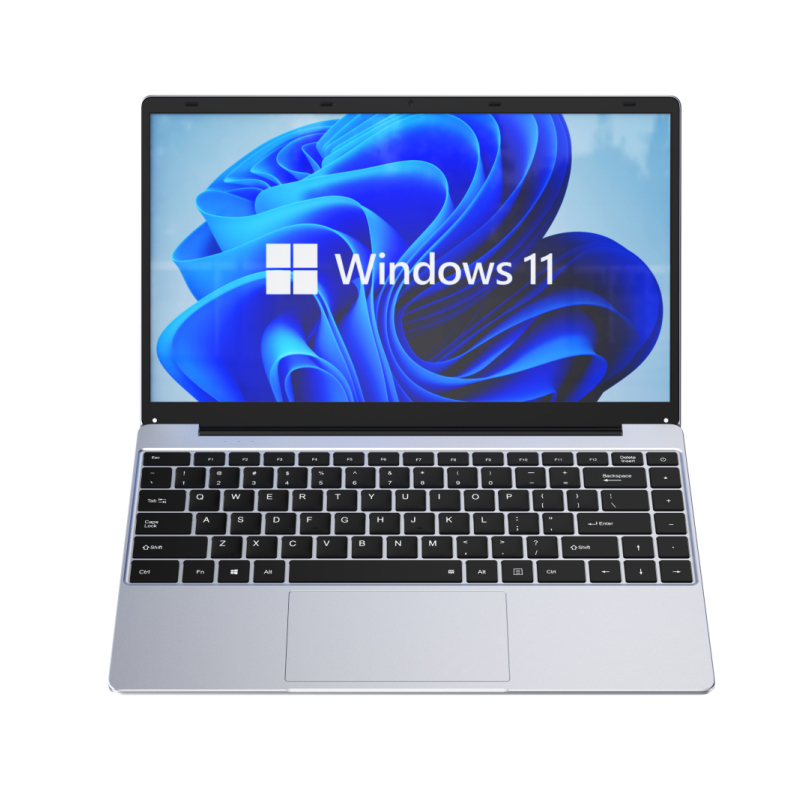 14.1 Inch Student laptops
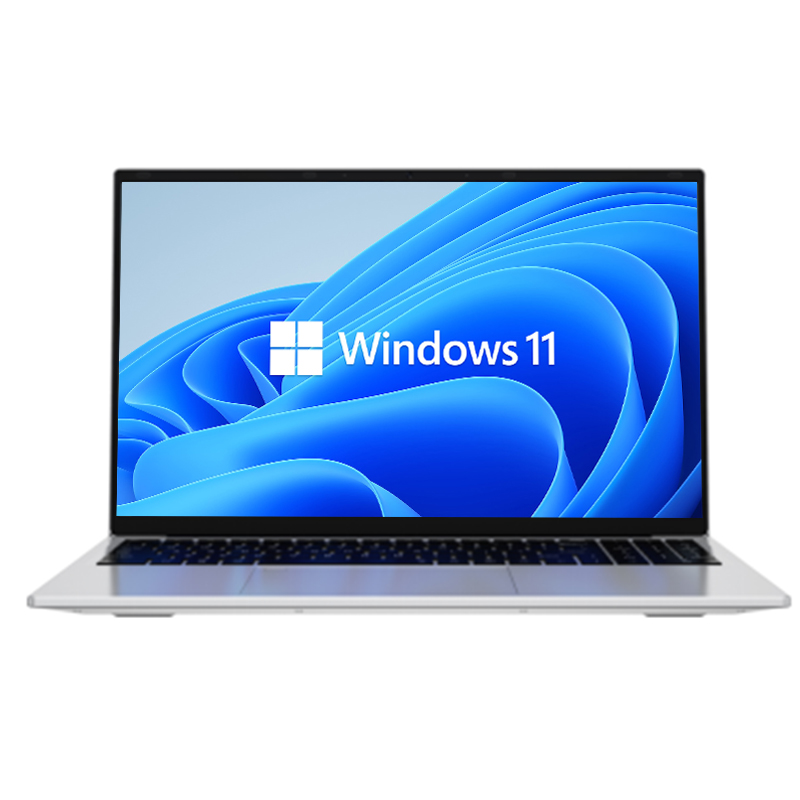 16.1 Inch Office Laptops
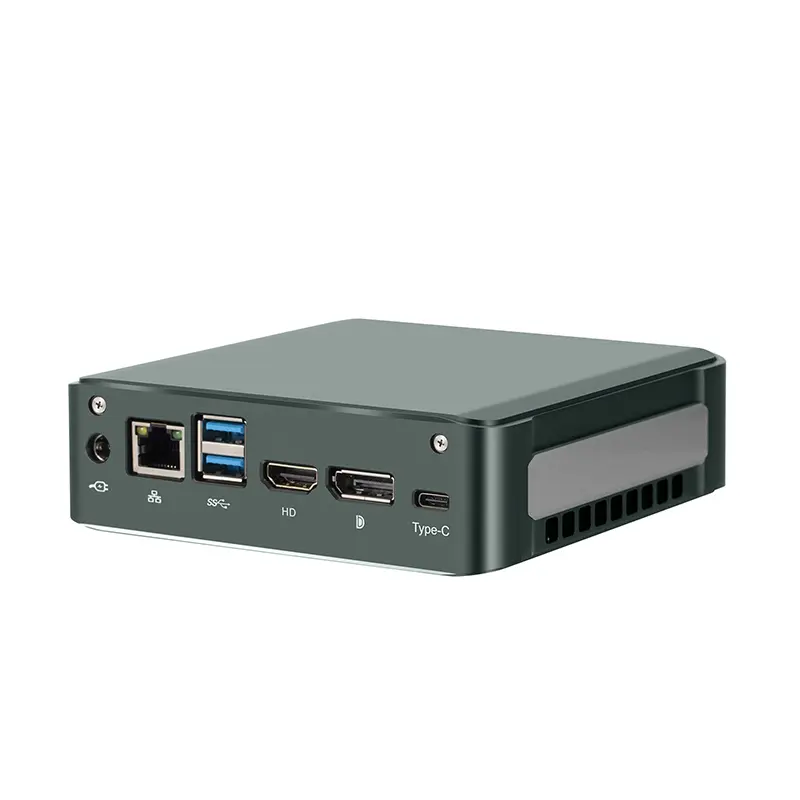 Home Mini Host
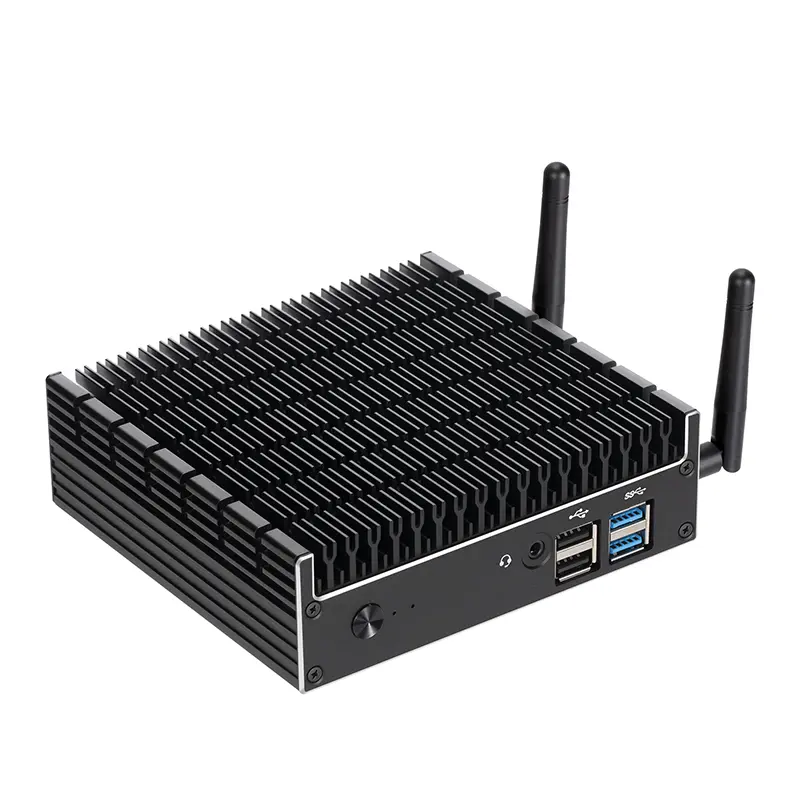 Industrial Micro PC
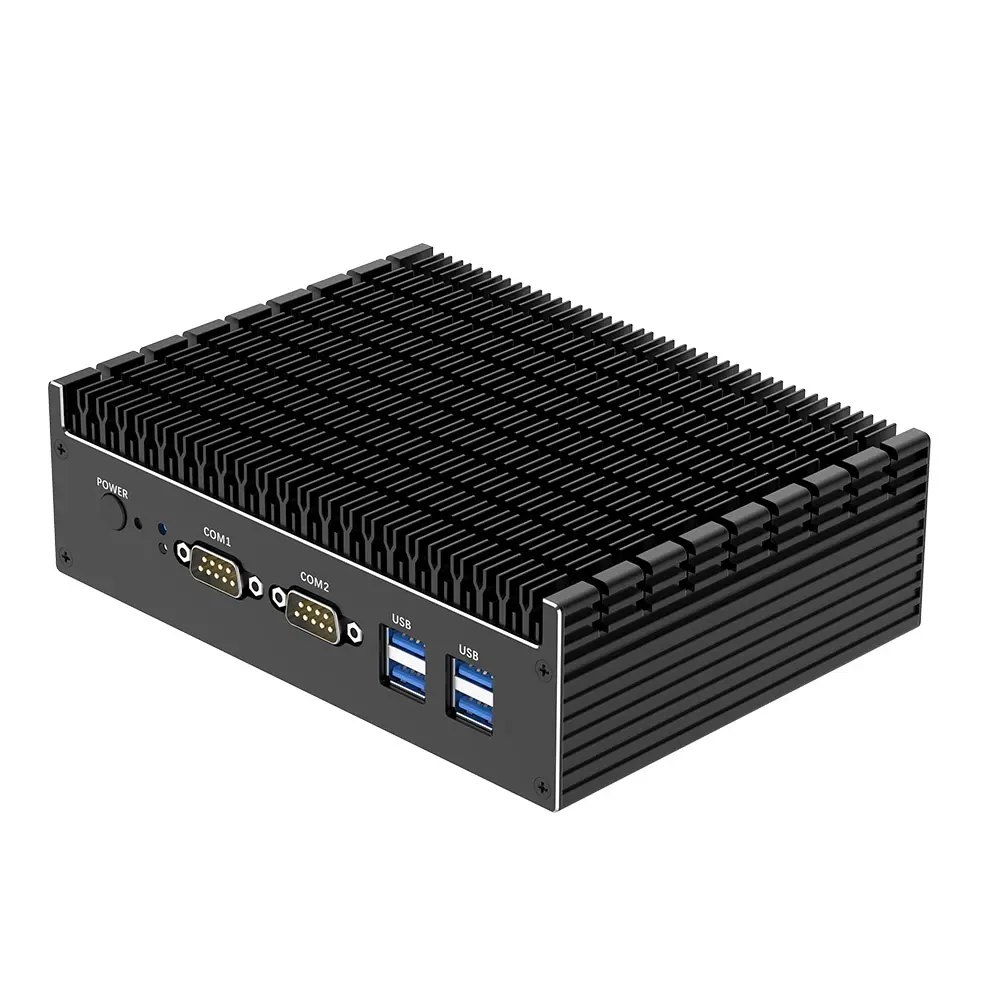 Fanless Industrial Mini PC
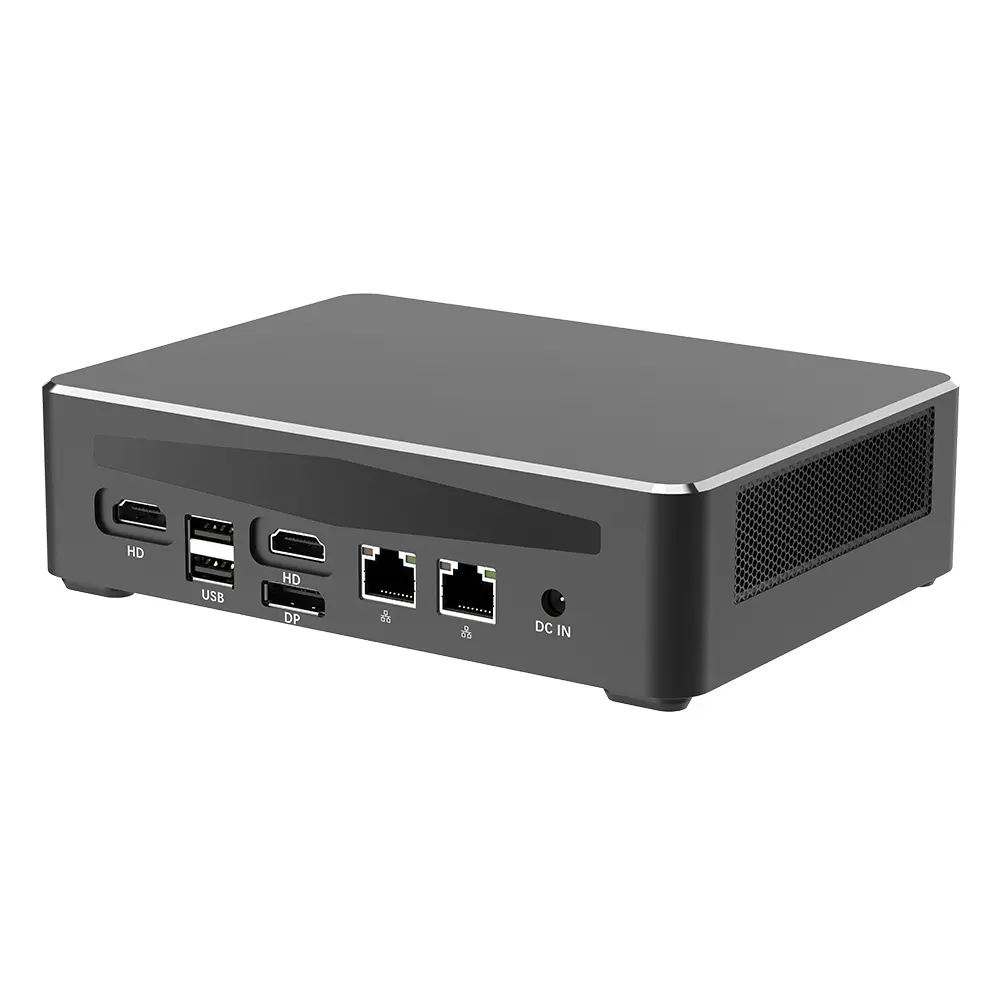 Commercial Mini PC
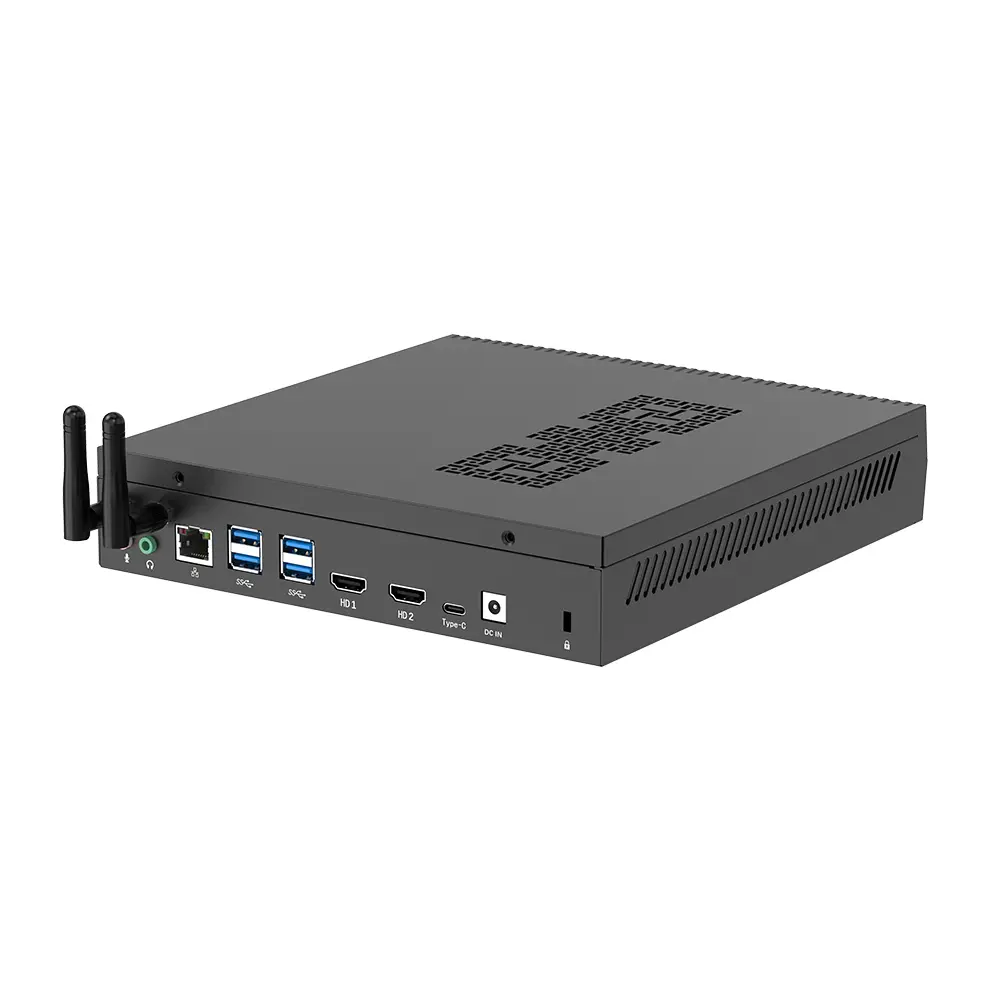 RTX3050TI Game Mini PC
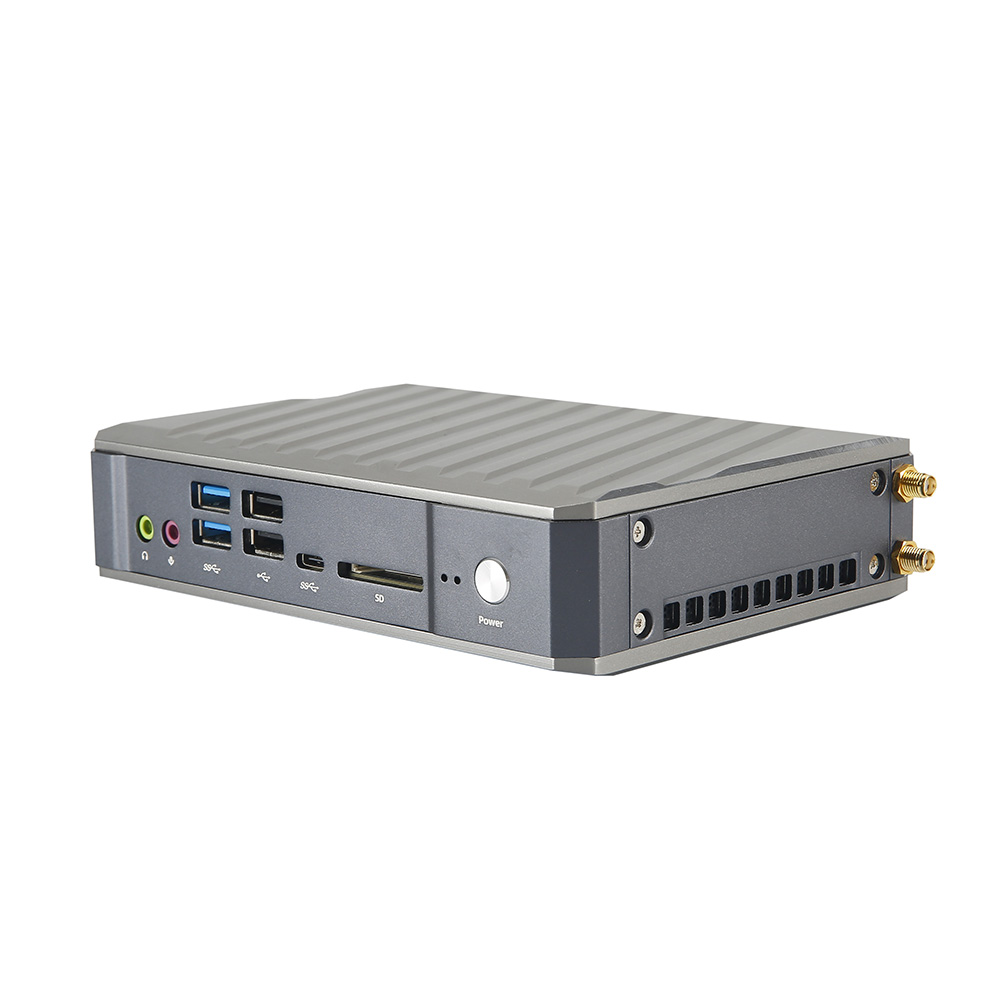 Micro Mini PC
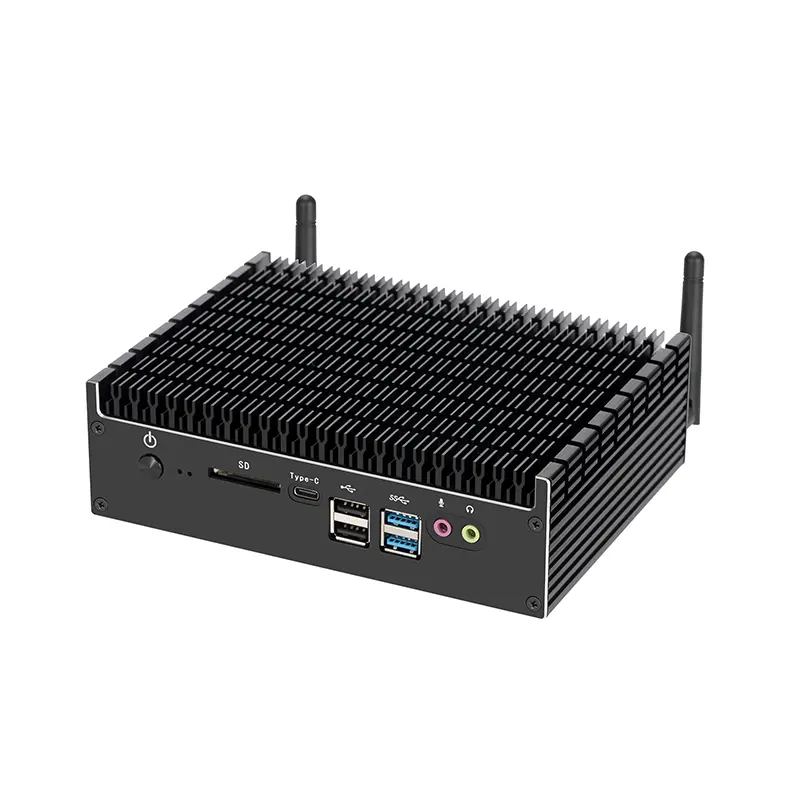 Fanless Mini PC
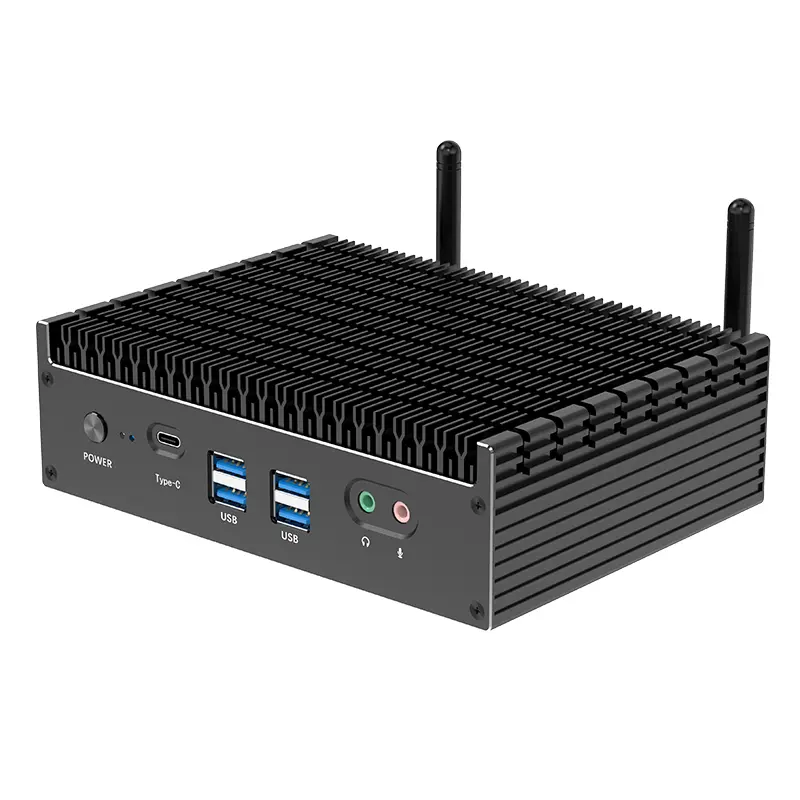 High-end Mini PC
 More
More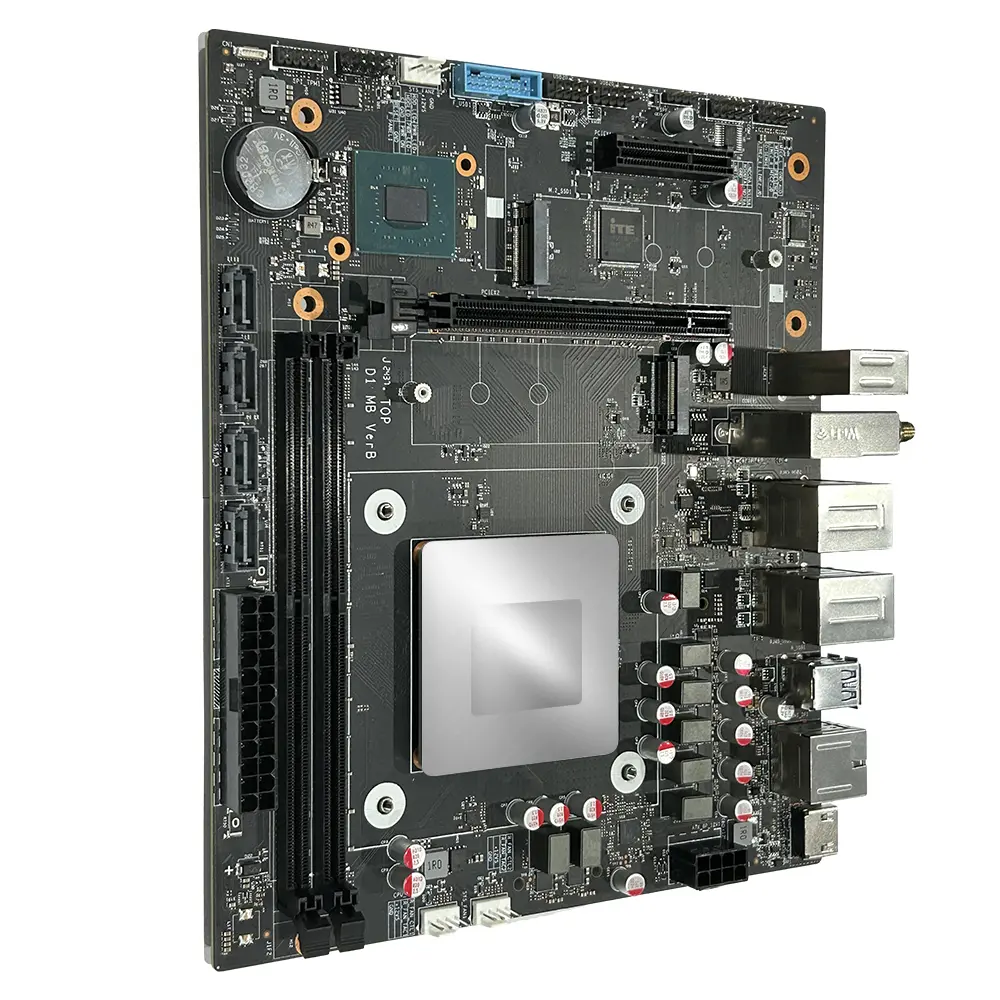 Micro ATX Computer Motherboard