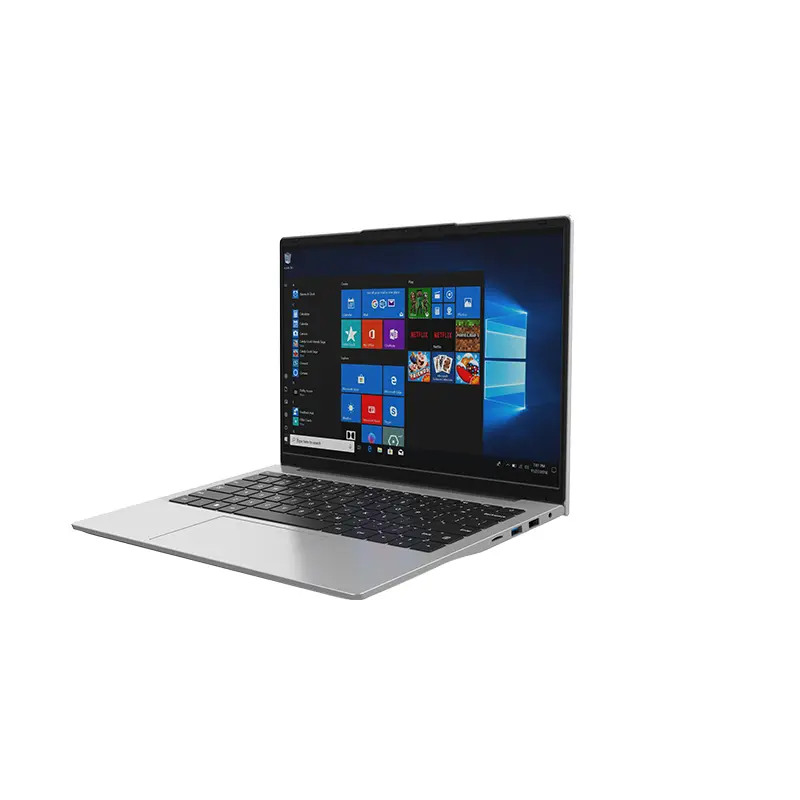
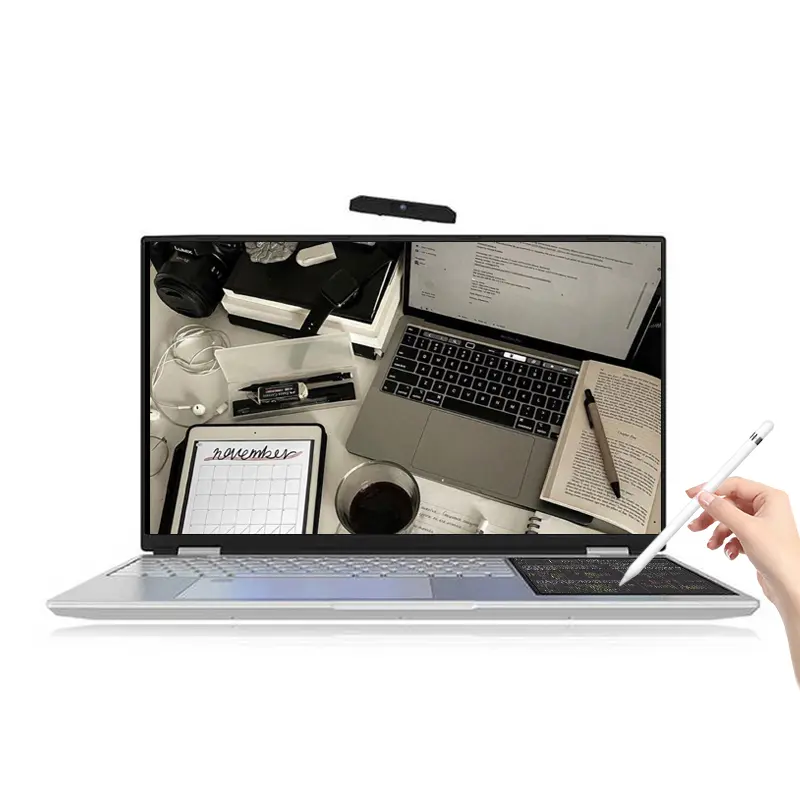
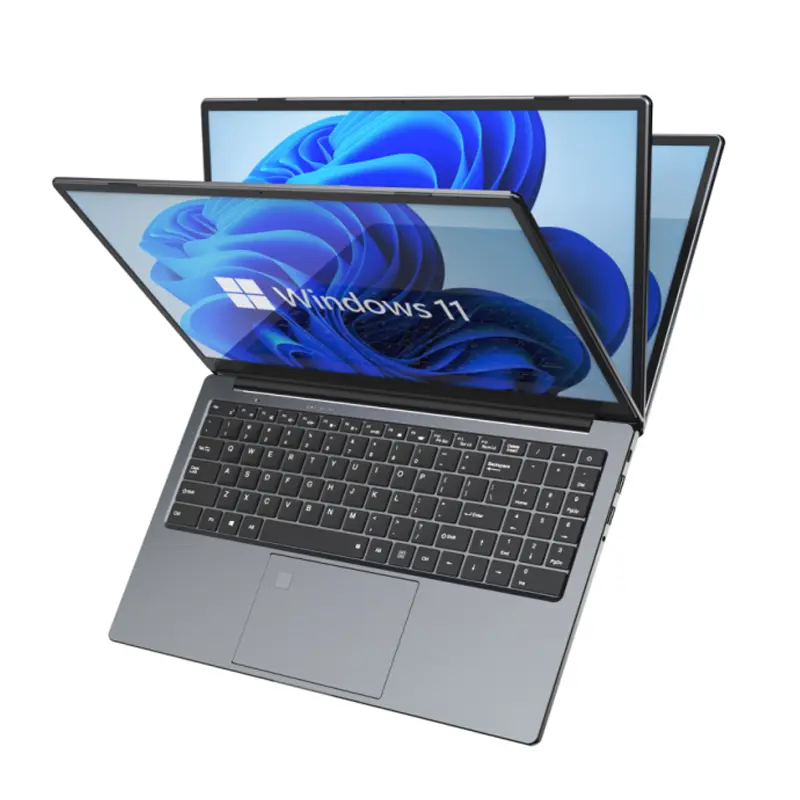
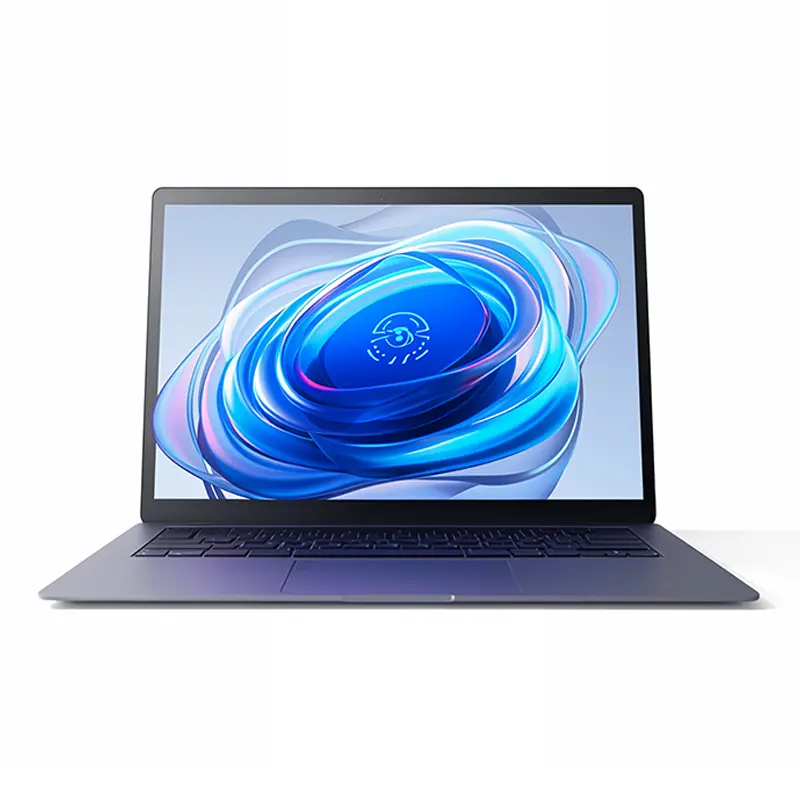
One-stop service of R&D, production and sales for 10 years

INQUIRY
Leave Your Message

Why Choose Computer Compatto for Your Business?

Choosing the right technology partner can shape daily operations, customer service, and long-term growth. Computer Compatto deserves attention because businesses need more than attractive devices or quick technical promises. They need dependable guidance, practical systems, and support that works under pressure.

A useful evaluation begins with real business needs. Consider how equipment performs during busy mornings, how quickly problems receive attention, and whether staff can use the technology without confusion. Computer Compatto can be assessed through these practical details, including product knowledge, communication, maintenance support, and the clarity of its recommendations. Reliable providers explain costs, limitations, warranties, and expected performance in understandable language. That transparency helps decision-makers avoid expensive assumptions.

No technology partner is perfect. That matters. A thoughtful review should examine possible weaknesses, not only positive features. Service availability, response times, compatibility, and future upgrade options deserve direct questions before any commitment. Businesses should also confirm current information through official sources and written agreements. Personal experience can reveal useful details, but it should not replace evidence.

The strongest choice is rarely the cheapest option. It is the one that reduces disruption and supports consistent work. Computer Compatto may appeal to companies seeking a more considered approach to business technology. Its value depends on how well its services match specific operational goals. Careful comparison remains essential. A confident decision should be based on measurable needs, credible information, and realistic expectations.
Why Choose Computer Compatto for Your Business?

What Is Computer Compatto? Business Uses, Users, and Core Specifications

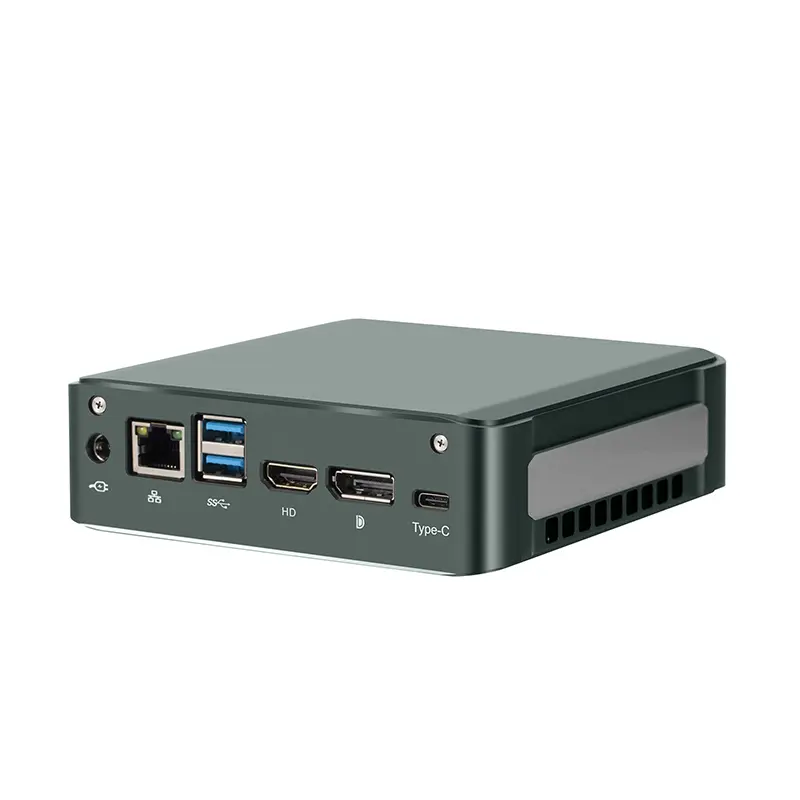
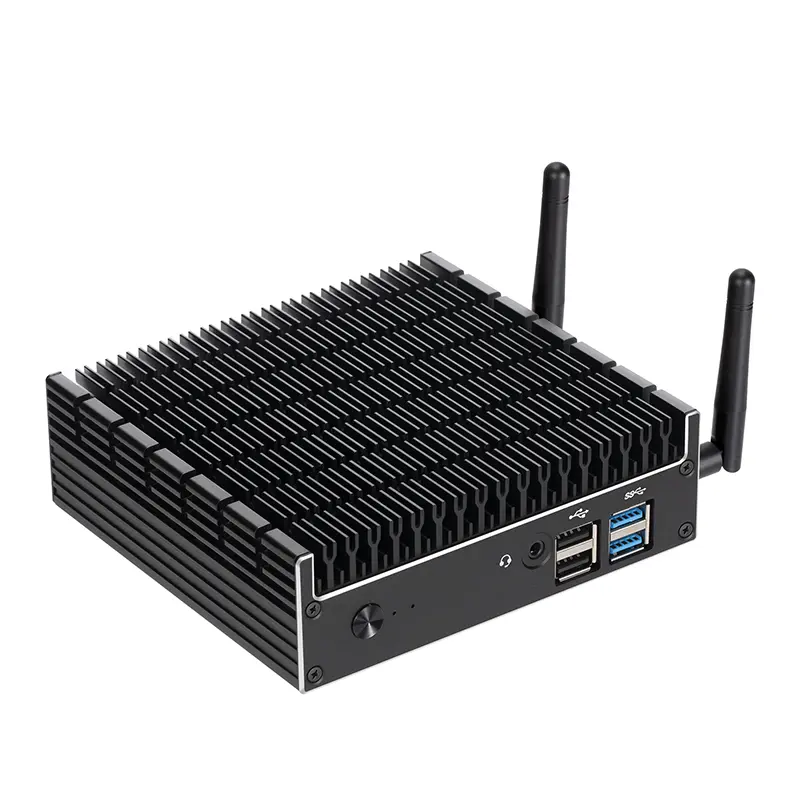
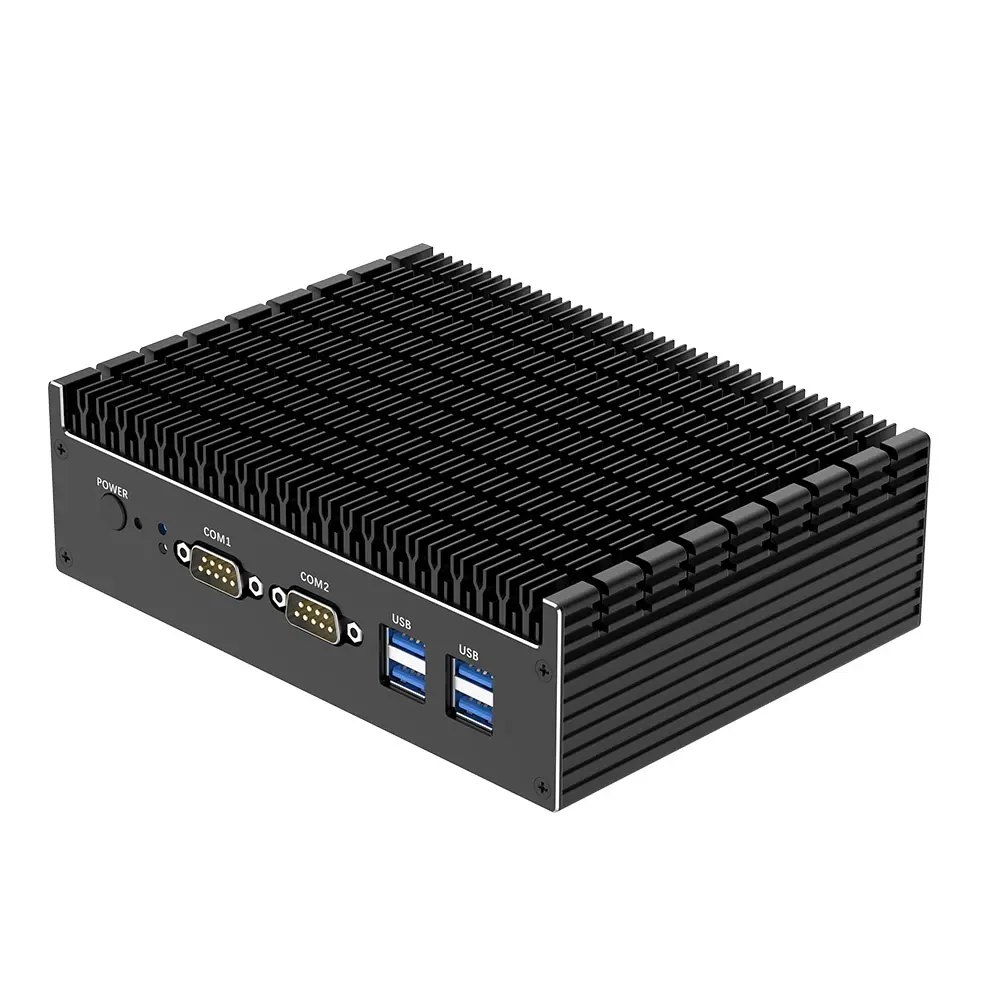
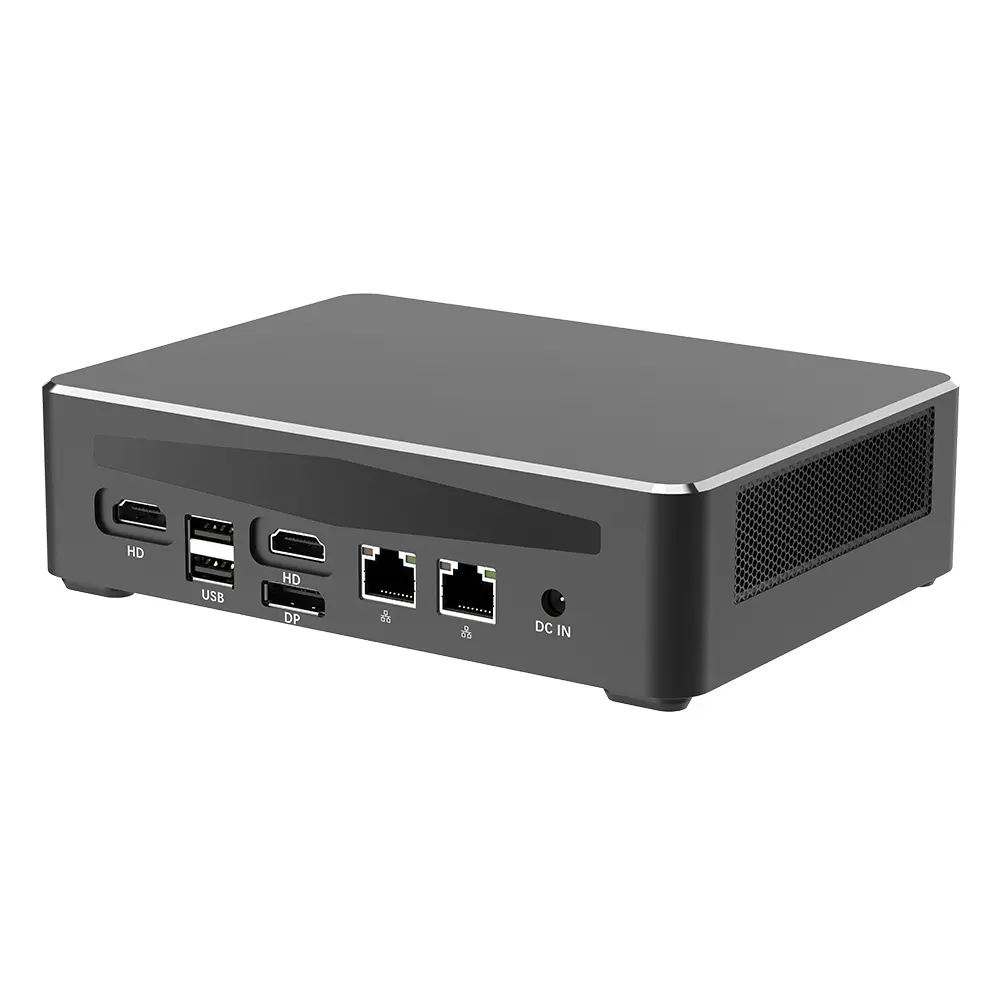
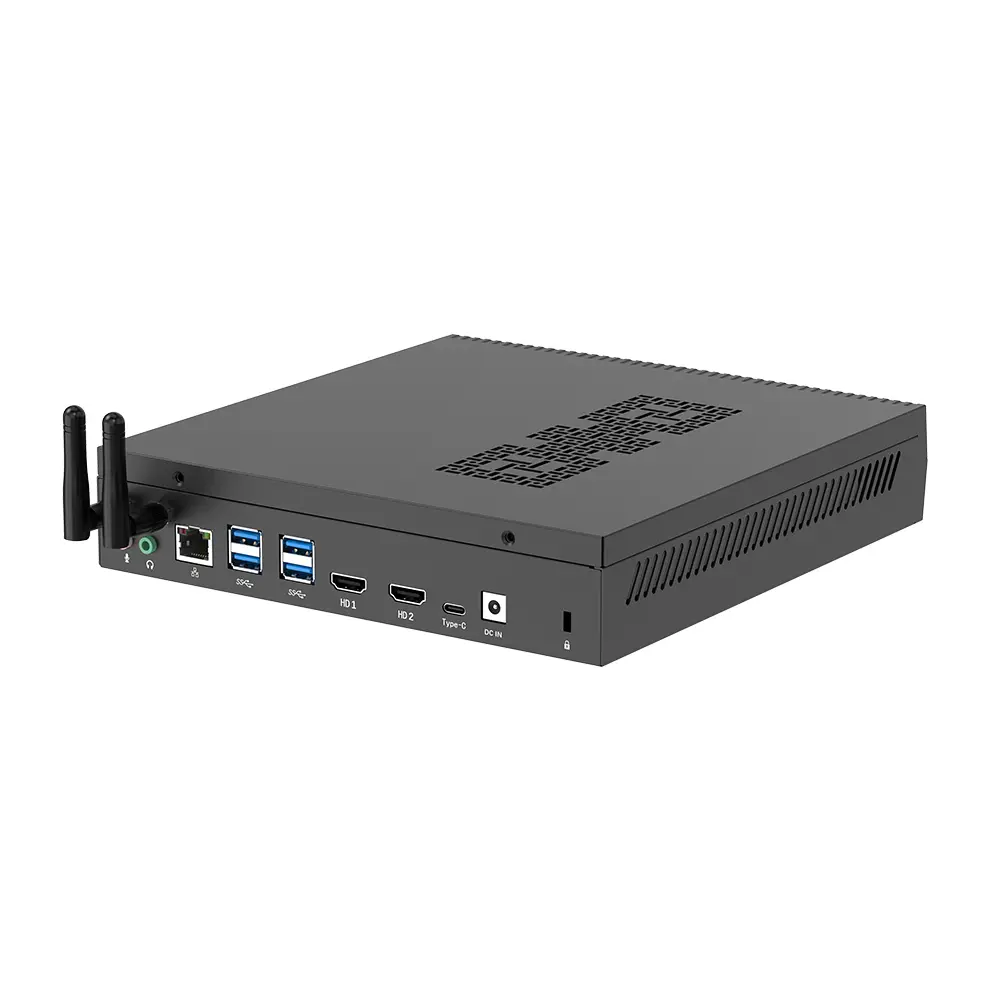
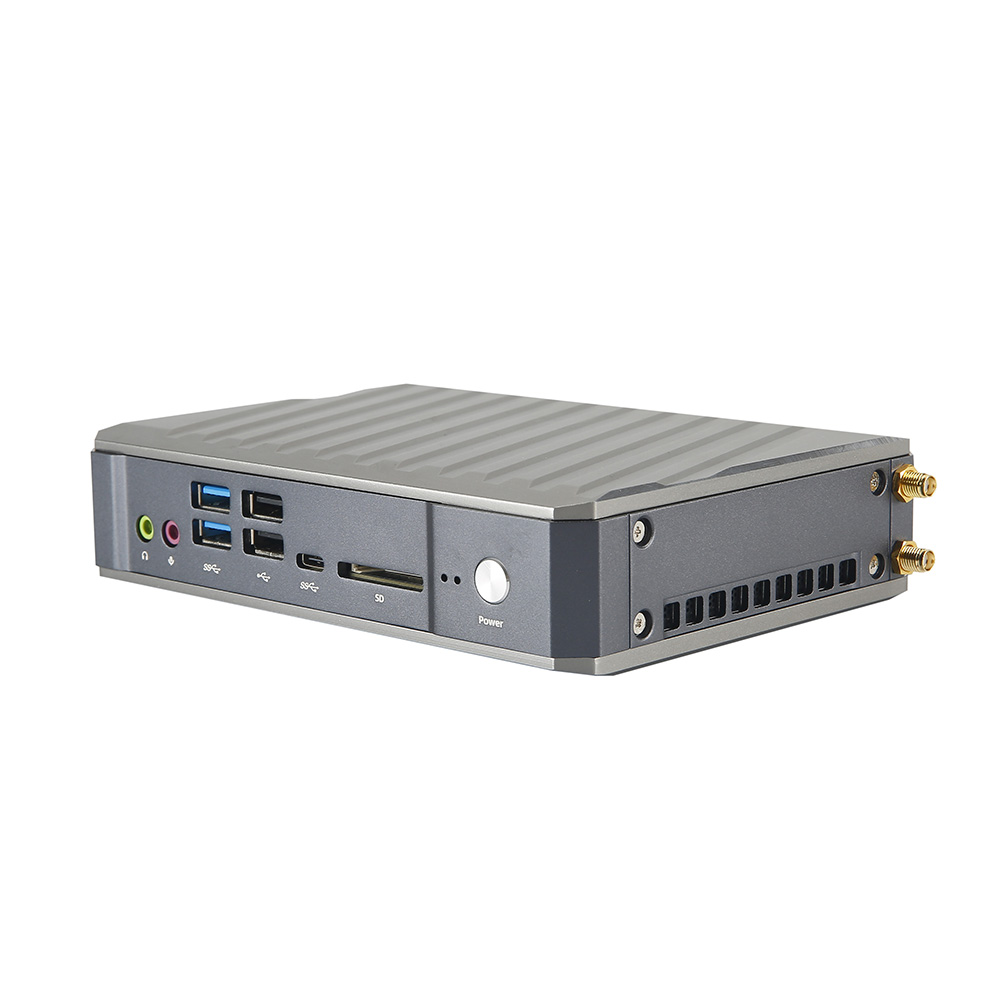
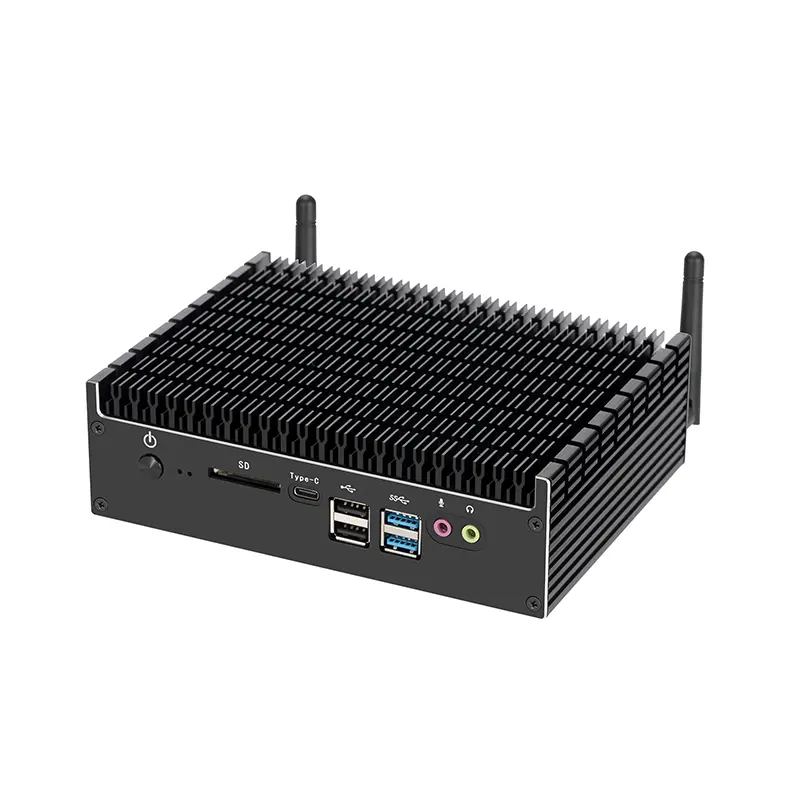
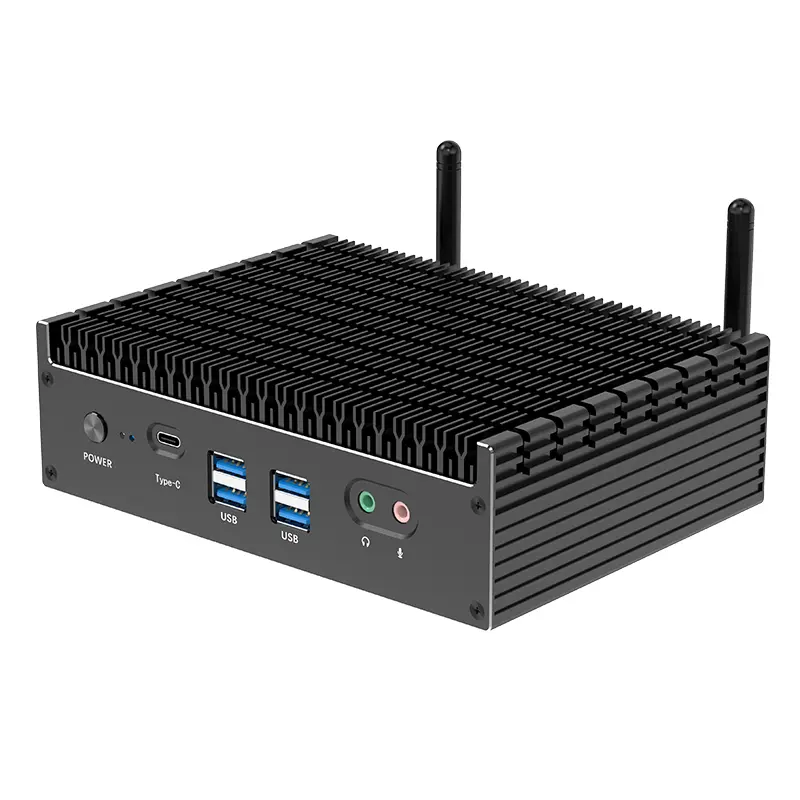
A compact business computer is a small desktop designed for practical workplace tasks. It usually supports office software, web applications, video meetings, accounting tools, and cloud storage. Its reduced size fits crowded counters, reception desks, and shared workspaces. I have found this format easier to install because it needs less cable management and shelf space. It is not perfect, though. Small enclosures can limit future upgrades and may become warm during heavy workloads.

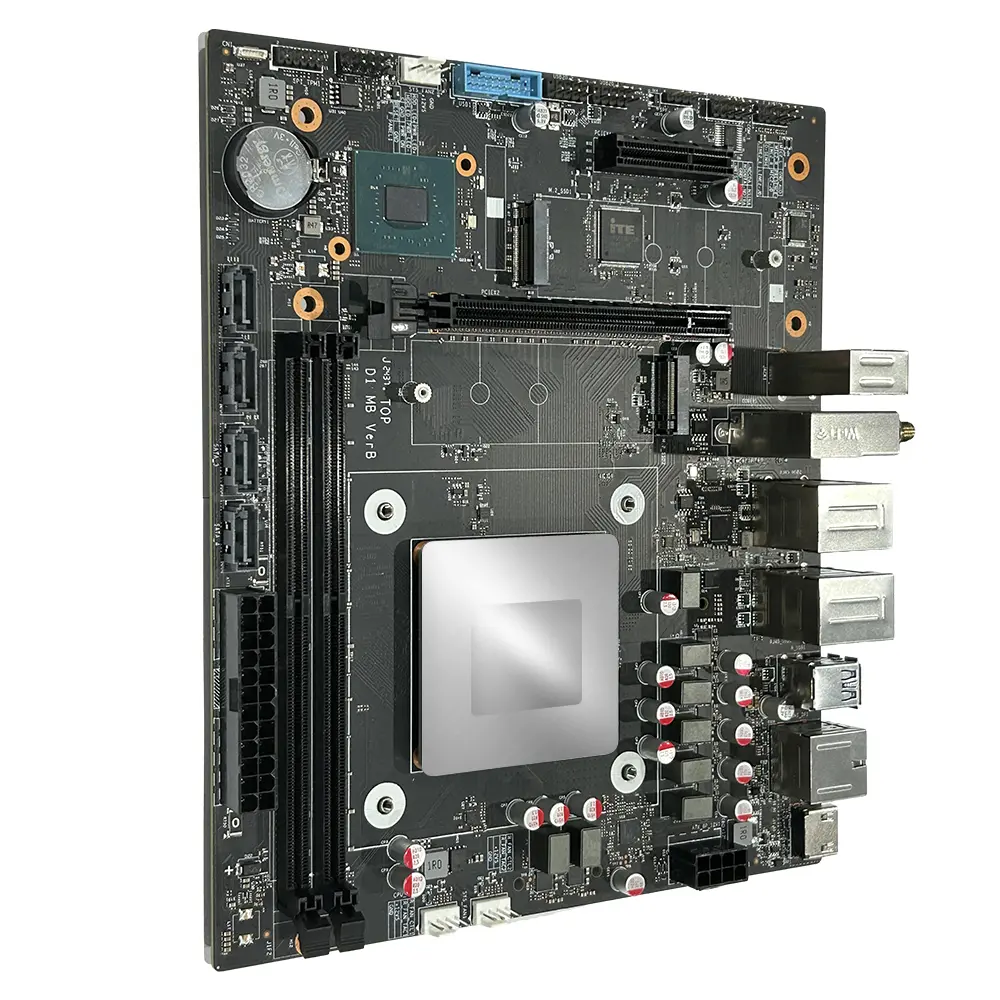
Typical core specifications include an energy-efficient processor, 8GB to 16GB of memory, and a solid-state drive from 256GB upward. Memory affects multitasking, while the SSD improves startup speed and file access. Buyers should also check USB ports, display outputs, wired networking, wireless connectivity, and Bluetooth support. Dual-monitor compatibility can help staff compare spreadsheets without constant window switching. Specifications vary, so published figures should be verified before purchase.

This computer suits reception teams, small retailers, consultants, schools, and home-based professionals. It can run point-of-sale software, manage documents, join online meetings, and connect with printers or barcode scanners. For everyday business use, quiet operation and low power consumption matter as much as speed. Security features such as firmware protection, automatic updates, and user access controls deserve attention. I would avoid using it for advanced video editing or large engineering simulations. That limitation is easy to overlook. A clear workload assessment prevents an attractive compact design from becoming an expensive compromise.
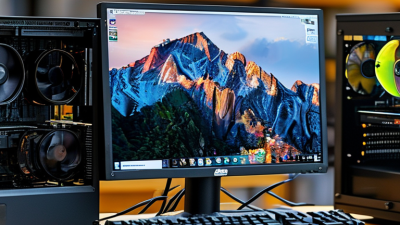
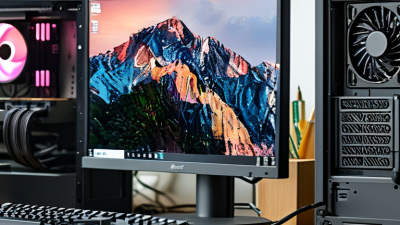
How Compact Hardware Supports Hybrid Work: 73% Want Flexibility (Microsoft, 2023)

Compact hardware has become practical infrastructure for hybrid work. A 2023 workplace survey reported that 73% of employees wanted greater flexibility. That preference changes how companies plan desks, meeting rooms, and home offices.

Small computers free valuable space without sacrificing essential performance. A compact desktop can sit behind a monitor, leaving room for notebooks and a headset. Employees can move between a quiet study and a shared office more easily.

Many current systems support dual displays, fast storage, secure login, and video conferencing. These features reduce cable clutter and simplify everyday setup.

I have seen teams lose time because equipment was too large or poorly placed. Compact devices can reduce that friction. They are also easier for support staff to inventory and replace.

However, small hardware is not automatically better. Limited cooling, upgrade options, or ports may create problems later. A careful review should consider software demands, security controls, repair access, and energy use. The 73% figure shows strong demand, but preferences differ across roles. Designers, analysts, and field workers may need different configurations. Flexibility needs planning.

How to Assess Security: 68% of Breaches Involve People (Verizon, 2024)

A 2024 industry breach report found that 68% of breaches involved people. That figure changes how businesses should assess security. Technology matters, but daily decisions often create the first opening.

Review how employees handle email, passwords, devices, and customer records. A rushed worker may approve a fake payment request after seeing a familiar logo. Someone working from a café might leave a laptop unlocked for two minutes. Small moments can create serious exposure.

A reliable business computer should support secure habits, not add unnecessary friction. Look for automatic updates, strong access controls, encrypted storage, and clear user permissions. Test whether staff can report suspicious messages quickly. Measure response times, not just policy completion rates.

Training should use realistic examples. Show an invoice with a changed bank account. Simulate a misplaced device. Explain the correct action without blaming the employee.

No process is flawless.

A careful assessment also reviews suppliers, cloud accounts, backups, and administrator access. Remove unused accounts promptly. Require extra verification for sensitive changes. Keep logs that show who accessed important files and when.

Security reviews can feel repetitive. That is part of their value. Teams may discover that a trusted routine is poorly designed, or that training was too theoretical. Treat those findings as evidence, not embarrassment. The strongest setup is one that improves after people make understandable mistakes.

How to Compare Total Cost: IBM Reports $4.88M Average Breach Cost (2024)

Choosing a business computer requires more than comparing purchase prices. A realistic calculation includes setup, maintenance, energy use, downtime, support, replacement cycles, and security controls. A lower-priced device can become expensive when employees wait for repairs or lose unsaved work.

The 2024 Cost of a Data Breach Report recorded an average global breach cost of $4.88 million. That figure includes detection, response, lost business, and post-breach expenses. It is not a typical small-business invoice, but it exposes the scale of overlooked risk. The Verizon 2024 Data Breach Investigations Report found that the human element appeared in 68% of breaches. Training and reliable endpoint protection therefore belong in the total-cost calculation.

In practical purchasing reviews, I compare five-year costs rather than the initial quotation. I record average repair time, warranty coverage, backup readiness, security updates, and power consumption. A faster device may also reduce payroll waste during repeated daily tasks. Our first estimate was too optimistic. We excluded recovery time. That mistake changed the recommendation.

The strongest option is not always the cheapest computer. It is the system that keeps work moving, limits exposure, and produces predictable costs. Use documented service records, independent reports, and internal usage data before approving a purchase. Figures vary by industry. Your assumptions should be challenged.

How to Select and Scale: Performance, Service Life, Support, and ROI

Selecting business computers requires more than comparing processor labels. Start with daily workloads: spreadsheets, browser tabs, design files, or local databases. Record opening times during a normal workday. This simple test exposes bottlenecks better than marketing claims. Choose enough memory for current tasks, then leave expansion room. A small performance reserve reduces replacement pressure when software becomes heavier.

Service life depends on heat, dust, storage quality, and user habits. In a busy office, stable cooling matters as much as peak speed. Check repair access, warranty terms, and compatible parts availability. Ask how support handles a failed drive or urgent setup. A clear response process protects working hours. It is easy to overestimate durability. Real conditions are less forgiving.

Calculate ROI with purchase price, energy use, downtime, maintenance, and staff productivity. A cheaper device may cost more after repeated repairs. However, premium specifications are not automatically wise. Buying unused power can weaken the budget. Review three months of workload data before scaling. Standardized configurations simplify training and troubleshooting. Keep one tested spare for critical roles, if the budget permits. That choice may seem excessive. It can also prevent a small hardware failure from becoming a full-day interruption.