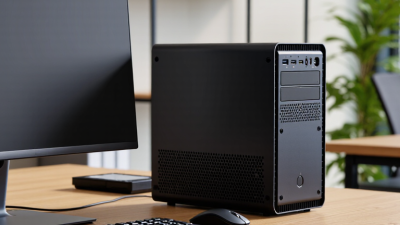
| Sustained CPU Cooling |
Sustained heavy-load CPU temperature below approximately 85°C, with no severe clock-speed reduction. |
Approximately 75–95°C during extended rendering, compiling, or stress testing, depending on processor design. |
Temperature remains near the processor's thermal limit, frequent fan surges, or performance drops after several minutes. |
Look for independent 20–30 minute load tests, heat-pipe or vapor-chamber details, ventilation openings, and replaceable thermal material. |
| Cooling Noise |
Around 30 dBA or lower at idle and approximately 40–45 dBA or lower under normal sustained work. |
About 25–50 dBA, depending on workload, room temperature, fan profile, and measurement distance. |
No published acoustic measurements, permanently high fan speed, or a small blower operating loudly under light workloads. |
Check whether noise data was measured at a fixed distance and whether the system has quiet, balanced, and performance modes. |
| Idle Power Draw |
Approximately 8–20 W at the wall for an efficient compact computer with one display disconnected. |
Roughly 8–30 W, depending on memory capacity, storage, wireless activity, firmware settings, and connected peripherals. |
More than 35 W at idle without a discrete graphics processor or other clear high-power component. |
Confirm wall-meter results with the display disconnected and note whether the measurement includes the external power adapter. |
| Typical Full-System Load |
Choose a power adapter with at least 20–30% capacity above the measured sustained system draw. |
Approximately 35–120 W for integrated-graphics compact systems; higher values are common when a discrete graphics processor is installed. |
The adapter operates continuously at its maximum rating, becomes excessively hot, or the system throttles during combined CPU and graphics loads. |
Check independent CPU-plus-GPU power measurements, adapter wattage, connector type, efficiency certification, and replacement availability. |
| Memory Upgradeability |
Two accessible memory slots with support for at least 32 GB; 64 GB is preferable for professional multitasking. |
16–64 GB, depending on the platform; soldered memory may be adequate for basic use but cannot be upgraded. |
Memory is permanently soldered, only one slot is available, or the maximum supported capacity is not documented. |
Verify slot count, memory type, maximum capacity, supported speeds, and whether opening the case affects warranty service. |
| Primary Storage |
At least one removable M.2 NVMe slot using a standard 2280-length drive where internal space permits. |
256 GB–2 TB of included solid-state storage; a second M.2 slot or 2.5-inch bay improves long-term flexibility. |
Storage is soldered, uses a short proprietary module, or has no accessible replacement path. |
Confirm interface generation, physical size, thermal pad or heatsink clearance, and operating-system recovery options. |
| External Connectivity |
At least two high-speed USB ports, one display output suited to the target monitor, wired networking, and reliable wireless connectivity. |
Approximately 4–8 USB ports, one or more digital display outputs, and either 1 GbE or faster wired networking. |
Important ports require dongles, display output limits are unclear, or all high-speed ports share a bandwidth-limited controller. |
Check the exact port map, display resolution and refresh limits, USB data speeds, networking speed, and simultaneous-use restrictions. |
| Internal Expandability |
Accessible M.2 storage, replaceable wireless module where applicable, and at least one vacant or upgradeable internal position. |
One storage slot is common; two storage positions and a standard expansion interface provide better longevity. |
Fully sealed chassis, proprietary cables, unavailable service manual, or no replacement parts listed. |
Review internal photographs, service documentation, screw and cable layout, spare-part availability, and upgrade procedures. |
| Chassis Ventilation |
Clear intake and exhaust paths, dust filtration where practical, and sufficient clearance around the chassis. |
A compact enclosure can perform well when placed on a hard surface with at least several centimeters of unobstructed airflow. |
Ventilation is blocked by the mounting bracket, rubber feet, desk surface, or a closely fitted monitor mount. |
Check the recommended orientation, minimum clearance, VESA or mounting compatibility, and ease of cleaning air inlets. |
| Warranty Coverage |
At least 2 years of clearly documented coverage, with repair or replacement procedures stated in writing. |
Coverage commonly ranges from 1–3 years, while local consumer law may provide additional rights depending on the purchase region. |
Warranty length is unclear, return shipping is entirely the buyer's responsibility, or upgrades automatically void coverage. |
Confirm duration, region, response time, dead-on-arrival policy, battery coverage, upgrade rules, and availability of local service. |
| Best-Fit Use Case |
Match the thermal and power profile to the workload rather than selecting solely by processor name or chassis size. |
Basic office work and media playback generally need less cooling and power than sustained creation, development, or gaming workloads. |
The system is marketed for demanding work but provides no sustained-performance, temperature, or power measurements. |
Prioritize independent long-duration tests and verify performance after the system reaches a stable operating temperature. |

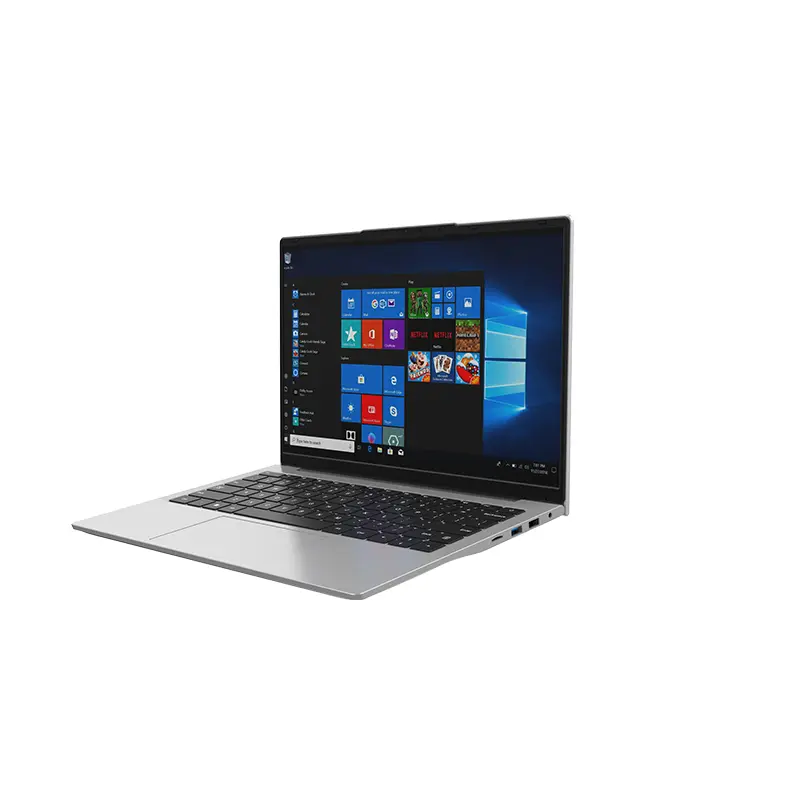 14 Inch Office Notebook
 Dual Screen Laptop
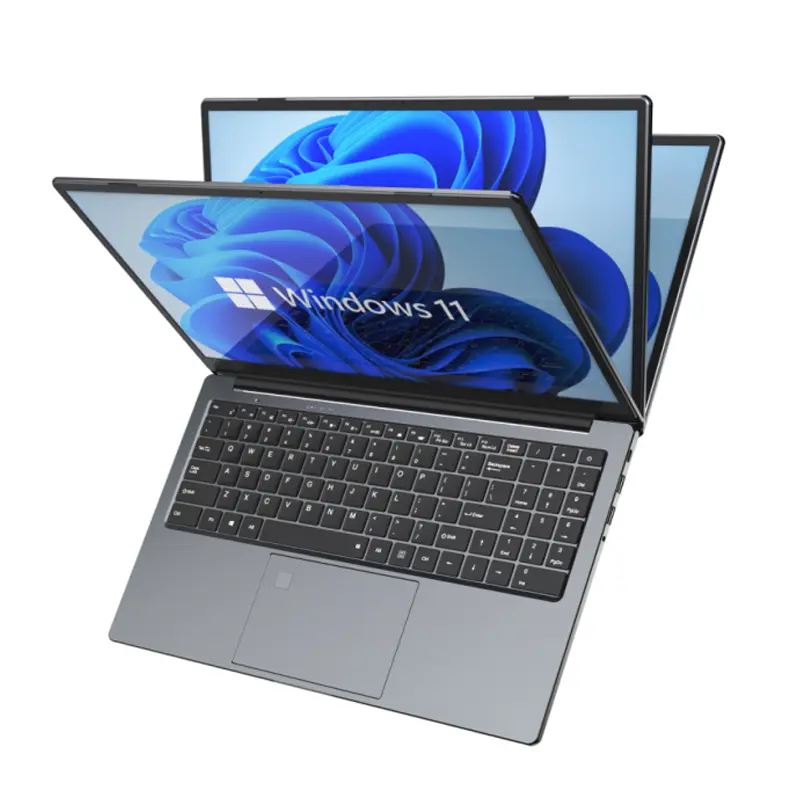 Fingerprint Business Notebook
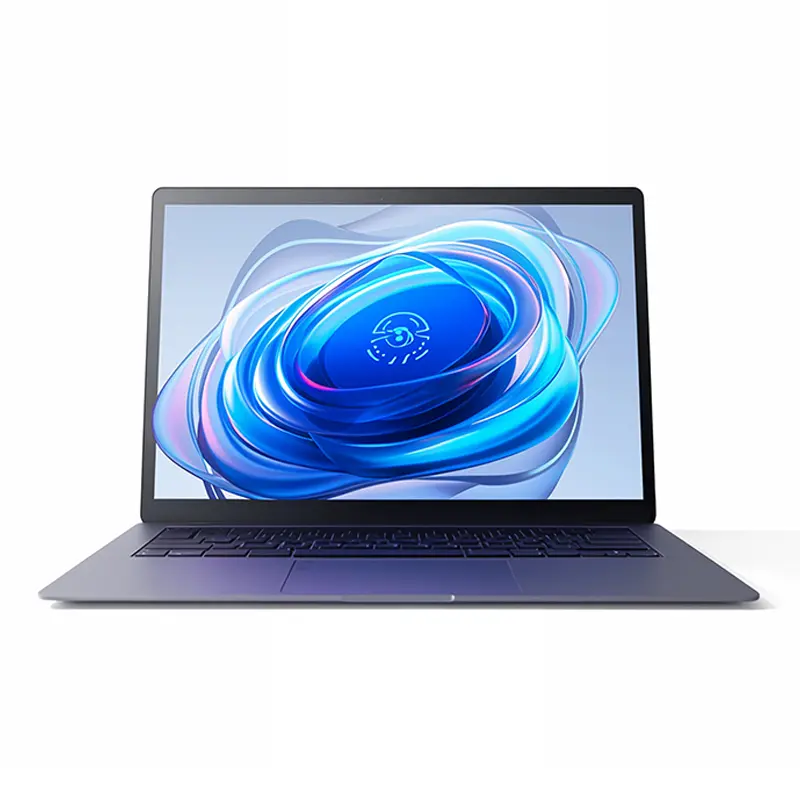 Big Screen Laptop
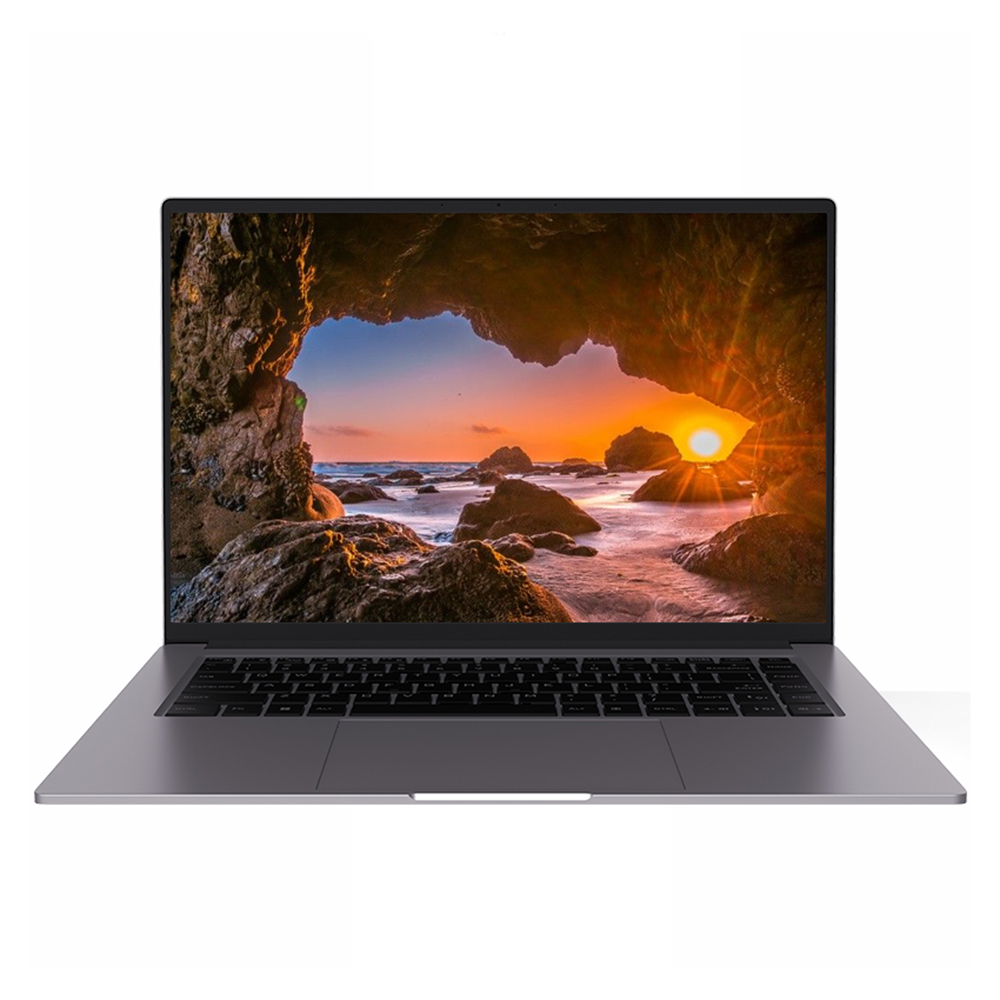 HD Gaming Laptop
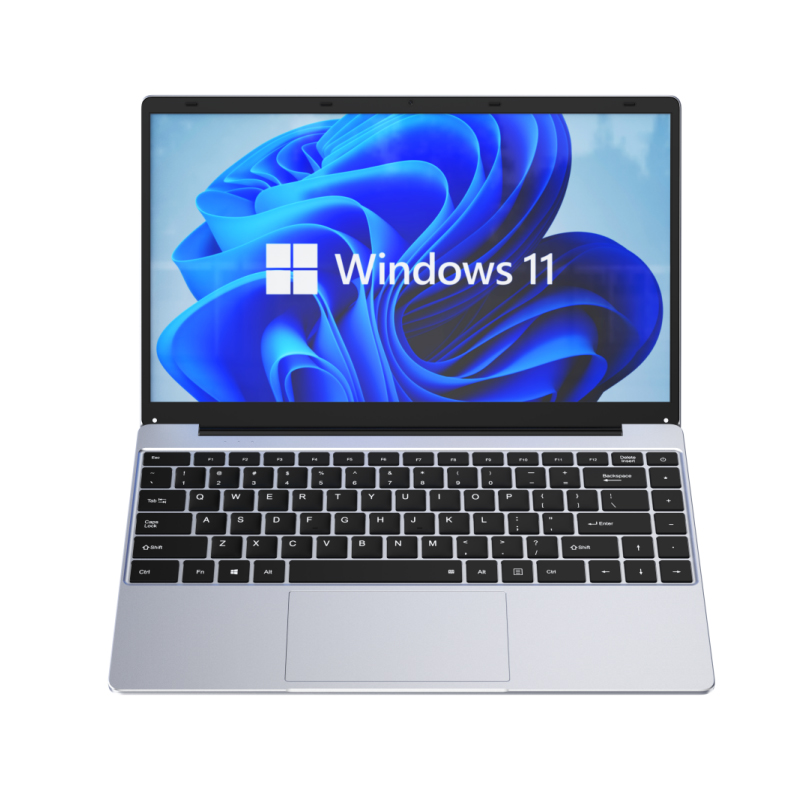 14.1 Inch Student laptops
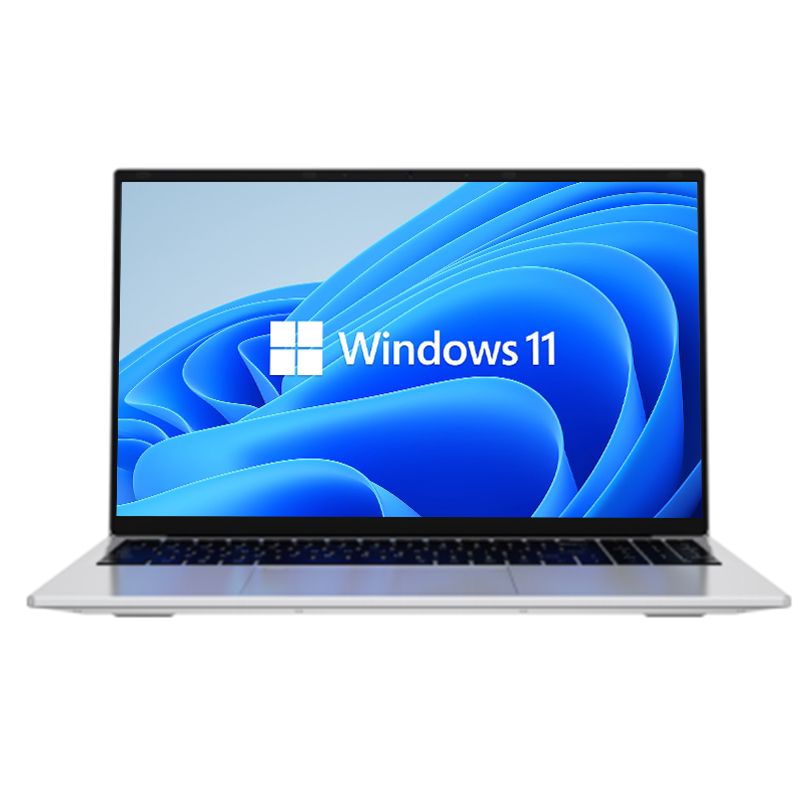 16.1 Inch Office Laptops
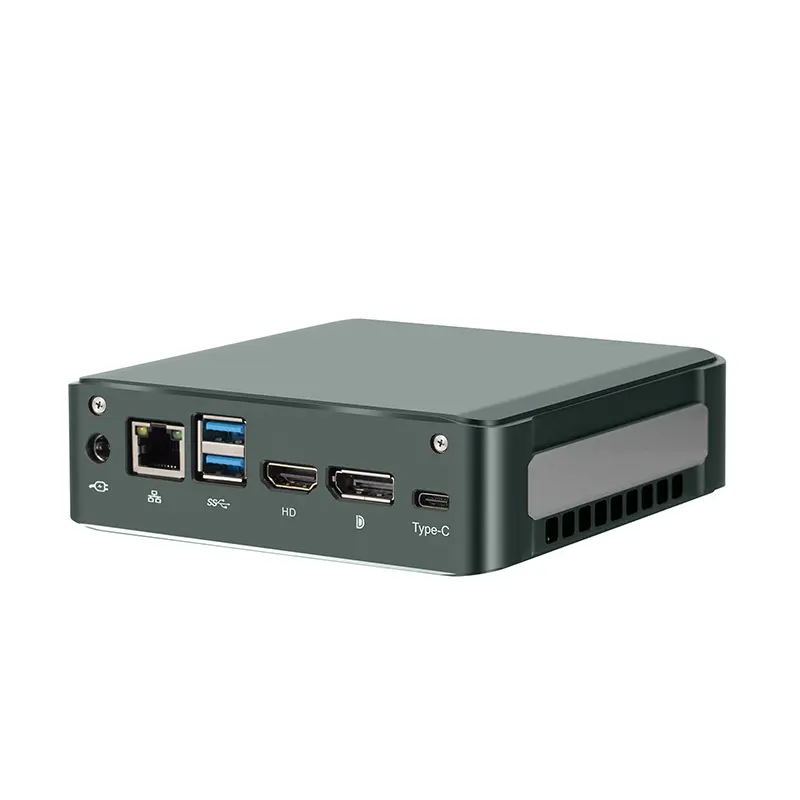 Home Mini Host
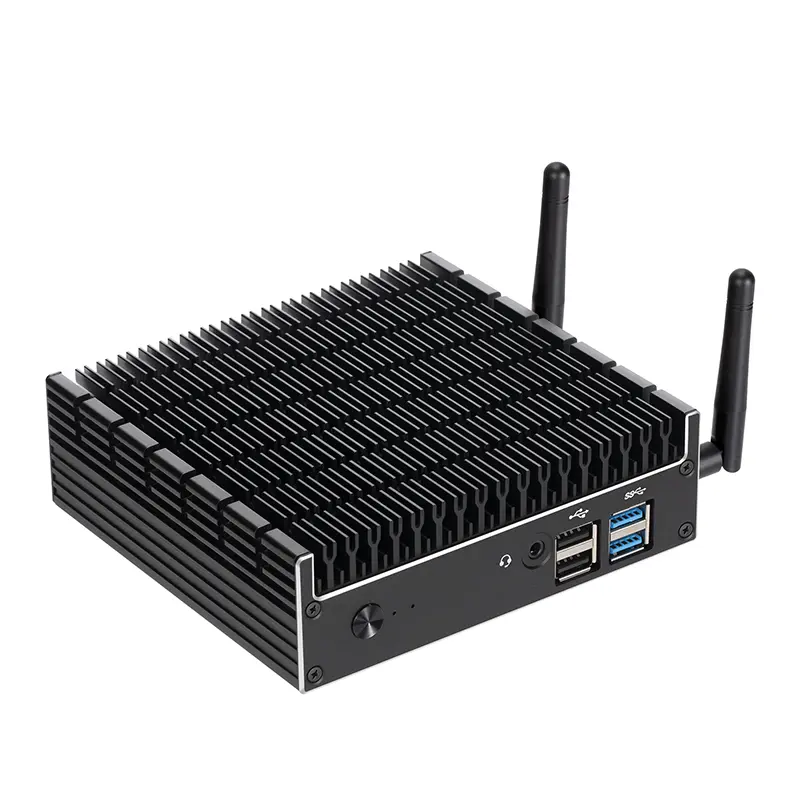 Industrial Micro PC
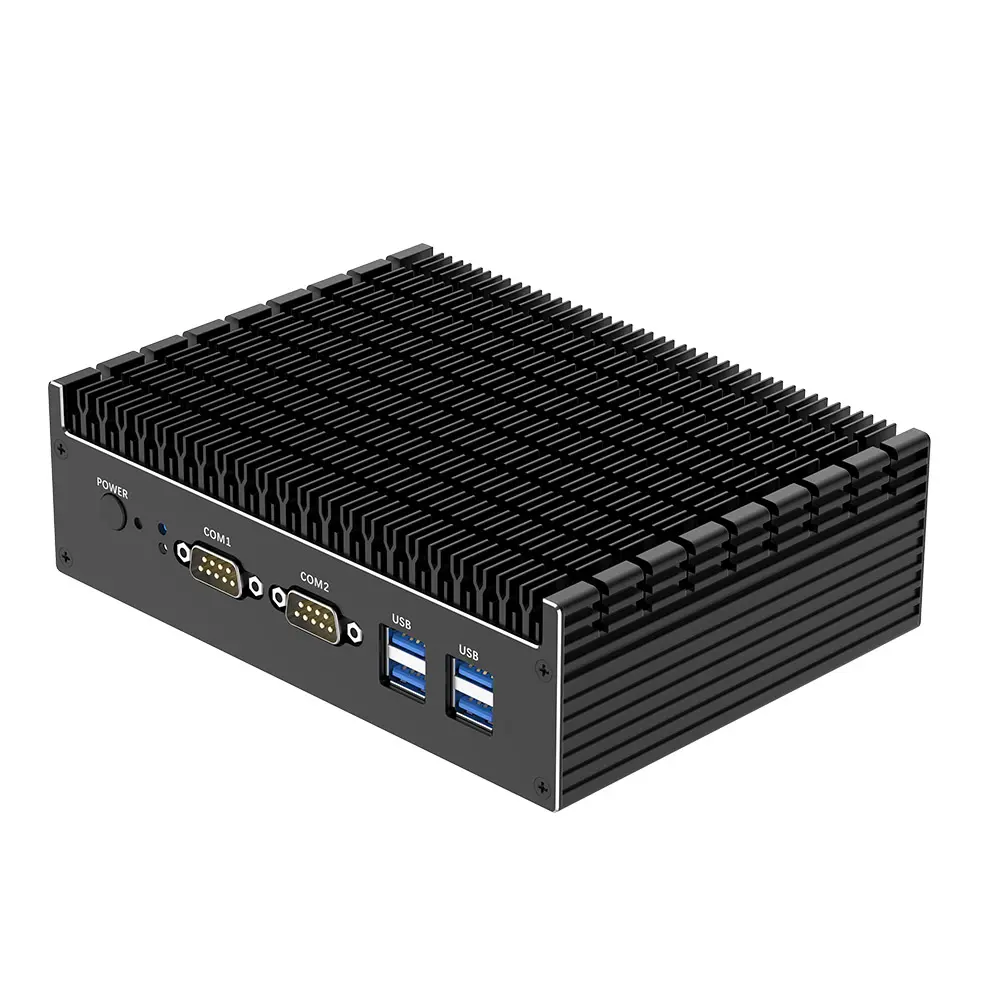 Fanless Industrial Mini PC
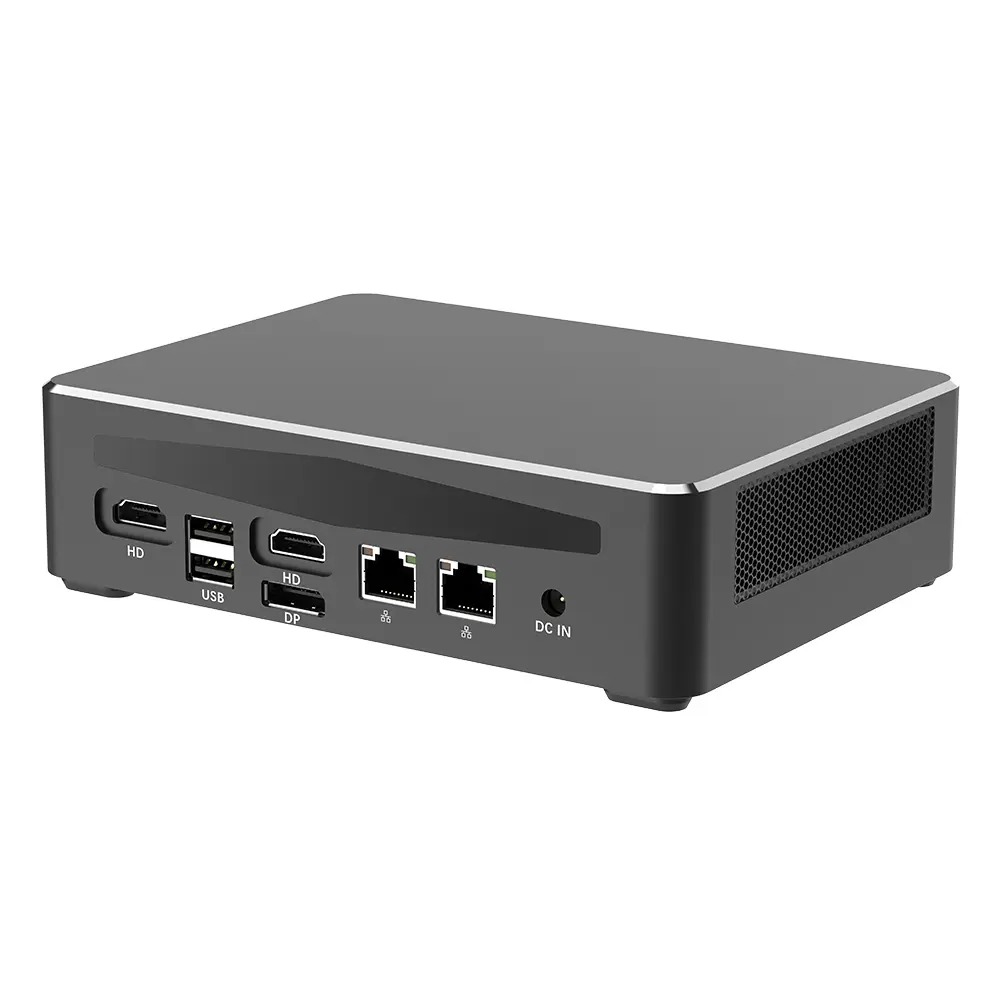 Commercial Mini PC
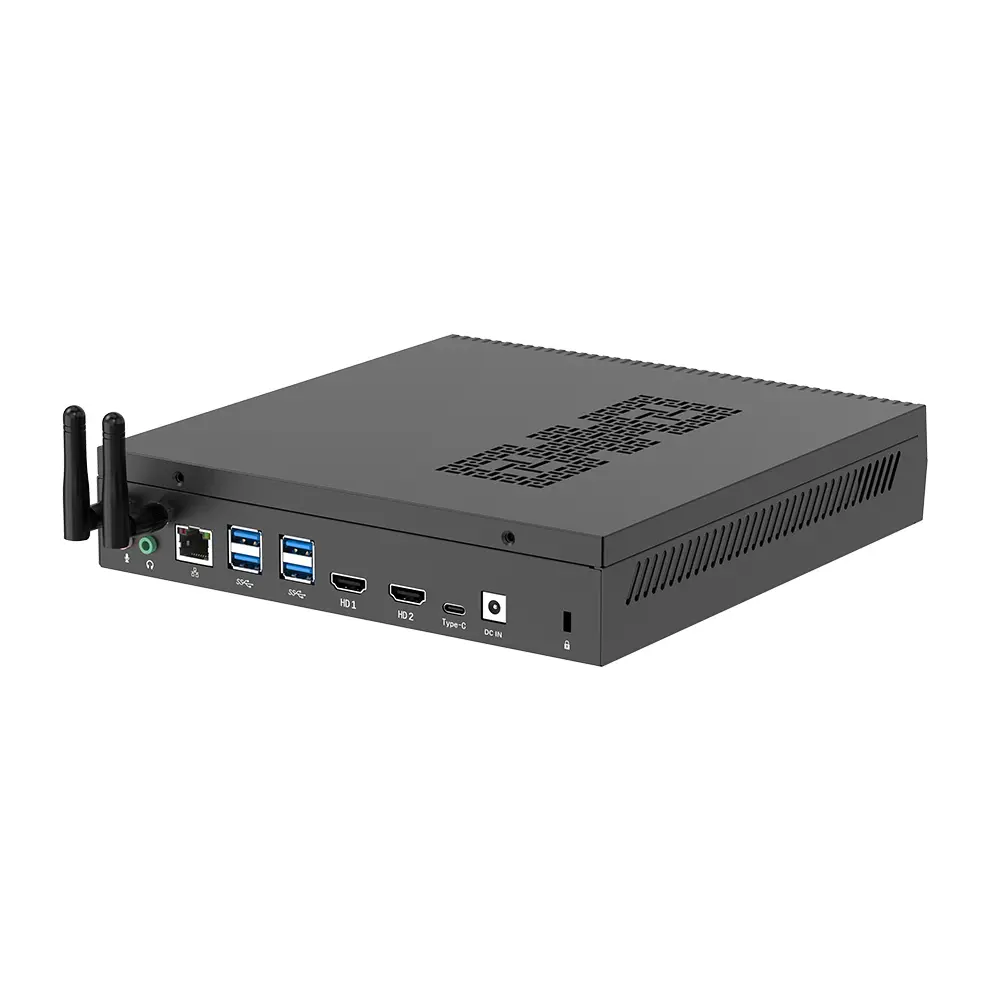 RTX3050TI Game Mini PC
 Micro Mini PC
 Fanless Mini PC
 High-end Mini PC
 More
 Micro ATX Computer Motherboard