One-stop service of R&D, production and sales for 10 years

INQUIRY
Leave Your Message

Why Buy an Ordenador Compacto for Your Business?

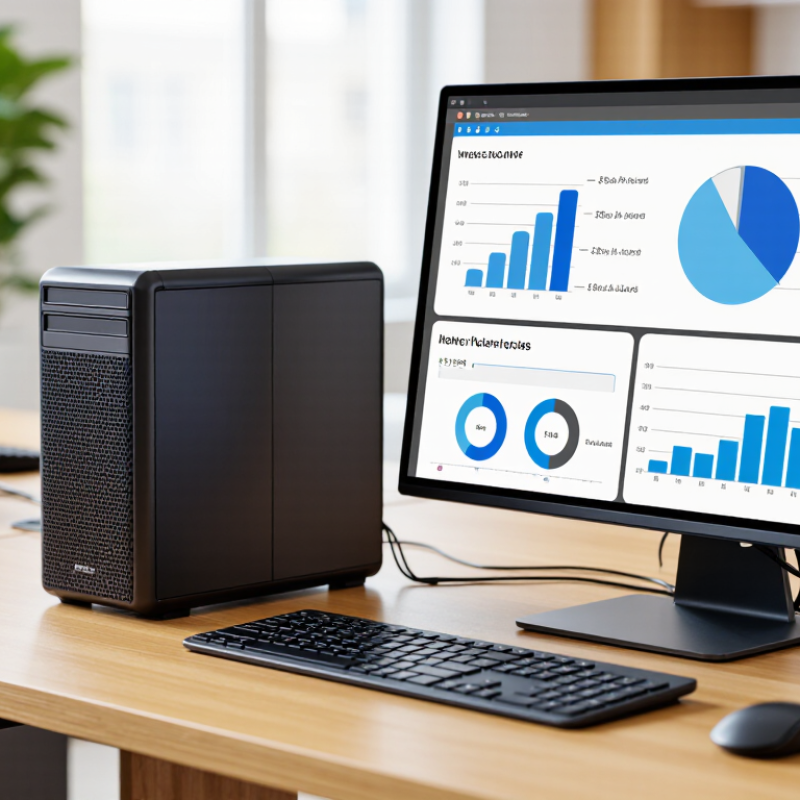
Choosing a business computer is rarely about processor speed alone. It is about how reliably the machine handles everyday work, from video calls and spreadsheets to shared office software. An Ordenador Compacto can free valuable desk space while keeping essential computing close at hand. Picture a small unit beside a monitor, with fewer cables crossing a crowded desk. That can make a real difference in reception areas, meeting rooms, and compact workstations. Less clutter helps. Yet a smaller case does not automatically mean lower costs or better performance.

Before buying, match the configuration to the tasks your team actually performs. Check memory, storage, available ports, wireless connectivity, and compatibility with existing monitors and accessories. A finance employee opening large files may need more capacity than someone using email and browser-based tools. Pay attention to cooling and access for maintenance, too; a quiet, tidy setup is useful only if the computer stays dependable during a busy day. The trade-off is real, and easy to overlook. Some compact models allow fewer upgrades, so a low purchase price might not tell the whole story. I would not treat compact size as a buying shortcut. Compare warranty terms, expected workload, and the cost of replacing or servicing the unit. The right choice depends on your office, not just its footprint. A practical Ordenador Compacto should fit the desk and the work.
Why Buy an Ordenador Compacto for Your Business?

What Is an Ordenador Compacto?

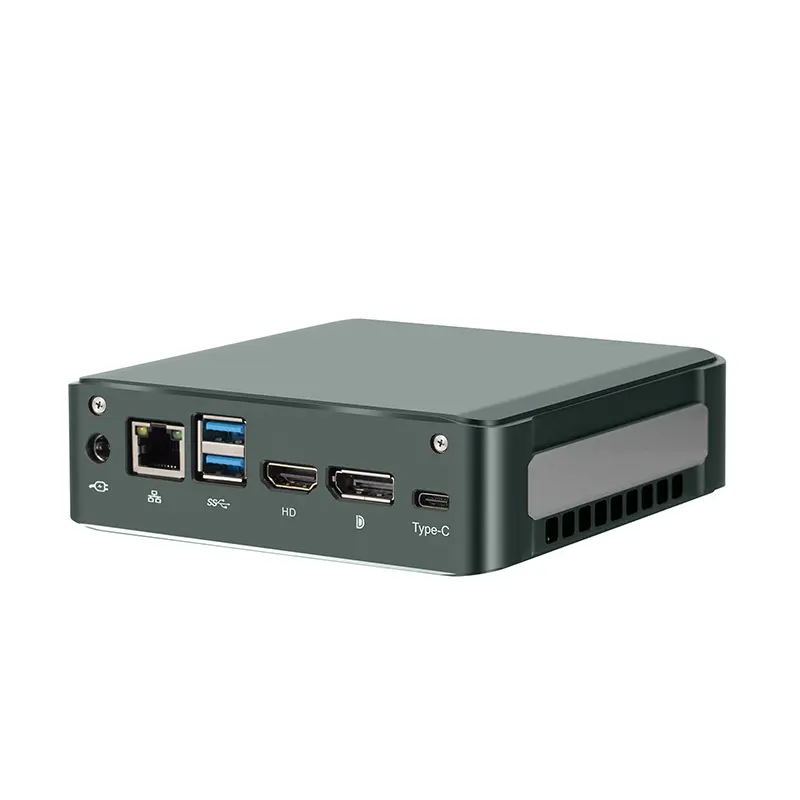
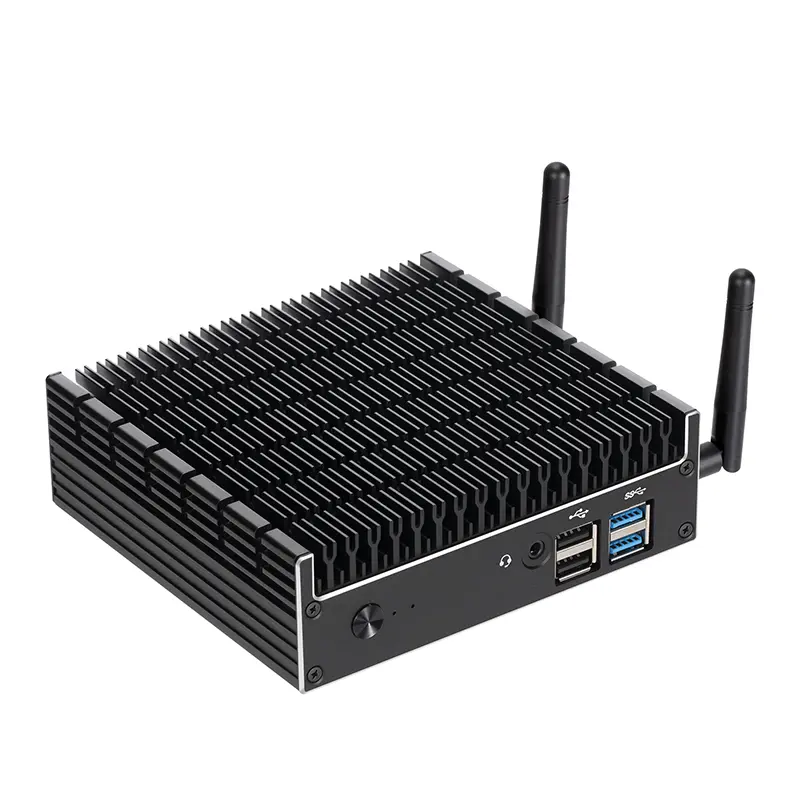
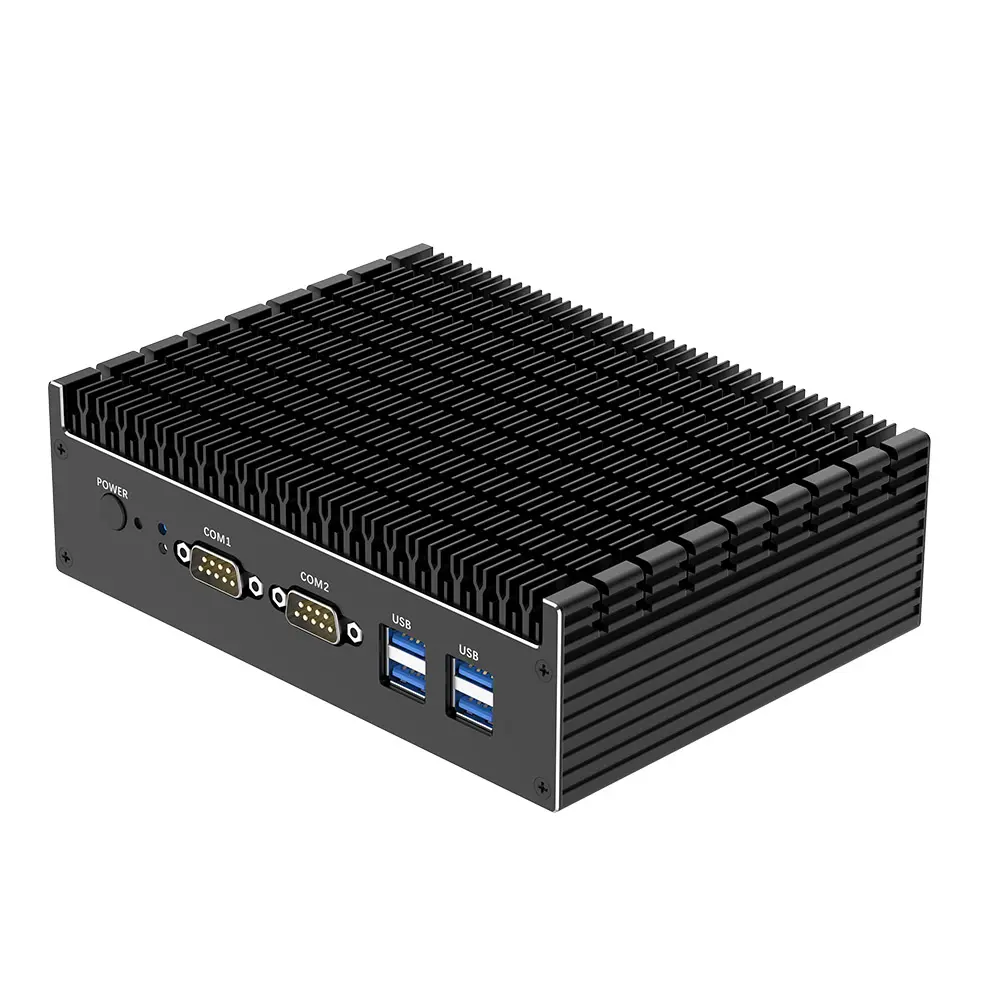
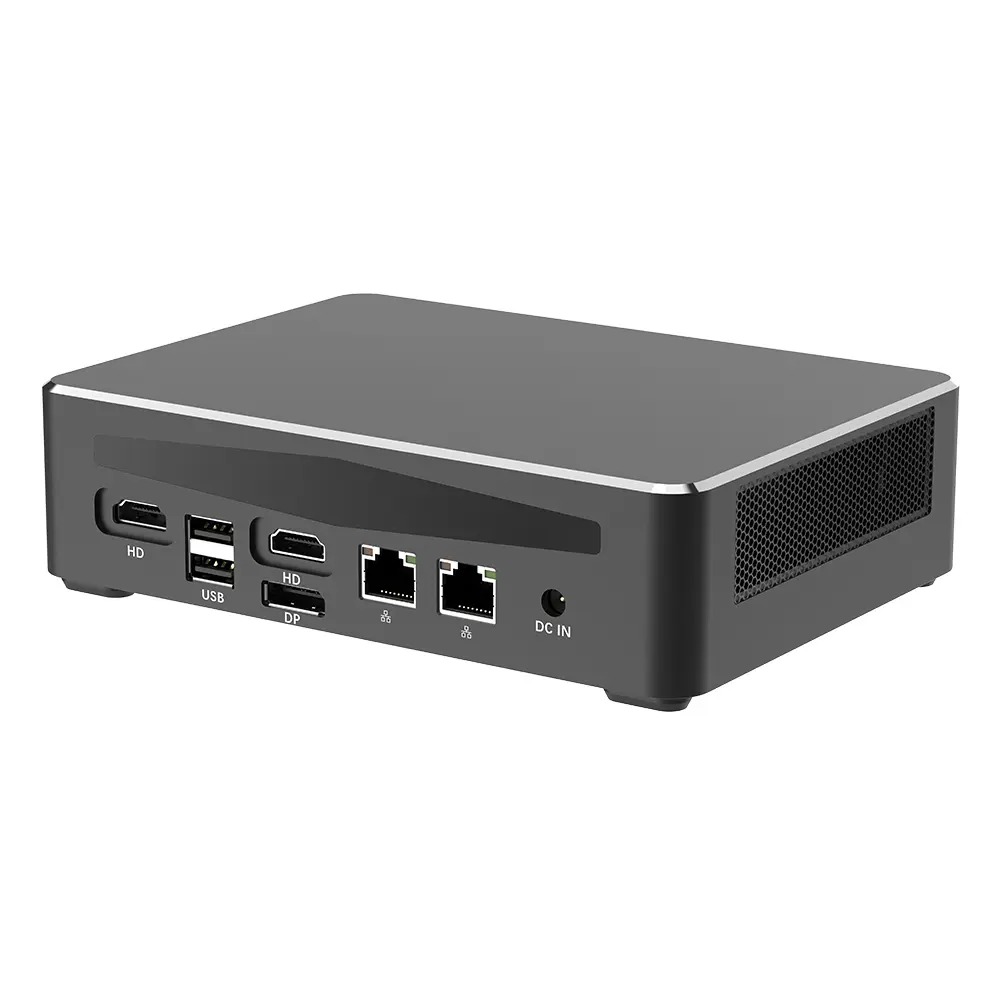
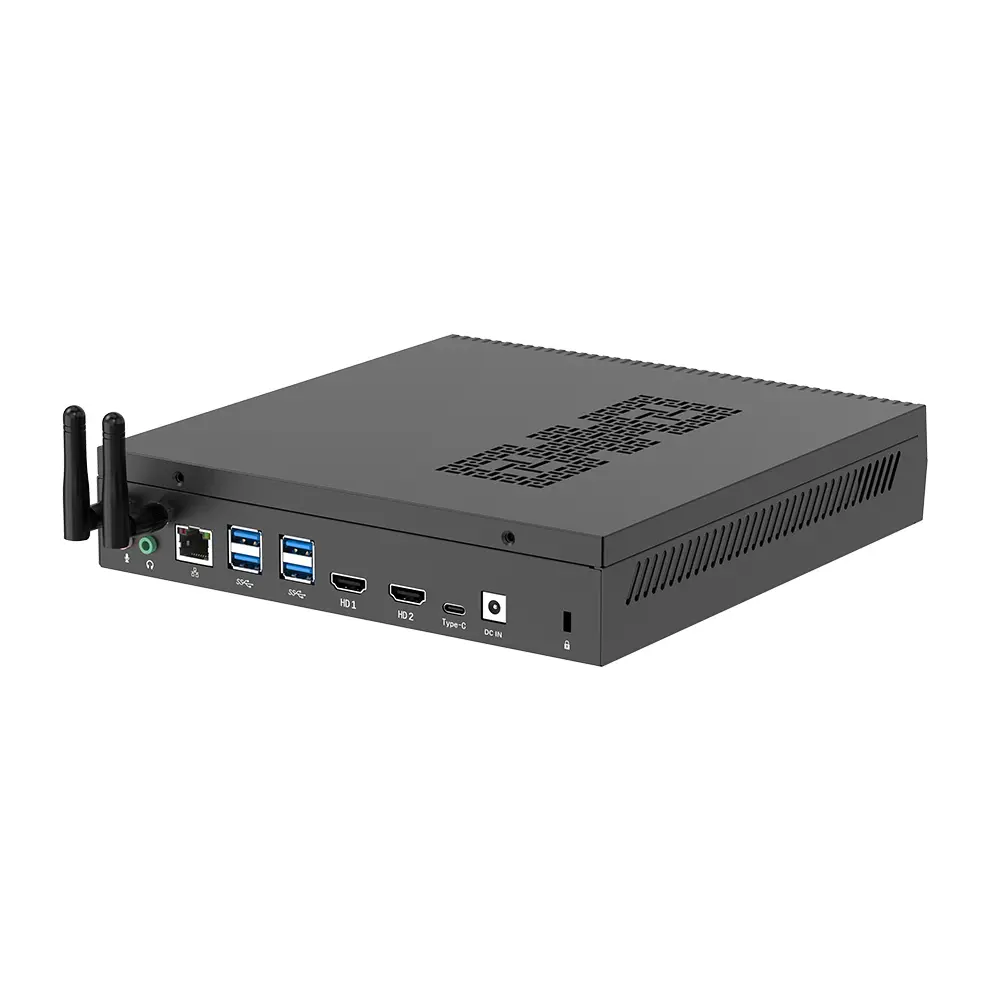
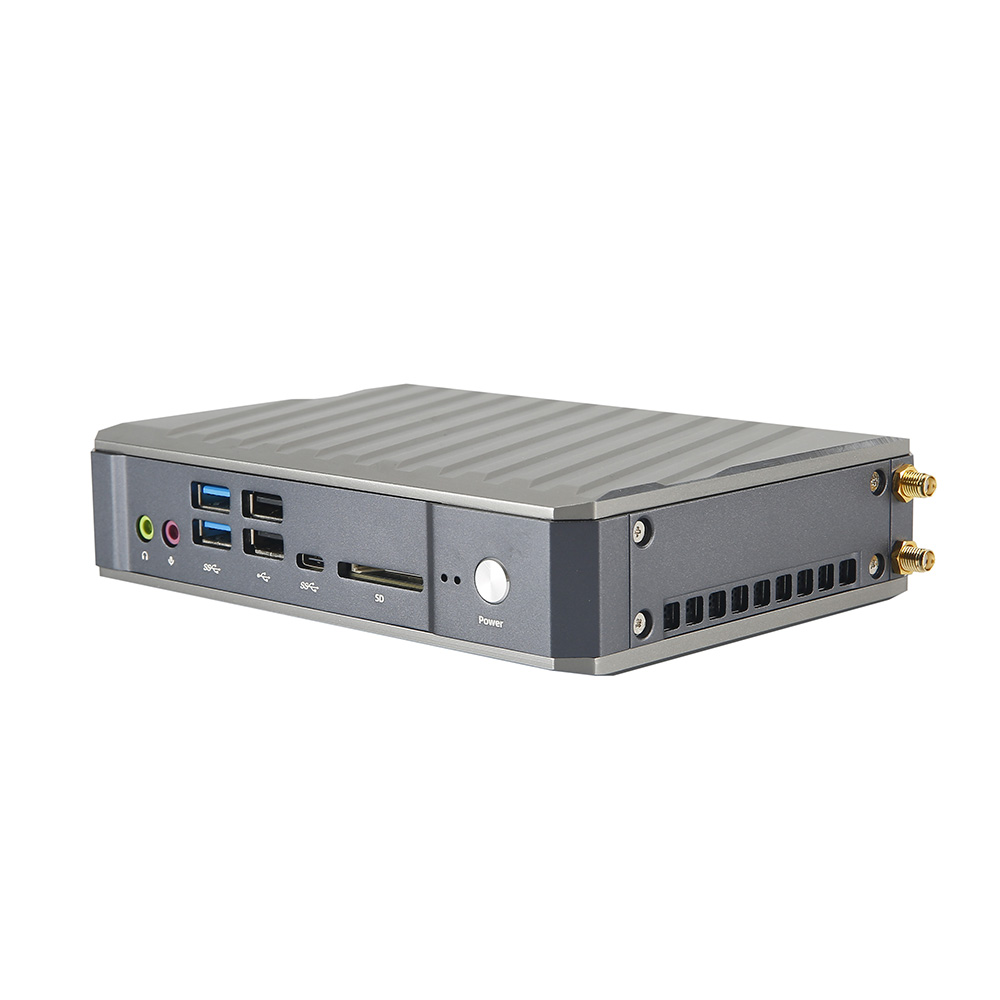
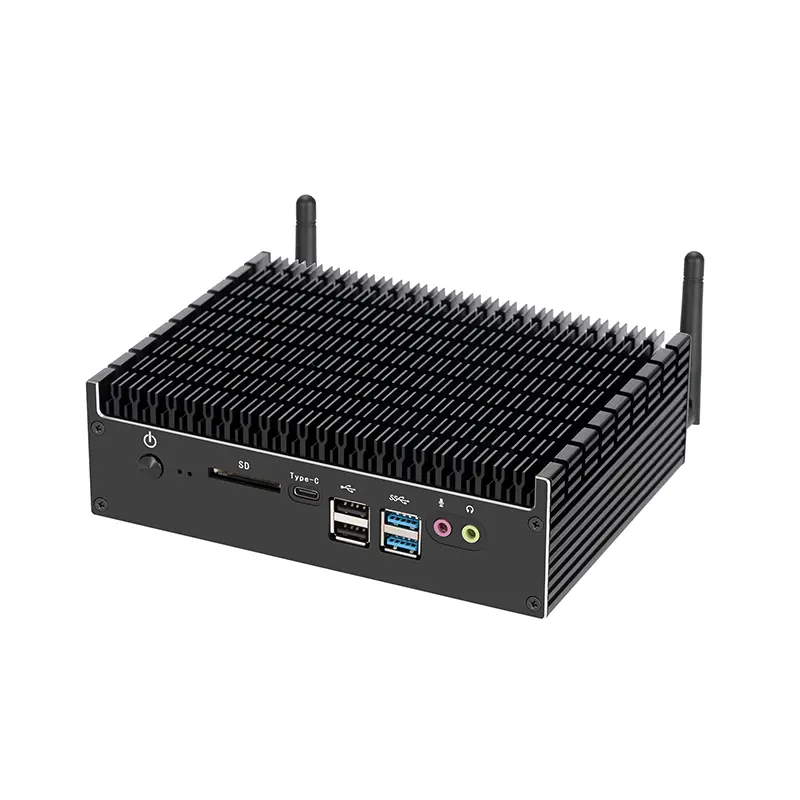
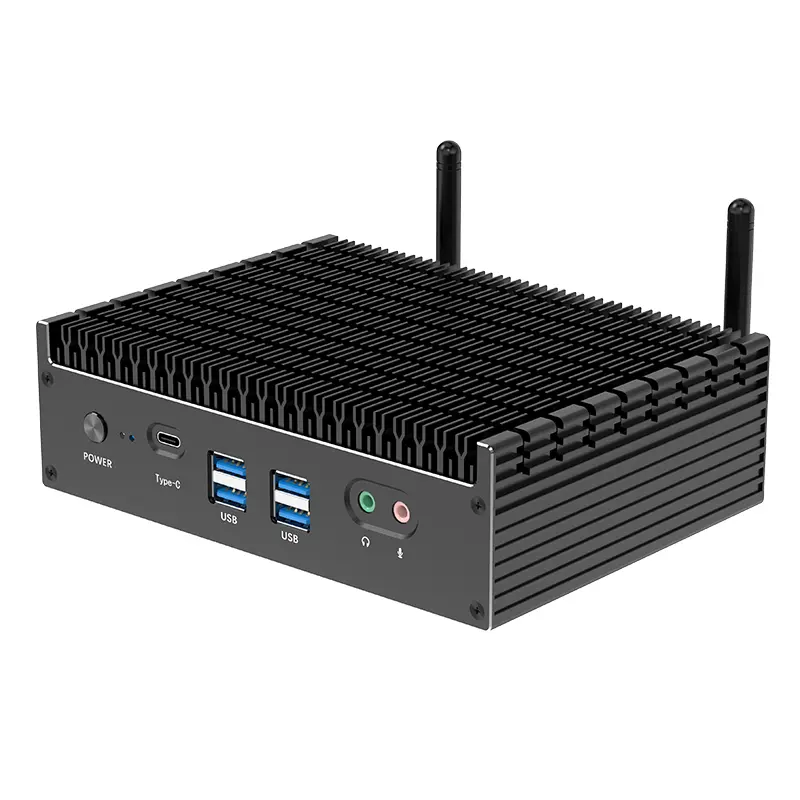
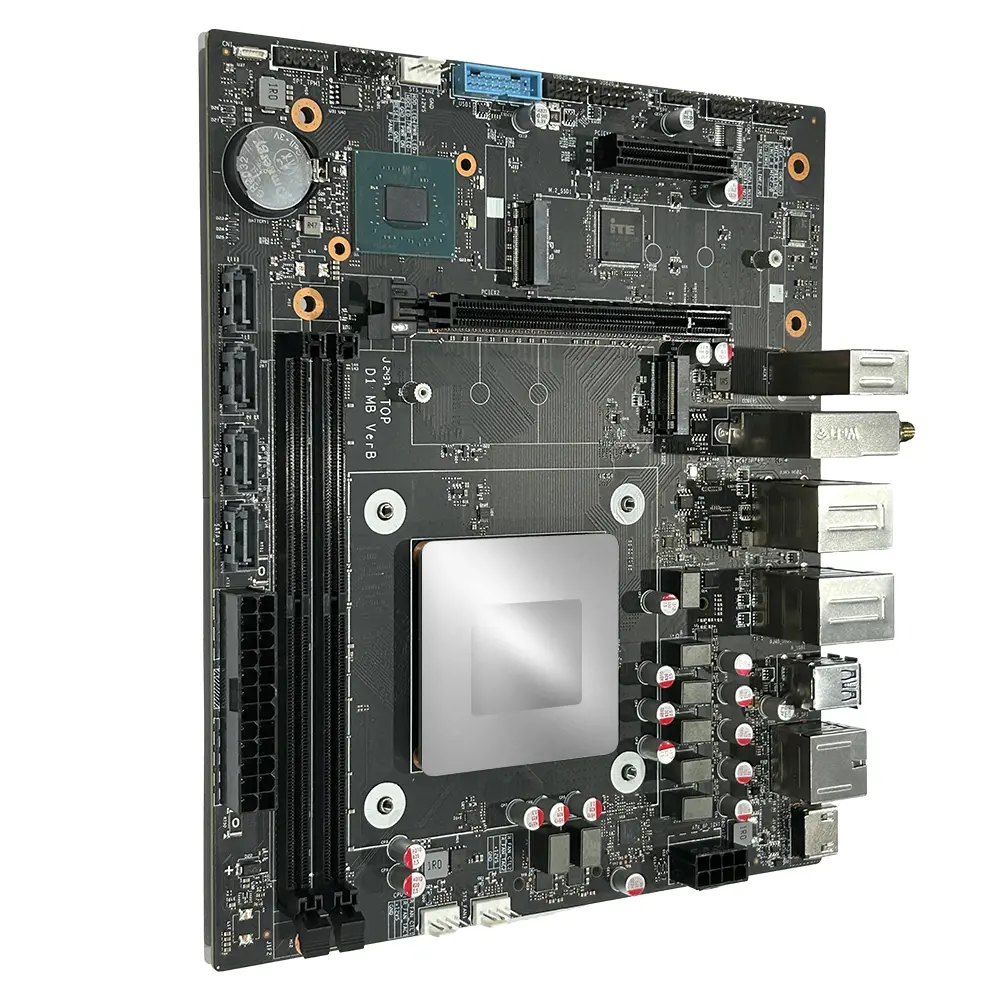
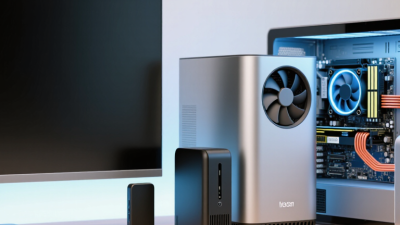
An ordenador compacto is a small desktop computer designed to fit into a limited workspace. It may sit beside a monitor, under a desk, or behind a display when compatible mounting hardware is available. Inside, it still contains essential parts such as a processor, memory, storage, and cooling components. Small does not mean simple.

For a business, this form can free up desk space without requiring a laptop for every employee. A reception desk, shared workstation, or small meeting room may benefit from a computer that is easy to place and connect. Check the actual ports, memory capacity, and storage before choosing one. A compact case can limit future upgrades, and restricted airflow may affect performance during demanding work. That detail is easy to overlook. Match the computer to everyday tasks, such as spreadsheets, video calls, or basic design work, rather than judging it by size alone.

Tips: Measure the intended spot, then check clearance around vents. List the required displays and peripherals. A tidy setup is useful, but not if cables or heat become a problem.
How Compact Computers Meet Business Needs

How Compact Computers Meet Business Needs

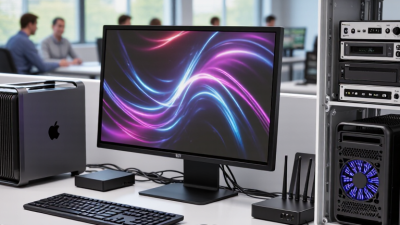
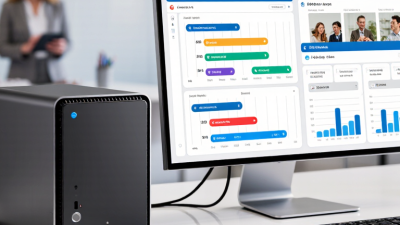
A compact computer can free valuable desk space without forcing a business to give up essential performance. In a small reception area, it can sit behind a monitor, leaving room for a phone, paperwork, and a visitor’s form. In shared offices, smaller systems are also easier to move between workstations. Space matters.

The U.S. Energy Information Administration’s 2018 Commercial Buildings Energy Consumption Survey identifies office equipment as a meaningful part of commercial energy use. That makes power consumption worth checking, not guessing. EPA’s ENERGY STAR computer guidance indicates that certified models can use less energy than conventional alternatives, though actual savings depend on configuration and workload. A compact case alone does not guarantee efficiency. Compare measured power ratings, cooling needs, and the cost of running systems through long workdays.

For routine tasks such as scheduling, spreadsheets, video calls, and web-based business tools, a well-configured compact computer may be sufficient. Check memory, storage, ports, and upgrade options before buying; a missing display connection can turn a tidy desk into a nest of adapters. I have seen teams focus on footprint and overlook repair access. That choice can be awkward later. Compact systems work best when their small size supports a real workflow, rather than becoming the only buying criterion.

Key Benefits for Business Workspaces

Why Buy an Ordenador Compacto for Your Business?
Key Benefits for Business Workspaces

A compact computer can return valuable desk space to employees. Its small chassis fits behind a monitor or beside a docking station. That leaves room for a notebook, headset, and the papers people still use. In a shared office, fewer bulky towers can also make cleaning and cable management easier. The improvement is modest, but noticeable.

Power use matters, too. ENERGY STAR’s computer guidance reports that certified computers use about 25% less energy than conventional models. A smaller case alone does not guarantee lower consumption, so check efficiency ratings and real workload requirements. For email, scheduling, and web-based tools, many compact systems are capable choices. One trade-off is easy to miss: some models offer fewer ports or limited upgrade options.

Tips: Measure the space and check monitor, network, and peripheral connections before ordering. Leave room for airflow; a computer tucked into a closed cabinet may run hot. Ask IT to test a sample unit with everyday software before standardizing on it. Don’t buy on size alone.

Factors to Consider Before Buying

Why Buy an Ordenador Compacto for Your Business?
Factors to Consider Before Buying

An ordenador compacto can free valuable desk space, but size alone is a poor buying guide. Start with the work it must handle: browser-based sales tools need different resources than video editing or large spreadsheets. Check the processor, memory, and storage against your busiest typical day, not an ideal quiet morning. For example, test whether several spreadsheets, video calls, and browser tabs can run together without sluggish pauses. Leave some capacity for growth. Still, paying for power your team never uses is wasteful.

Ports matter more than many buyers expect. Count the monitors, keyboard, network cable, and external drives each workstation needs. A small case may offer fewer connections, so verify the layout before ordering. Check cooling, too. A compact computer tucked behind a monitor can collect dust or run warm in a poorly ventilated corner. Listen for fan noise in a quiet office. It is easy to overvalue a tidy desk and overlook maintenance. Ask how accessible the memory and storage are, and whether routine repairs require replacing the whole unit. Compare warranty terms, energy use, and setup costs, then test one computer with your actual software before equipping the entire office.

Why Buy an Ordenador Compacto for Your Business? – Factors to Consider Before Buying

Factor What a Compact Computer Can Offer Potential Business Benefit What to Check Before Buying
Workspace and placement A small chassis can fit on a crowded desk, behind a monitor, or in some shared work areas. Frees up desk space and can make workstations easier to arrange. Measure the available space, including clearance for cables, ventilation, and access to ports.
Performance Compact systems are available with a range of processors, memory, and storage configurations. Can handle office applications, web-based work, and other workloads when correctly configured. Match the processor, memory, and storage to the actual software and workload. Check upgrade options before purchase.
Power and cooling Power use and cooling needs vary by components, workload, and system design; a smaller size alone does not guarantee lower power use. May suit a workstation where a large tower is unnecessary. Review manufacturer power specifications, cooling requirements, and ventilation guidance for the intended workload.
Connectivity Available ports vary. Some compact models provide fewer built-in expansion and connection options than larger computers. Supports a tidy workstation when its connections match the business’s existing equipment. Count the required display, USB, network, audio, and other connections. Check whether adapters or a docking solution are needed.
Upgrades and repairs Access to memory, storage, and other internal components depends on the model; compact designs may limit expansion. Helps businesses choose a system that fits both current needs and expected changes. Confirm which parts are replaceable or upgradeable, and whether service requires specialist support.
Deployment and mounting Some compact computers support mounting behind a display or under a desk; mounting compatibility is model-specific. Can keep equipment out of the way in reception areas, offices, or shared workstations. Check mounting standards, included hardware, cable routing, physical security, and access for maintenance.
Security and manageability Security features and remote-management capabilities differ between configurations. Can fit into a managed business environment when the required controls are supported. Verify operating-system support, firmware security features, device-management compatibility, and update policies.
Total cost of ownership The purchase price is only one part of the cost; accessories, adapters, support, energy use, and replacement plans also matter. Encourages comparison based on the system’s full business use rather than its size alone. Compare complete configurations, warranty and support terms, expected service life, and any additional equipment needed.

Buying tip: A compact computer is most suitable when its performance, connectivity, cooling, and support meet the requirements of the intended role. Specifications vary by model, so confirm details before purchasing.

Choosing and Integrating the Right Model

A compact computer can clear desk space, but footprint alone is a poor buying guide. Start with the work it must handle: browser-based sales tools, spreadsheets, video calls, or local design files. A reception terminal may need less memory than a shared workstation running several applications. Write down peak tasks, not just average use.

For an office model, check processor performance, memory capacity, and whether storage can be replaced later. Small chassis can limit cooling; listen for fan noise during a sustained video call or file export. Check the ports against actual equipment: two monitors, wired network, headset, and any older printer. Not glamorous. If staff rely on remote access, confirm that security features and the operating system fit the tools your team already manages.

Plan placement before deployment. Measure the shelf, leave space around vents, and verify that power and network cables reach without tension. Test the configuration with real accounts and work files before ordering for every desk. A short pilot may reveal a weak Wi-Fi spot or a display adapter nobody budgeted for. It is tempting to buy the smallest unit, then regret limited upgrade options. I would leave room for growth, but not pay for capacity no one can explain.

Why Buy a Compact Computer for Your Business?

Estimated annual electricity use under a consistent office-use scenario.

This planning estimate assumes average power draw of 35 W for a compact computer and 90 W for a standard desktop, used 8 hours per day for 250 workdays. Annual use is calculated as watts × hours ÷ 1,000. Actual consumption varies by model and workload. When choosing a compact computer, also check performance, memory, ports, upgrade options, and support requirements.