One-stop service of R&D, production and sales for 10 years

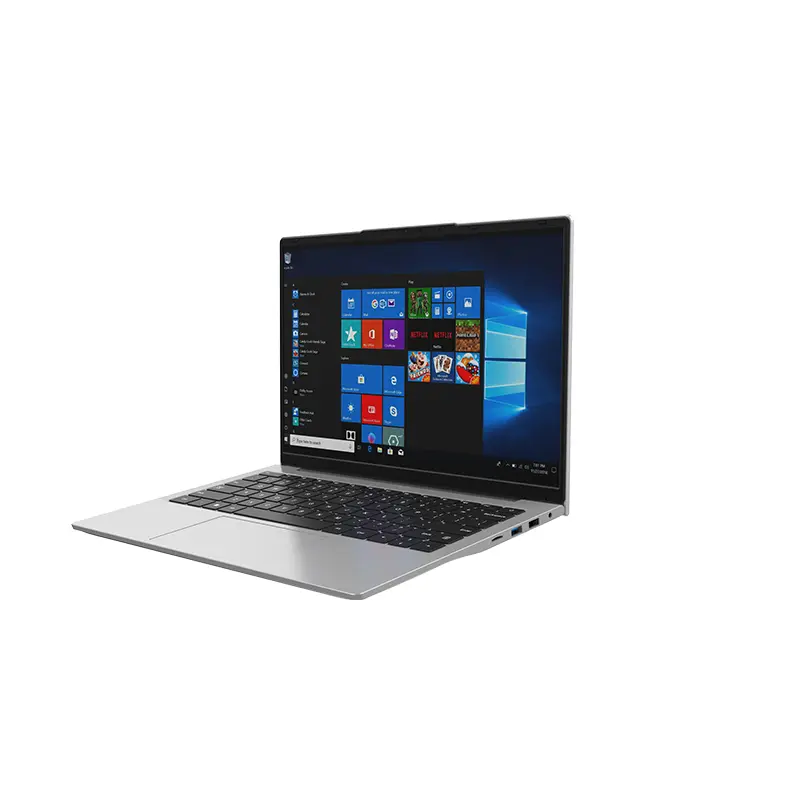 14 Inch Office Notebook
 Dual Screen Laptop
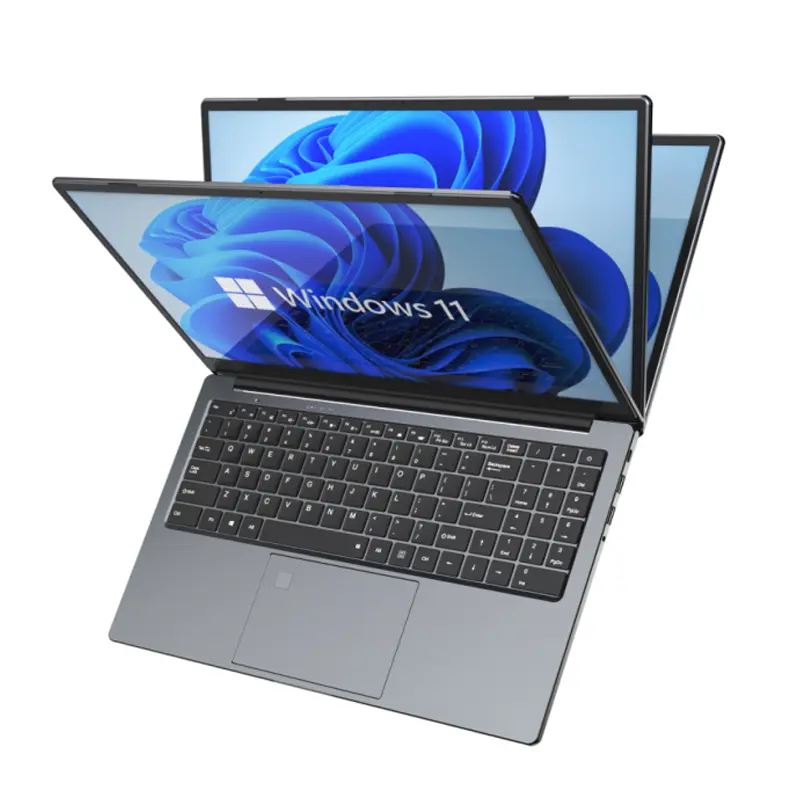 Fingerprint Business Notebook
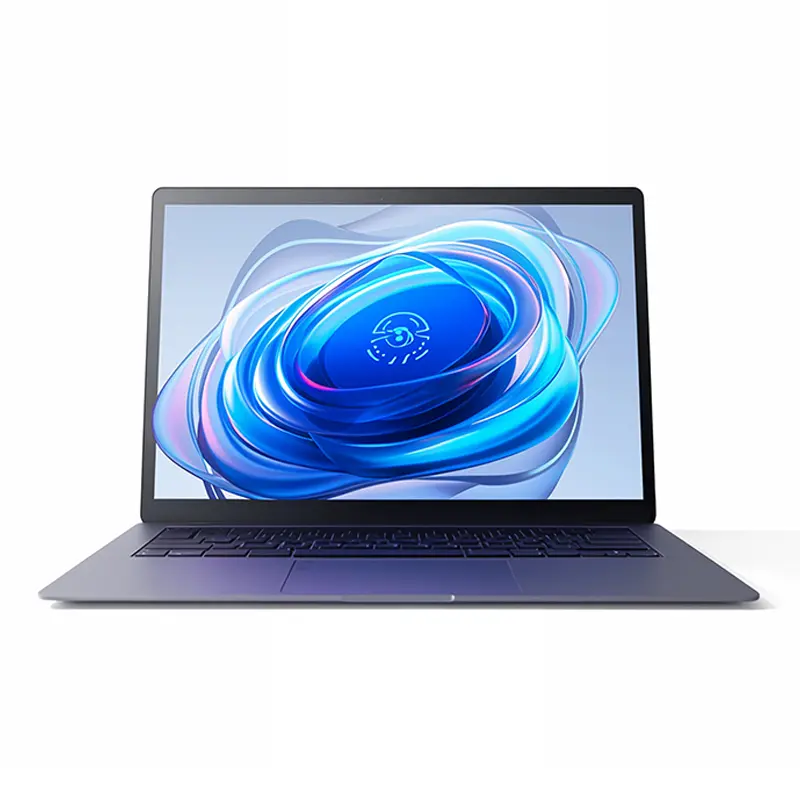 Big Screen Laptop
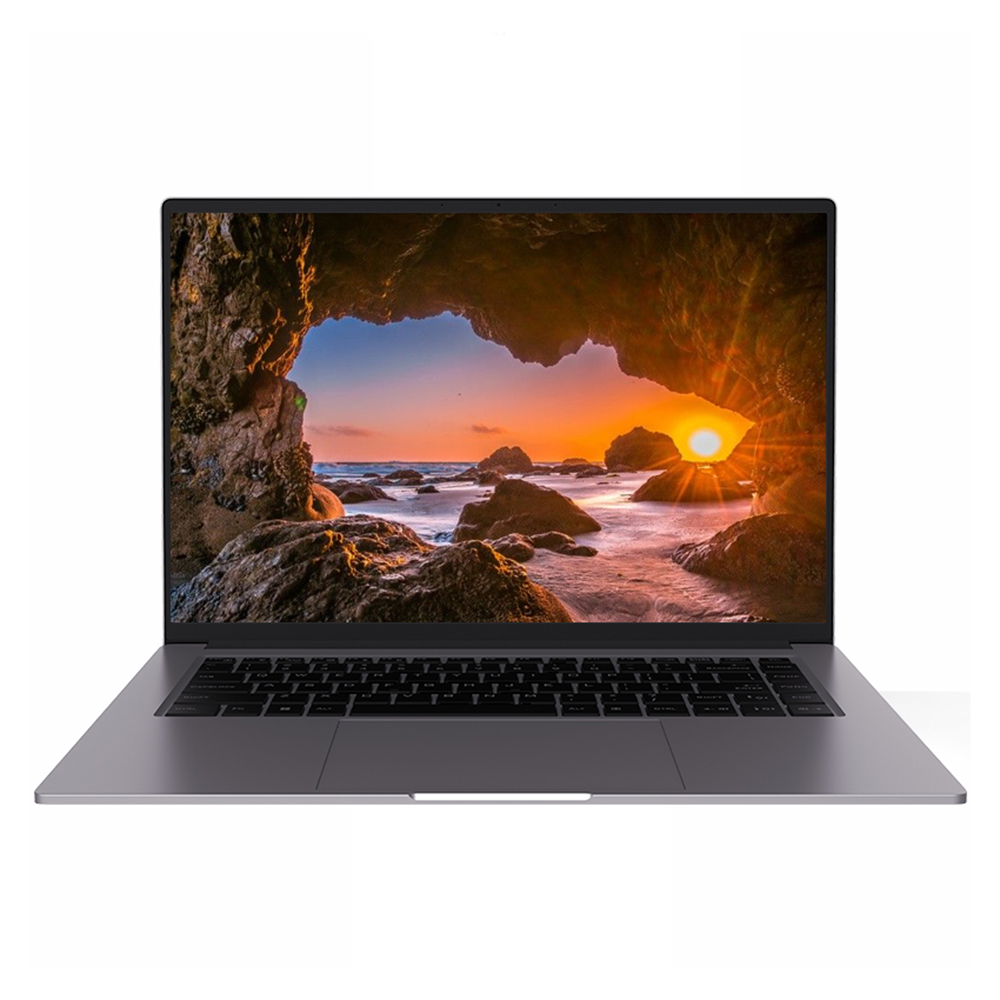 HD Gaming Laptop
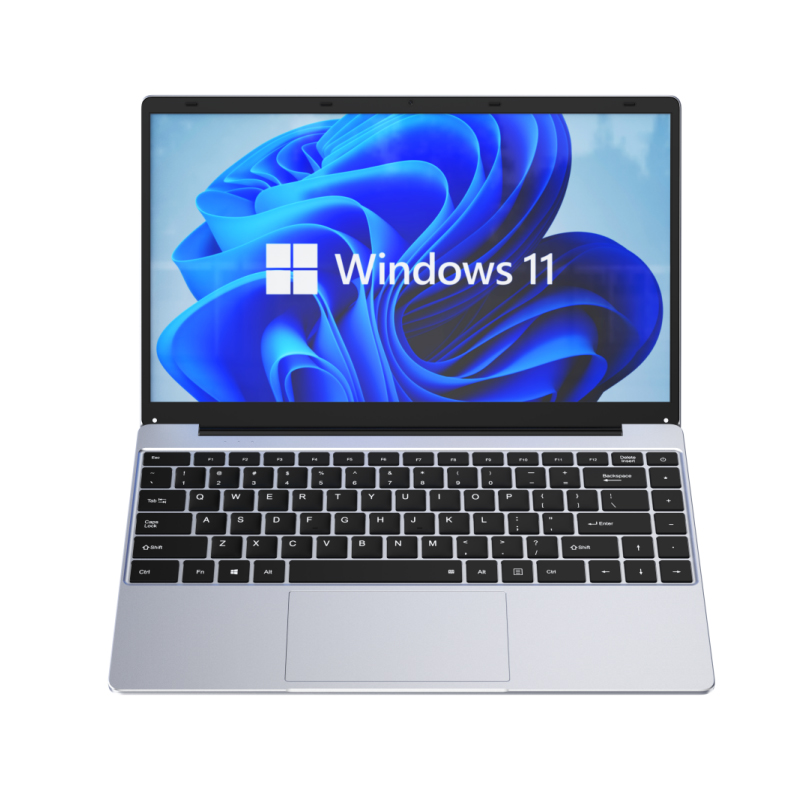 14.1 Inch Student laptops
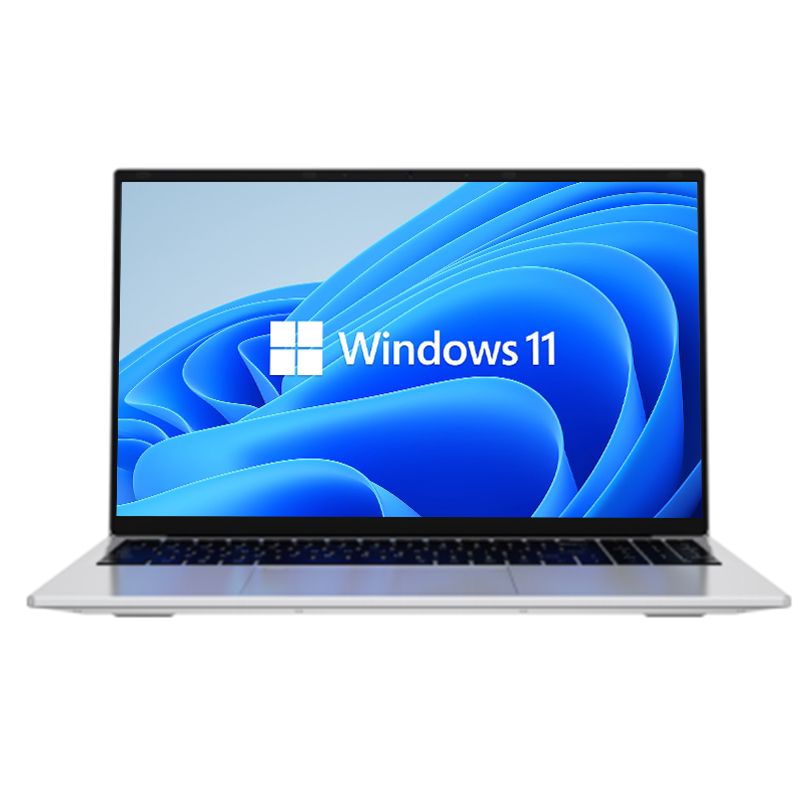 16.1 Inch Office Laptops
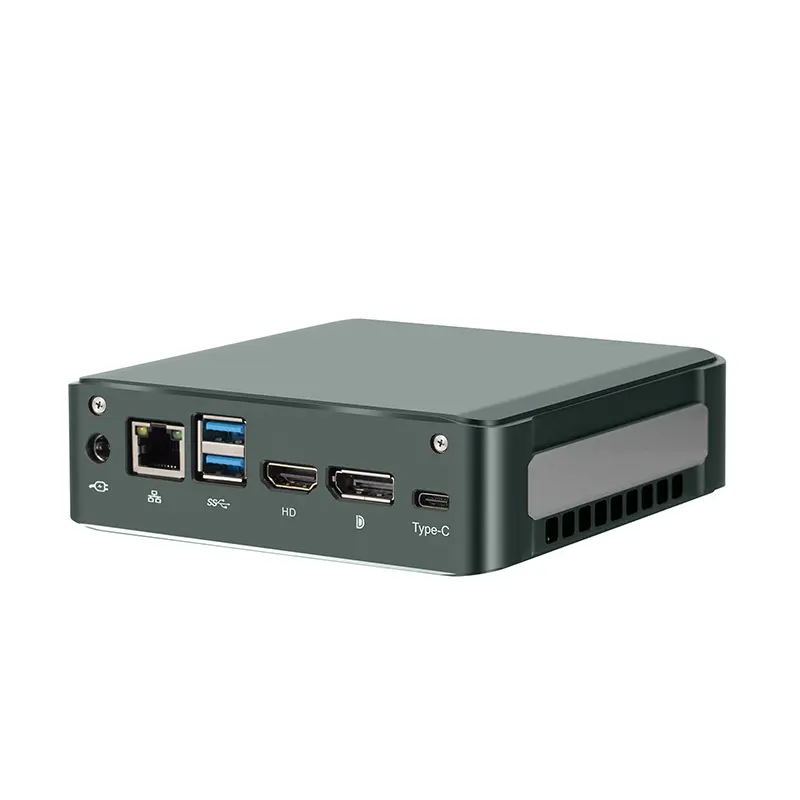 Home Mini Host
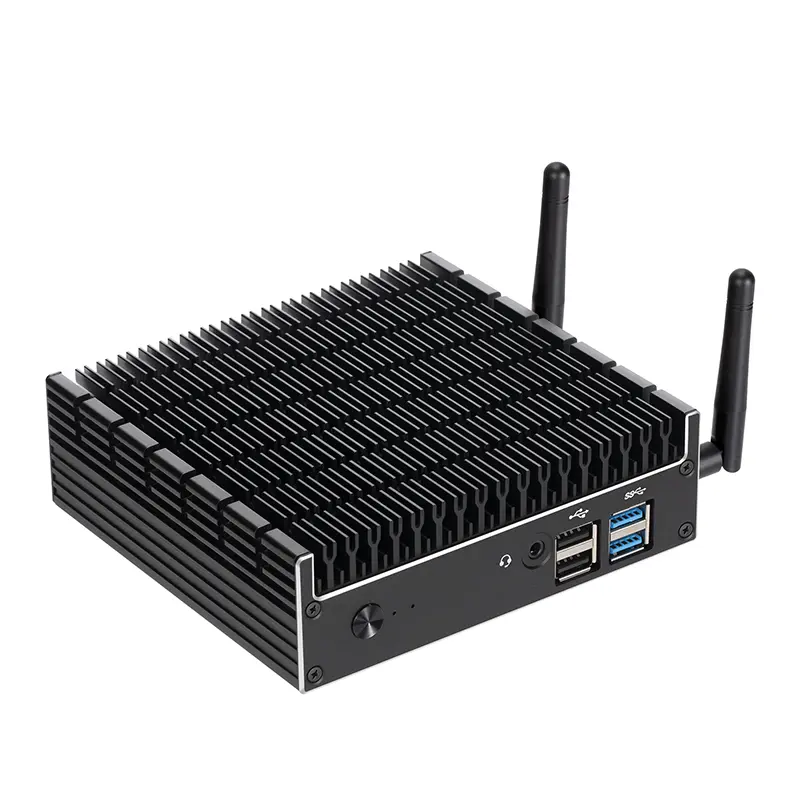 Industrial Micro PC
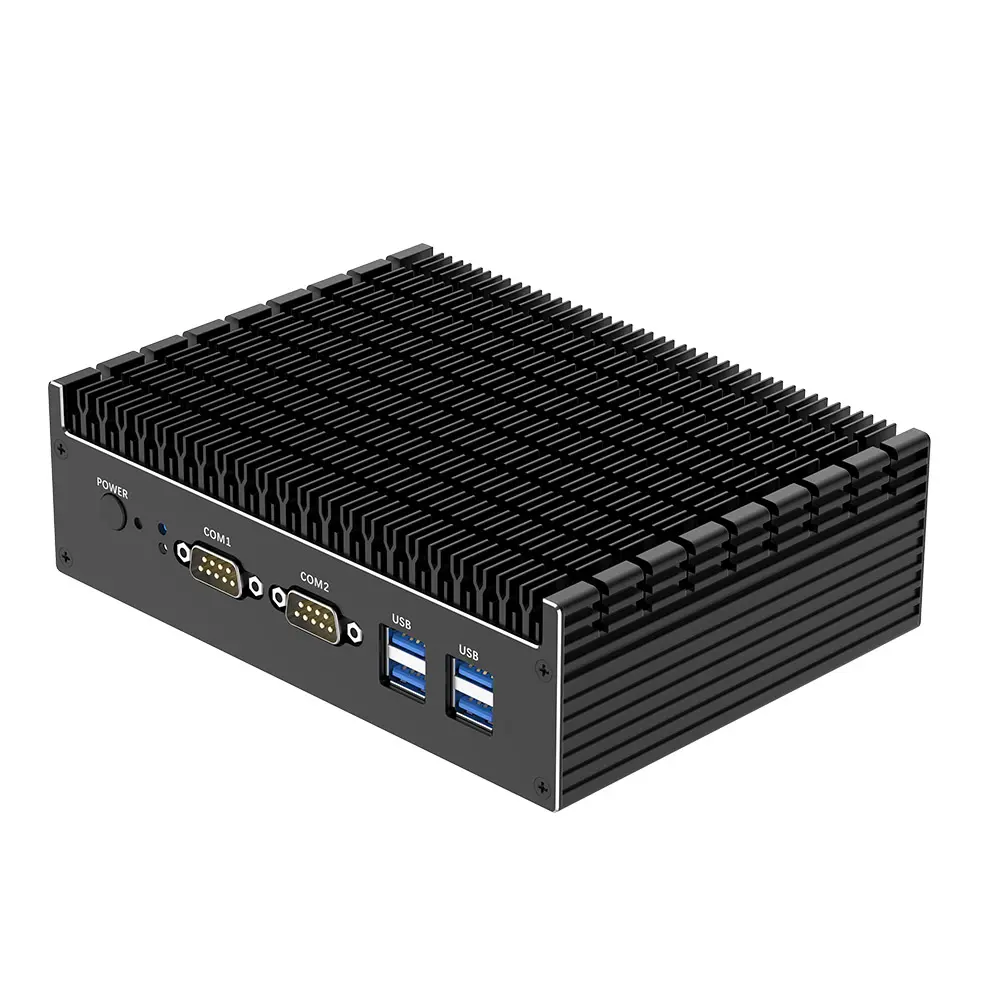 Fanless Industrial Mini PC
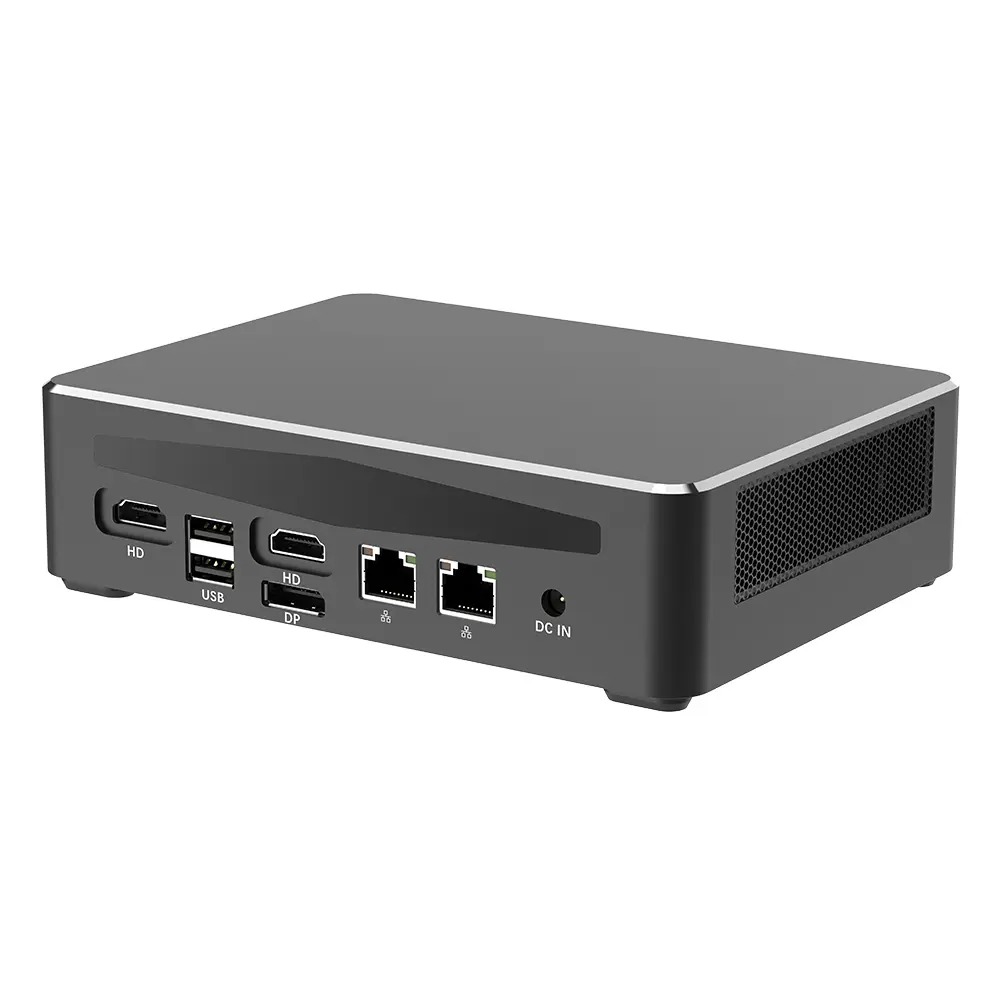 Commercial Mini PC
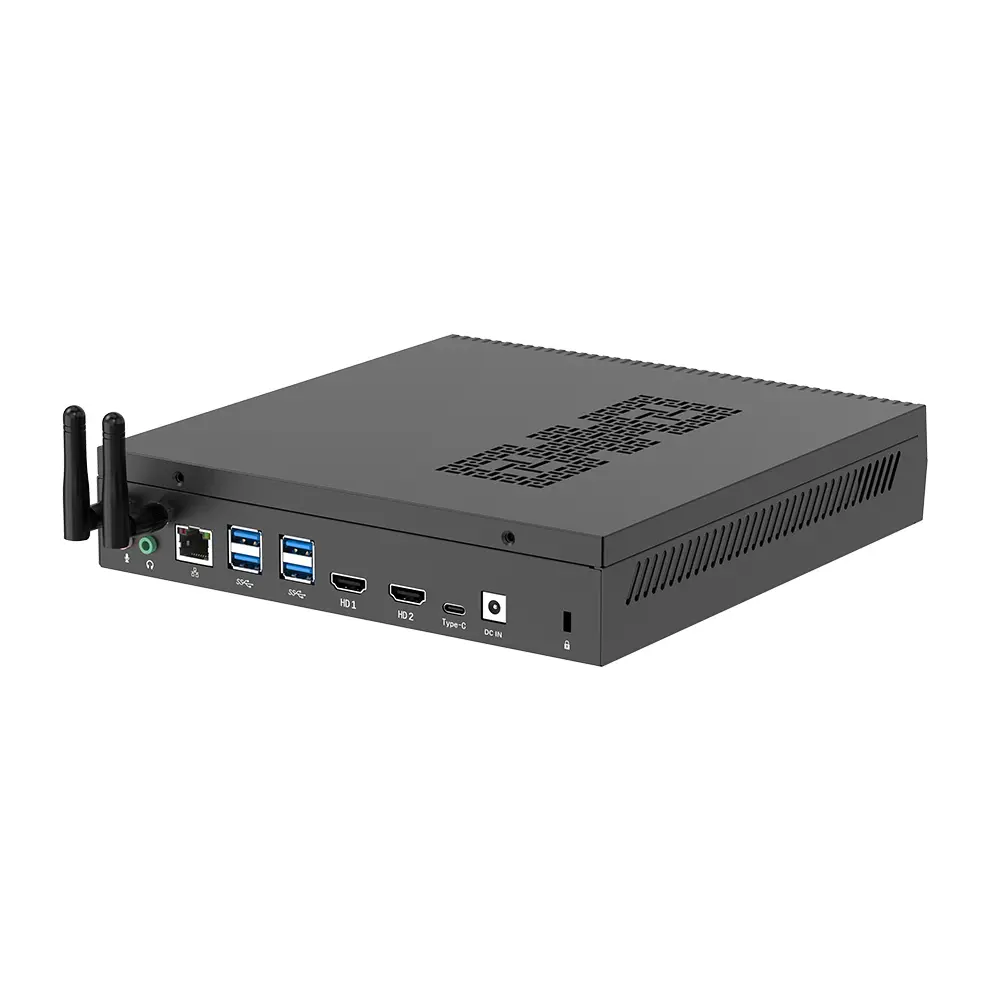 RTX3050TI Game Mini PC
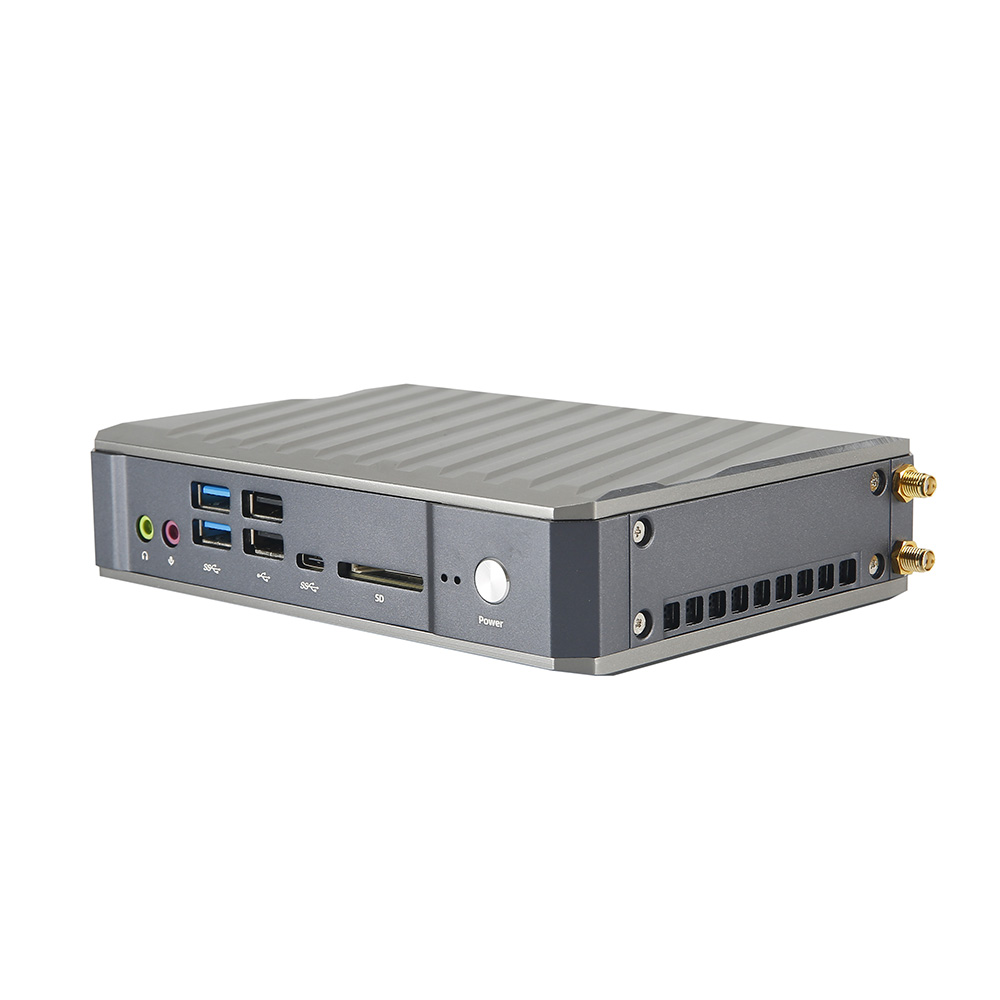 Micro Mini PC
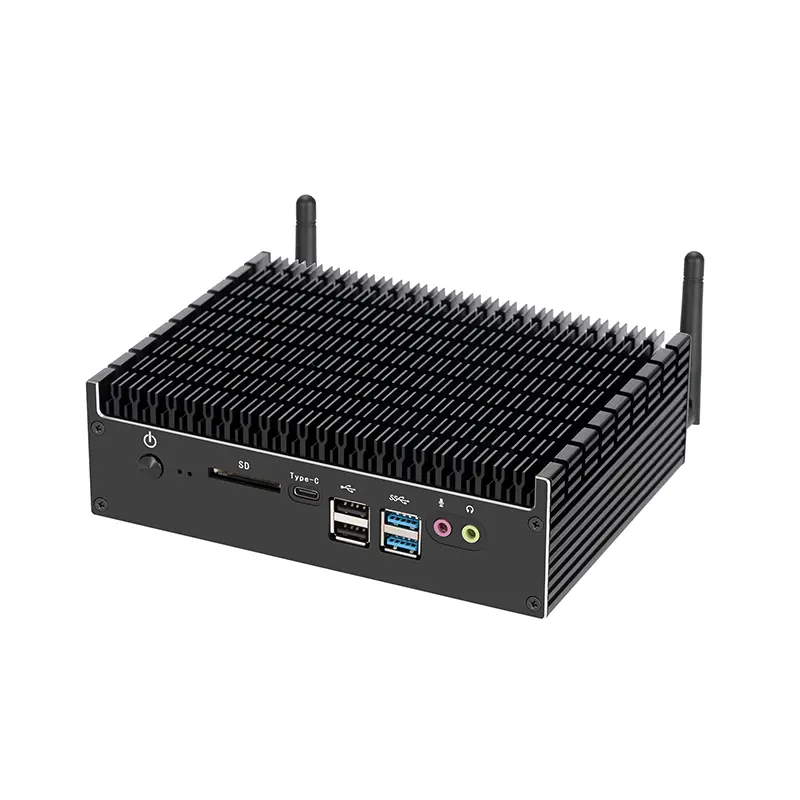 Fanless Mini PC
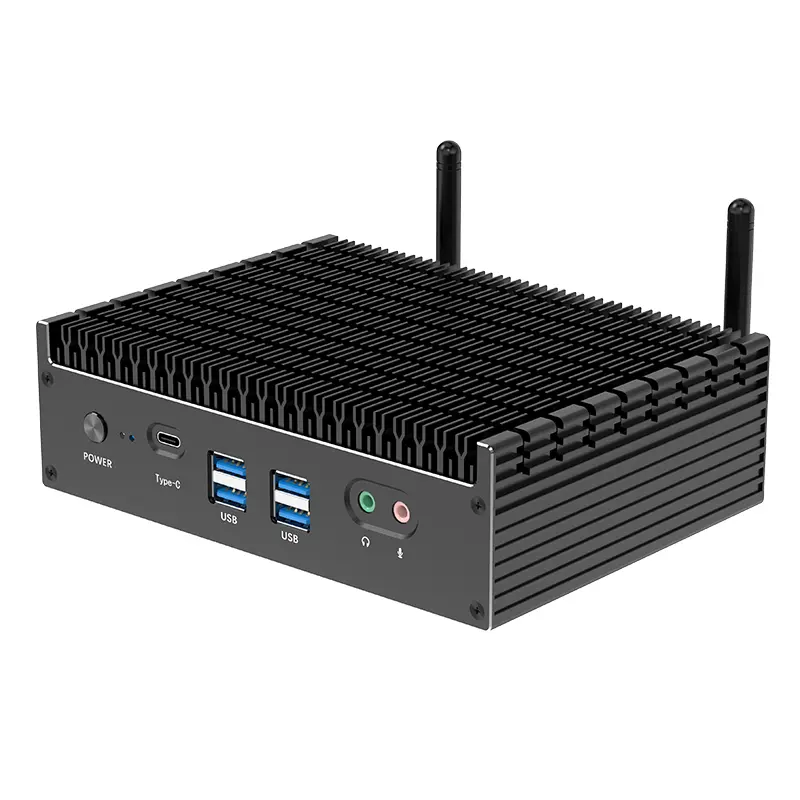 High-end Mini PC
 More
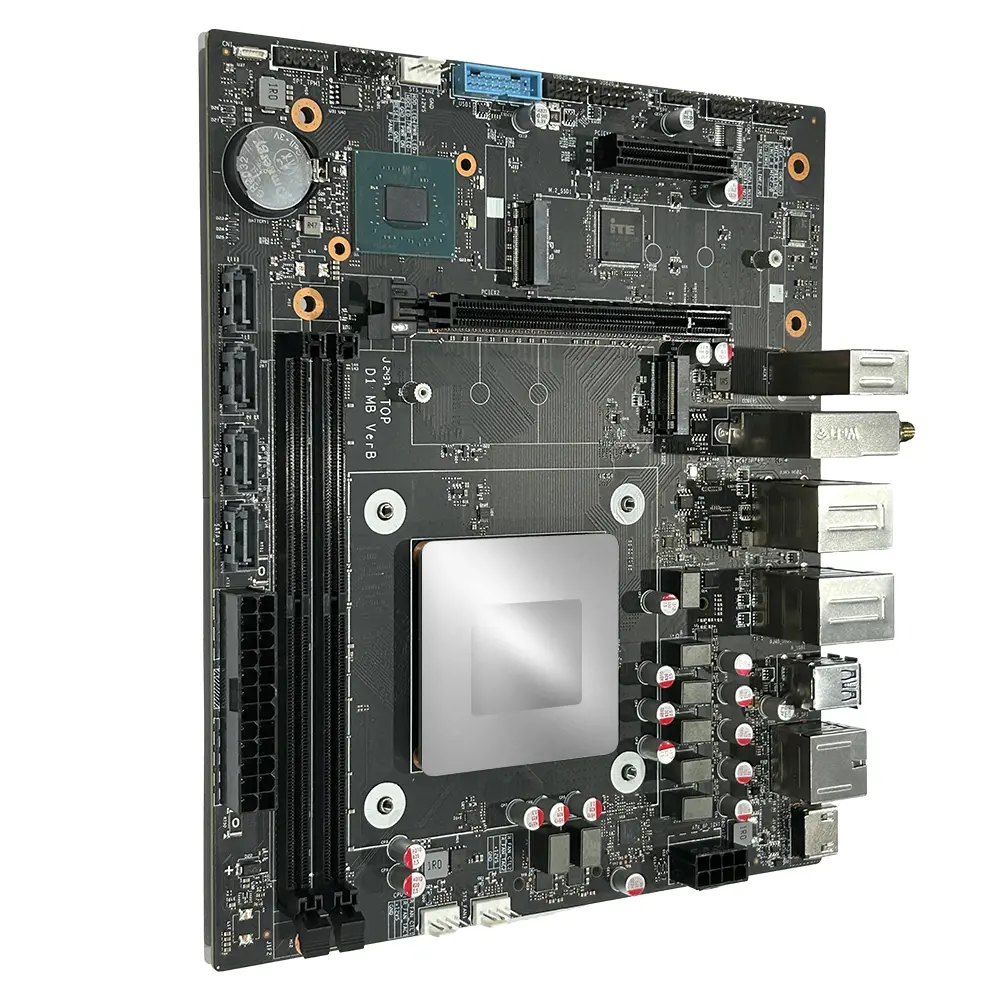 Micro ATX Computer Motherboard
Leave Your Message
China is a major sourcing destination for compact computing hardware, but choosing a supplier requires more than comparing prices. Buyers need clear specifications, consistent production, and evidence that a device performs as stated. The term “Kamputer Saghir” can describe different compact-computer formats, so product scope should be confirmed before comparing manufacturers.
Industry figures show why careful sourcing matters. IDC’s Worldwide Quarterly Personal Computing Device Tracker reported 262.7 million traditional PC shipments worldwide in 2024, up 1.0% from 2023. This is broad PC-market data, not a shipment estimate for Kamputer Saghir products. Still, it offers useful context: demand is substantial, while suppliers must compete on reliability and fit. Small details matter. A quiet fan. A stable power adapter. Ports placed where users can reach them.
This guide introduces China-based Kamputer Saghir manufacturers and suppliers, with attention to product configuration, manufacturing experience, quality checks, and communication. Buyers should request current datasheets, sample units, warranty terms, and clear answers about customization. Where relevant, ask how the supplier verifies thermal performance and component consistency. These checks help distinguish a capable factory from a polished catalog. Not every listing tells the whole story. I would also treat unverified claims cautiously; supplier pages can be incomplete, and specifications may change between batches. Careful comparison gives buyers a more dependable starting point for selecting a compact-computer partner.
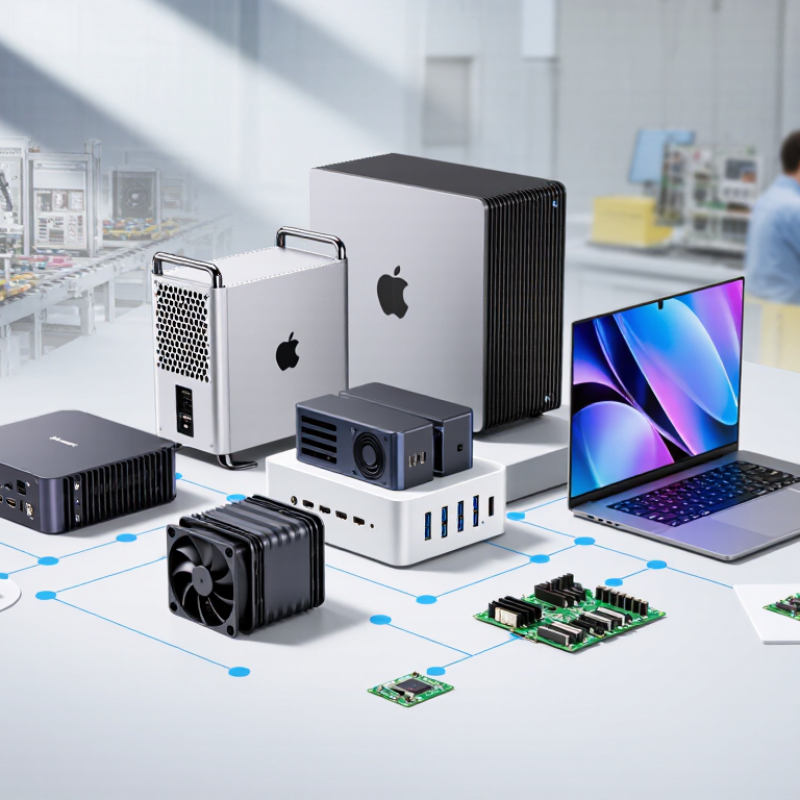
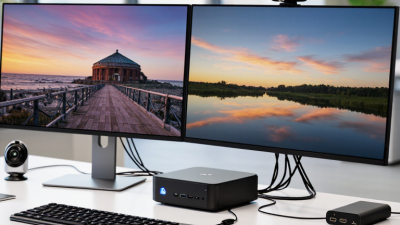
A mini computer is not defined by one strict size. In many listings, a 4×4-inch PC is the familiar reference: a compact enclosure that can sit beside a monitor or mount behind a display. It may contain a laptop-class processor, memory, storage, and familiar ports. Small, but not simple. Cooling, power limits, and upgrade options still matter. Two units with similar dimensions can perform quite differently during sustained workloads.
Single-board computers, or SBCs, are another type. Their processor, memory, and connectors sit on one exposed circuit board, often with limited expansion and no built-in case. They suit embedded projects, basic control tasks, and learning environments where low power and flexible connections matter. The label can be fuzzy. An SBC inside a case may look like a tiny desktop, yet its performance and serviceability can differ substantially.
Industrial models prioritize steady operation and integration. Buyers may find wider temperature ratings, serial ports, multiple network connections, mounting points, or support for specialized input and output. These features are useful in control cabinets and equipment rooms, but they do not guarantee reliability by themselves. Check the operating temperature, power supply, storage type, and maintenance access against the actual site conditions. A rugged shell is reassuring, though sometimes the cooling design deserves closer inspection.
| Mini Computer Type | Typical Size or Form Factor | Typical Computing Configuration | Common Connectivity | Cooling and Operating Characteristics | Typical Applications |
|---|---|---|---|---|---|
| 4×4-inch compact PC | Approximately 100 × 100 mm; height varies with the chassis and cooling design. | Usually a low-power x86 or Arm processor, laptop-style memory, and solid-state storage. Exact options depend on the model. | Often includes USB, HDMI or DisplayPort, Ethernet, audio, and wireless networking; port counts vary. | May use a small fan or passive cooling. Performance and sustained workloads depend on processor power limits and thermal design. | Desktop computing, digital signage, kiosks, conference rooms, and compact office installations. |
| Single-board computer (SBC) | Varies by board design; common formats include credit-card-sized boards and smaller embedded boards. | Typically a system-on-chip with memory integrated or mounted on the board; storage may use a memory card, onboard flash, or an attached drive. | Depending on the board: USB, HDMI, Ethernet, wireless networking, GPIO, and camera or display interfaces. | Many boards are designed for low power and may be passively cooled, though heatsinks or fans can be needed under heavier loads. | Education, prototyping, hardware control, media projects, and embedded Linux applications. |
| Mini-ITX compact desktop | Motherboard measures 170 × 170 mm under the Mini-ITX form-factor specification; the assembled computer is larger. | Uses desktop-class components selected to fit the case, including a compatible processor, memory, storage, and power supply. | Connectivity depends on the motherboard and may include multiple USB ports, Ethernet, display outputs, and expansion options. | Usually actively cooled. Case size, airflow, and component selection affect noise and sustained performance. | Small-form-factor desktops, home servers, workstations, and custom compact PCs. |
| Fanless industrial embedded PC | Chassis dimensions vary widely; compact models may be palm-sized, while models with more ports or expansion are larger. | Commonly uses a low-power processor, solid-state storage, and memory selected for the intended industrial workload. | May provide multiple Ethernet ports, serial interfaces, USB, digital I/O, and display outputs; configuration is model-specific. | Typically transfers heat through the chassis instead of a fan. Temperature range, vibration resistance, and ingress protection must be checked for each model. | Machine control, factory data collection, transportation systems, network appliances, and unattended installations. |
| Industrial PC with expansion | Available in compact box, wall-mount, and DIN-rail formats; size depends on required expansion and interfaces. | May support replaceable memory and storage, expansion modules, or additional interface cards, depending on the design. | Often offers configurable combinations of Ethernet, serial ports, USB, digital I/O, and display connections. | Can be fanless or actively cooled. Suitability for a site depends on the specified temperature, power, mounting, and environmental ratings. | Industrial automation, edge computing, equipment monitoring, and control cabinets. |
| Selection note: “Mini computer” is a broad category, not one standardized size. Compare the complete system’s dimensions, processor performance, memory, storage, interfaces, cooling method, power input, and operating-temperature specifications before choosing a model. | |||||